
AI Influencer Studio
Describe your creator in one line or customize every detail. TalkPix builds a reusable adult identity for images, talking videos, and motion clips.
Describe your creator in one line
AI will build the complete editable profile and 1K reusable portrait.
Saved identity memory keeps later requests consistent.
Put your influencer in a trending video
Trending templates · 93
Create or select an influencer above, then pick a template to cast them as its main character. It opens in the AI Video studio.
One creator you keep, posting as the same person every time
Most AI tools give you a new stranger every prompt. This one saves a creator — the face, the voice, the styling, the personality — and reuses them. Describe them in a sentence and the studio writes the whole profile and renders a reusable 2K portrait. After that, every photo, talking video and motion clip you make is recognisably the same person.
 Real AI video
One creator, camera-ready.
UGC creator · AI voice · 720p
Save the face once
The same person, four different posts
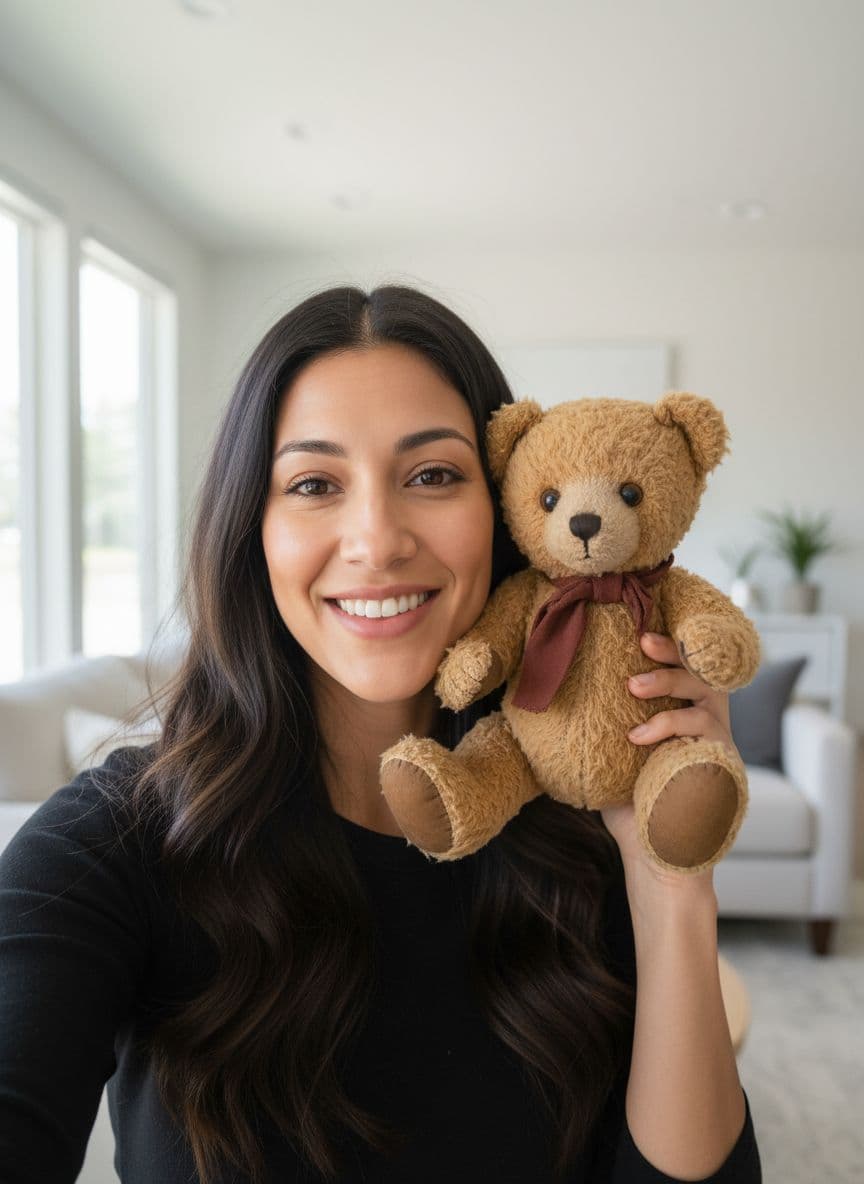
This is one saved creator. The first image is her stored identity; the other three were generated afterwards from it — different clothes, rooms and framings, the same face. Nothing was uploaded.
Made in this studio with Seedream 5 Pro at 2K. Mira Vale is an invented adult creator, not a real person.
Why a saved identity changes things
The hard part was never the first image. It was the second one looking like the first.
The same face, every post
The saved portrait plus side and back reference views anchor every later render, so the creator holds together across scenes, outfits and camera angles.
Three outputs, one creator
Photorealistic 2K photos in four sizes, talking videos with their saved voice, and motion clips with native audio — all from the same identity.
A planner, not a blank box
Say where you're posting and what the post should do; get five ideas written for this creator's niche and audience, then expand one into a full scenario with script, prompts and captions.
Ad-ready output
Clean HD MP4s and 2K JPEGs with no watermark, ready for TikTok, Reels, Shorts, the feed, and paid placements.
How to create an AI influencer
Build the creator once, then post as them.
1
Describe the creator
One sentence is enough — "a tall blonde fashion creator". AI writes the name, niche, backstory, audience, voice and appearance, and renders the reusable portrait. Or fill every field in yourself.
2
Decide what they post
Use the planner for five ideas built around their pillars and your goal, or skip it and write a prompt straight into the Photo or Motion tab.
3
Make it
Render a photo, a talking video in their saved voice, or a motion clip that animates one of their saved images. Every result stays in that creator's library.
Built for post two, and post two hundred
An identity, not a lucky prompt
The saved face is reused for every new image, so post forty looks like the person in post one.
A feed needs a schedule
Plan the week, generate the posts, and come back when the next batch is due — the creator is waiting where you left her.
Credits that wait for you
Each step shows its credit cost before it runs. Credits never expire.
Stop starting over with a new face every time
Save the creator once and post as them for as long as you like.
More AI studios from TalkPix
One account, one credit balance — every TalkPix studio.
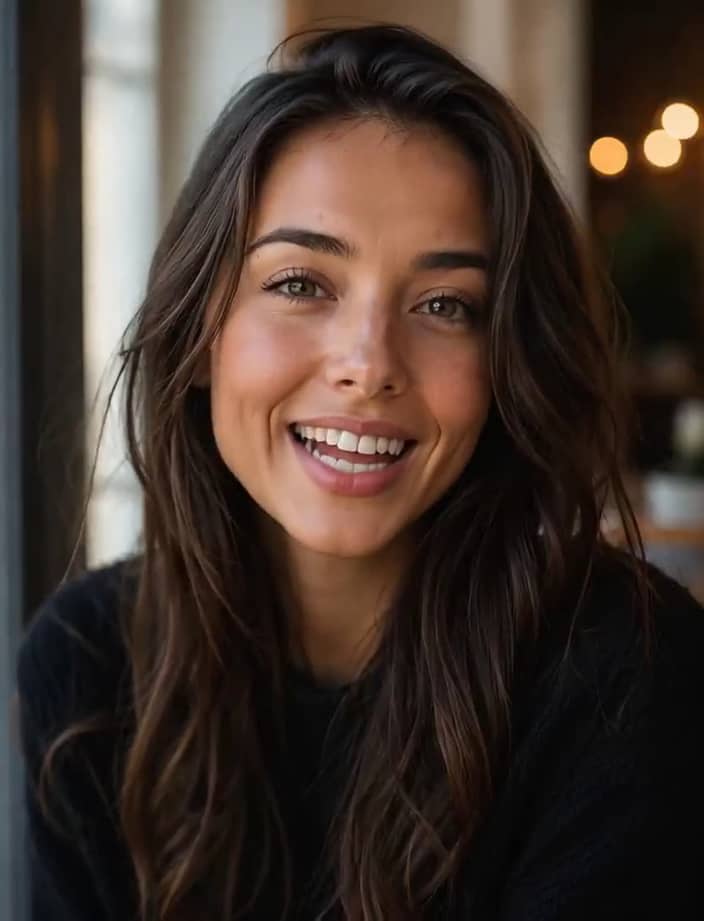
Talking Photo
Make any portrait talk

Talking Animals
Give your pet a voice
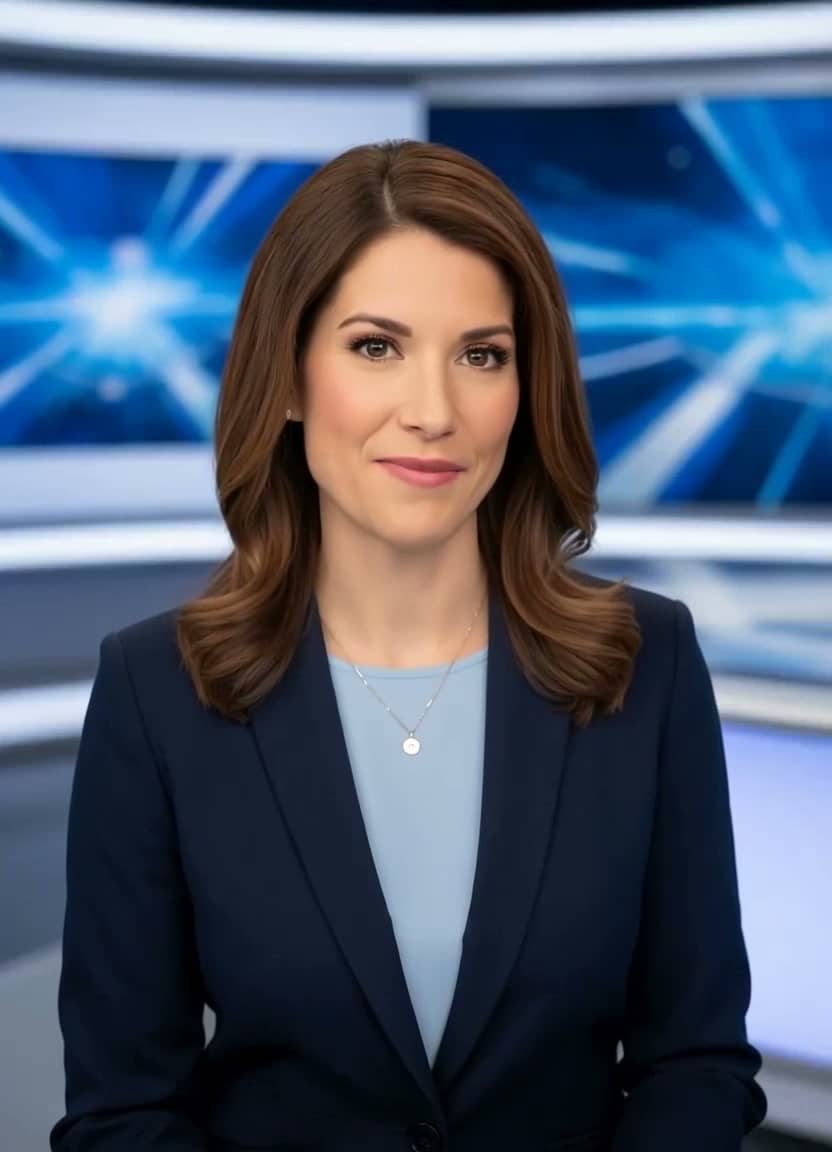
AI News Anchor
Broadcast-style delivery
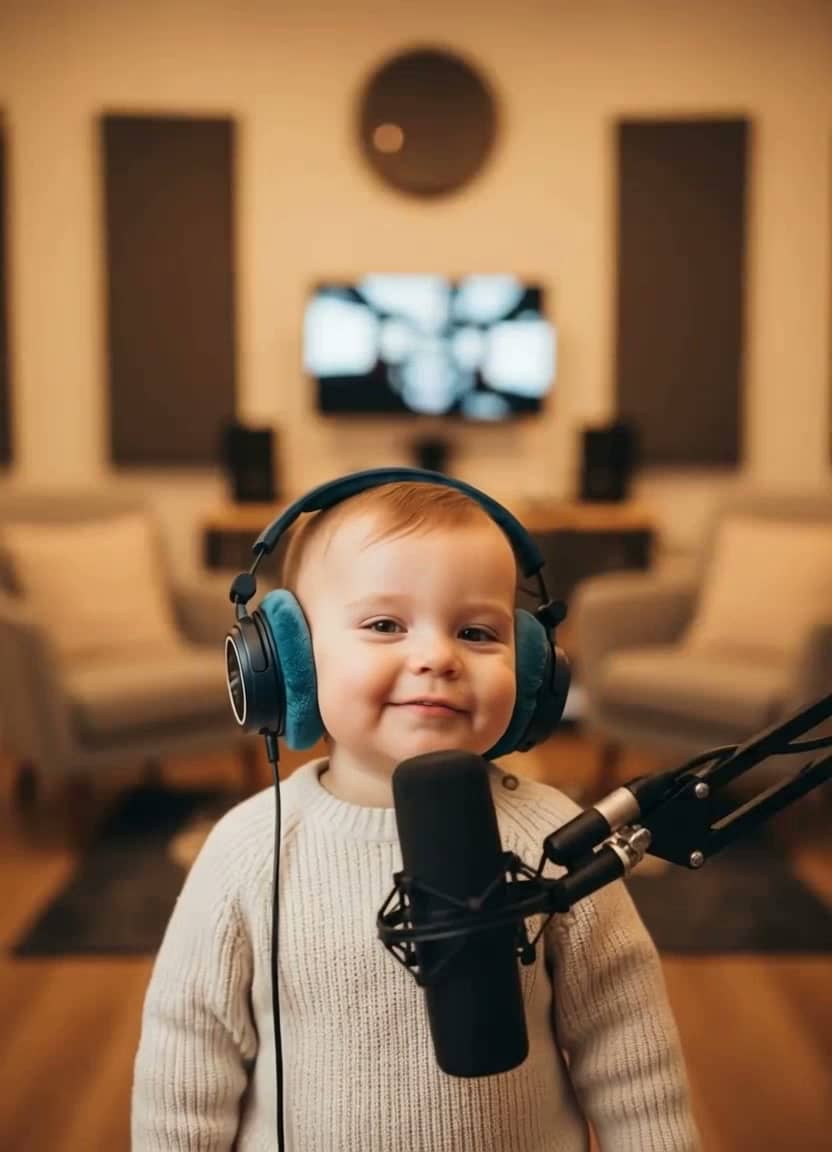
AI Baby Podcast
The viral baby-with-a-mic clip

Baby Talking
Adorable talking-baby videos

Talking Cartoon
Bring characters to life
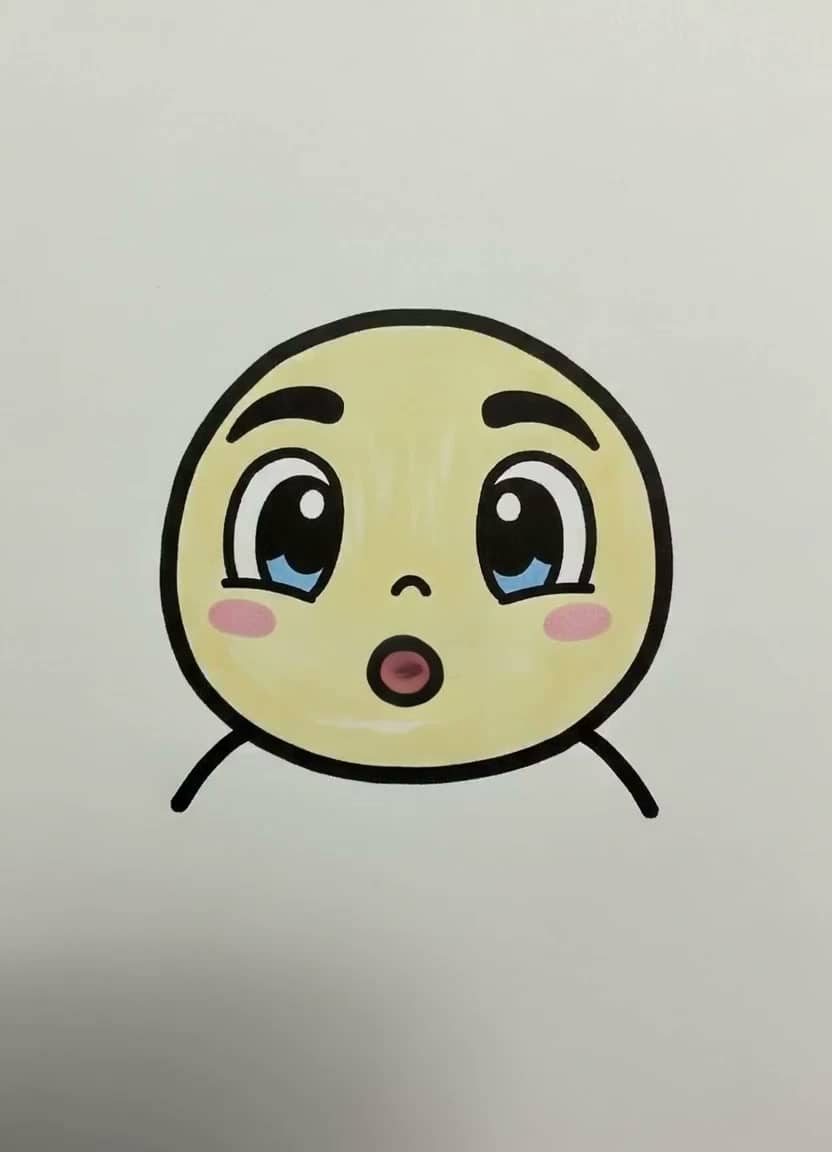
Drawing Lip Sync
Make a sketch speak

Talking Objects
Viral talking-product videos

Product Photos
One photo → a whole gallery
Product Video Ad
UGC ads for your store
AI Song Generator
Write an original song from a description
Singing Photo
Make any portrait sing
Singing Animals
Your pet's big solo
Singing Cartoon
Characters hit the high notes
Baby Singing
The family's tiniest vocalist
Birthday Song
A sung birthday surprise
Voice Cloning
Speak in your own voice
AI Image Generator
Seven image models, one prompt
AI Video (Text)
Cinematic clips from a prompt
Frequently asked questions
What is an AI influencer?
An original virtual creator you save and reuse: an invented adult persona with a fixed face, voice, styling and personality. Unlike a one-off AI image, the identity is stored — so the next photo, talking video or motion clip you make shows the same person, which is what makes an account or an ad campaign hold together.
How does it keep the same face across posts?
The creator's canonical portrait is saved and passed as a reference into every later generation, along with the written description of their face, hair and styling. You can also generate right-side, left-side and back reference views, which give the model more to anchor to and noticeably improve consistency in scenes shot from other angles.
What can the same creator produce?
Photorealistic 2K photos in 9:16, 3:4, 1:1 or 16:9; talking videos that use the creator's saved voice, language and delivery; and motion clips with native audio that animate any saved image of them. The planner also writes captions, hooks and hashtags for each post.
Can I use these in paid ads?
Yes — output is commercial-use, watermark-free MP4 and JPEG. Follow each platform's AI-content disclosure rules where they apply; the studio labels every creator as an AI-generated virtual creator for exactly that reason.
Can I use a real person's face?
Only with their consent. Upload a face you have rights to, or stay with AI-generated creators — no impersonation of public figures, and no minors, ever.
How is it priced?
Pay per thing you make, from prepaid credits. Creating the identity (profile plus the 2K portrait) is 7 credits, each additional photo is 7, an idea or scenario from the planner is 1, and video is billed by length — a 5-second motion clip is about 15 credits. The estimate is always shown before you generate.
What happens to the photo I upload?
Your photo is used only to render your content and is never used to train AI models. Normal generation media is deleted after 30 days. AI Influencer identities or reusable scenes that you explicitly save remain until you delete them.
Can I use the videos commercially?
Yes. Commercial use is allowed, including ads, client work, and monetized social channels, as long as you hold the rights to the photo, script, and audio you put in. Downloads are clean MP4 files with no watermark.
Customer reviews
Rated 4.9/5 across 12 reviews
Every rating is tied to a customer's completed video. Quotes are admin-approved and shown only with permission.
“I liked it”TalkPix customer
“Way too cute”Gina in holiday outfit
“Very good and realistic singing video”Michael
“Best lip sync ever! I like it too much”TalkPix customer
“Realistic lip sync! Best I have ever used until now”TalkPix customer
“Realistin lip sync tool, I like this!”TalkPix customer
“It turn out 85% real, & im happy”TalkPix customer