
Flying Entrance: AI Video Template From Your Photo
You sit, calm. Your car flies over the bump behind you in slow motion and lands at your back. Snap your fingers, or get the dirt shower. Add 2 photos, pick the entrance and the template writes the rest: the scene, the camera moves and the sound, 12 seconds in all.
- You add: 2 photos
- Result: 12-second vertical (9:16) video with sound
- Price: from 72 credits
Nothing renders and no credits are spent until you add your photo to Flying Entrance and press Generate.
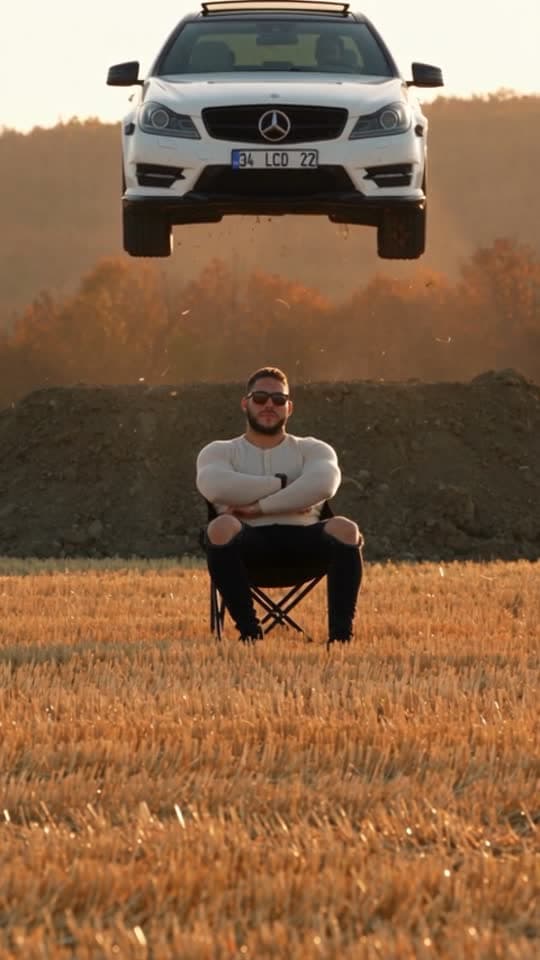
Before and after
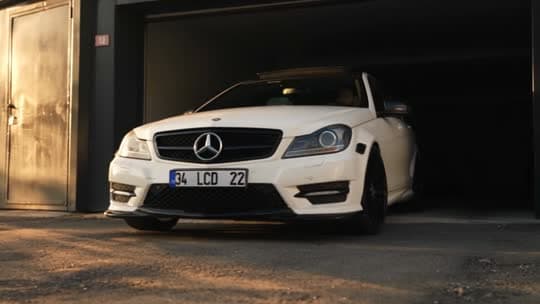
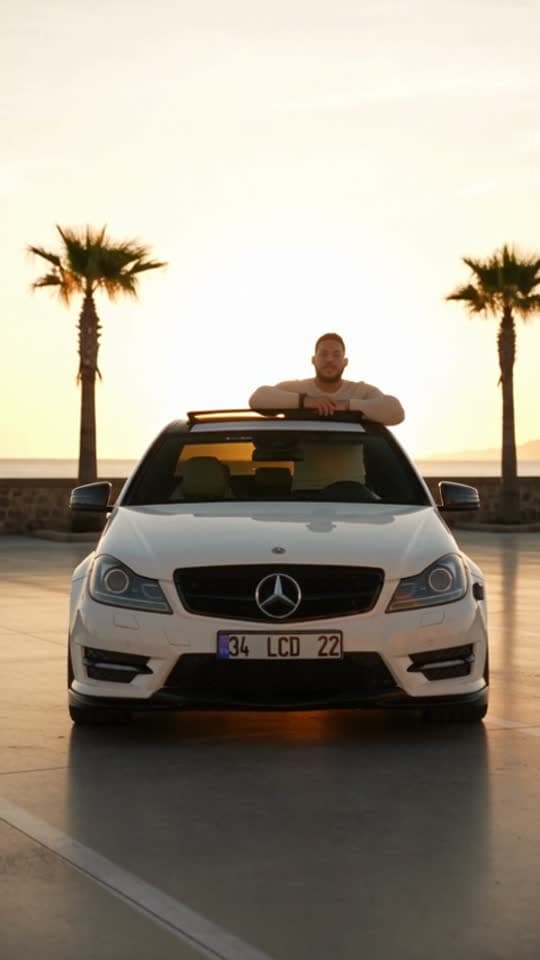
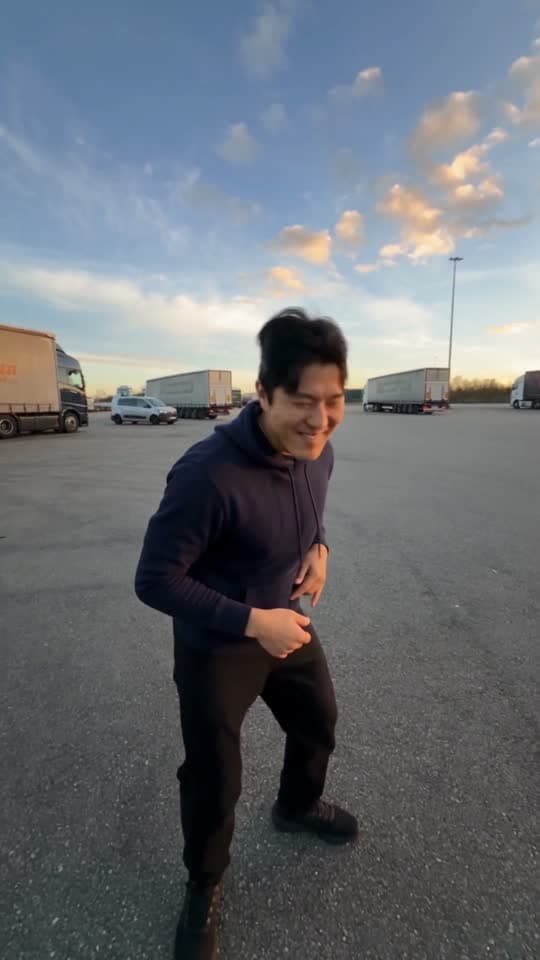
What the Flying Entrance example was made from
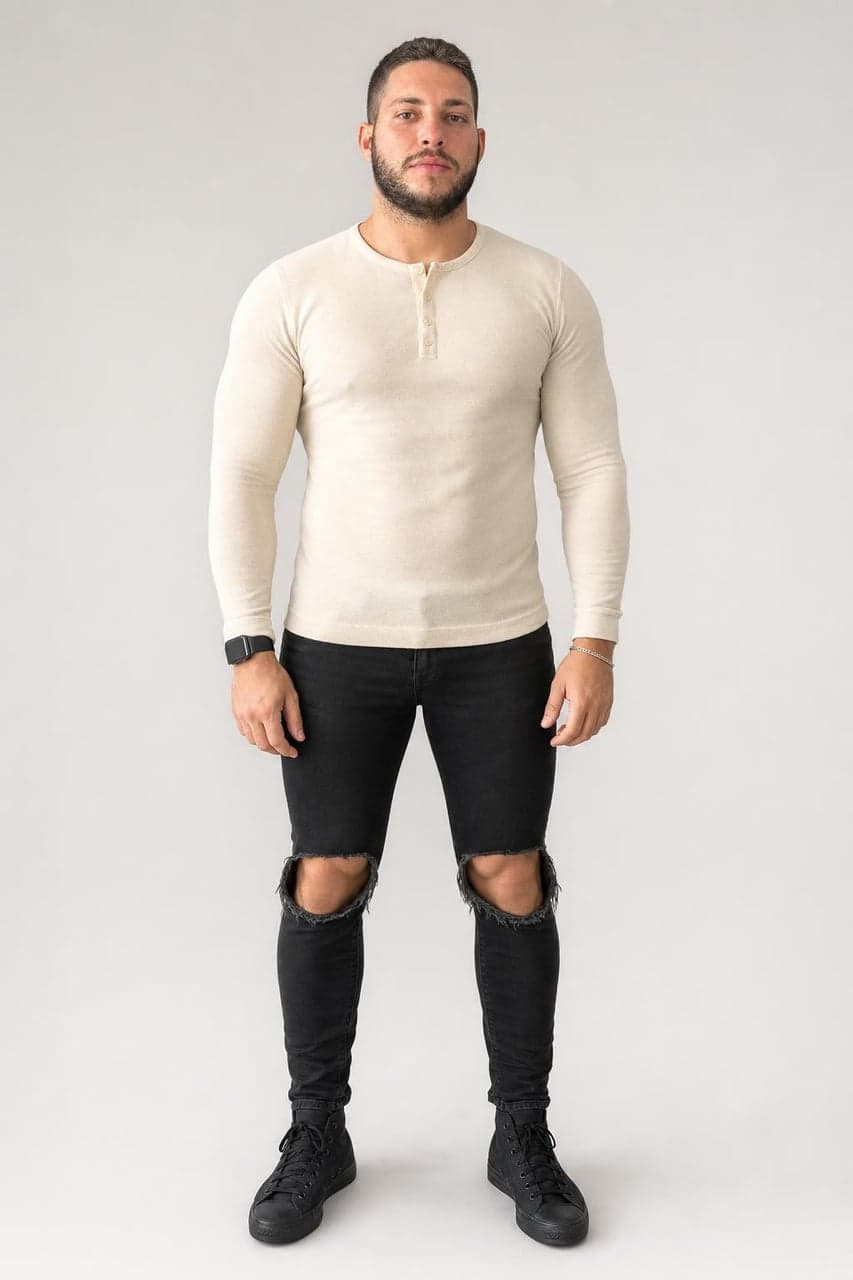
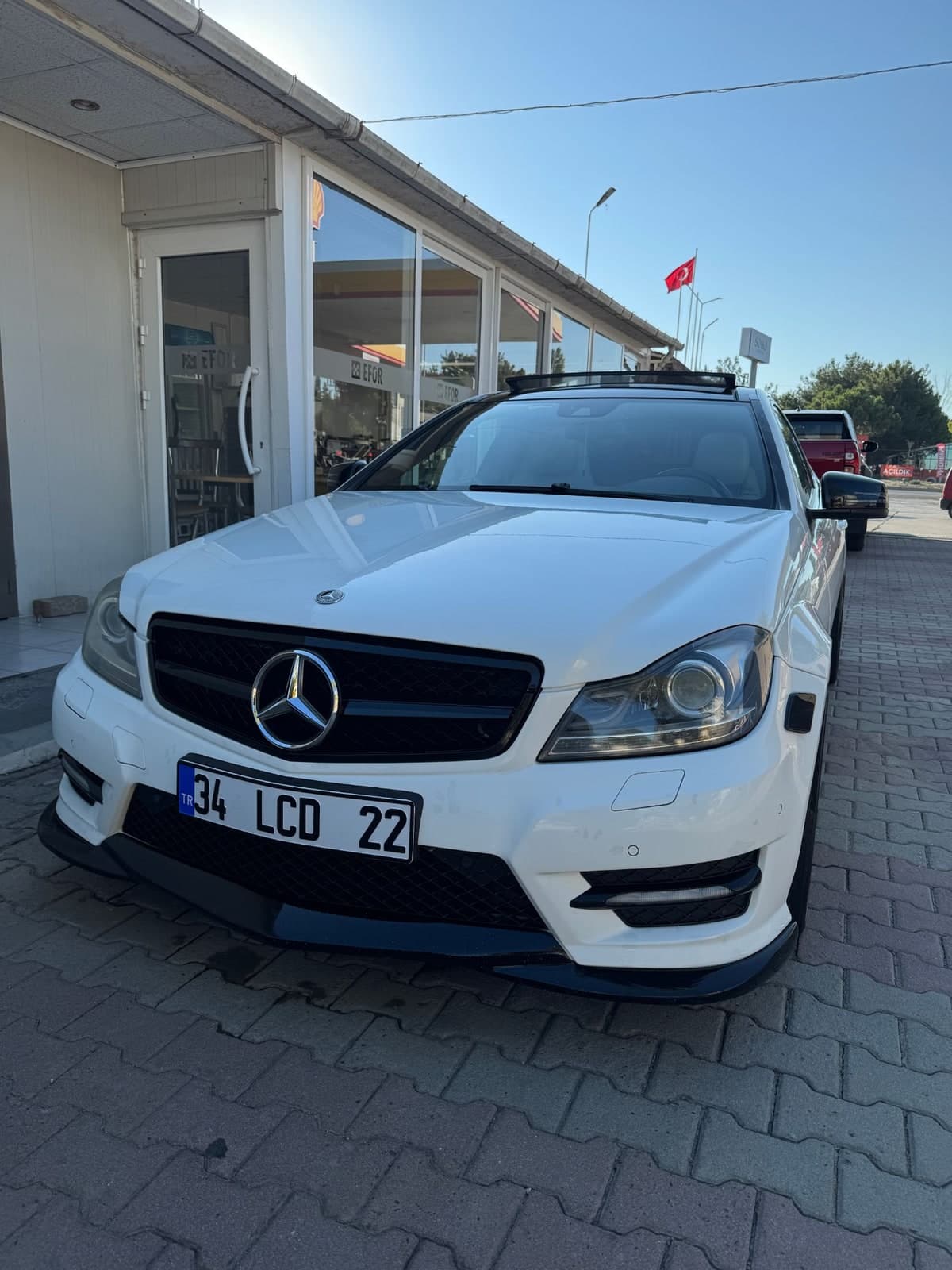
The example above is a real render of this template from these photos, made on October 2, 2026. The sample photos are real photos from a member of the TalkPix team, used with permission.
What you need and what you get
- Photos (2 photos)
- Your photo — One clear photo of you, full body if you have one.
- Your car — One clear photo of the car from the front.
The entrance: Finger snap, Dirt shower
- Result
- 12-second vertical (9:16) video with sound. Made with Seedance 2.5 for the Flying Entrance template.
- Price
- Flying Entrance costs 72 credits at 480p, 156 at 720p. Credit packs start at $5 and credits never expire; see pricing.
How to make the Flying Entrance trend
Step 1
Open the Flying Entrance template
Flying Entrance opens in the AI Video studio with its scene, camera and sound already set.
Step 2
Add 2 photos
Upload your photo and your car for the Flying Entrance template. Then pick the entrance with one tap.
Step 3
Generate
The button shows what Flying Entrance costs (72 credits at 480p, 156 at 720p) before anything renders. A render that fails returns its credits.
Flying Entrance questions
How much does the Flying Entrance template cost?
The Flying Entrance template costs 72 credits at 480p, 156 at 720p. The exact total is on the Generate button before anything renders, and a render that fails returns its credits. Credit packs start at $5 and credits never expire.
What photos do I need for Flying Entrance?
Flying Entrance needs 2 photos. Your photo: One clear photo of you, full body if you have one. Your car: One clear photo of the car from the front. Only use photos of yourself or of people who have agreed to it.
How long is the Flying Entrance video?
12 seconds, vertical (9:16), generated with sound by Seedance 2.5.
Is the Flying Entrance example real?
Yes. It is a real render of this template, made on October 2, 2026 from the sample photos shown on this page. The sample photos are real photos from a member of the TalkPix team, used with permission.
More AI video trends
Make the Flying Entrance trend with your photo
Flying Entrance · AI Video studio · 2 photos · from 72 credits