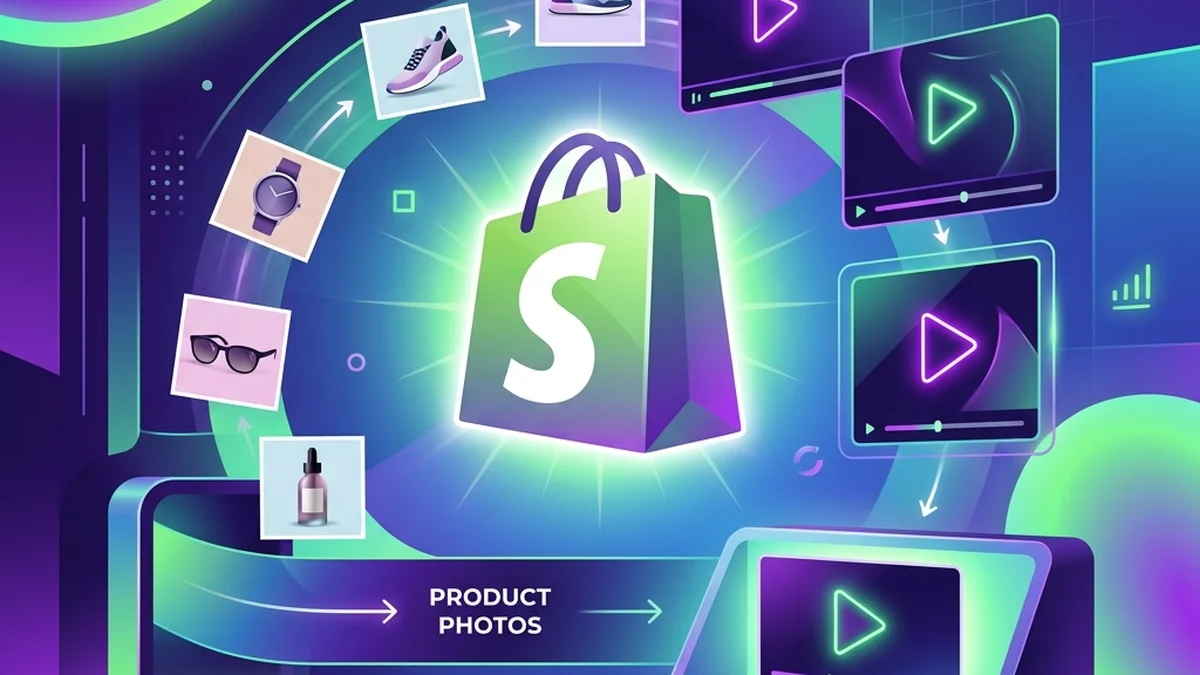
How to Create Video Ads with AI (Without Filming Anything)
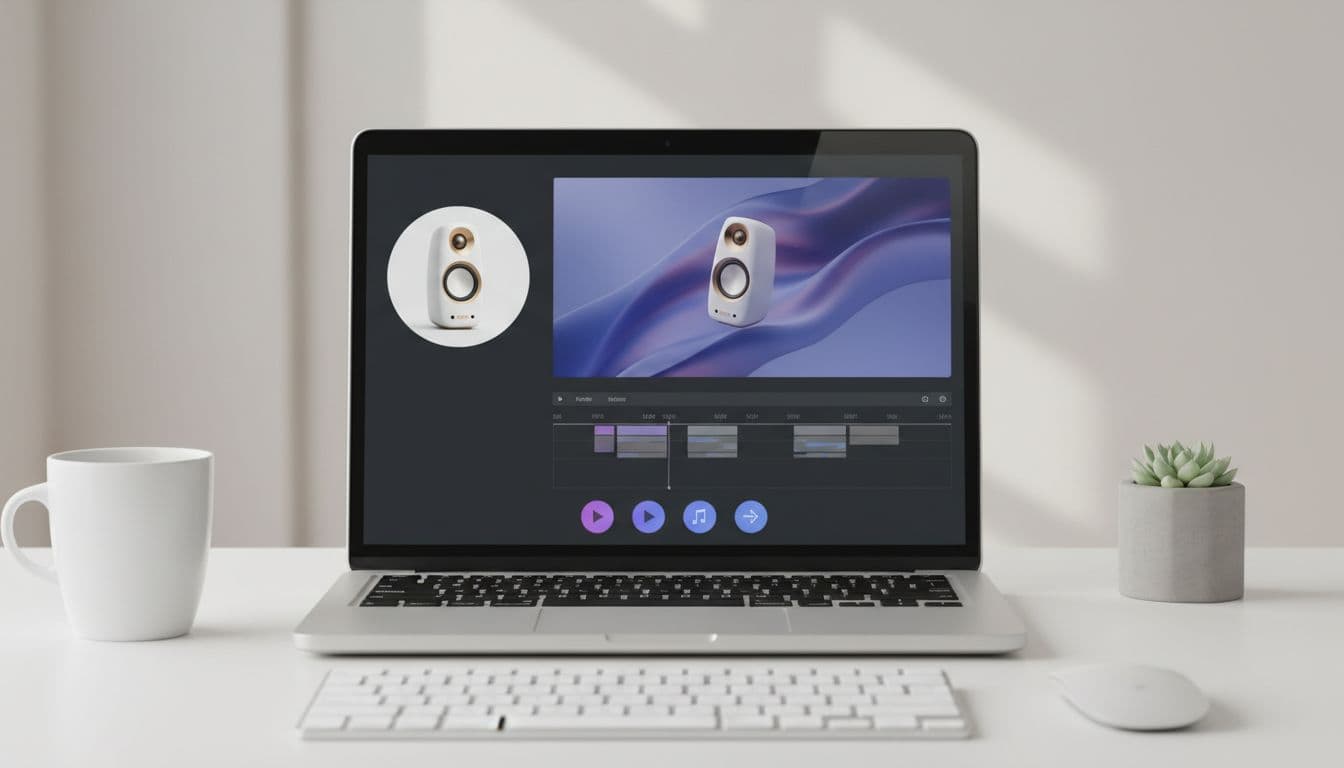
Filming a video ad used to mean a camera, a set, and a person on screen. If you want to know how to create video ads with AI instead, the workflow is much simpler: start with an asset you already have — a single product photo — and let AI build the talking video around it. No shoot, no editing timeline, no crew.
This guide walks through a practical way to do it, from picking the right image to shipping variations you can actually test.
What you need before you start
You do not need much. The whole point of an AI workflow is to remove the parts that slow teams down. Before you generate anything, have these ready:
- One clear product photo (or a portrait, if you want a talking spokesperson).
- One sentence describing the buyer's problem.
- One idea for the video to communicate — just one.
The product video ad generator turns a product photo into a UGC-style talking video ad, so a good source image is the single most important input. Aim for one recognizable product, clean lighting, and enough space around it for a vertical crop.
How to create video ads with AI, step by step
Here is the core loop most sellers follow.
- Upload one product photo. Skip the shoot entirely. If your product photos need cleanup first, an AI product photo studio can re-stage the same item into a clean white, marble, or lifestyle scene.
- Write one job for the video. Explain the product, answer an objection, or turn a review into social proof — pick a single angle.
- Choose the format. Vertical for TikTok, Reels, and Facebook; a cleaner explainer read for a product page.
- Generate. The AI produces a talking video ad with a voice reading your script, no filming required.
- Review and adjust the script. Small script edits change the whole feel of the ad.
The reason this scales is repeatability. Once one product photo becomes a useful video, every item in your catalog has a path to video creative. There are niche-tuned versions of the generator, too — supplement video ads, tech product video ads, and apparel video ads each have a dedicated page with format guidance.
Write a script AI can deliver well
AI handles the voice and delivery, but the words are still yours, and short beats clever. A workable structure looks like this:
- Hook (first 2 seconds): name the problem or the buyer.
- Middle: one benefit or one detail that matters.
- Close: a simple reason to act.
Keep sentences short. A viewer scrolling a feed does not know your brand yet, so the opening line has to earn the next two seconds. For more angles you can borrow, the guide to UGC hooks for product video ads has hook formulas worth testing.
Turn one product photo into a video ad
Upload one product photo — get a UGC-style talking video ad, no filming needed.
Create a product adMake more than one version
The biggest advantage of creating video ads with AI is not the first video — it is the second, third, and fourth. Because you are not booking a shoot, you can test angles cheaply:
- A problem/solution version.
- A gift version.
- A product-page explainer.
- A review-style version.
Ship a few, see which hook holds attention, then double down on the winner. This is where AI beats traditional production: the cost of trying another idea is close to nothing.
Keep it honest
AI makes it easy to produce a lot of video fast, which is exactly why the content has to stay truthful. Do not invent testimonials or make claims the product cannot back up. If an AI avatar reads a customer review, present it as a video read of a real, written review rather than implying the customer filmed it. Trustworthy ads convert better over time, and they keep you clear of platform policies.
Where the finished ad goes
One AI-generated MP4 can work across your whole funnel with small tweaks:
- Product page gallery — see real product page video examples for placement ideas.
- Organic TikTok, Reels, and Shorts.
- Paid social and retargeting.
- Email and cart-recovery flows.
If your source photos aren't ad-ready yet, the product photography ideas that sell post covers how to stage images that look right in a feed. And because TalkPix runs on pay-as-you-go credits with no subscription, you can test the whole workflow without committing to a monthly plan.
Creating video ads with AI comes down to one habit: start with the photo you already have, write one clear job for the video, and generate more than one version. Do that consistently, and your catalog turns into video creative on demand.
Turn one product photo into a video ad
Upload one product photo — get a UGC-style talking video ad, no filming needed.
Create a product ad