
Drive-By Birthday: AI Video Template From Your Photo
A drifting car, a cake in your hands, and the birthday star blows out the candles mid-slide. Add 1 to 3 photos and the template writes the rest: the scene, the camera moves and the sound, 8 seconds in all.
- You add: 1 to 3 photos
- Result: 8-second vertical (9:16) video with sound
- Price: from 48 credits
Nothing renders and no credits are spent until you add your photo to Drive-By Birthday and press Generate.
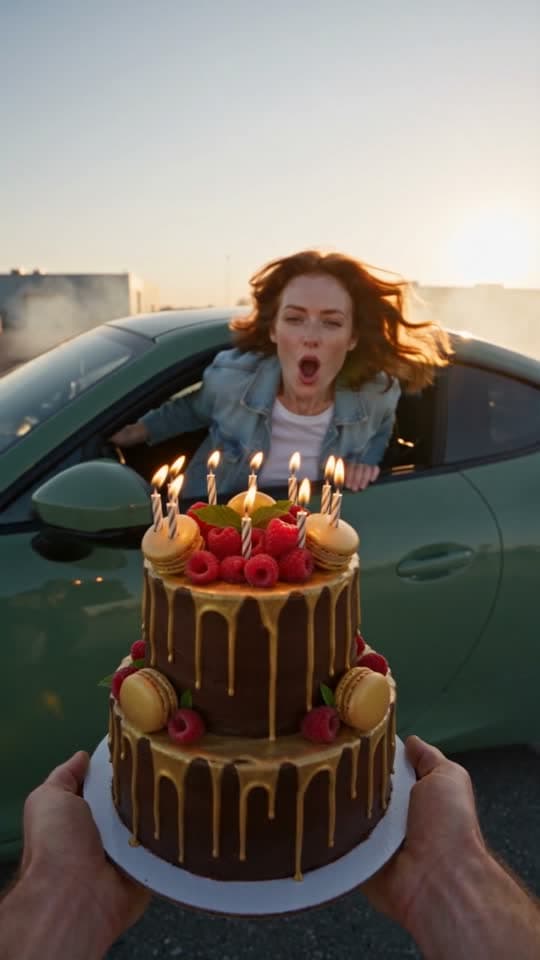
Before and after
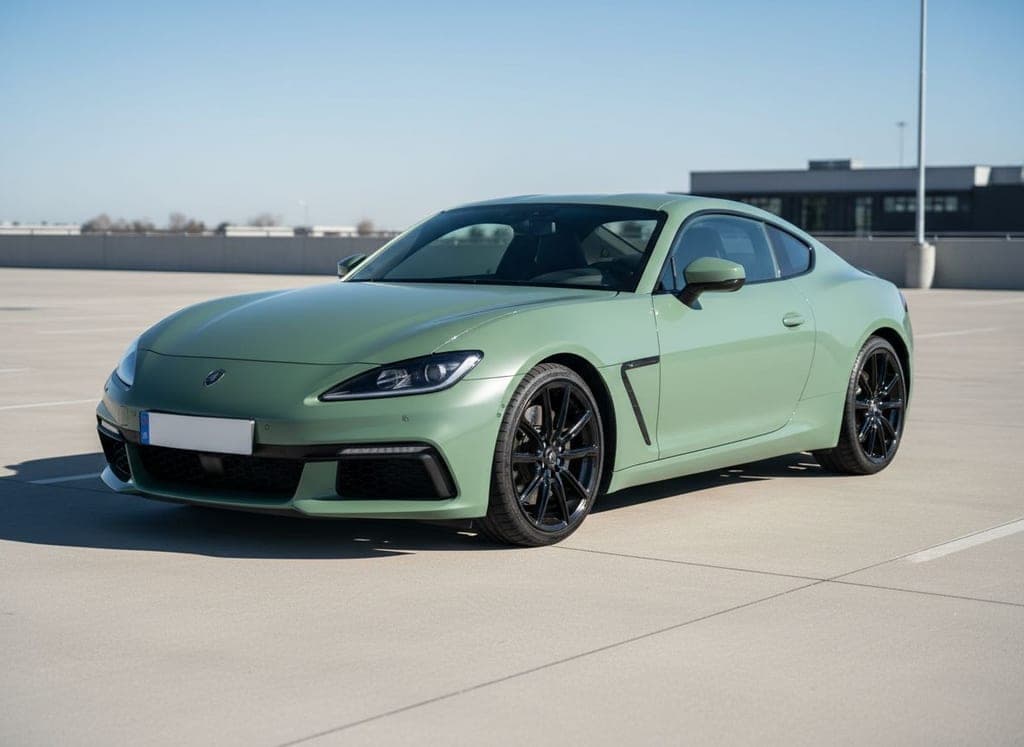
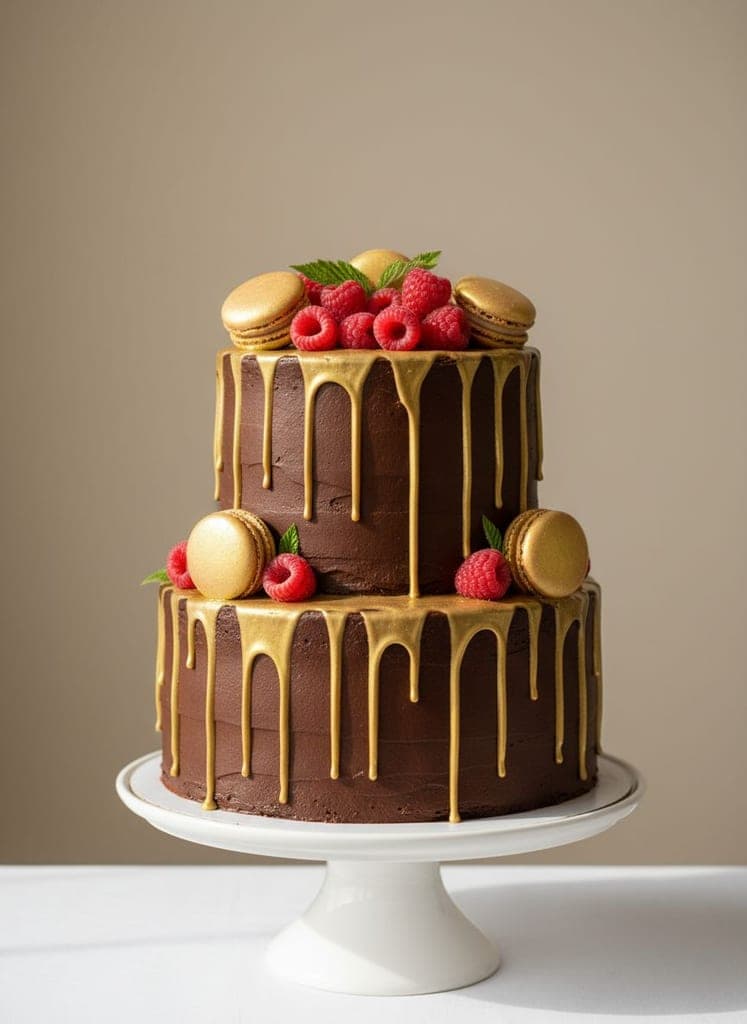
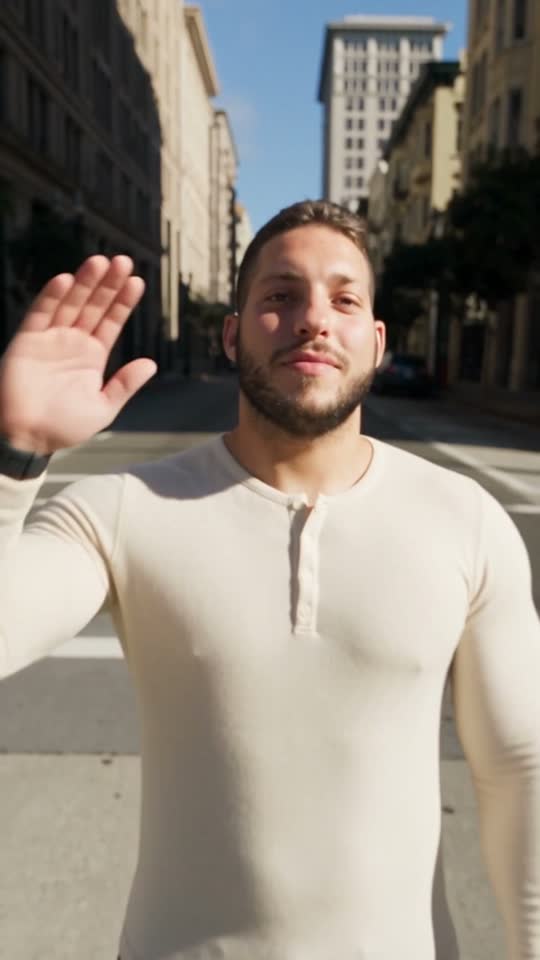
What the Drive-By Birthday example was made from
The example above is a real render of this template from these photos, made on September 29, 2026. The sample photos are AI-generated, not photos of real people.

What you need and what you get
- Photos (1 to 3 photos)
- Your photo — One clear, well-lit photo of your face. No sunglasses or group shots.
- Their car (optional) — A photo of the car. Skip it and we use a pastel-blue sports coupe.
- The cake (optional) — A photo of the cake. Skip it and we use a white cake with pink roses.
- Result
- 8-second vertical (9:16) video with sound. Made with Seedance 2.5 for the Drive-By Birthday template.
- Price
- Drive-By Birthday costs 48 credits at 480p, 104 at 720p. Credit packs start at $5 and credits never expire; see pricing.
How to make the Drive-By Birthday trend
Step 1
Open the Drive-By Birthday template
Drive-By Birthday opens in the AI Video studio with its scene, camera and sound already set.
Step 2
Add 1 to 3 photos
Upload your photo, optionally their car and the cake for the Drive-By Birthday template.
Step 3
Generate
The button shows what Drive-By Birthday costs (48 credits at 480p, 104 at 720p) before anything renders. A render that fails returns its credits.
Drive-By Birthday questions
How much does the Drive-By Birthday template cost?
The Drive-By Birthday template costs 48 credits at 480p, 104 at 720p. The exact total is on the Generate button before anything renders, and a render that fails returns its credits. Credit packs start at $5 and credits never expire.
What photos do I need for Drive-By Birthday?
Drive-By Birthday needs 1 to 3 photos. Your photo: One clear, well-lit photo of your face. No sunglasses or group shots. Their car (optional): A photo of the car. Skip it and we use a pastel-blue sports coupe. The cake (optional): A photo of the cake. Skip it and we use a white cake with pink roses. Only use photos of yourself or of people who have agreed to it.
How long is the Drive-By Birthday video?
8 seconds, vertical (9:16), generated with sound by Seedance 2.5.
Is the Drive-By Birthday example real?
Yes. It is a real render of this template, made on September 29, 2026 from the sample photos shown on this page. The sample photos are AI-generated, not photos of real people.
More AI video trends

Make the Drive-By Birthday trend with your photo
Drive-By Birthday · AI Video studio · 1 to 3 photos · from 48 credits