
Real AI videoAI video
Breaking news
“Breaking news tonight: the office coffee machine is working again. Authorities urge calm as staff return to their desks.”
Pick an anchor or upload a face, type the headline, and get a broadcast-style talking news video — no studio, no camera, no crew.
 Real AI video
One portrait, ready to broadcast.
News anchor · AI voice · 720p
A real render from this studio — not a mockup.
Choose an avatar to start
Type a headline and get a professional talking news video: a composed anchor, steady delivery, and clean lip sync. Use it for channel intros, meme news formats, company updates, or local-news-style content — without cameras, teleprompters, or a crew.
Real AI videoOne portrait, ready to broadcast.
News anchor · AI voice · 720p
Breaking news, weather, sports
Each clip is a real render from the one image in its corner, delivered in a broadcast voice. Tap to hear it, then put your own headline in.
“Breaking news tonight: the office coffee machine is working again. Authorities urge calm as staff return to their desks.”
“And now your forecast. Expect clear skies through the weekend, with a ninety percent chance of plans being cancelled anyway.”
“In sports tonight, an unbelievable comeback in the final seconds. And yes, we are still talking about the under-tens league.”
The look and cadence of broadcast news, generated in minutes.
Anchors are directed to sit upright, look into the camera, and deliver with calm authority — the familiar news-desk energy.
Pick from ready-made anchors, upload a face you have rights to, or generate a custom presenter with AI.
Male and female anchor voices with clear, confident delivery — or upload your own narration.
Breaking-news formats live or die on speed. Type the story, generate, and post while it's still news.
Three steps from headline to broadcast.
Select a ready-made presenter, upload a portrait you have rights to, or describe one for AI to create.
Write the headline or full script — breaking news, weather, sports, or your own segment format.
The anchor delivers your script with newsroom composure. Download the MP4 for your channel or feed.
Keep the anchor, change the story: office news, a product launch, the family group chat.
Upload a portrait, pick a preset anchor, or generate one for your channel.
You pay per rendered second. Credits never expire, and a failed render is refunded automatically.
Type the headline and let your anchor read it.
One account, one credit balance — every TalkPix studio.

Talking Photo
Make any portrait talk

Talking Animals
Give your pet a voice
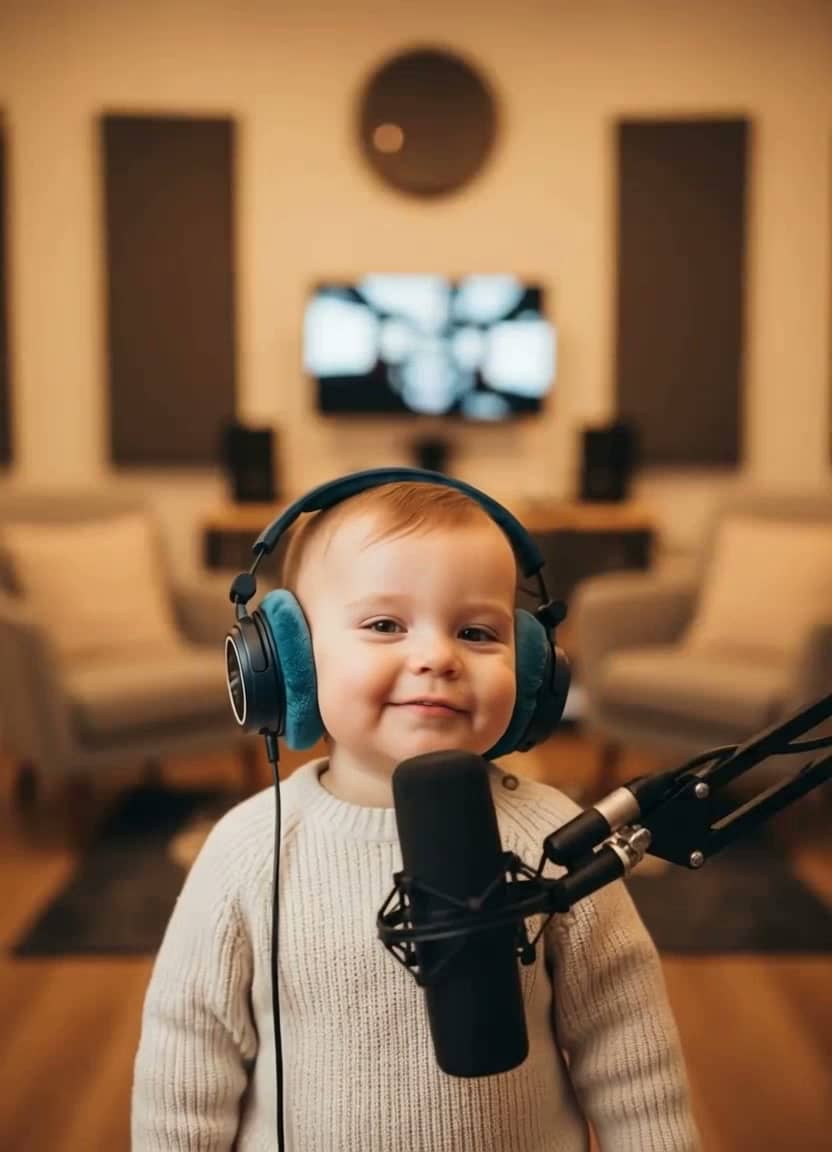
AI Baby Podcast
The viral baby-with-a-mic clip

Baby Talking
Adorable talking-baby videos

Talking Cartoon
Bring characters to life
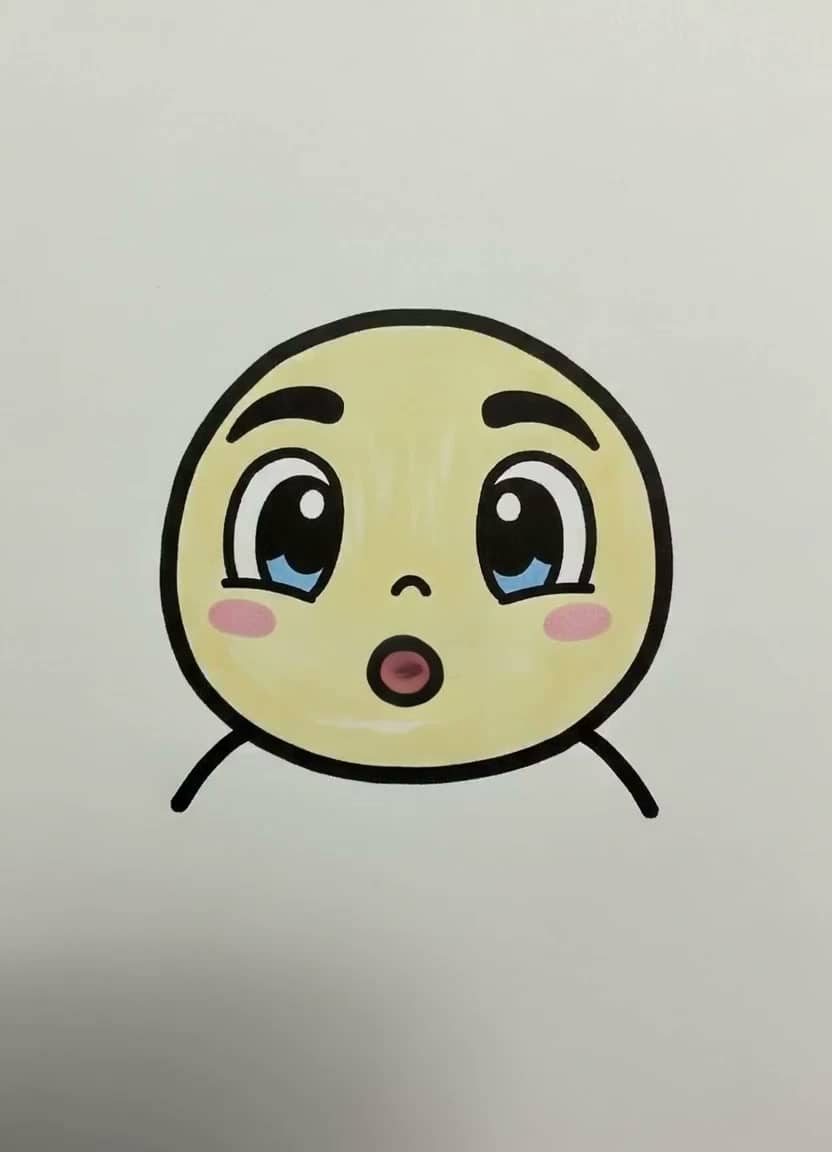
Drawing Lip Sync
Make a sketch speak
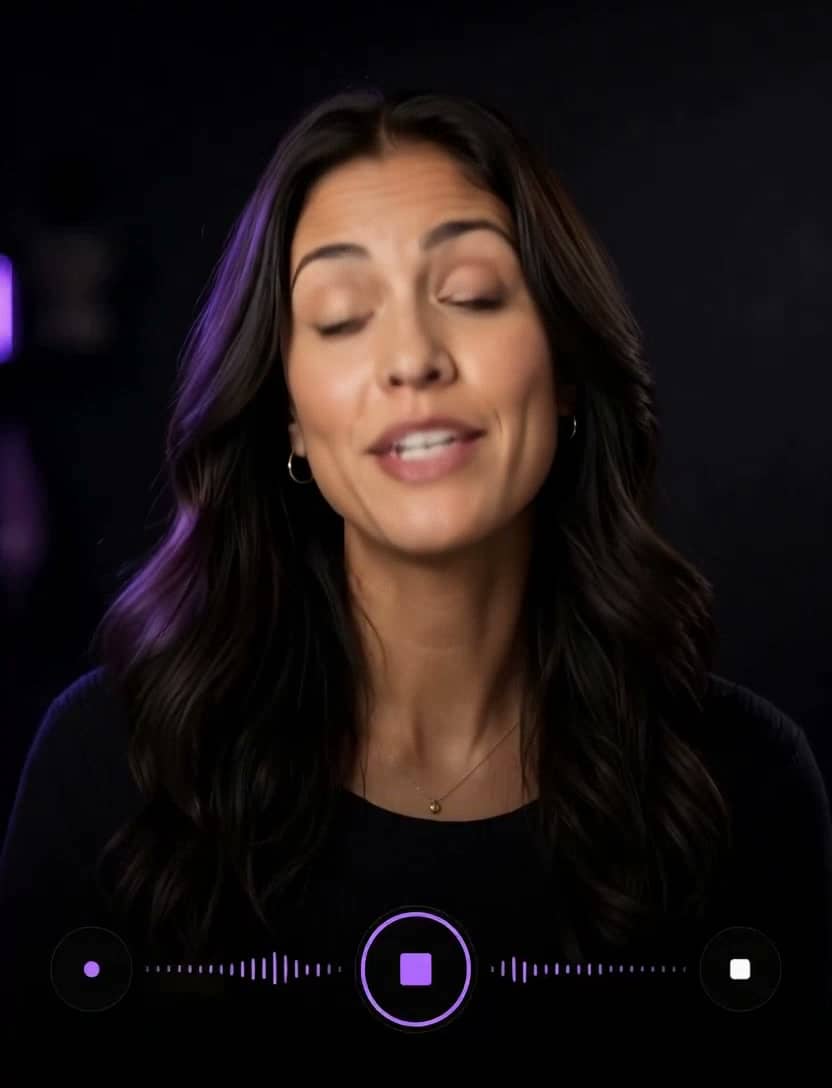
AI Influencer
Identity, planner, images & video

Talking Objects
Viral talking-product videos

Product Photos
One photo → a whole gallery
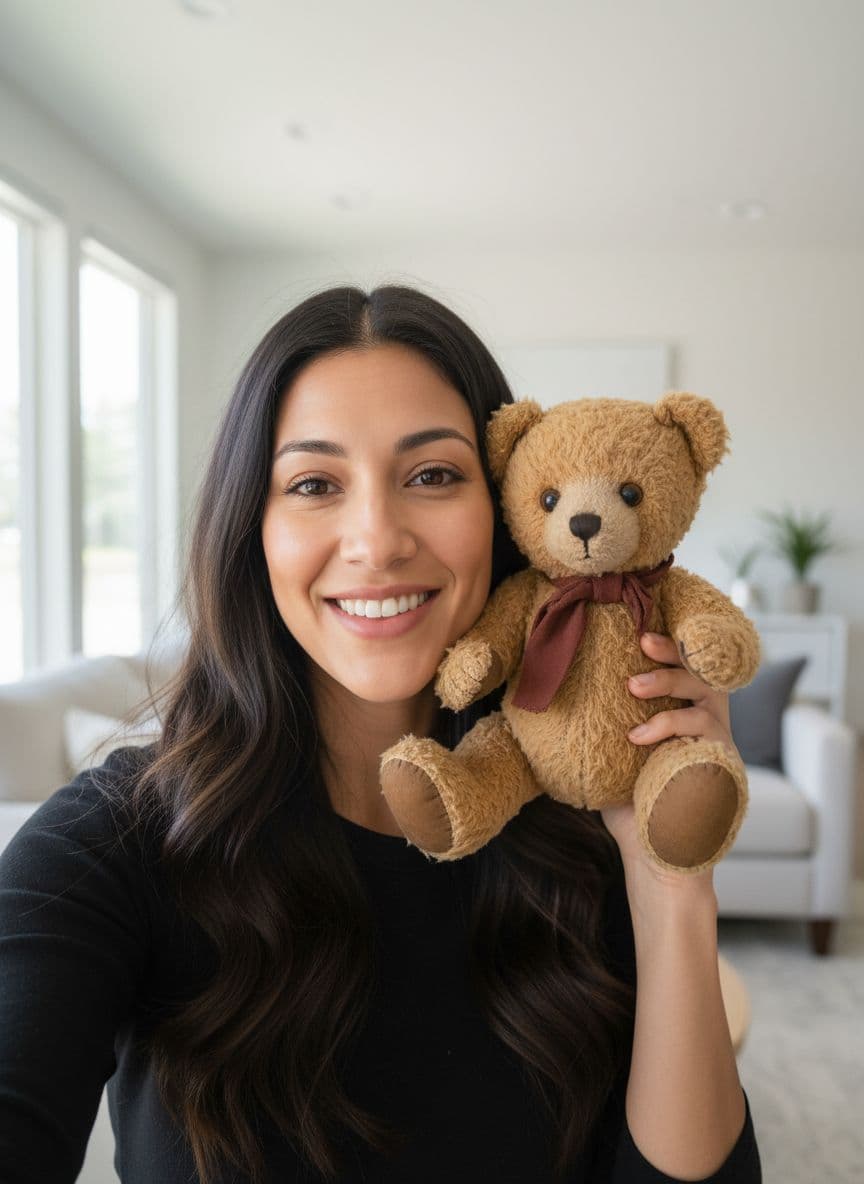
Product Video Ad
UGC ads for your store
AI Song Generator
Write an original song from a description
Singing Photo
Make any portrait sing
Singing Animals
Your pet's big solo
Singing Cartoon
Characters hit the high notes
Baby Singing
The family's tiniest vocalist
Birthday Song
A sung birthday surprise
Voice Cloning
Speak in your own voice
AI Image Generator
Seven image models, one prompt
AI Video (Text)
Cinematic clips from a prompt
Channel intros, news-style meme formats, company and community updates, product announcements, explainer segments — anywhere the authority of a news desk helps the message land.
Yes, within our content rules: no impersonating real people, and no deceptive or misleading content presented as real news.
TalkPix is 1 credit per second at 720p. The estimate is shown before you generate.
Yes — upload any portrait you own or have consent to use, and it becomes your anchor.
Your photo is used only to render your content and is never used to train AI models. Normal generation media is deleted after 30 days. AI Influencer identities or reusable scenes that you explicitly save remain until you delete them.
Yes. Commercial use is allowed, including ads, client work, and monetized social channels, as long as you hold the rights to the photo, script, and audio you put in. Downloads are clean MP4 files with no watermark.
Customer reviews
Every rating is tied to a customer's completed video. Quotes are admin-approved and shown only with permission.
“I liked it”TalkPix customer
“Way too cute”Gina in holiday outfit
“Very good and realistic singing video”Michael
“Best lip sync ever! I like it too much”TalkPix customer
“Realistic lip sync! Best I have ever used until now”TalkPix customer
“Realistin lip sync tool, I like this!”TalkPix customer
“It turn out 85% real, & im happy”TalkPix customer