
Real AI videoAI video
The hot take
“Hot take: naps are the most underrated productivity hack in business today, and I will not be taking questions.”
Turn a baby photo into a playful podcast clip — headphones on, mic up. Pick a baby or upload your own, type the hot take, and start sharing.
 Real AI video
One baby photo, podcast-ready.
Baby podcast · AI voice · 720p
A real render from this studio — not a mockup.
Choose an avatar to start
Headphones on, mic up, hot take loaded. Pick a baby host or upload your own baby photo, type the take, and get the podcast-clip format that keeps going viral — with lip sync good enough to sell the joke.
Real AI videoOne baby photo, podcast-ready.
Baby podcast · AI voice · 720p
Hot takes, show intros, life advice
Each clip is a real render from the one image in its corner — headphones, microphone and a deadpan delivery. Tap to hear it, then write your own episode.
“Hot take: naps are the most underrated productivity hack in business today, and I will not be taking questions.”
“Welcome back to the show, people. Grab a bottle, get comfortable, because today we are talking about bedtime negotiations.”
“My advice? Never trust anyone who shows up without snacks. That is just basic due diligence.”
The format is the joke — the execution is what makes it land.
Tight lip sync and lively facial movement make a baby delivering business advice feel absurdly real.
Pick a podcast-ready baby (headphones included), upload your own photo, or generate a host with AI.
The voice makes the joke: choose playful, deadpan, or soft delivery — or record the take yourself.
Clean vertical-friendly HD output, no watermark — straight to TikTok, Shorts, and Reels.
Three steps to your tiny host's first episode.
Choose a ready-made baby host or upload a baby photo (yours to use, of course).
The more confident the opinion, the funnier the clip. Type it and pick the delivery voice.
Your host delivers it straight into the mic. Download the MP4 and post the clip.
The same tiny host can open a new episode every week — the format is what people follow.
Upload a photo you have the right to use, or generate a host and keep the studio look.
You pay per rendered second. Credits never expire, and a failed render is refunded automatically.
Type the take. Your host handles the delivery.
One account, one credit balance — every TalkPix studio.
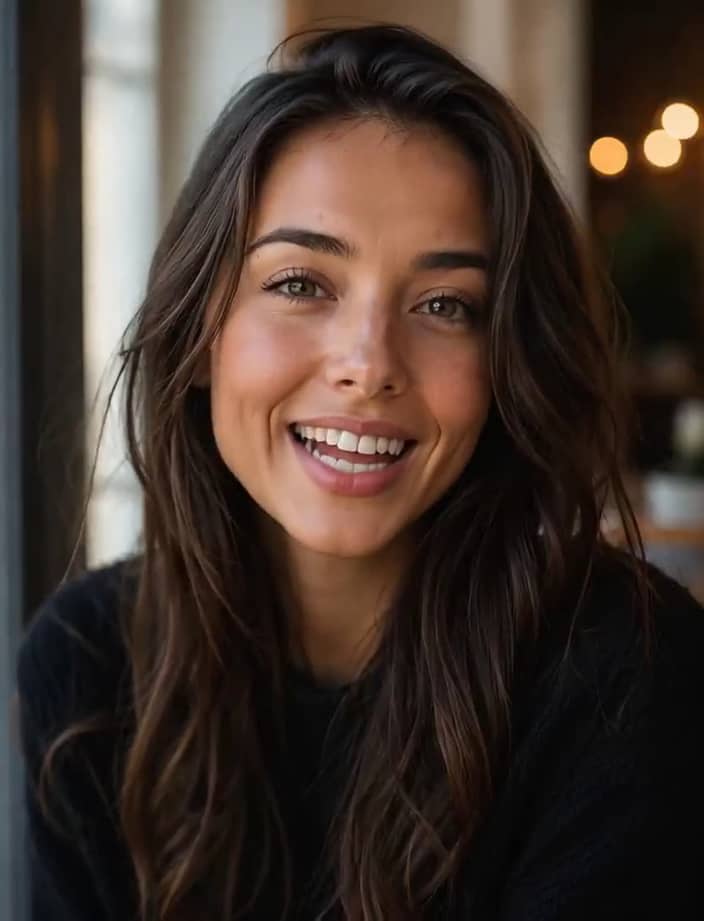
Talking Photo
Make any portrait talk

Talking Animals
Give your pet a voice
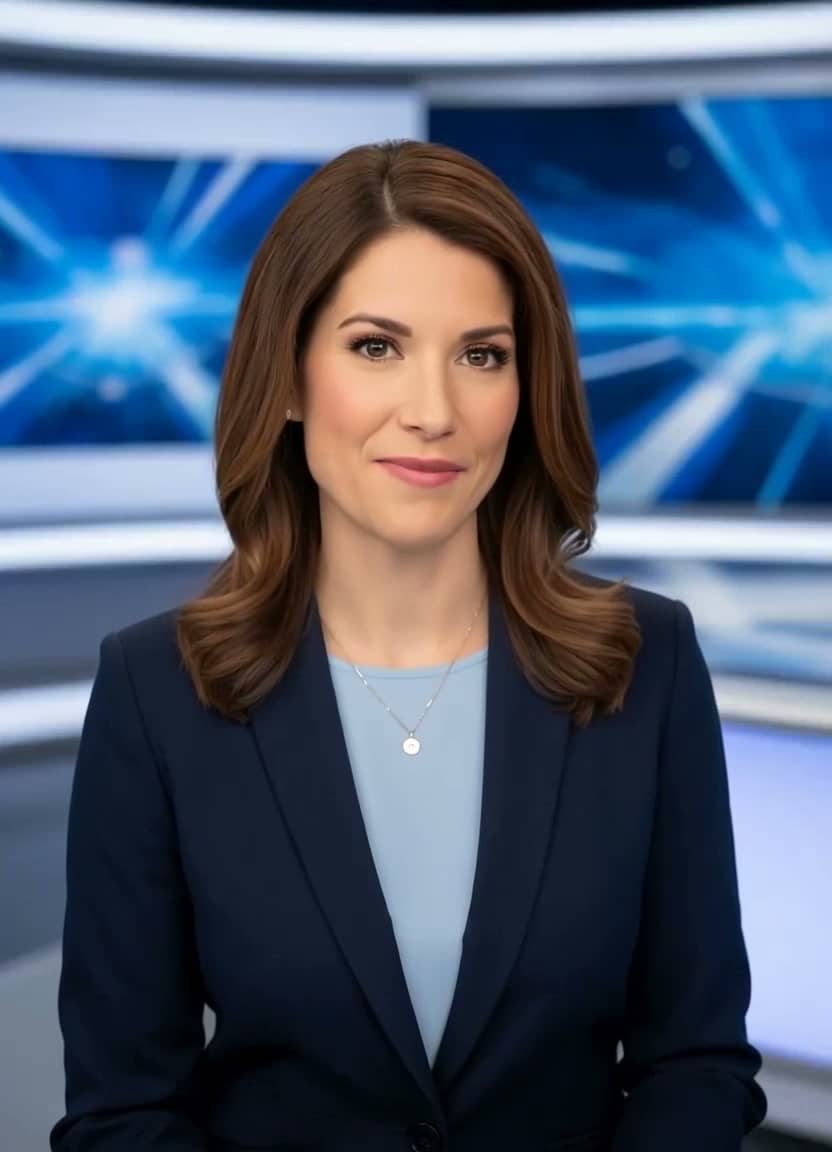
AI News Anchor
Broadcast-style delivery

Baby Talking
Adorable talking-baby videos

Talking Cartoon
Bring characters to life
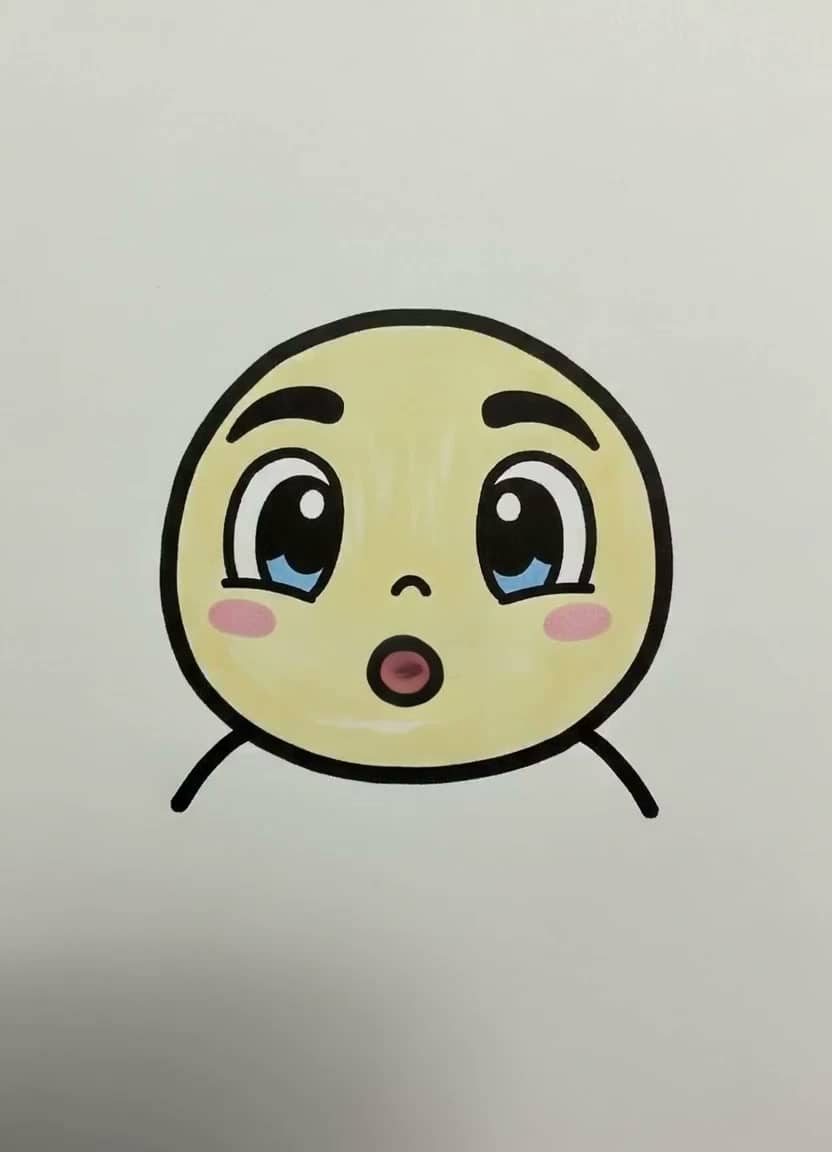
Drawing Lip Sync
Make a sketch speak
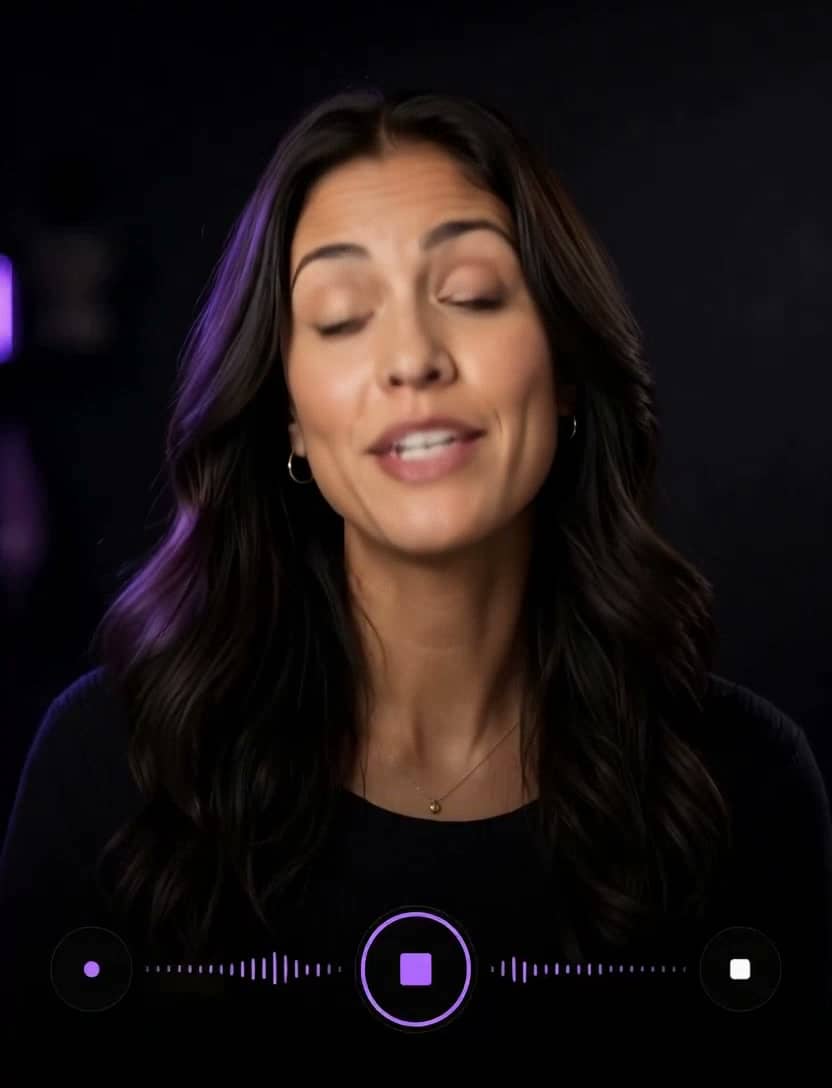
AI Influencer
Identity, planner, images & video

Talking Objects
Viral talking-product videos
Product Photos
One photo → a whole gallery
Product Video Ad
UGC ads for your store
AI Song Generator
Write an original song from a description
Singing Photo
Make any portrait sing
Singing Animals
Your pet's big solo
Singing Cartoon
Characters hit the high notes
Baby Singing
The family's tiniest vocalist
Birthday Song
A sung birthday surprise
Voice Cloning
Speak in your own voice
AI Image Generator
Seven image models, one prompt
AI Video (Text)
Cinematic clips from a prompt
A short video of a baby in a podcast setup — headphones, mic — confidently delivering takes on adult topics. It's one of the most consistently viral talking-photo formats, and this studio is purpose-built for it.
Yes, if you're the parent or have permission. Many creators prefer the ready-made or AI-generated hosts, which work just as well.
A typical 15-second clip is about 15 credits at 720p. You see the estimate before generating.
Yes — record the take or upload audio, and the host lip-syncs to it exactly. Deadpan recordings work disturbingly well.
Your photo is used only to render your content and is never used to train AI models. Normal generation media is deleted after 30 days. AI Influencer identities or reusable scenes that you explicitly save remain until you delete them.
Yes. Commercial use is allowed, including ads, client work, and monetized social channels, as long as you hold the rights to the photo, script, and audio you put in. Downloads are clean MP4 files with no watermark.
Customer reviews
Every rating is tied to a customer's completed video. Quotes are admin-approved and shown only with permission.
“I liked it”TalkPix customer
“Way too cute”Gina in holiday outfit
“Very good and realistic singing video”Michael
“Best lip sync ever! I like it too much”TalkPix customer
“Realistic lip sync! Best I have ever used until now”TalkPix customer
“Realistin lip sync tool, I like this!”TalkPix customer
“It turn out 85% real, & im happy”TalkPix customer