Best Talking Photo Apps in 2026: What to Look For on Phone and Web
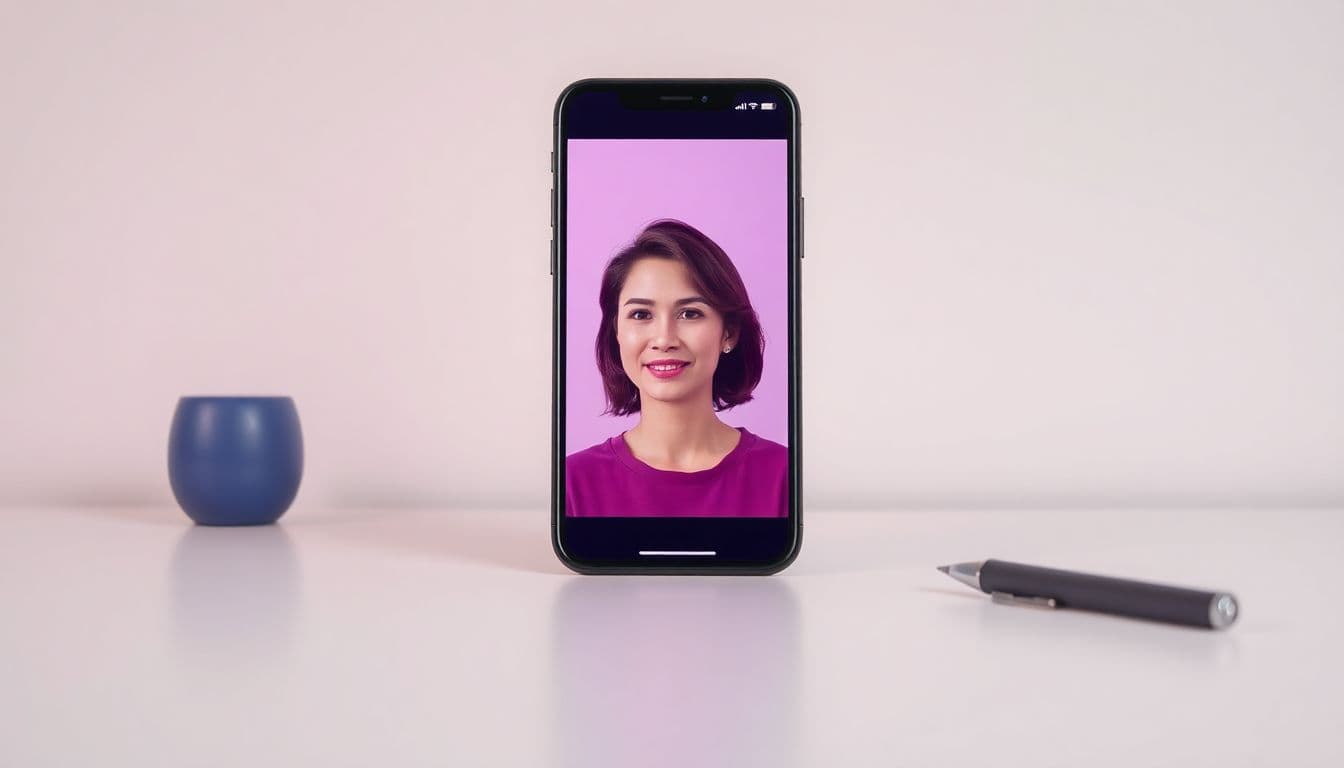
The best talking photo apps do one thing well: they take a still portrait and make the face speak, with the lips actually matching the words. That sounds simple, but the results vary a lot between tools. This guide walks through what to look for so you can judge any app on its own merits — and shows how to make a talking photo without a subscription with TalkPix.
We'll keep it factual and balanced. There are several good tools out there, and the right one depends on what you need.
What a talking photo app actually does
At its core, a talking photo app animates one face in a photo so it appears to speak. You give it two things — a picture and something to say — and it returns a short video where the mouth, and often the head and eyes, move naturally.
The "something to say" usually comes in one of two forms:
- A typed script the app reads aloud in an AI voice.
- Your own audio — a recording the photo lip-syncs to.
Good apps let you do both. If you want your real voice on the clip, that voice-upload path matters.
Features worth checking first
Not every feature list is equal. Here's what tends to separate a keeper from a throwaway:
Lip-sync quality. This is the whole point. Watch a photo lip-sync sample and see whether the mouth tracks the words or just flaps. The face should stay stable, not warp.
Voice options and languages. If you need more than English, check how many languages and voices are supported. A multilingual avatar is only useful if the accent and tone sound right.
What photos it accepts. Some tools only handle clean, front-facing headshots. More flexible ones work with older photos, side angles, and even non-human subjects.
Output quality and format. Look for HD MP4 you can actually post. Also check the resolution and any watermark.
Pricing model. This is where costs sneak up. Some apps lock everything behind a monthly subscription; others charge per video or per credit. Read the fine print on watermarks, export limits, and whether a "free" plan is genuinely usable.
Rights to use the video. If you're making anything for work or social, confirm commercial use is included so you're not stuck with a personal-only license.
A cheap way to test it on your own photo. Your photo is the real variable, and no feature list predicts how it will animate. Whether an app offers a sample render or a small one-off purchase, what matters is that finding out costs you a couple of dollars rather than a month's subscription and a cancellation reminder.
Choosing a talking photo app on your phone
Most people look for a talking photo app on their phone, and the checklist above still applies. On mobile, a few extra checks matter:
- Install or browser? A native app can feel quicker to open, but a browser tool works the same on iPhone and Android, takes no storage space, and has nothing to install.
- Camera roll and recording. You should be able to pick a photo straight from your gallery and record your voice in the same place, instead of moving files between apps.
- Where the video goes next. Check that you get a plain MP4 you can send on WhatsApp or iMessage, or post to TikTok and Reels, rather than a link that expires or a file locked inside the app.
- Aspect ratio. For Stories and Reels you want a vertical video, so check whether the app keeps your photo's portrait framing or crops it.
TalkPix runs in the phone's browser, so the same steps work on iPhone, Android and desktop. On iPhone and iPad there is also the TalkPix app on the App Store, sold through the App Store with its own in-app purchases.
How TalkPix handles each of those
TalkPix's talking photo app is built around that same checklist, so here's where it lands — you can judge the rest yourself.
You upload a portrait photo, then either type a script in a natural AI voice across 10+ languages, or upload your own audio. The face speaks and lip-syncs to match. It works with any photo — a person, a pet, or even an object — not just clean headshots.
TalkPix uses one-time credit packs starting at $5. The Mini pack includes 50 credits, and a 10-second 720p Talking Photo video uses about $1 in credits. Payment is required before generation; a subscription is not required, and credits never expire.
On pricing, TalkPix does not require a subscription. You pay per second in credits — 1 credit = 1 second of Talking Photo video at 720p — with one-time packs starting at $5, and credits never expire. A short 15-second message costs a couple of dollars, once.
How to make a talking photo without a subscription
The process is the same in most apps; here it is in TalkPix:
- Open the talking photo generator and upload a clear portrait photo.
- Type your script, or upload an audio recording if you'd rather use a real voice.
- Pick a voice and language that fit the mood.
- Check the photo, voice, and wording — changing them costs nothing.
- Credit packs start at $5. The Mini pack includes 50 credits; a 10-second 720p video uses about $1 in credits.
That's it — no editing skills needed.
Which app is right for you?
If you mostly need quick, one-off talking clips without a monthly commitment, a pay-as-you-go tool with a low entry price is a safe starting point. If you're producing lots of content every week, a subscription tool might work out cheaper — do the math on your real volume. And if you're weighing TalkPix against a broader editor, the VEED alternative and InVideo alternative breakdowns compare the pay-once model head-on.
Whatever you choose, judge it on lip-sync, honest pricing, and how cheaply you can test it on your own photo. When you're ready, the fastest way to see your own photo talk is to start here.
For more, see our guides on making a photo talk step by step and fun talking photo ideas.
Make your first talking photo
Credit packs start at $5, a 10-second 720p video uses about $1 in credits, and a subscription is not required.
Open the talking photo generator