
Real AI videoAI video
Dog
The dinner complaint
“Excuse me, human. It is two minutes past dinner time. I have checked the bowl twice, and I would like to file a complaint.”
Pick a pet or upload your own photo, add a short line, and get a funny talking-animal video — no filming, no editing.
 Real AI video
One pet photo, brought to life.
Pet · AI voice · 720p
A real render from this studio — not a mockup.
Choose an avatar to start
Upload a photo of your dog, cat, or any animal, type a line, and TalkPix animates the mouth with surprisingly convincing lip sync. It's the fastest way to make the talking-pet clips that take over TikTok and Reels — no filming tricks, no editing.
Real AI videoOne pet photo, brought to life.
Pet · AI voice · 720p
Dogs, cats, birds, rabbits, hamsters
Every clip is a real TalkPix render from the one photo in its corner. Tap to hear it, then use the idea — it opens in the studio with a script you can edit for your own pet.
Dog
“Excuse me, human. It is two minutes past dinner time. I have checked the bowl twice, and I would like to file a complaint.”
Cat
“I knocked it off the table. Yes, on purpose. No, I have no regrets. And if you put it back, I will do it again.”
Bird
“Good morning! Rise and shine! It is six a.m., the sun is up, and I have so many opinions to share with you today.”
Rabbit
“I would like to apologise for the phone charger. It looked like a snack. In my defence, it was on the floor.”
Hamster
“It is Monday. I ran four miles on my wheel this morning and went absolutely nowhere. If I can do that, you can answer your emails.”
Dog
“Happy birthday to my favourite human! I got you a stick. It is outside. It is the really big one.”
Built for funny, lifelike talking-animal clips that feel alive.
The AI is directed to move the animal's mouth and head naturally, so a husky's rant or a cat's complaint lands as real.
Upload your own pet's photo, pick a ready-made animal, or describe one and let AI create it from scratch.
Choose a playful, deep, or soft AI voice — or record your own line and let your pet deliver it.
Clean HD MP4s with no watermark, ready to post the moment the render finishes.
From pet photo to talking video in three steps.
Upload a clear photo of your pet — face visible, looking roughly at the camera — or choose one of ours.
Type what they'd say if they could (the dinner-time complaints write themselves), and pick a fitting voice.
The AI animates mouth and head movement to match every word. Download the MP4 and post it.
The same photo can complain about dinner today and apologise for the sofa tomorrow — each video is just a new line.
Upload the dog, the cat and the hamster. Any clear, front-facing animal photo works.
You pay per rendered second. Credits never expire, and a failed render is refunded automatically.
One photo and one line is all it takes to let them out.
One account, one credit balance — every TalkPix studio.
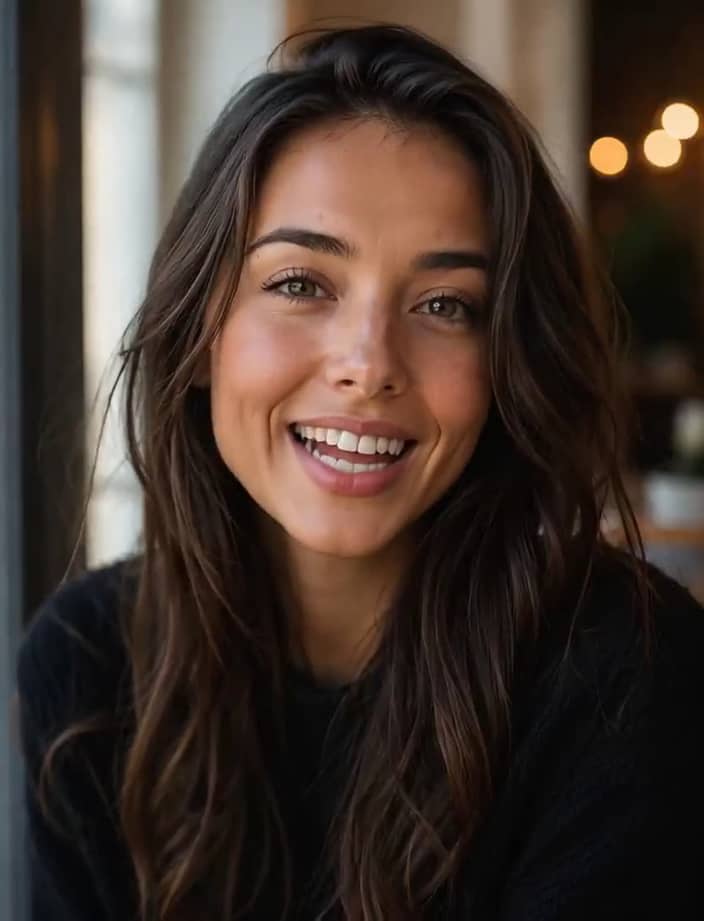
Talking Photo
Make any portrait talk
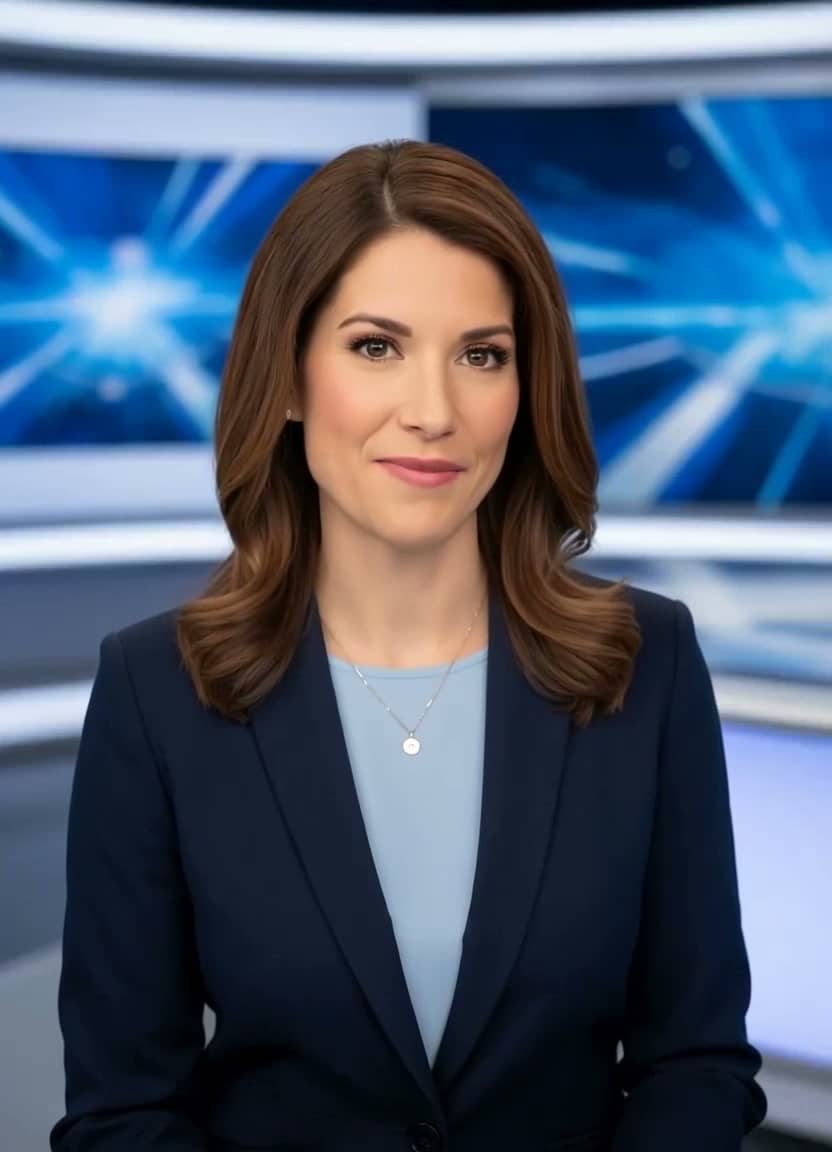
AI News Anchor
Broadcast-style delivery
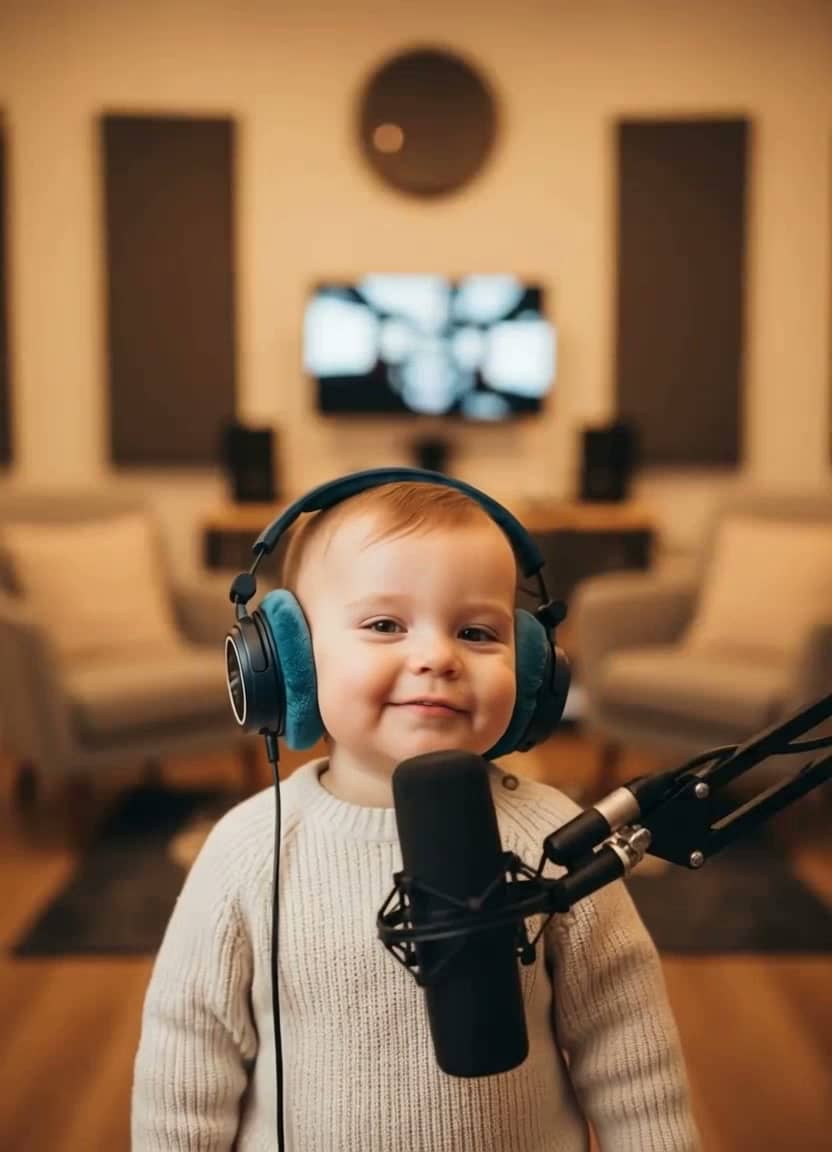
AI Baby Podcast
The viral baby-with-a-mic clip
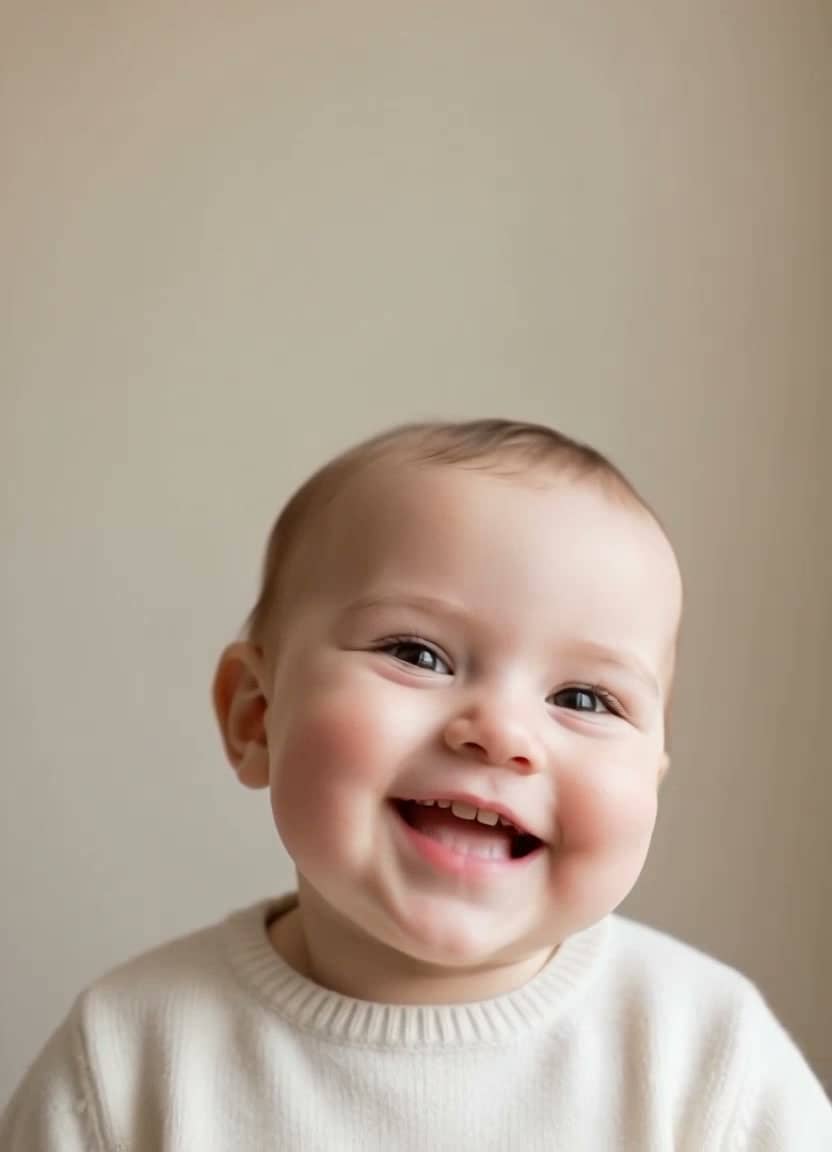
Baby Talking
Adorable talking-baby videos
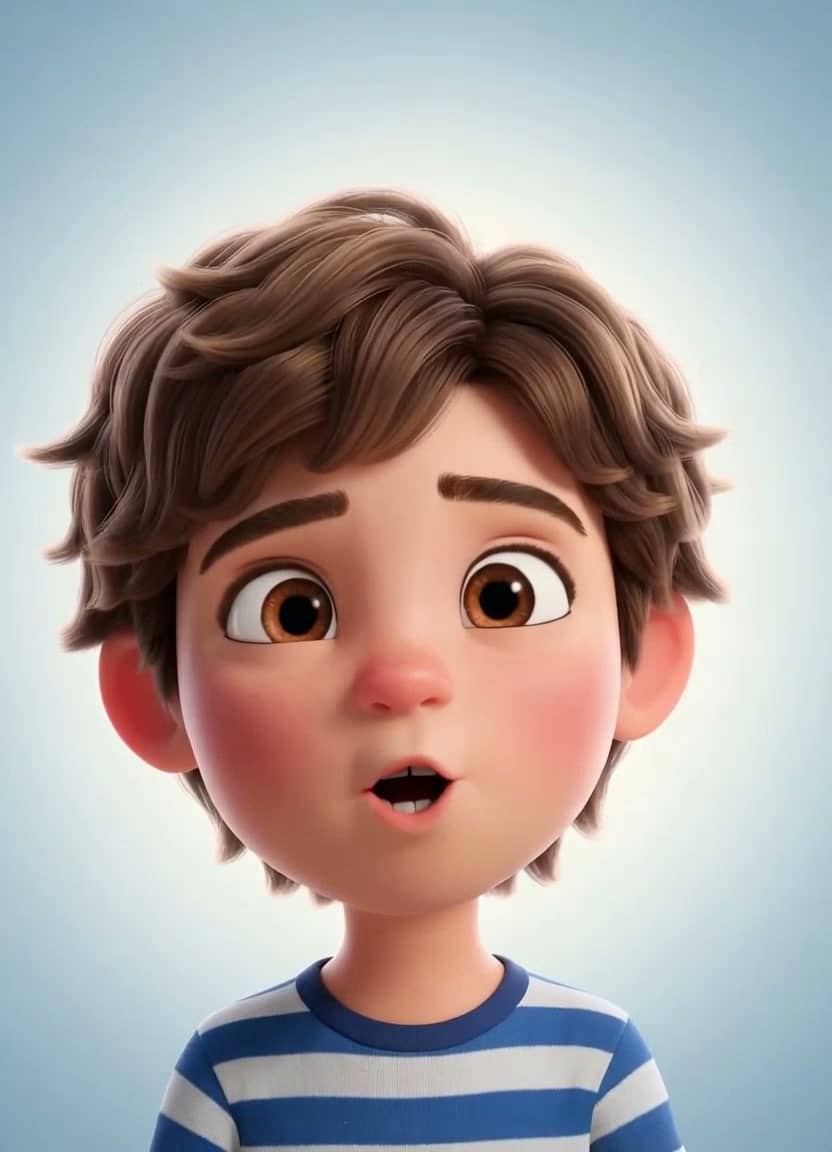
Talking Cartoon
Bring characters to life
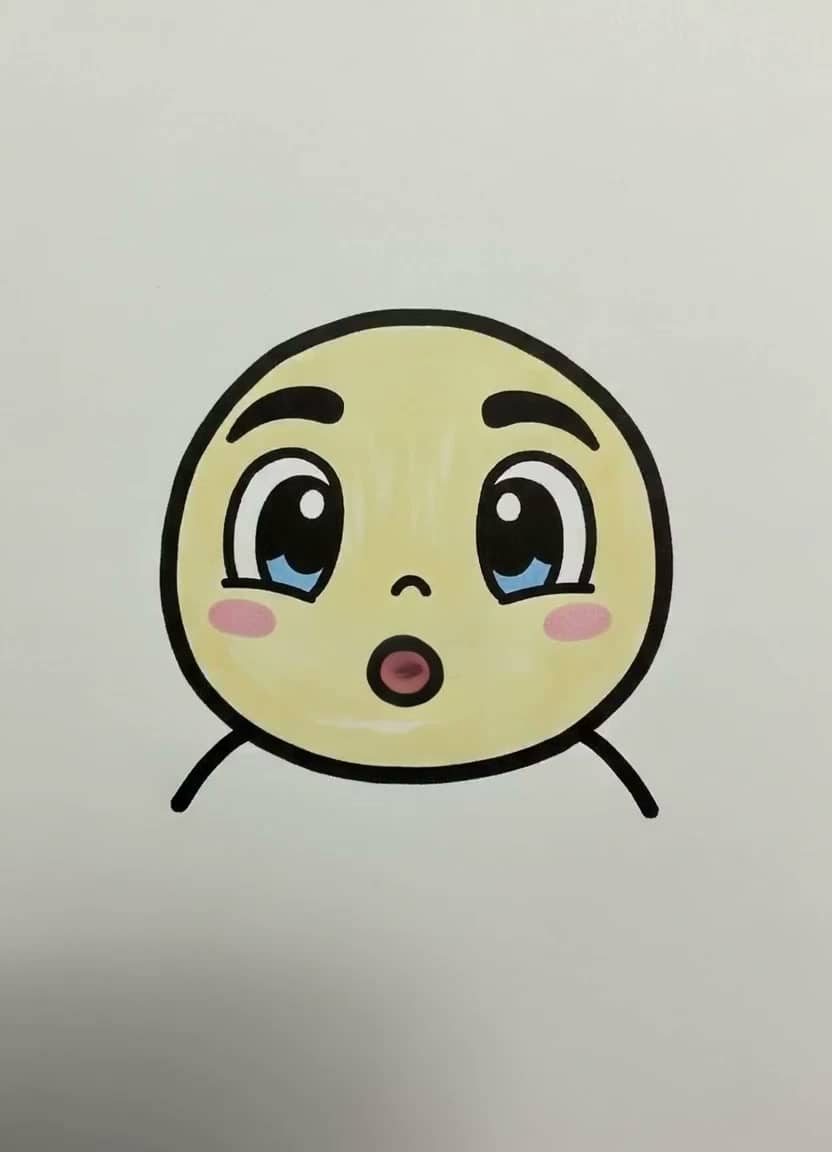
Drawing Lip Sync
Make a sketch speak
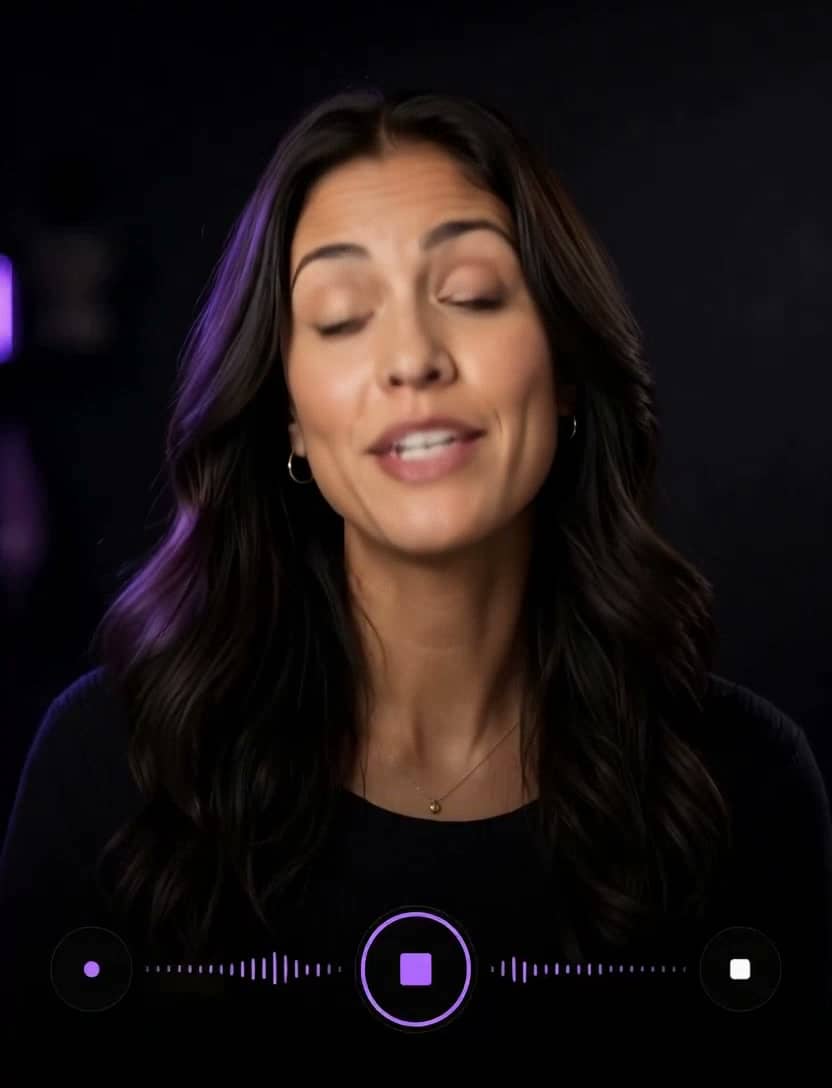
AI Influencer
Identity, planner, images & video

Talking Objects
Viral talking-product videos
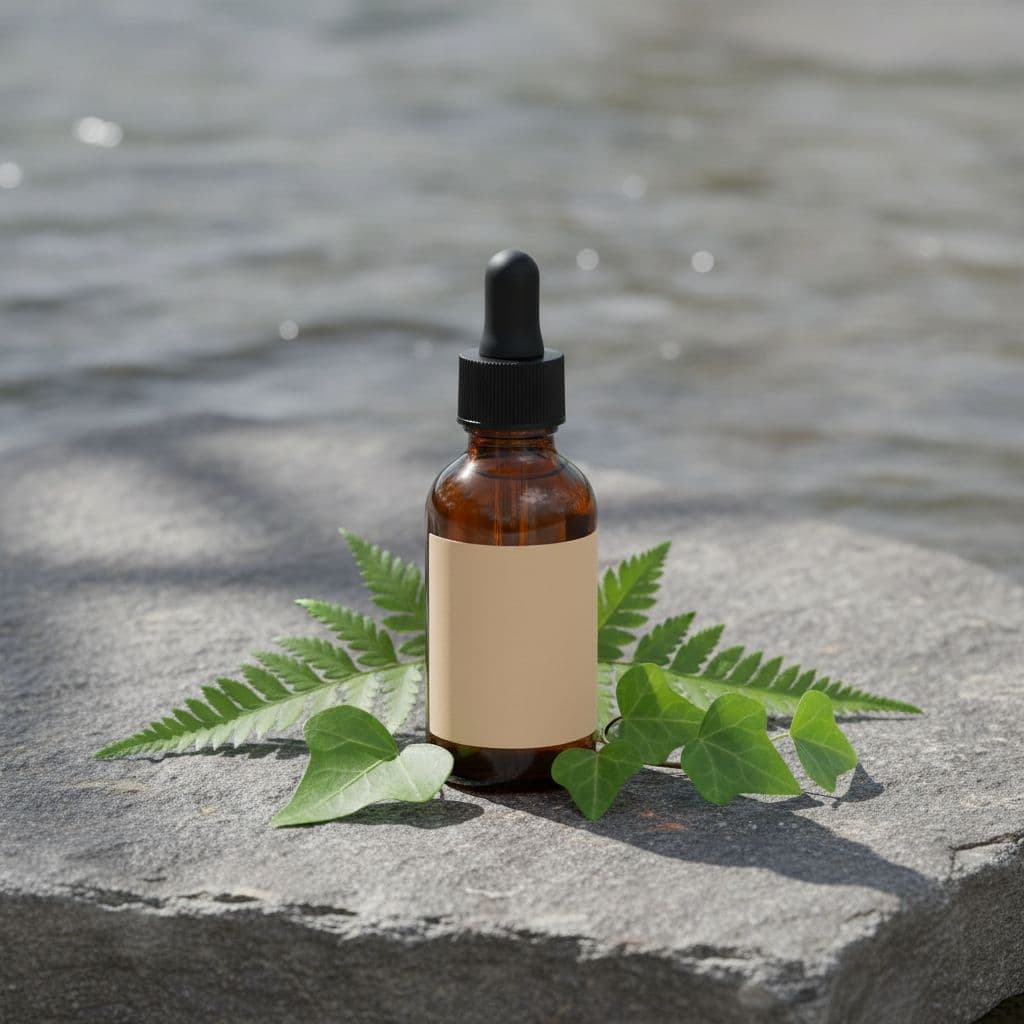
Product Photos
One photo → a whole gallery
Product Video Ad
UGC ads for your store
AI Song Generator
Write an original song from a description
Singing Photo
Make any portrait sing
Singing Animals
Your pet's big solo
Singing Cartoon
Characters hit the high notes
Baby Singing
The family's tiniest vocalist
Birthday Song
A sung birthday surprise
Voice Cloning
Speak in your own voice
AI Image Generator
Seven image models, one prompt
AI Video (Text)
Cinematic clips from a prompt
Dogs and cats work brilliantly, and most animals with a visible face — rabbits, parrots, horses, even wildlife photos — animate well. A clear, front-facing photo is the main requirement.
Yes — that's the fun of it. Upload any photo of your pet, or generate an AI animal if you'd rather not use your own.
TalkPix is 1 credit per second at 720p. You see the full estimate before generating.
Yes. Switch to Upload audio or Record audio and the animal lip-syncs to your exact recording instead of an AI voice.
Your photo is used only to render your content and is never used to train AI models. Normal generation media is deleted after 30 days. AI Influencer identities or reusable scenes that you explicitly save remain until you delete them.
Yes. Commercial use is allowed, including ads, client work, and monetized social channels, as long as you hold the rights to the photo, script, and audio you put in. Downloads are clean MP4 files with no watermark.
Customer reviews
Every rating is tied to a customer's completed video. Quotes are admin-approved and shown only with permission.
“I liked it”TalkPix customer
“Way too cute”Gina in holiday outfit
“Very good and realistic singing video”Michael
“Best lip sync ever! I like it too much”TalkPix customer
“Realistic lip sync! Best I have ever used until now”TalkPix customer
“Realistin lip sync tool, I like this!”TalkPix customer
“It turn out 85% real, & im happy”TalkPix customer