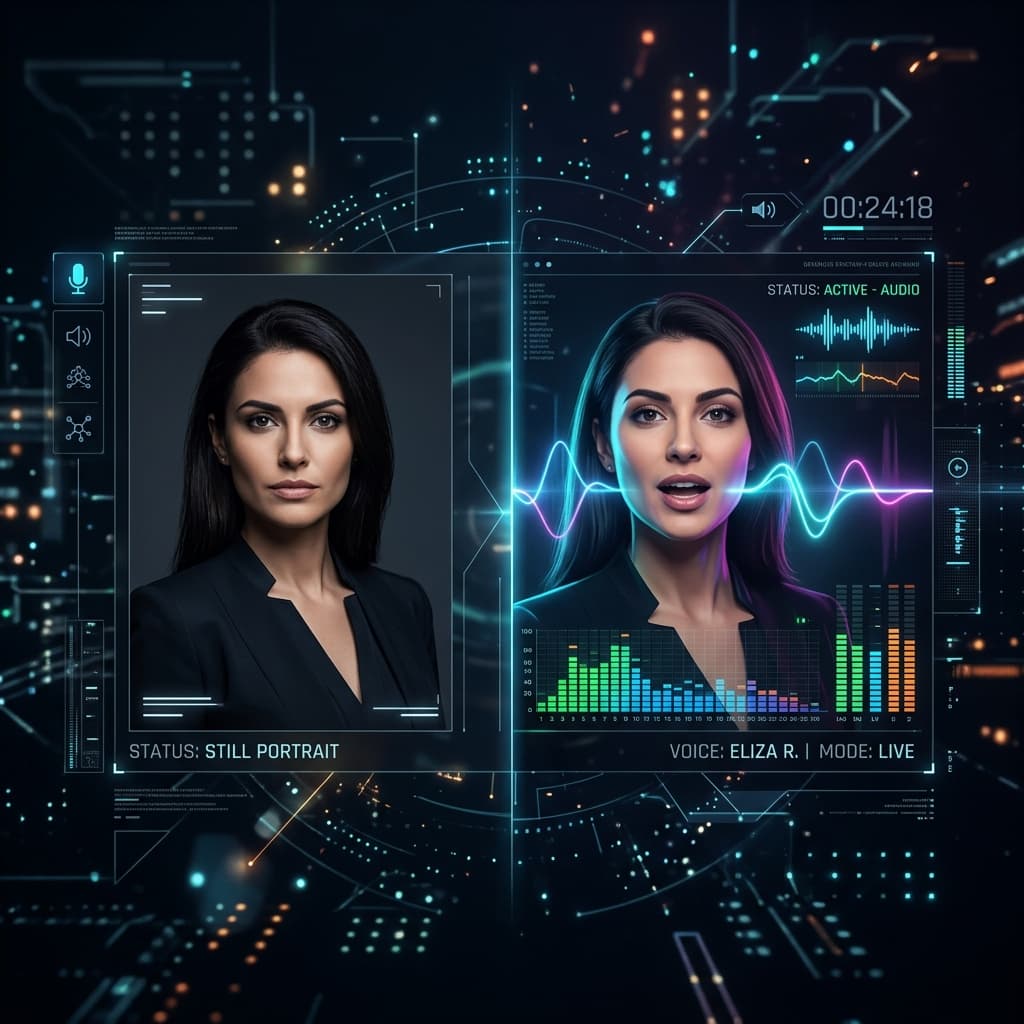
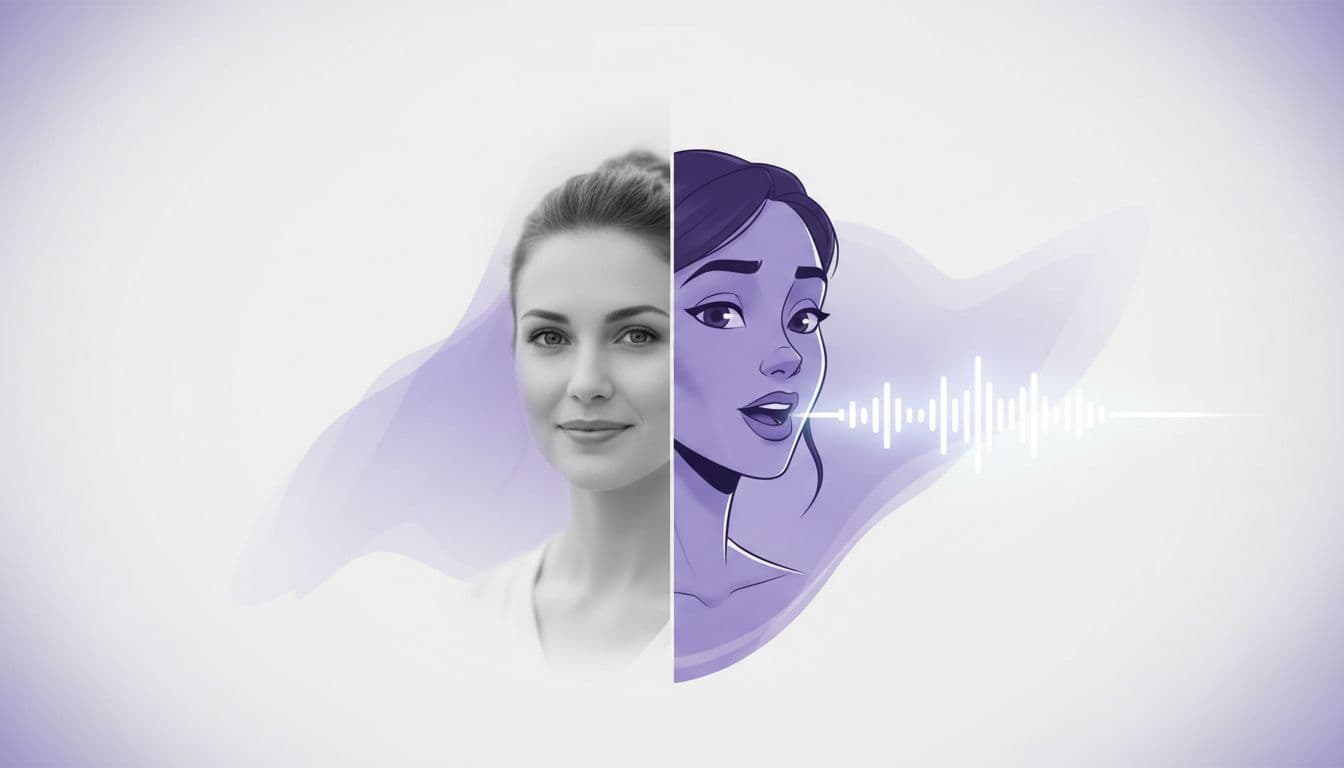
How to Make a Photo Talk: Step-by-Step AI Guide
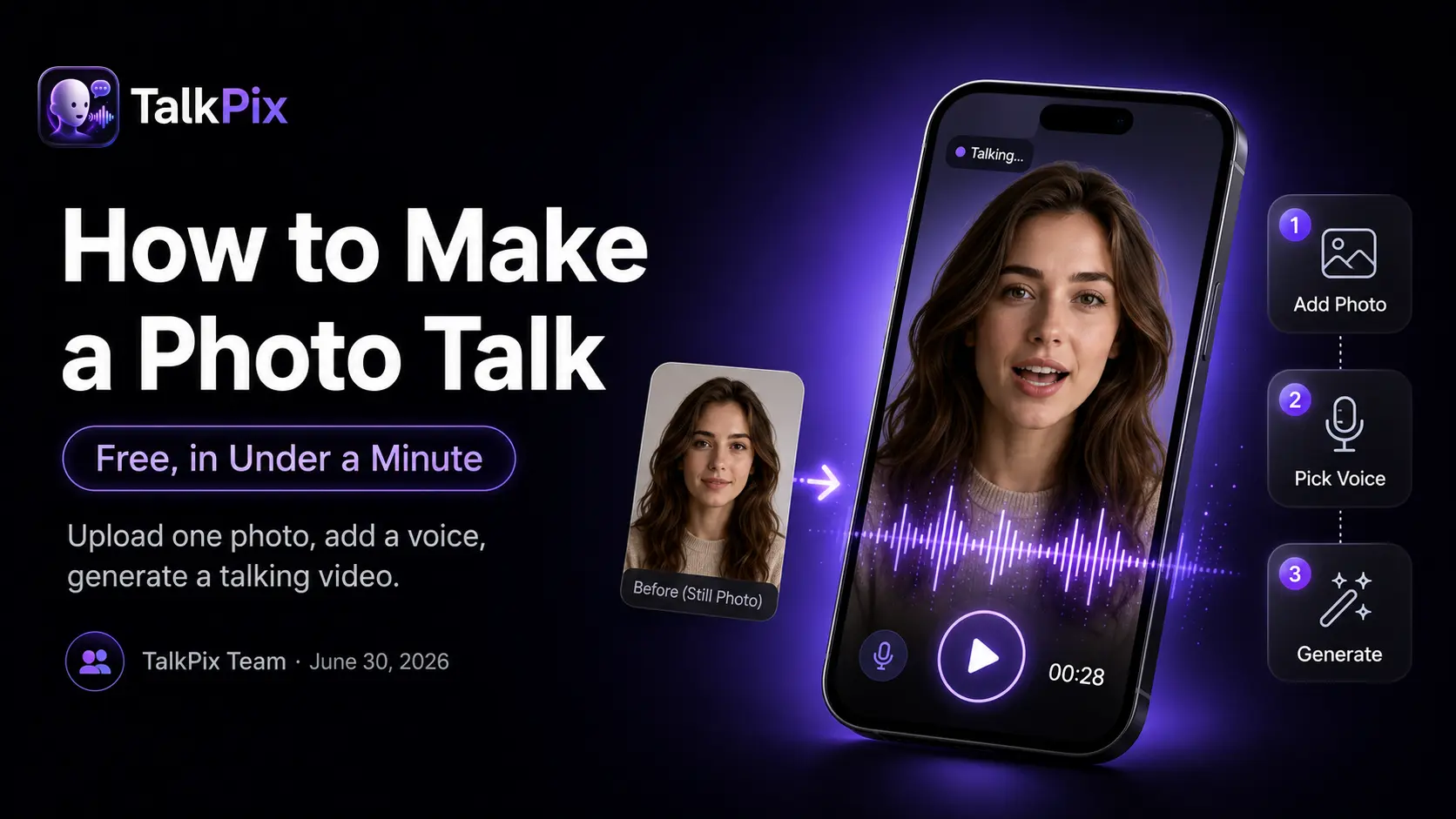
Want to make a photo talk? It used to take a video shoot, an actor, and an editing timeline. Today you upload one portrait, type a sentence, and get a realistic talking-avatar video back in under a minute. This guide walks through exactly how to make a photo talk that looks natural — step by step.
Here's a real example, generated from one still photo:
What does it mean to make a photo talk?
A talking-photo tool — sometimes called a talking picture maker — takes two inputs: a portrait image and a voice (either an AI voice reading your script, or your own audio clip) — and animates the face so the mouth, jaw, and subtle expressions match the speech. The output is a normal MP4 you can download and post anywhere.
Step 1 — Pick the right photo
The single biggest factor in a good photo to talking video result is the source photo. Use one that is:
- Front-facing, with the whole face visible (not cropped at the chin).
- Well-lit and in focus — soft, even light beats harsh shadows.
- One subject in frame, looking roughly at the camera.
It doesn't have to be a person. A pet, a toy, or a product photo works too, as long as there's a clear face-like front to animate.
Step 2 — Write a short script (or upload audio)
Type what you want the photo to say. A few tips that make AI delivery sound human:
- Keep sentences short and spoken, the way you'd actually talk.
- Add commas where you'd pause — they shape the rhythm.
- Aim for 8–15 seconds for your first try; it's cheaper to iterate.
Prefer your own voice? Upload an audio clip instead and the portrait will lip-sync to your real recording.
Step 3 — Pick a voice and generate
TalkPix uses one-time credit packs starting at $5. The Mini pack includes 50 credits, and a 10-second 720p Talking Photo video uses about $1 in credits. Payment is required before generation; a subscription is not required, and credits never expire.
Step 4 — Download and use it
When rendering finishes you get an HD MP4. Because 1 credit = 1 second of Talking Photo video at 720p, you only pay for the length you actually create, and credits never expire.
Ready to make your photo talk?
Create your full video with one-time credit packs from $5 — a 10-second video is about $1. Payment is required before generation.
Create your talking photoWhat can you make with it?
The same tool covers a lot of use cases:
- A talking photo message instead of a plain text.
- An AI birthday video from an old photo.
- UGC-style avatar ads — spin up hook variations for testing.
- The same avatar speaking multiple languages for localized content.
Step-by-step guides
Want a walkthrough for a specific goal?
- Make an AI birthday video from a photo
- Lip-sync a photo to your own voice
- Make a talking pet video
- Animate an old photo and hear it speak
- One photo speaking 10 languages
- Turn podcast clips into talking videos
No photo at all? You can also generate a video from a text prompt — a different tool for scenes that never existed on camera.
Frequently asked
TalkPix requires payment before AI generation. Eligible new customers can render their first Talking Photo — up to 20 seconds at 720p, typed script — for $1.99 one-time. Reusable credit packs start at $5 and credits never expire.
How long does it take? Most clips render in under a minute.
Can I use the videos commercially? Yes, commercial use is included — just make sure you own or have permission to use the photo.
Ready to try it on your own photo? Make your photo talk →