
Product Photo Generator: Turn One Photo Into Many
Upload one product photo and use it as the visual reference for white backgrounds, marble, wood, lifestyle scenes and more — no studio, editing software, or subscription.
- Credits required before generation
- From ~$0.30 per photo
- No subscription required
You are charged per image that generates
Each image costs 3 credits when it generates successfully, whether or not you end up using it — there is no keep-or-reject step. Images that fail to render are refunded automatically.
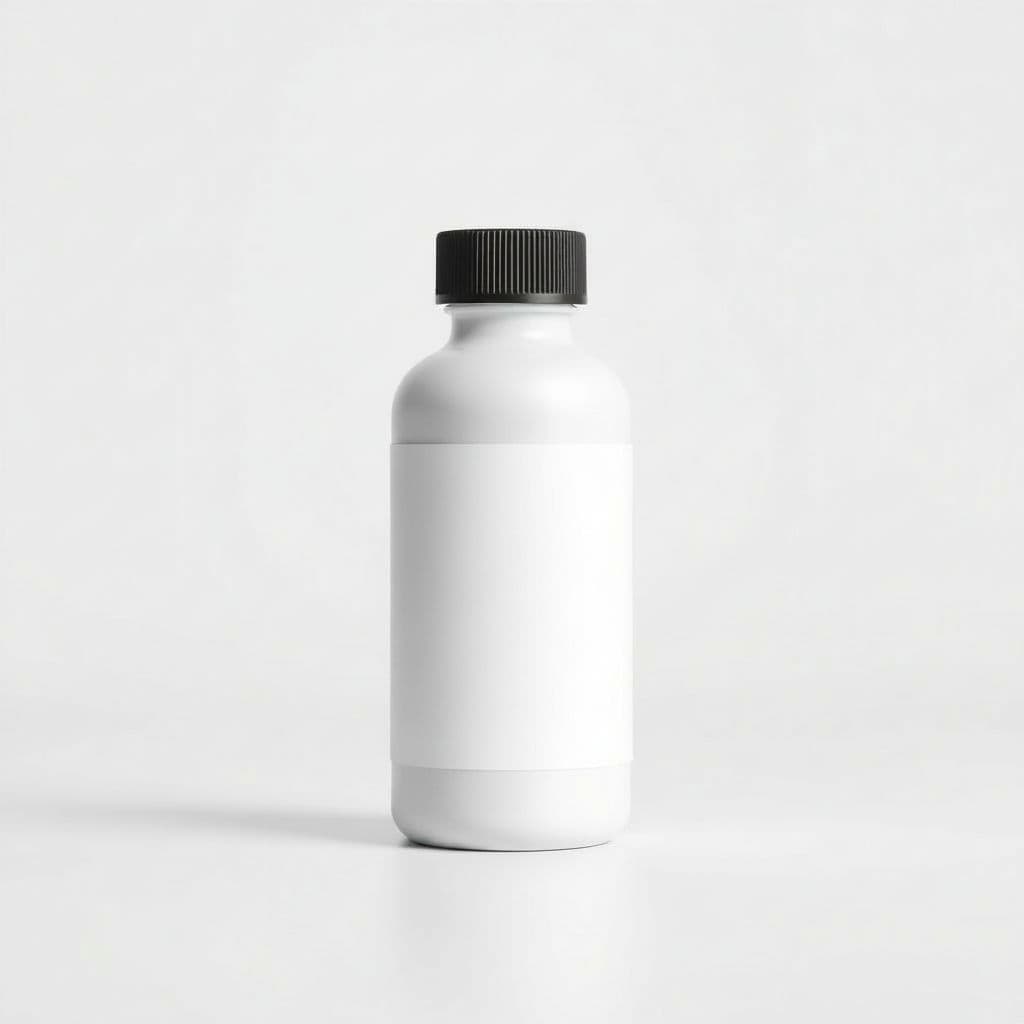
Pure White
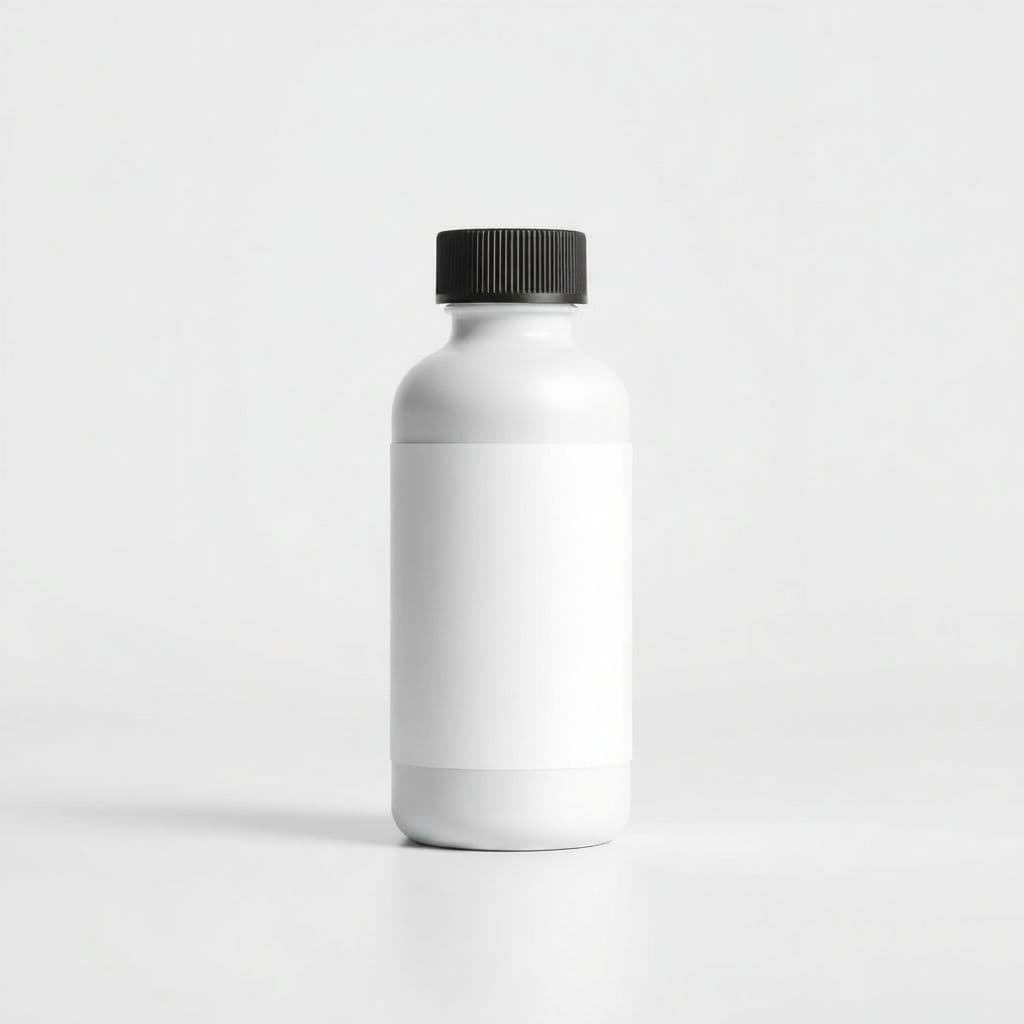
Studio Gradient
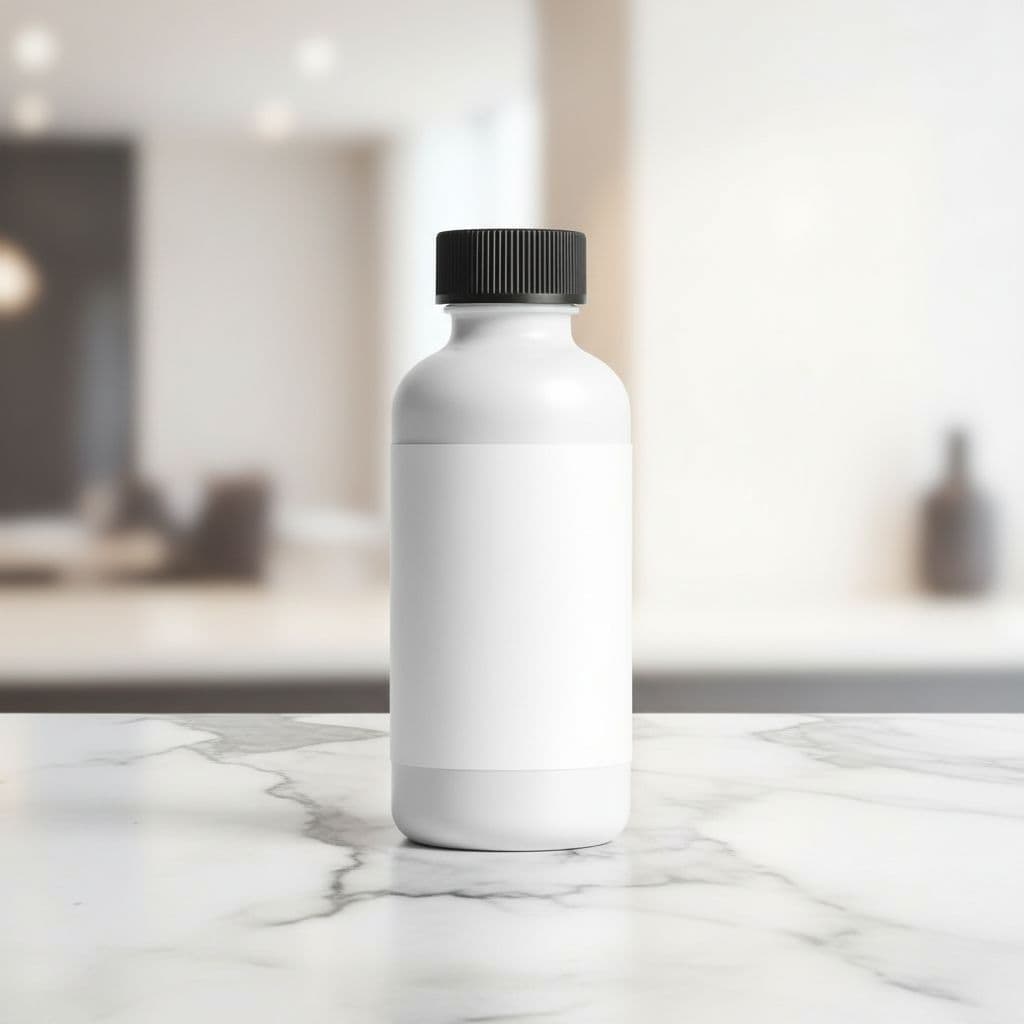
Marble Surface
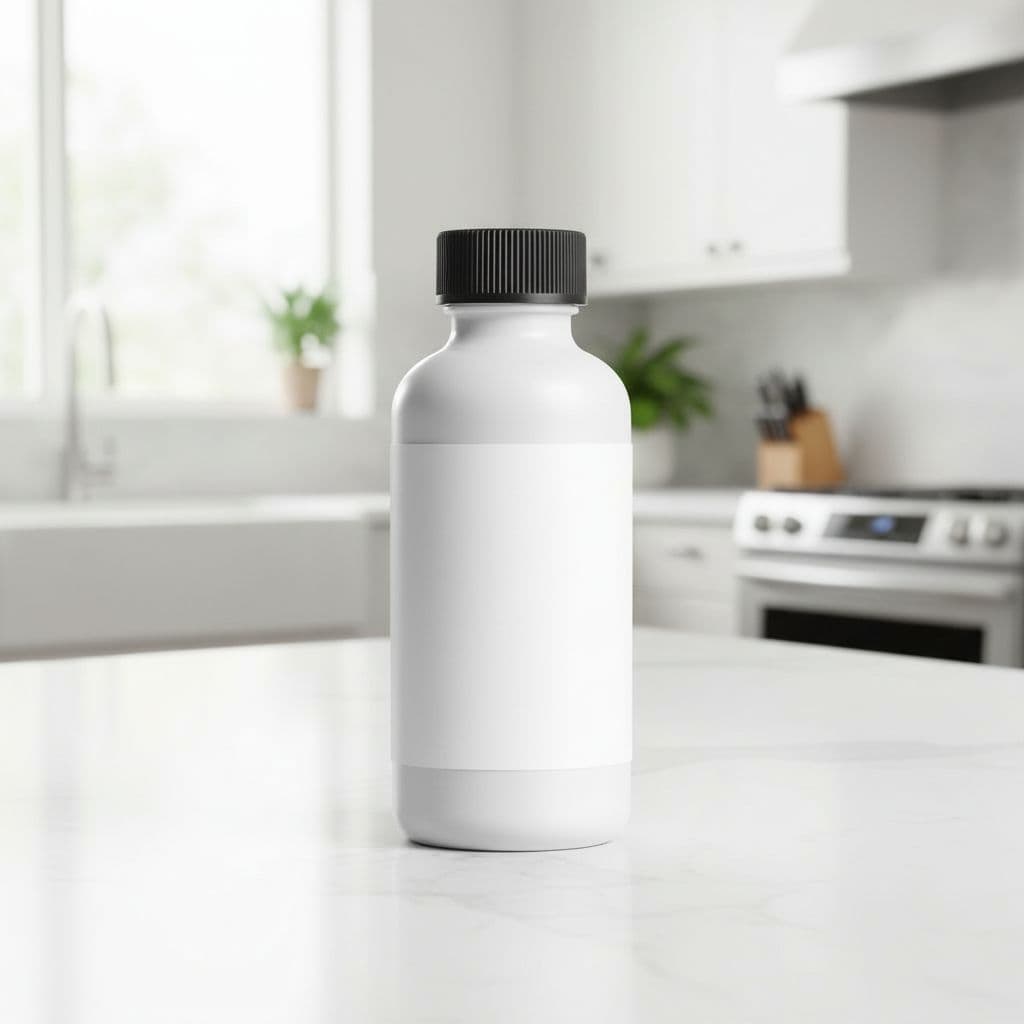
Kitchen Counter
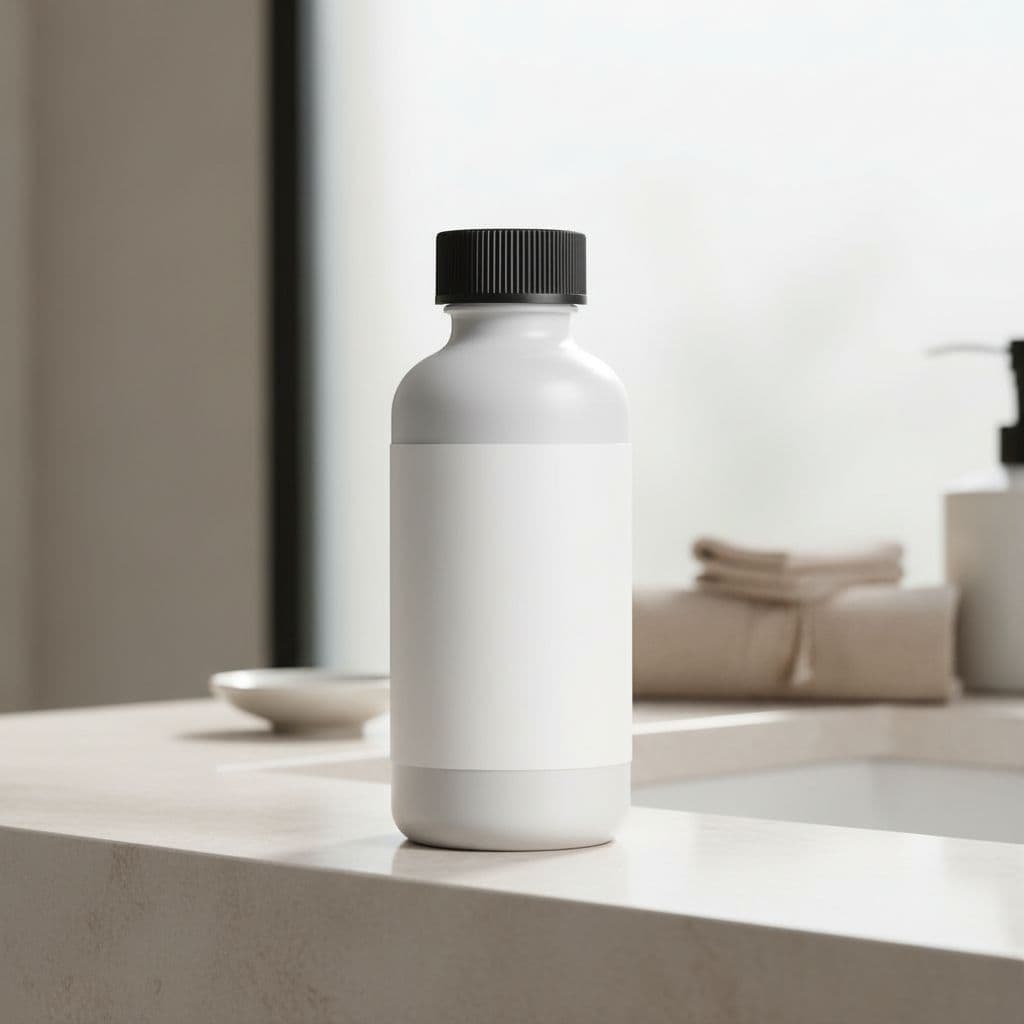
Bathroom Vanity
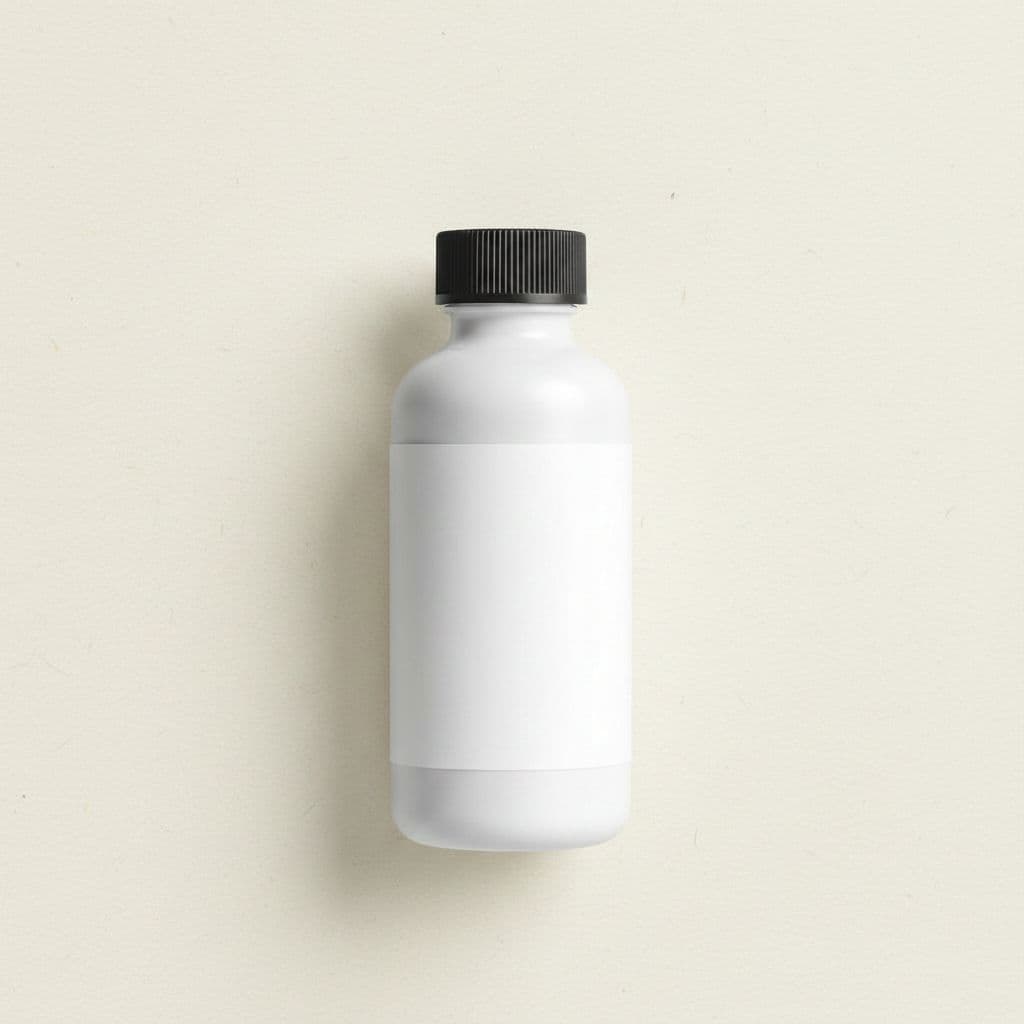
Flat Lay
One upload → many scenes to review before publishing.
From one upload to a full set of scenes
The product is restaged using your upload as the visual reference. Compare fine text, reflections, materials, and small details with the source before publishing the generated image.
Review before publishing
AI staging can change small product details
- Zoom in on logos, labels, text, edges, reflections, and proportions.
- Regenerate any scene that changes a feature customers rely on.
- Confirm marketplace image rules yourself; generated photos still require your review.
How it works
Upload one product photo
A single clear photo of your product on a plain background is all you need.
Pick your scenes
Choose backgrounds and a shape, then confirm the credit cost before generation.
Download your photos
Generate high-resolution, watermark-free images ready for your store and ads.
Scenes you can create from one photo
Pure White
Amazon / eBay
Clean catalog white — marketplace ready.
Studio Gradient
Premium
Soft graduated backdrop with a gentle glow.
Marble Surface
Beauty / Luxury
Elegant white-and-grey marble tabletop.
Kitchen Counter
Food / Kitchen
Bright kitchen counter styling.
Bathroom Vanity
Cosmetics
Spa-like vanity for beauty & care.
Flat Lay
Social
Top-down styled flat lay on paper.
Who the product photo generator is for
Marketplace sellers
Generate a marketplace-ready white-background main image plus lifestyle variations from the one product shot you already have.
Shopify store owners
Build a consistent look across your catalog by placing every product into the same clean scenes and aspect ratios.
Etsy and handmade shops
Show small-batch and handmade items on marble, wood or botanical surfaces without booking a studio session.
Solo founders and dropshippers
Skip the photographer and turn a single supplier image into a full set of listing and ad photos in one sitting.
Social and ad creatives
Export the same product in 1:1, 4:5, 3:4 and 16:9 so your feed posts, stories and banners all stay on brand.
Busy marketing teams
Refresh product imagery for a seasonal push using festive, home and flat-lay scenes without a new photoshoot.
One product photo in, a full gallery out
The workflow is deliberately simple. Upload a single clear shot of your product, pick the scenes you want, and TalkPix re-stages that item into each one. There is no lighting rig to set up, no props to buy, and no editing software to learn. Because you start from a photo you already have, you can go from one image to a whole set of listing and social-ready shots in a single sitting.
- Upload one photo of your product on a plain background
- Choose from white, gradient, marble, wood, podium, home, kitchen, botanical, festive, flat lay and more
- Pick an aspect ratio: 1:1, 4:5, 3:4 or 16:9
- Download high-resolution, watermark-free images with commercial use included
Your real product, only the scene changes
This is a re-staging tool, not a retouching tool. The generator works from your actual product and is instructed to keep its shape, proportions, colors, materials, label, logo and any printed text while it rebuilds the background, surface and lighting around it. It is told not to add people, hands, or features your product doesn't have, and it does not fix physical defects. Small details can still shift, so compare each shot with the item your customer will receive.
- Aims to keep product shape, color and branding consistent across scenes
- No models, no hands, no fabricated features
- Best results come from a sharp, evenly lit photo with the full product in frame
Pay per photo — 3 credits for each image that generates successfully
Every photo is charged in prepaid credits, and the cost is shown before you generate, so nothing is billed by surprise. You pay per photo — about a few cents each, three credits per image. Credits come in one-time packs starting at $5 and never expire, and there is no subscription required. Generate ten shots or a hundred; you are charged 3 credits per image that generates successfully.
TalkPix vs. background removers, a photographer, and a DIY lightbox
Most sellers reach TalkPix after trying one of three things — a background remover like Photoroom or Pebblely, a product photographer, or a DIY lightbox at home — and each still earns its place depending on the job. What really separates them is where your time and money go and how finished each result is before it's ready to list. Use the quick comparison below to decide which fits your next batch of listings.
- Vs. background removers (Photoroom, Pebblely): these are good tools that erase or replace a backdrop. TalkPix goes further, dropping your real product into a complete scene with matching surface and lighting, aiming to keep your label, colors, and logo as they are, and letting you pay per photo instead of holding a monthly plan.
- Vs. a product photographer or studio: a photographer delivers art-directed shots but comes with a day rate, scheduling, and a fresh reshoot every time you add a product. TalkPix turns one upload into a full scene set in minutes, so restocking or launching a new SKU never means booking another session — though a photographer still wins for big hero campaigns that need a human's creative eye.
- Vs. a DIY lightbox or phone shoot: a lightbox can work, but you supply the lighting rig, props, surfaces, and the editing time to keep every shot consistent. TalkPix skips the setup and gives you even lighting across white, marble, wood, home, and other scenes.
- Where TalkPix is not the answer: it restages backgrounds and lighting only, so it will not retouch a real scratch or dent, and it is instructed not to add a model's hands or invent features your product does not have. Start with a clean, sharp photo and check each result.
- Cost and commitment: about 3 credits per photo (roughly a few cents) from one-time packs that begin at $5 and never expire, with no subscription required.
Customer reviews
Rated 4.9/5 across 10 reviews
Every rating is tied to a customer's completed video. Quotes are admin-approved and shown only with permission.
“Very good and realistic singing video”Michael
“Best lip sync ever! I like it too much”TalkPix customer
“Realistic lip sync! Best I have ever used until now”TalkPix customer
“Realistin lip sync tool, I like this!”TalkPix customer
“It turn out 85% real, & im happy”TalkPix customer
Simple, pay-per-photo pricing
3 credits per photo. No subscription required.
Buy credits once and spend them on any TalkPix tool. At 3 credits per photo, a $10 Starter pack is about 40 product photos. Credits never expire and every paid image is watermark-free with commercial use included.
Questions, answered
What is a product photo generator?+
It's a tool that takes one photo of your product and creates new, professional-looking images of it in different backgrounds and scenes. TalkPix restages your real product, aiming to keep its shape, colors, label and logo, and changes the setting and lighting, so you get many polished shots from a single upload. Check small text and fine details in each shot before you use it.
How many photos can I make from one upload?+
As many as you like. Once your product is uploaded, you can place it into any of the available scenes — white background, marble, wood, podium, home, kitchen, botanical, flat lay and more — and export each in the aspect ratio you need. Each generated photo costs three credits.
Does it change my actual product?+
It is not meant to. The generator works from your photo and is instructed to keep the product's proportions, materials, colors, label and any text while it rebuilds the background, surface and lighting. It is also instructed not to redesign the product, add or remove parts, or place people or hands next to it. Image generation can still shift small text or fine details, so compare each result with your product.
Is there really a free version?+
No. There is no free version — TalkPix runs on prepaid credits and no image is generated until your balance covers it. The cost is low instead: 3 credits per photo, roughly a few cents, from one-time packs that start at $5 and never expire.
What does a product photo cost?+
You pay per photo in credits — three credits per image, roughly a few cents each. Credits come in one-time packs starting at $5 and never expire, and there's no subscription required. you are charged 3 credits per image that generates successfully.
Can I use the images to sell online?+
Yes. Paid photos are high-resolution, watermark-free, and include commercial use, so you can list them on Amazon, Etsy, eBay, Shopify and your own store, or run them as social ads. The pure-white scene is sized to meet marketplace main-image requirements.
How is this different from an AI image generator that creates a product from a text prompt?+
A text-to-image generator builds a brand-new product to match a description, so it only resembles your item and often drifts on the logo, label, or shape. TalkPix starts from your actual photo and restages that product, changing the background, surface, and lighting. Because it works from the real item instead of a description, it stays far closer to what ships than a look-alike, though small text or fine details can still shift, so review each shot. You can test it on your own product with a single white-background shot for 3 credits.
Does it work for shiny, glass, or reflective products, or only simple boxes?+
TalkPix rebuilds the surface, backdrop, and lighting around whatever you upload, so glossy bottles, glassware, jewelry, and metal or plastic packaging all work — the new scene's reflections and highlights are generated to sit naturally around the item. What it won't do is erase glare, fingerprints, or scratches that are already in your shot, because it restages your product rather than retouching it. For reflective items, upload a clean, evenly lit photo taken on a plain surface, and the finished scene will read as a genuine studio shot rather than a cut-out.
Can I add text, callouts, or my logo to the finished photos?+
TalkPix hands you a clean, watermark-free scene rather than a finished infographic, so it won't burn text, badges, or a logo directly onto the image. What it does give you is the right canvas for it: the studio-gradient and flat-lay scenes leave calm, uncluttered space where you can drop dimensions, feature callouts, or your brand mark in Canva or any design tool afterward. Because the scene is built around your uploaded product rather than a redrawn look-alike, your added labels line up with the real item; still check small text on the product itself before you publish.
Keep exploring
Open the Product Photo Studio
Upload one photo and generate your first white-background shot for 3 credits.
Make a video ad from your photos
Turn your finished product photos into a UGC-style talking video ad.
How to take product photos with AI
A step-by-step guide to shooting the upload photo that gives the best results.
AI jewelry product photos
Shoot shiny, reflective jewelry with AI that aims to keep stones, metal, and engraving true.
Your product deserves better photos
Upload one photo, choose your scenes, and generate after payment — no subscription required.
More AI product photo tools
By product type