How to Make a Talking Pet Video: Turn Your Dog or Cat Into a Meme
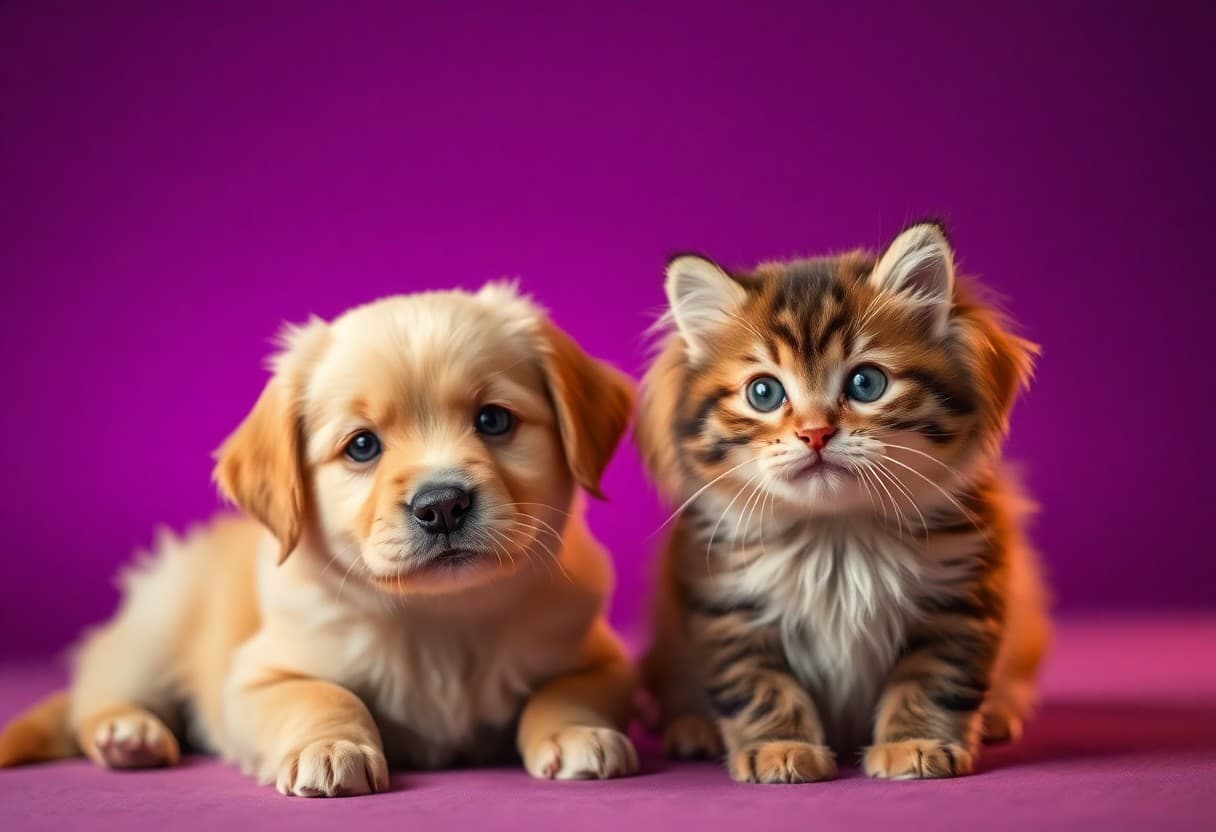
Your dog gives you that look. You know the one. The head tilt, the side-eye when the food bowl is empty two whole minutes early. And you think: if only he could talk, he would have SO much to say.
Good news. You can make that happen in a couple of minutes, from a single photo, and send it straight to the family group chat. This guide walks you through making a talking pet video, whether you want to make your dog talk, make your cat talk, or give the goldfish a dramatic monologue.
What a talking pet video actually is
A talking pet video takes a normal photo of your pet and animates its mouth so it looks like it's speaking your words, in a voice you pick. No cameras rolling, no waiting for your cat to cooperate (they never do), no editing software. You upload one picture, type a line, choose a voice, and out comes a short clip.
That's the whole trick behind a good talking pet video maker: it's really a photo lip-sync tool pointed at something fluffy. If you've ever seen a talking avatar video of a person, this is the same idea, just with more whiskers.
Step 1: Pick a clear pet photo
The photo does most of the heavy lifting, so this step matters more than any other. You want a picture where the app can clearly find your pet's face and mouth.
A few quick rules for the best result:
- Front-facing. Your pet should be looking roughly toward the camera. A full side profile is hard to animate because the mouth is barely visible.
- Face clearly visible. No paw over the nose, no half-hidden-under-the-blanket shots (cute as they are).
- Good light. A bright, in-focus photo beats a dark blurry one every time. Natural daylight near a window is perfect.
- One pet per photo if possible. If your dog and cat are piled together, crop to whichever one you want to "talk."
Don't overthink it. That normal phone photo from last Tuesday is probably fine. If the first result looks a little off, just swap in a clearer, more front-on picture and try again.
Step 2: Write a short, funny line
This is the fun part, and the golden rule is simple: shorter is funnier. One or two sentences land way better than a paragraph. Think of it like a caption your pet would post, not a speech.
Write in your pet's "voice." What are they secretly thinking? What would they complain about? The best lines are the honest ones every pet owner already suspects.
Here are three to get you started:
- The entitled dog: "I have been waiting FOUR hundred years for this walk. Four hundred. I counted."
- The unbothered cat: "No, I did not knock the cup off the table. It jumped. I watched it happen. Tragic, really."
- The dramatic reunion: "You were gone for SEVEN minutes. Seven. I thought you had started a whole new life without me."
Notice the pattern: a small everyday moment, exaggerated way out of proportion. Empty food bowls, the vet, the mail carrier, the vacuum, the fact that you dared to leave the house. Pick a real quirk your pet has and turn it up to eleven. That specificity is what makes people in the group chat actually laugh. Need more material? Our talking pet video ideas list has lines for birthdays, holidays, and everyday chaos.
Keep it clean and keep it kind. A talking pet video is meant to be a fun, harmless joke among friends and family, not a way to put fake words in a real person's mouth.
Step 3: Pick a voice
The voice is half the joke. The same line can go from cute to hilarious just by mismatching the voice to the pet.
Some combinations that always work:
- A deep, serious voice on a tiny chihuahua or a kitten.
- A posh, dramatic voice on a scruffy mutt who clearly does not deserve it.
- A sweet, gentle voice on the grumpiest-looking cat you've ever seen.
Play with the mismatch. A giant, intimidating dog with a soft, timid little voice is comedy gold. You can pick a voice you like, and if it doesn't land, try another one and generate again. And if talking isn't enough, you can make your pet sing — a ballad from a bulldog is peak group-chat content.
TalkPix supports around ten languages, so if your family chat runs in Spanish, Portuguese, or Turkish, your pet can deliver the punchline in the language everyone will actually get.
Step 4: Render, then share
Your talking pet video comes back as a clean, watermark-free MP4. Watch it, laugh, and check whether the timing and voice feel right. If the mouth movement looks a little off, that's usually a sign to go back to Step 1 and pick a more front-facing photo.
When you're happy, download it and share it wherever your people are:
- The family group chat (the natural home of the talking pet video)
- A quick post or Story on Instagram, TikTok, or Facebook
- A reply-all to that thread where everyone posts their pets
Because the finished clip is short and vertical-friendly, it drops straight into social apps without extra editing.
What it costs (and what it doesn't)
Here's the part people appreciate: there's no subscription required. You don't sign up for a monthly plan just to make your cat talk one time.
TalkPix uses one-time credit packs starting at $5. The Mini pack includes 50 credits, and a 10-second 720p Talking Photo video uses about $1 in credits. Payment is required before generation; a subscription is not required, and credits never expire.
And to say it once more clearly: there is no trial tier here. Nothing generates until you pay — but the entry price is about two dollars, once, for a video you keep.
Quick tips for a better result
- If the first try looks stiff, swap the photo before you rewrite the line. The photo matters most.
- Match the energy of your line to the length. A punchy one-liner beats a rambling monologue every time.
- Save the good ones. A talking pet video ages into a keepsake, especially of pets who've grown up or grown old.
Ready to make your pet talk?
That's really all there is to it: one clear photo, one funny line, one voice, and about two dollars. If you want more ideas beyond pets, the same tool powers everything from an AI birthday video for a friend, to a talking photo message for faraway family, to the human talking avatars people use for work — pets are just the most fun place to start.
TalkPix requires payment before AI generation. Eligible new customers can render their first Talking Photo — up to 20 seconds at 720p, typed script — for $1.99 one-time. Reusable credit packs start at $5 and credits never expire.