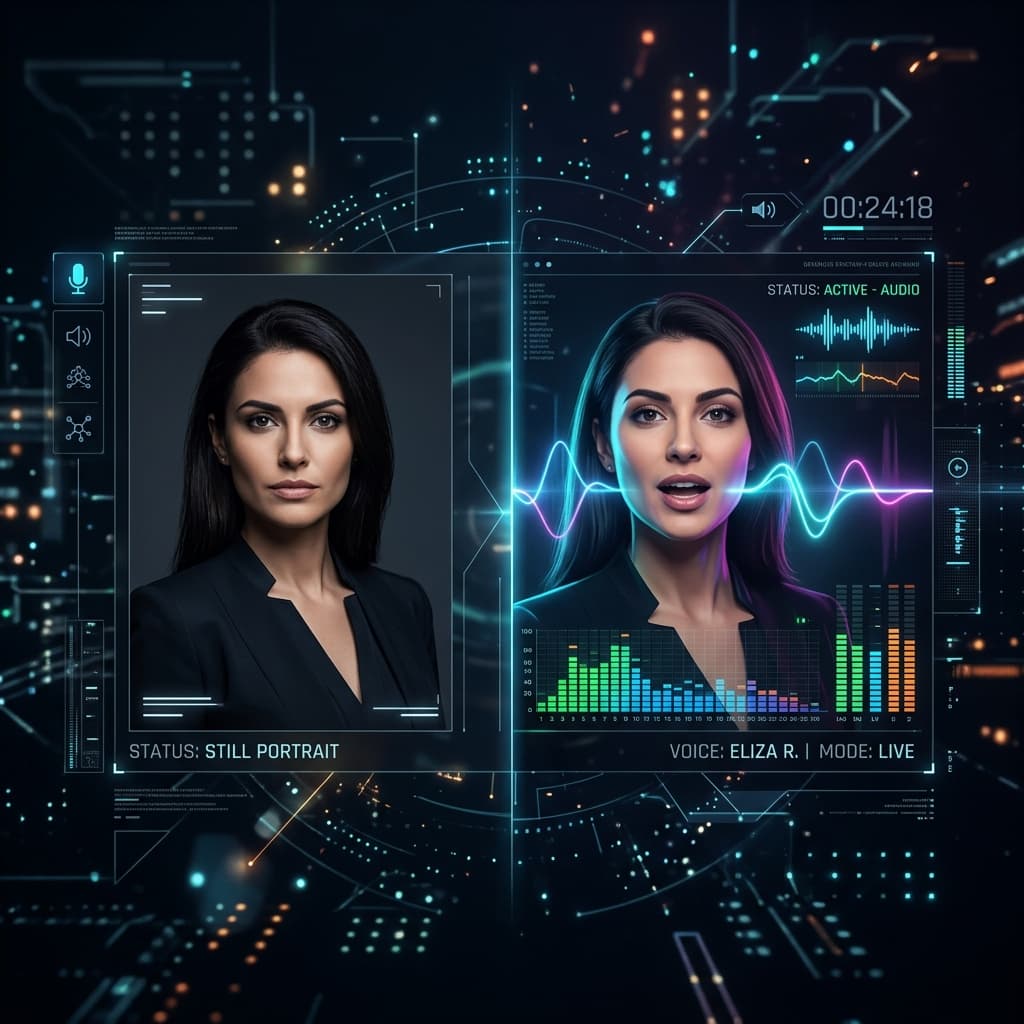
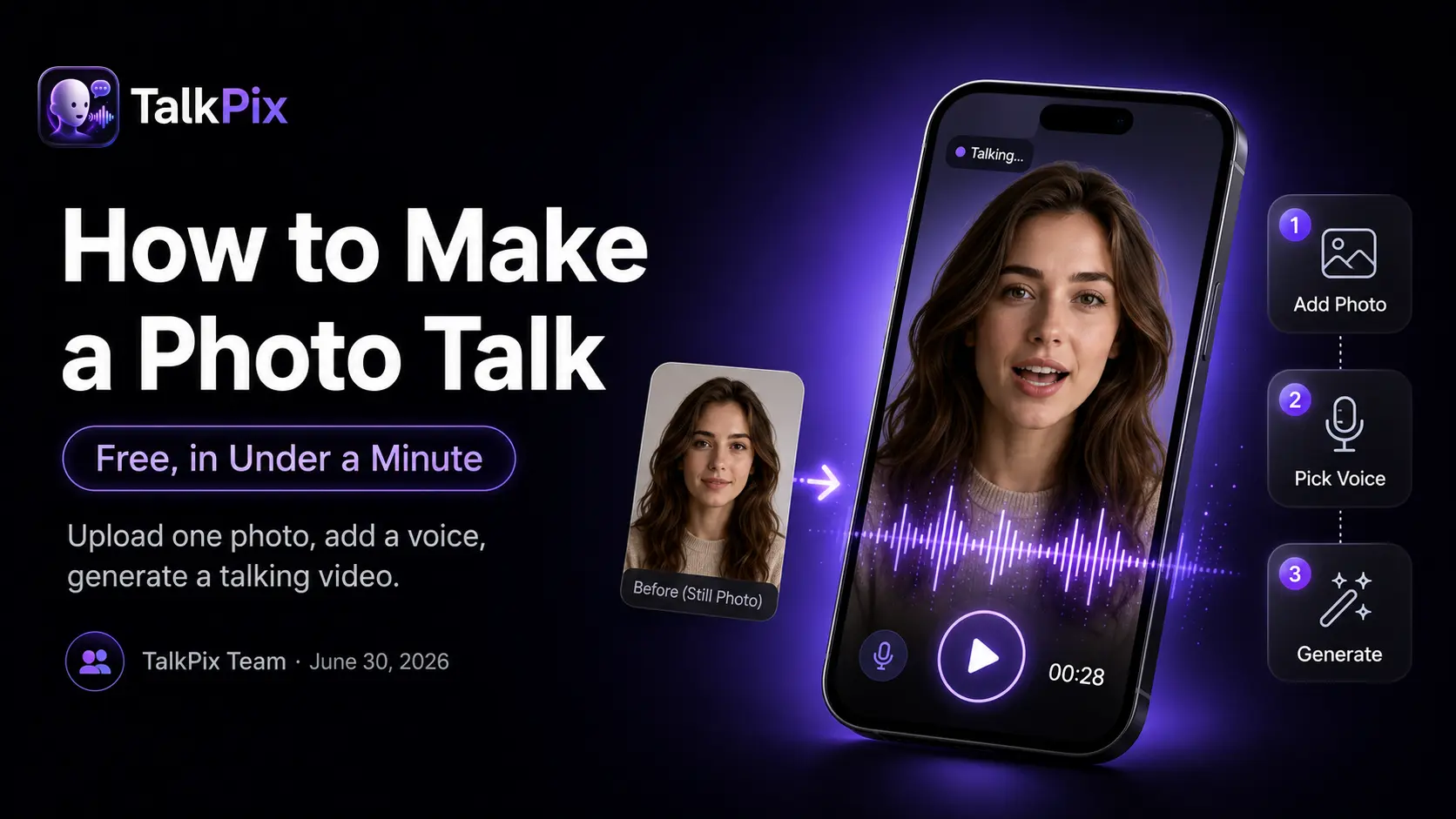
How to Make a Talking Photo: Photo to Script to HD Video
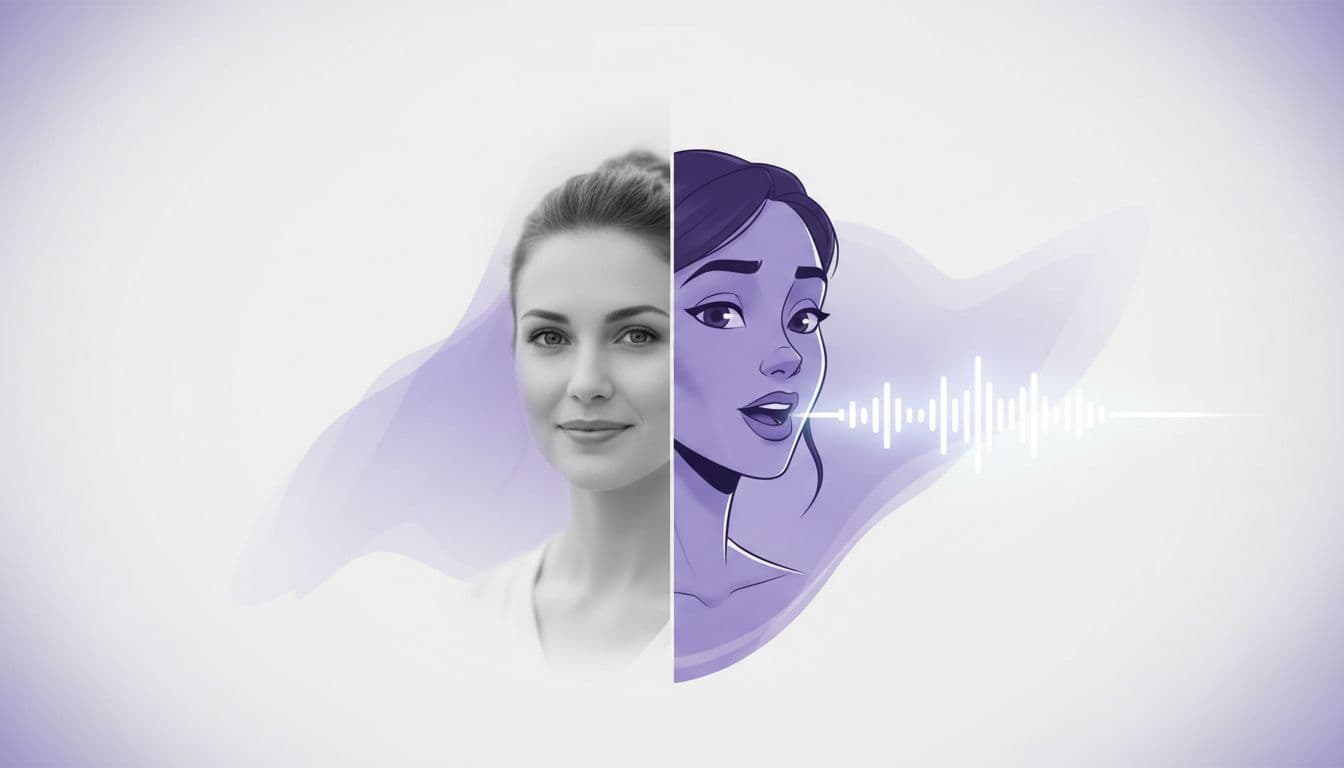
Learn how to make a talking photo in four simple steps: upload a photo, add a script or audio, check your setup, then export an HD talking avatar video. No camera, no studio, no editing app. Just a still image and the words you want it to say.
The whole flow lives in the TalkPix talking photo generator, and this guide walks through it start to finish so you know exactly what happens at each step.
Step 1 — Upload a photo
Start with one clear photo. It can be a person, a pet, or even an object — the tool animates whatever face is in the frame. For the cleanest result, pick an image with:
- One face, looking toward the camera. Group shots and steep side angles are harder to animate.
- Even lighting. Heavy shadow across half the face hurts lip sync.
- Good resolution. A crisp headshot beats a tiny crop pulled from a bigger picture.
- A relaxed expression. A closed or slightly parted mouth animates more cleanly than a wide grin.
Drag your image in and you're ready for the fun part.
Step 2 — Add a script or your own audio
Now you decide what the photo says. There are two ways to do it.
Type a script. Write what you want the face to speak and pick a natural AI voice. TalkPix offers voices in 10+ languages, so the same photo can speak English, Spanish, and more. Write the way people talk — short sentences, one idea at a time. Read your draft out loud first; if you stumble, the avatar will too. If you'd rather not start from a blank page, the script template library has ready-made openers for intros, promos, and greetings.
Upload your own audio. Already have a recording? Skip the AI voice and let the tool lip-sync the photo to your voice. This is the move when you want your real voice, a specific accent, or audio you recorded yourself.
Either way, the face will move its lips to match the words. If you want more inspiration for what to say, our talking photo ideas post has plenty of starting points.
Step 3 — Check your setup
TalkPix charges before it renders, so the review happens here, on the setup screen. Nothing you change at this stage costs anything — only generating does.
Catch the small things now: Does the voice you picked suit the face? Is the script the right length for the pacing you want? Is the photo front-facing and sharp enough to animate cleanly? Swapping the photo, rewriting a line, or picking a different voice costs nothing at this point, and this step is where a good talking photo becomes a great one.
Step 4 — Export your HD talking avatar video
TalkPix uses one-time credit packs starting at $5. The Mini pack includes 50 credits, and a 10-second 720p Talking Photo video uses about $1 in credits. Payment is required before generation; a subscription is not required, and credits never expire.
Commercial use is included, so the video is yours to post on social, drop into an ad, add to a course intro, or send as a personal message. No watermark surprises, no extra license to buy.
What it costs
Pricing is refreshingly simple. You pay per second in credits: 1 credit = 1 second of Talking Photo video at 720p. Packs are one-time purchases starting at $5, and credits never expire — a subscription is not required, and a credit pack has no renewal to cancel. You buy what you need, and unused credits stay in your account for next time. You can see the full breakdown on the pricing page.
Because you pay by the second, rendering a short clip first is a cheap way to sanity-check a new photo or voice, then go longer once it looks right.
A quick recap
Making a talking photo comes down to four moves:
- Upload a clear photo.
- Add a typed script (with an AI voice) or your own audio.
- Check the photo, voice, and script, and adjust until it's right.
- Export your HD talking avatar video.
That's it — no filming, no editing timeline, no learning curve. Whether you're animating a headshot, a family portrait, or a product shot, the steps are the same — and the same four moves power every industry workflow on the use cases page, from agent intros to clinic welcomes.
TalkPix requires payment before AI generation. Eligible new customers can render their first Talking Photo — up to 20 seconds at 720p, typed script — for $1.99 one-time. Reusable credit packs start at $5 and credits never expire.
Make your first talking photo
Credit packs start at $5, a 10-second 720p video uses about $1 in credits, and a subscription is not required.
Open the talking photo generator