AI News Anchor Videos: 7 Formats That Actually Work
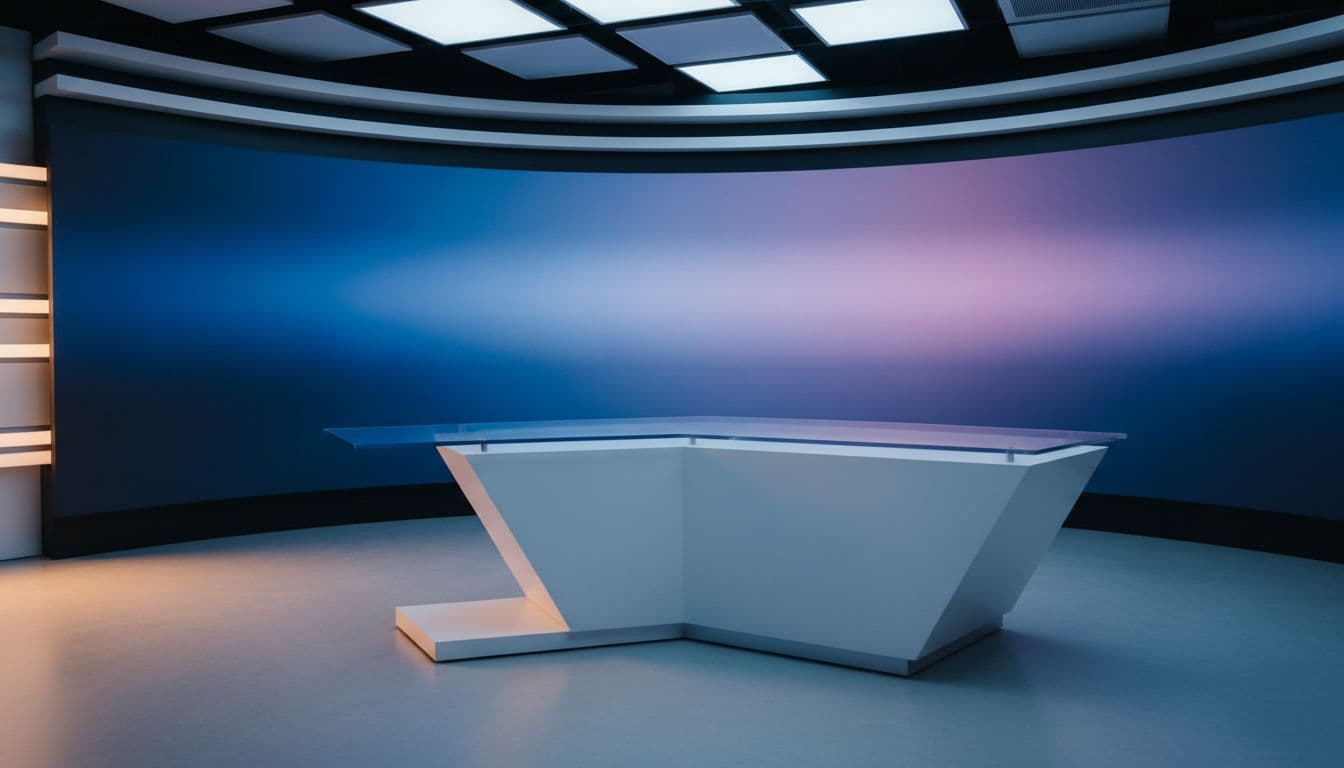
There is a reason every parody, announcement, and recap eventually reaches for the news-desk format: it borrows fifty years of broadcast authority. Put an anchor behind a desk and whatever they say — a company update, a joke, a wedding announcement — instantly sounds official. AI lets you create the format without filming a presenter; generation still uses paid credits. Here are seven ways people are actually using it, and how to make your own.
1. The niche news recap
Crypto, one football club, your city's food scene — pick a niche and deliver a 30-second "bulletin" on a schedule. The anchor gives a faceless channel a face, and the recurring format trains viewers to come back. Keep the same presenter every episode so the "show" feels real.
2. The company update people actually watch
Nobody reads the weekly update email. A 30-second newscast — "Top story: the Q3 launch moved to Tuesday" — gets watched, because the format is familiar and short. Teams use it for release notes, policy changes, and all-hands recaps.
3. Breaking news about very small things
The comedy version: full broadcast gravity applied to zero-stakes domestic events. "Breaking: dishwasher unloaded by resident who will mention it for days." The contrast between tone and topic is the joke, and it lands reliably.
4. The classroom newsroom
Teachers turn student reports into news segments — history delivered as "live coverage," science projects presented from the desk. Students write the copy; the anchor reads it. It is the rare format that makes presentations fun to make and fun to watch.
5. Event announcements
Weddings, launches, reunions, birthdays: "We interrupt your feed for this announcement." An anchor delivering the date and venue is more shareable than a static invite, and it plays everywhere — group chats, stories, big screens at the party.
6. The multilingual bulletin
The same anchor can present in more than ten languages, so one announcement can go out in English, Spanish, and Portuguese with identical framing. Useful for community groups and any audience that spans borders — pair it with a multilingual avatar workflow if consistency across languages matters to you.
7. The product changelog
Software teams read release notes to camera: "New this week: dark mode. Users report feeling 20% more mysterious." Shorter than a demo video, more watched than a wall of bullet points.
How to make one (about three minutes)
- Open the News Anchor studio. It ships with a diverse cast of ready-made anchors seated at a news desk — every one of them AI-generated, so there are no likeness or licensing worries.
- Type your story. Lead with the headline sentence, add two supporting lines, end with a sign-off. Short sentences read most like broadcast.
- Pick a professional voice — and a language, if the bulletin is not in English.
- Generate, then download the HD MP4. Credits start at $5 with 1 credit = 1 second of Talking Photo video at 720p, no subscription required.
Writing tips from the newsroom
- Front-load the headline. The first sentence should work on its own.
- Numbers beat adjectives. "Three new flavors" outperforms "exciting new flavors."
- End with a sign-off. A consistent closer ("Back to you.") is what makes episode two feel like a show.
Give your story the desk it deserves — open the News Anchor studio and go on air.