Why Captions Make Talking-Photo Videos Perform Better (and How to Add Them in One Click)
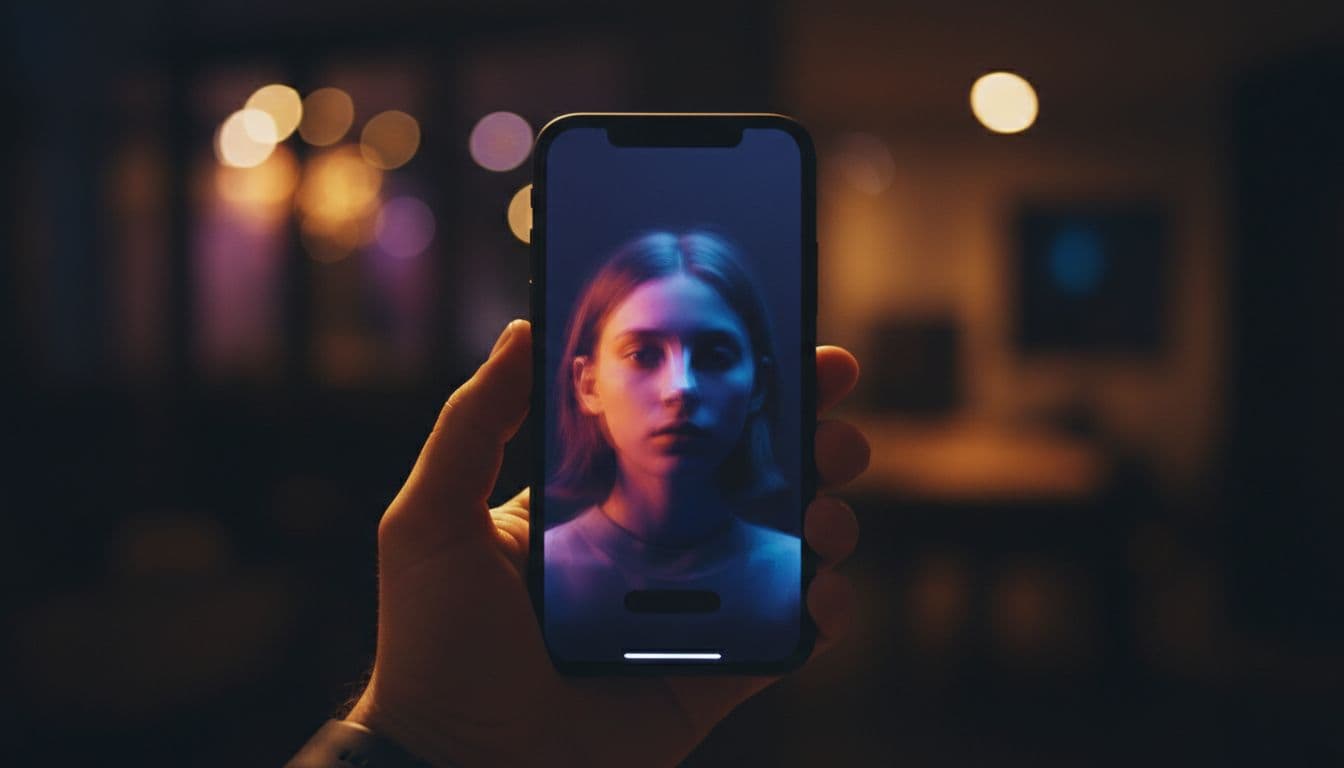
Here is an uncomfortable truth about the video you just made: a large share of the people who see it will first meet it on mute. Feeds autoplay silently; offices, commutes, and 2 a.m. couches keep it that way. If your talking photo only works with sound, you lose those viewers in the first second — they scroll before they ever unmute.
Captions fix that, and TalkPix now burns them in for you with a single toggle.
Why burned-in captions work
- They rescue the muted view. The viewer reads the first line, gets the hook, and then unmutes. Without text, silence looks like nothing happening.
- They add a second anchor for attention. Watching a face while reading its words doubles engagement with the same content — it is why TikTok-native creators caption nearly everything.
- They make the video accessible. Deaf and hard-of-hearing viewers, non-native speakers, anyone in a loud room: captions widen who your video works for.
- They survive every platform. Burned-in text travels with the file — WhatsApp forward, Instagram story, embedded on a site — no platform captioning settings required.
"Burned-in" is the key word: the text is rendered into the pixels, so it cannot be turned off, mispositioned, or dropped by a re-upload.
How to add captions in TalkPix
In the Talking Photo studio, write your script as usual, then flip the Captions toggle on before generating. That is the whole tutorial:
- Upload a photo (or pick a ready-made avatar).
- Type the script and choose a voice.
- Switch Captions on.
- Generate and download.
Your script is broken into short, readable lines and rendered TikTok-style — white text on a soft dark chip, bottom-center, sized to the frame — paced evenly across the video. The toggle is free: it does not cost extra credits.
One honest note on scope: captions come from your typed script, so they are available in script mode. If you upload your own audio instead, there is no text to burn — record-your-voice videos ship caption-free for now.
Writing scripts that caption well
Since the captions mirror your script, a few writing habits pay off twice:
- Front-load the hook. The first caption line is what a muted scroller judges you on. "I have three things to say about your houseplants" beats a slow windup.
- Short sentences. They read as clean caption lines and sound more natural spoken.
- Numbers and names pop in text. "3 mistakes" and "Sarah, this is for you" grab the reading eye faster than adjectives.
- End with a line worth reading. The last caption is your call to action, on-screen, even on mute.
When to leave captions off
Not every video wants text. Skip the toggle when:
- The video is a personal keepsake — a memorial tribute or a quiet family message often reads better clean.
- The visual is the point and text would cover it.
- You plan to add platform-native captions with custom styling in a video editor afterward.
For everything meant to stop a scroll, though, the math is simple: muted viewers are real viewers, and captions are how you keep them.
Try it on your next video — the toggle is waiting in the studio.