How to Write a Song with AI (Lyrics, Vocals, and All)
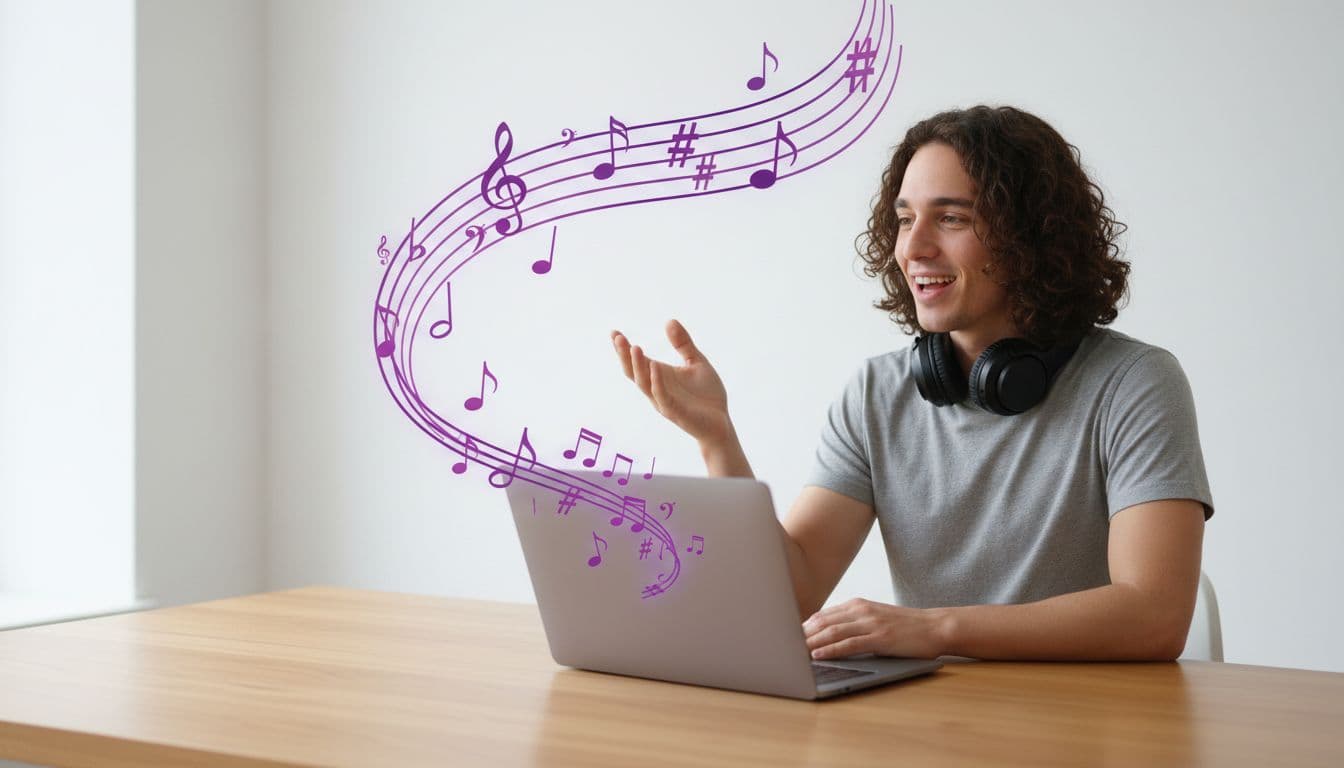
You can write a complete song — lyrics, vocals, instruments, structure — by describing it in a sentence. Not a loop, not a backing track: an actual song with someone singing words that did not exist before you asked.
The part that surprises most people is how little you have to know about music. You do not need to name a chord progression or read notation. You need to describe what it should feel like, and be specific about a few things that matter more than the rest.
Here is how to do it well.
What "writing a song with AI" actually means now
A song generator takes two things: a description of the style, and optionally the lyrics. It gives back a finished audio file, usually between two and four minutes long, with a sung vocal over real-sounding instrumentation.
If you leave the lyrics blank, they get written for you from your description. If you write them yourself, the melody is built around your words instead. Both paths produce the same kind of finished track.
What you get is audio — an MP3 you can play, download, and keep. Turning that song into a video is a separate step, and we will come back to it at the end.
Step 1 — Describe the style, not the song
The single biggest mistake is describing the subject and forgetting the sound.
"A song about my sister" tells the model nothing about what it should sound like. It will guess, and the guess will be generic.
Compare:
A song about my sister
Acoustic singer-songwriter, 100 BPM, warm female vocal, fingerpicked guitar and light percussion, affectionate and a little nostalgic — a song about a sister who moved away
The second one produces something you would actually keep. It answers four questions the first one leaves open: what genre, how fast, who is singing, and what mood.
Step 2 — Include the four things that change the output most
If you only remember four levers, make it these.
Genre. Pop, acoustic, hip-hop, orchestral, lo-fi, showtune, lullaby. This does the heaviest lifting of anything you can write.
Tempo. Give a BPM if you know one. If you do not, a word works: "slow and spacious", "mid-tempo", "driving". As a rough guide, a ballad sits around 70 BPM, mid-tempo pop around 100, dance around 125.
Vocal. "Male vocal", "female vocal", "soft breathy vocal", "big belting vocal", "child-like vocal". Without this the model picks for you, and it is the thing people most often want to change afterwards.
Mood and occasion. "Joyful", "melancholic", "triumphant", "tender" — plus the actual occasion if there is one. "For a 60th birthday" or "for a wedding first dance" shapes both the lyrics and the arrangement.
A key also helps if you have a preference: "E minor" reads as darker, "C major" as brighter. It is optional, but it costs you three words.
Step 3 — Decide who writes the lyrics
There are three honest options, and they suit different situations.
Let the song write them. Leave the lyrics field empty. Fastest path, and it works well when the song is atmospheric or the exact words do not matter much.
Write the lyrics with AI first, then edit. This is the option most people should pick. You get the words back as text, you read them, you fix the two lines that are wrong, and then you generate the music around your edited version. It costs a fraction of what the song does, and it is the difference between a song that mentions a name and a song that gets the name right.
Write them yourself. Paste your own words. Use section tags on their own lines — [Verse], [Chorus], [Bridge], [Outro] — to control the arrangement, and separate lines with line breaks. Keep it tight; a short, well-structured lyric produces a better song than a long rambling one.
Here is the shape that works:
[Verse]
Two lines that set the scene
Two lines that say what changed

[Chorus]
The line you want them to remember
Said again, slightly differently

[Bridge]
The turn — the thing you have not said yet

[Outro]
Land it
Step 4 — Generate, listen, and iterate on the description
The first song will be close. It is rarely the one you keep.
When something is off, change the description rather than starting over conceptually. Small edits move the result a lot:
- Vocal is wrong → name the voice explicitly ("warm male vocal", "bright female vocal")
- Too fast or slow → give a specific BPM instead of a word
- Too busy → name fewer instruments, add "sparse arrangement"
- Too generic → add the occasion, the name, the specific detail
Each generation is a fresh song at the same flat price, so iterating is a normal part of the process rather than a failure.
What it costs
A song is a flat price no matter how long it turns out — a two-minute track and a four-minute track cost the same, because the model charges per song rather than per second. At TalkPix that is 20 credits, and one-time credit packs start at $5 with no subscription required. Writing the lyrics separately with AI first is 1 credit.
That flat pricing is worth understanding, because it changes how you should use it: there is no reason to ask for something short. Ask for the whole song, then cut it down later if you only need a piece.
Turning the song into a video
Once you have a track you like, it is saved to your audio library, and you can put a face to it.
Pick any photo — yourself, a pet, a cartoon character, a portrait of someone whose birthday it is — and the face performs your song, lip-synced to the vocal. That is a singing photo video, and it is the reason a lot of people write the song in the first place.
Worth knowing before you do: video is billed by length, per second. So a full four-minute song makes a long, expensive video. If the video is the goal, cut the song down to a 15–30 second clip first — a chorus is usually the right piece.
Common questions
Do I own the song? Yes. It is generated for you rather than licensed from a catalogue, so you can post it, use it commercially, or put it behind client work.
How long does it take? A few minutes. It is slower than generating an image because it is producing several minutes of audio with a sung vocal.
Can it sing in my language? Write the description and the lyrics in that language and it follows. Results are strongest in English, and quality varies by language.
Can I use a real artist's voice or an existing song? No, and you should not try. Write something original — that is the whole point, and it is what makes the result yours to use.
Start with one sentence
Pick an occasion, write one specific sentence about how it should sound, and generate. The gap between "I cannot write music" and "I have a song about this" is now about three minutes.
Write your first song
Describe the style, let AI write the lyrics, and get a full original track with real vocals — yours to download and keep.
Write a song