How to Make a Talking Pet Video (Ideas People Actually Share)
A talking pet video is one of the most reliably shareable things you can post: your own cat "explaining" why it knocked the glass off the table, or your dog delivering a birthday message in a suspiciously formal voice. You don't need an app full of stickers or a filter that barely tracks the face — a simple talking photo app, one clear photo, and a short script are enough.
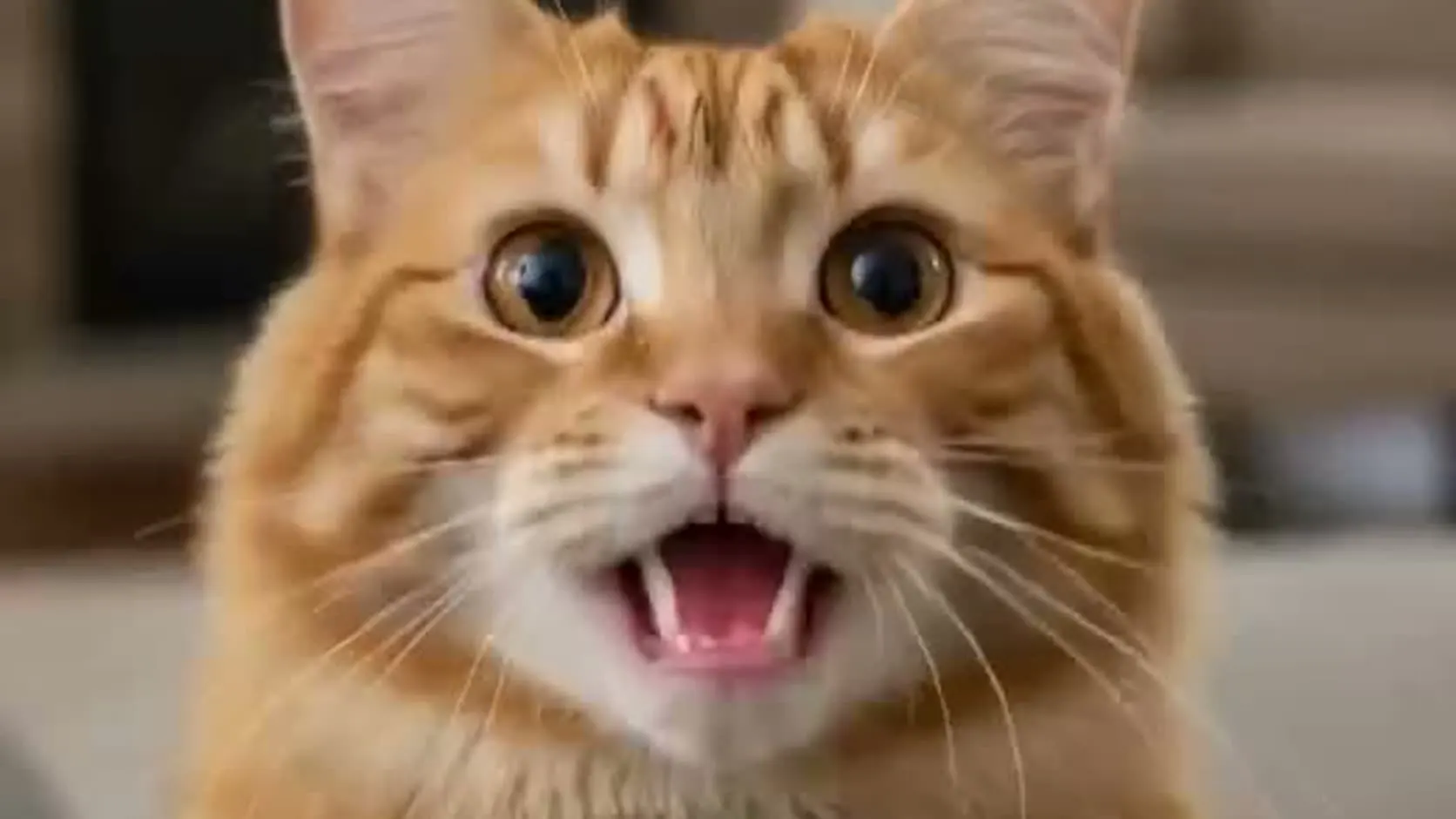
Here's a real example generated from a single cat photo:
What makes a pet photo work
Pet faces are different from human faces, but the same rules from our general talking-photo guide apply, with a couple of pet-specific tweaks:
- Face the camera. A head-on shot animates far better than a profile.
- Mouth area visible. Long fur covering the muzzle makes the lip sync mushier; brush it aside or pick another photo.
- One pet per photo. The animation locks onto a single face.
- Good light. A window-lit shot beats a dim couch photo every time.
Dogs, cats, rabbits, birds — anything with a recognizable "front" works. That's the same engine behind our talking pet video tool.
Script ideas that land
The comedy of a talking pet video is in the gap between how the pet looks and what it says. Some starting points:
- The confession. "Yes, it was me. The plant never stood a chance. I would do it again."
- The formal complaint. "Management has reduced dinner by four minutes. This is unacceptable."
- The birthday message. Your pet "personally" wishing a friend or family member a happy birthday — this pairs perfectly with an AI birthday video.
- The house rules. A new-puppy announcement or a "rules of my house" reel from the cat's point of view.
- The song. Upload a short chorus instead of a script and make your pet sing — a dog belting the birthday song is peak group-chat material.
Keep it under 15 seconds for the first try. Short and punchy gets rewatched; rewatches are what social algorithms reward.
Step by step
- Upload the photo to the TalkPix studio — or start from the talking pet video page.
- Type the script (or upload your own voice memo — the pet lip-syncs to your real audio).
- Pick a voice. A deep, serious voice on a tiny kitten is a classic for a reason. There are 30 voices across 10 languages.
- Credit packs start at $5. The Mini pack includes 50 credits; a 10-second 720p video uses about $1 in credits.
Make your pet talk
Credit packs start at $5, a 10-second 720p video uses about $1 in credits, and a subscription is not required.
Create a talking pet videoWhat it costs
Pricing is per second: 1 credit = 1 second of Talking Photo video at 720p, and packs start at $5. A typical 10-second pet clip costs about a dollar. no subscription required, and credits never expire — so one pack covers a lot of confessions.
Where talking pet videos perform best
- Instagram Reels and TikTok — vertical, short, sound on.
- Birthday and holiday greetings — a pet delivering the message beats a text every time.
- Pet business content — groomers, sitters, and pet shops use them as low-effort, high-charm posts.
Keep going
- How to make any photo talk — the full guide
- Make an AI birthday video from a photo
- Lip-sync a photo to your own voice
Got the photo already? Turn it into a talking pet video →