How to Make a Photo Talk in Turkish with Your Own Audio
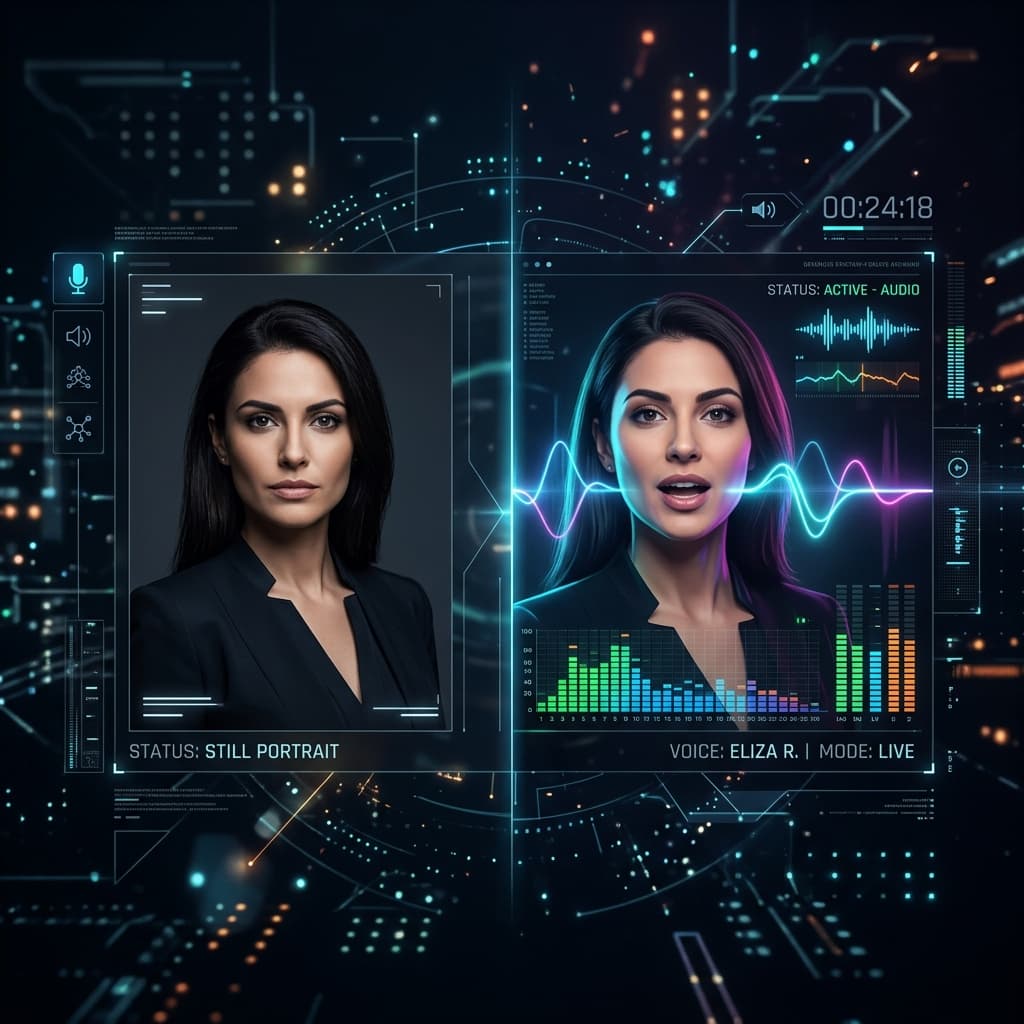
You can make a photo speak Turkish by uploading a Turkish speech recording or recording your own voice in TalkPix's audio mode. The recording provides the language, words, and accent; the model animates the portrait to that audio. Turkish is not in the current built-in typed-script AI voice catalogue, so do not look for a Turkish text-to-speech voice in that selector.
How do I prepare Turkish speech for a talking photo?
Record the exact words you want the portrait to say, using one speaker in a quiet room. Listen to names, pronunciation, volume, and pauses before uploading. The audio mode uses your existing speech rather than translating it or reading a separate Turkish script.
Write a short message first if it helps you record naturally. For example:
Merhaba Ayşe. Doğum günün kutlu olsun. Yeni yaşında sana sağlık ve mutluluk diliyorum.
This is a suggested recording script, not an example of a built-in Turkish AI voice. Get consent for the voice and the photo you use.
1. Choose a portrait
Use a sharp, front-facing photo with even lighting and a clear view of the mouth. Only animate an image you own or have permission to use. Avoid presenting an AI-generated message as a genuine recording of the pictured person.
2. Open audio mode and add the recording
Open Talking Photo in audio mode. Upload the portrait, then upload your Turkish audio file or record your voice in the studio. MP3, WAV, M4A, AAC, OGG, WebM, and FLAC uploads are supported, up to 25 MB per file. Keep the recording free of overlapping speech and unnecessary silence.
3. Choose resolution and confirm the credit estimate
Talking Photo supports recordings up to five minutes at 720p or two minutes at 1080p. The higher resolution uses twice the credits per second. Audio mode uses reusable credits and does not qualify for the typed-script first-video offer.
| Option | Cost or condition |
|---|---|
| Price basis | Examples use web list prices in USD, without discounts. Checkout shows the final amount and currency before payment. |
| Minimum reusable pack | $5 for 50 credits; purchased credits do not expire. |
| 10-second video at 720p | 10 credits ($1.00 of the Mini pack's value). This is a per-video credit cost, not a separate cash checkout. |
| 10-second video at 1080p | 20 credits ($2.00 of the Mini pack's value). This is a per-video credit cost, not a separate cash checkout. |
| Duration limit | Talking Photo supports typed text, uploaded audio, and recordings up to 5 minutes at 720p or 2 minutes at 1080p. |
| Final charge | Based on actual rendered duration, rounded up to a whole second. The pre-generation estimate can differ from the final credit charge. |
| First-video offer | Uploaded or recorded audio does not qualify for the typed-script first-video offer. Use reusable credits for your own voice. |
Check the current credit packs and the estimate in the studio before paying.
4. Generate and review the MP4
Confirm payment or use sufficient credits, then generate the clip. Processing time varies. Play it with sound and check mouth timing, facial distortion, and the start and end of the recording. Download the MP4 when it is suitable. If you record new audio and render again, that is another paid generation.
Make a photo speak your Turkish recording
Use one-time credit packs from $5. A 10-second Talking Photo at 720p uses about $1 of Mini-pack credits; 1080p uses twice the credits. Payment is required before generation.
Open audio modeDoes a Turkish recording need voice cloning?
No. A Turkish recording already contains the speech the photo will follow. Voice cloning is a separate workflow for creating a reusable synthetic voice. You do not need it to animate a portrait to words you have already recorded.
Can I animate a historical person's photo in Turkish?
Only when you have the necessary image rights and comply with consent, likeness, and disclosure rules. A historical subject is not an automatic permission to use an image or impersonate a voice. Clearly distinguish a generated interpretation from an authentic recording.
For more detail, use the audio lip-sync guide, current pricing, and the consent and disclosure guide.