DIY: Make an AI Birthday Video from a Simple Photo
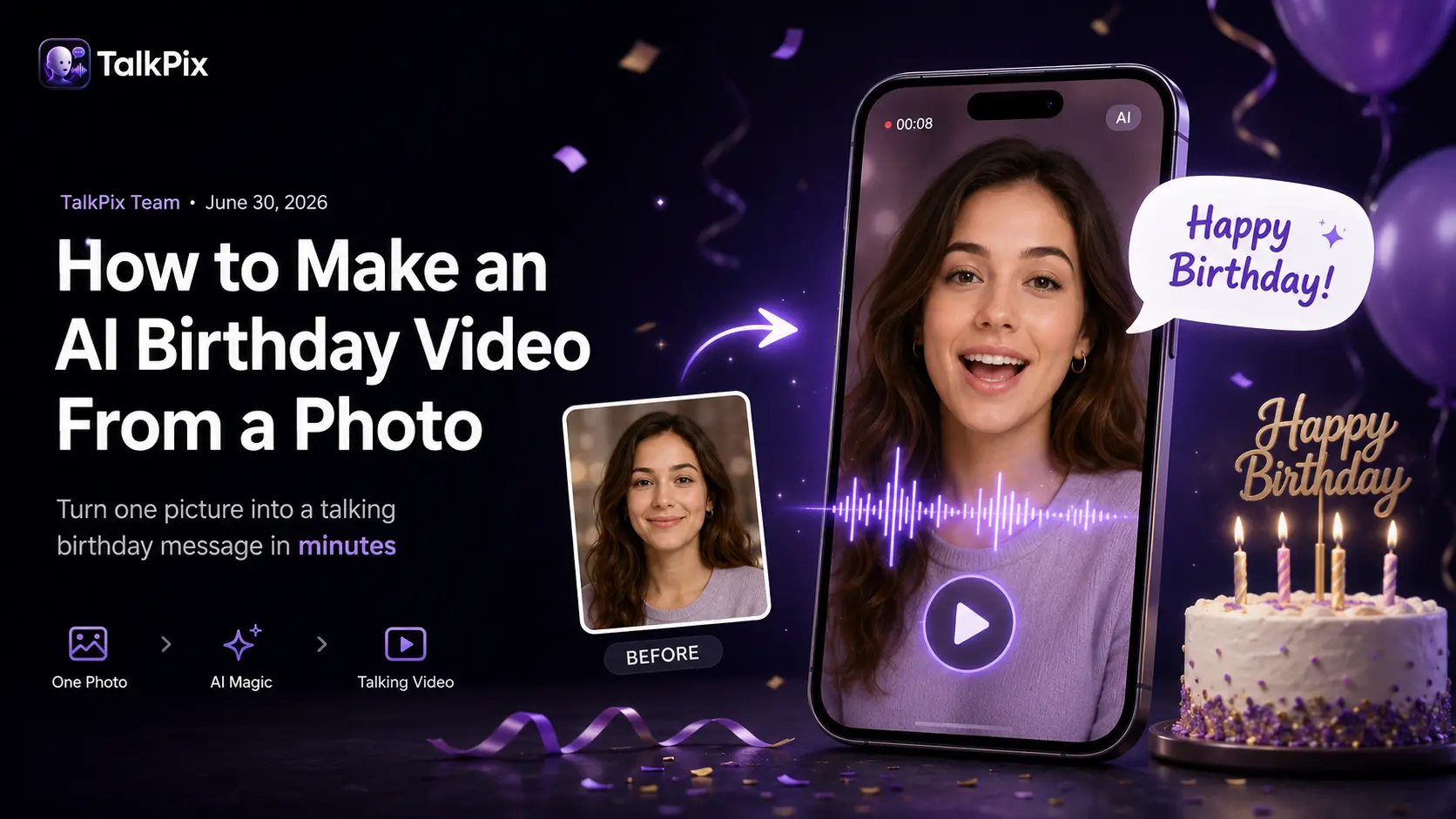
A text that says "happy birthday" is forgotten in seconds. An AI birthday video — a photo that speaks the message in a real voice, with the face moving — is the kind of thing people screenshot and keep. And you can make one from a single picture in a few minutes, no editing skills required.
Here's the idea, made from one still photo:
If you're brand new to this, start with the basics in how to make a photo talk — this guide builds on it for the birthday use case specifically.
Step 1 — Choose the photo
The fun part of a birthday clip is that almost anything can deliver the message:
- A current photo of the birthday person (a friendly, front-facing shot).
- An old photo — a childhood picture "talking" is a great throwback.
- A pet or a toy — perfect for a funny, lighthearted wish.
Use a clear, front-facing image where the whole face is visible.
Step 2 — Write the birthday message
Keep it short and spoken. A few lines that land well:
- "Happy birthday! Hope your day is as awesome as you are."
- A quick inside joke in the person's own "voice."
- A group message — everyone's names, read out loud.
Aim for one or two sentences for your first try; you can always make more.
Step 3 — Pick a voice (or use your own)
Choose an AI voice and language, or record the message yourself and have the photo lip-sync to your real voice. Using your own voice makes it unmistakably personal — see how to lip-sync a photo to your voice for that workflow. Want the wish in another language? The same photo can speak 10 languages.
Step 4 — Generate and share
Check that the photo, script, and voice all look right on the setup screen, then generate the HD clip and download the MP4. Share it in the group chat, attach it to a card, or post it — it plays anywhere.
Make their birthday unforgettable
Create your full video with one-time credit packs from $5 — a 10-second video is about $1. Payment is required before generation.
Create a birthday videoAI birthday video ideas
- Surprise wish — have a parent or partner's photo deliver a heartfelt line.
- Funny pet card — let the family dog do the honors (full guide: talking pet videos).
- Throwback — animate a baby photo to wish someone a happy 30th, or go further back and animate an old family photo.
- Singing card — skip the spoken wish and have the photo sing the birthday song instead.
- In remembrance — for someone who has passed, a gentle birthday-in-heaven video can mark the day with love.
Want more? Our list of AI birthday video ideas goes deeper — ten formats beyond the classic wish.
Frequently asked
Can I make a birthday video from just one photo? Yes — one clear photo plus a short message is all you need.
How fast is it? Most clips render in under a minute.
TalkPix uses one-time credit packs starting at $5. The Mini pack includes 50 credits, and a 10-second 720p Talking Photo video uses about $1 in credits. Payment is required before generation; a subscription is not required, and credits never expire.
Ready to make someone's day? Create a birthday video → or jump straight into the editor.