30 Product Photography Ideas You Can Shoot With One Photo
Running out of ways to shoot the same product gets old fast. You have one or two decent photos, and every listing, ad, and social post ends up looking the same. This post is a running list of product photography ideas you can actually use, organized by scene and by product type, plus a fast way to create each one from a single photo without renting a studio.
The best part: you do not need new props or a photographer to try most of these. With an AI Product Photo Studio, you upload one clear photo, and the tool re-stages that item into a new scene. It is instructed to keep your shape, colors, label, and logo while the background and lighting change.
Product photography ideas by scene
Start with the setting. These scenes work across almost any category, and each one gives a listing a different feel:
- Pure white background — the marketplace standard for search results and Amazon. If your current shots are cluttered, learn how to remove the background from product photos first.
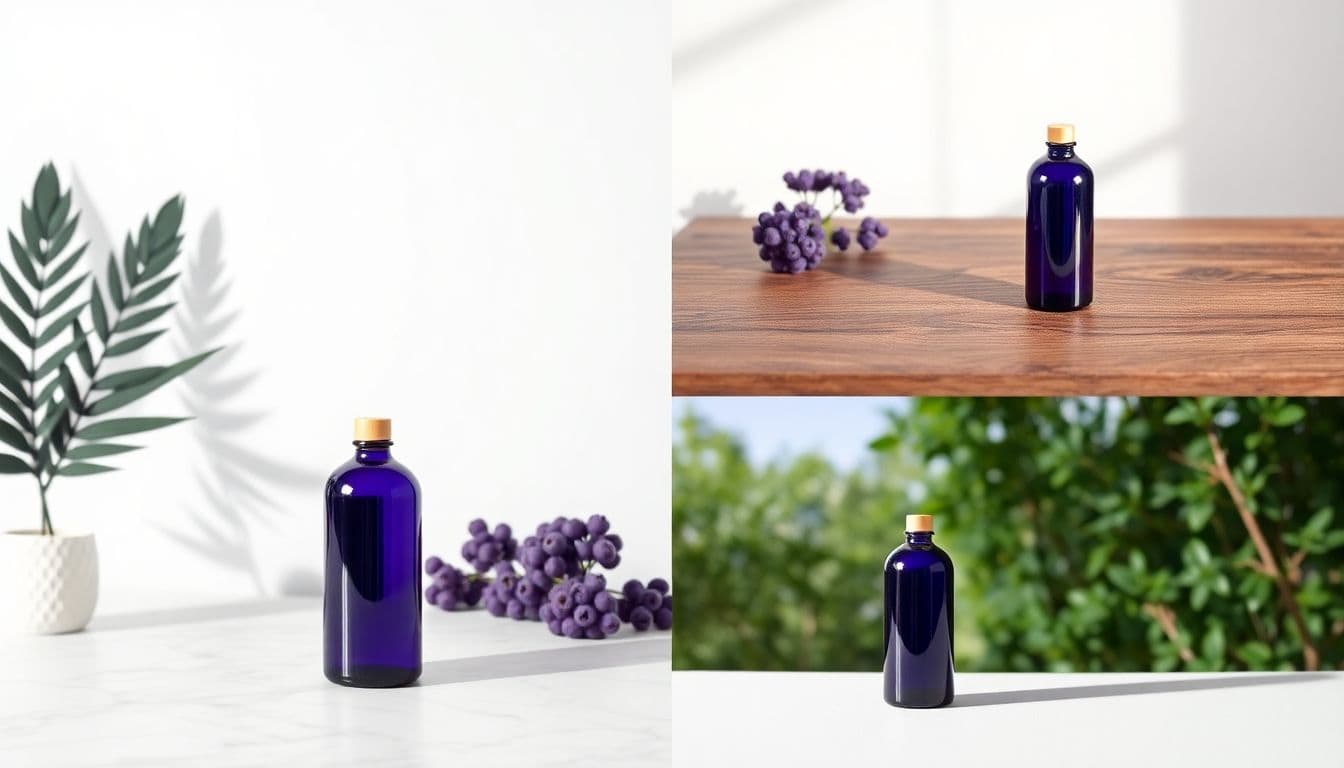
- Marble surface — reads as premium and clean, great for beauty and small luxury items.
- Wood tabletop — warm and rustic, good for food, coffee, and handmade goods.
- Studio gradient — a smooth color fade that keeps all attention on the product.
- Luxury podium or pedestal — elevates a single hero item like a bottle, ring, or gadget.
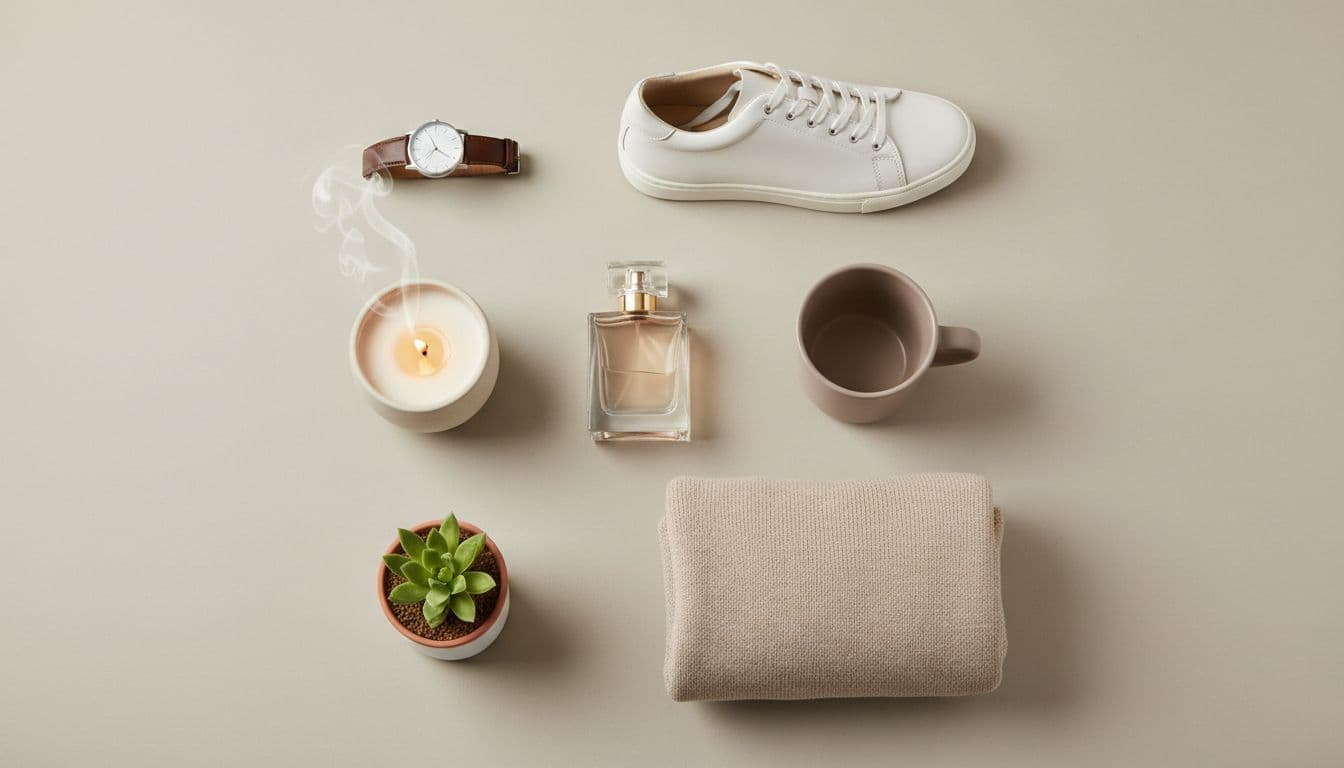
- Flat lay — an overhead shot with a few simple props, ideal for bundles and social feeds.
A simple rule: use a white background for your main listing image, then rotate through two or three of these for secondary photos and ads.
Lifestyle ideas that show the product in use
Plain backgrounds sell the item; a real setting sells the feeling. Lifestyle scenes help a shopper picture the product in their own life:
- A kitchen counter for pantry goods, sauces, and packaged snacks.
- A bathroom vanity for serums, creams, and skincare.
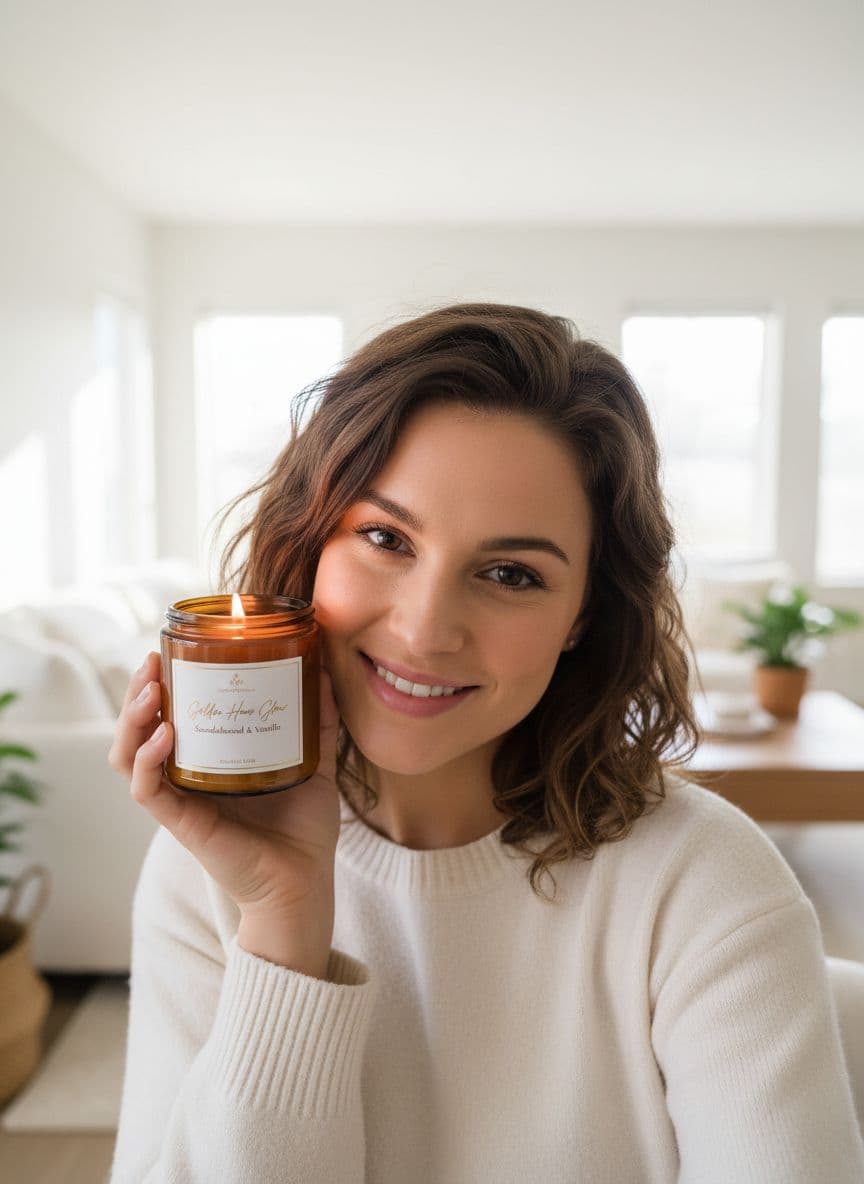
- A cozy home interior for candles, vases, and decor.
- Outdoor daylight for planters, garden gear, or anything used on a patio.
- A botanical setting with greenery to signal natural or plant-based products.
You can build any of these from one photo, and the lifestyle product photography page shows what different settings look like across categories. For a deeper tour of what AI staging can do, the AI product photography overview walks through the full range of scenes, and the AI product photo generator is where you turn any of these ideas into finished, marketplace-ready images.
Ideas by product type
Different products reward different choices. A few quick starting points:
- Beauty and skincare — marble, bathroom vanity, or botanical scenes. Soft daylight sells the routine (makeup product photography covers color cosmetics specifically).
- Food and beverage — kitchen counters and wood tabletops that read fresh and appetizing.
- Jewelry — a luxury podium or studio gradient so the metal and stones stay the focus.
- Apparel and accessories — flat lays and clean studio backdrops that keep textures crisp. More flat-lay setups in the clothing product photography guide.
- Home and decor — cozy interiors and outdoor daylight so buyers imagine the piece in a real room.
- Gadgets and tech — a pedestal or gradient that makes a single device feel like a hero product; electronics product photography has scenes tuned for devices.
Because the studio works from your original photo, the finish, proportions, and label carry through to each scene as closely as the model can manage; check the label in each one.
Ideas for different platforms
Where the photo runs should shape how you crop and stage it:
- Amazon, Etsy, and eBay — a white background at a 1:1 square ratio for the main image.
- Instagram and feed posts — a 4:5 lifestyle scene that stops the scroll.
- Product pages and banners — a 16:9 wide scene for a homepage hero.
- Stories and Reels — a tall 3:4 or vertical crop for full-screen space.
Generating the same product in a few ratios at once means you are covered everywhere without reshooting.
How to create any of these ideas
The workflow is the same no matter which idea you pick:
- Upload one clear, well-lit photo of a single product.
- Choose a scene that matches the mood you want.
- Set the aspect ratio for where the image will run.
- Download the high-resolution, watermark-free file with commercial use included.
Each generated photo costs 3 credits from a one-time credit pack, so testing how your specific product looks in a given scene is a small, per-image cost rather than a commitment. Packs start at $5, credits never expire, and a subscription is not required; the pricing page has the full breakdown.
Once your photos are ready, you can push these ideas even further. Turn one strong shot into a short UGC-style talking ad by following how to create video ads with AI, and give shoppers a reason to click as well as a reason to look. A clean set of photos is the foundation for everything else.
Turn one photo into a full set of scenes
Upload a single product photo and re-stage it into white, marble, studio, and lifestyle scenes. 3 credits per photo from one-time packs starting at $5, no subscription required.
Try the Product Photo Studio