UGC Video Ads: How to Make Them Without Filming Anything
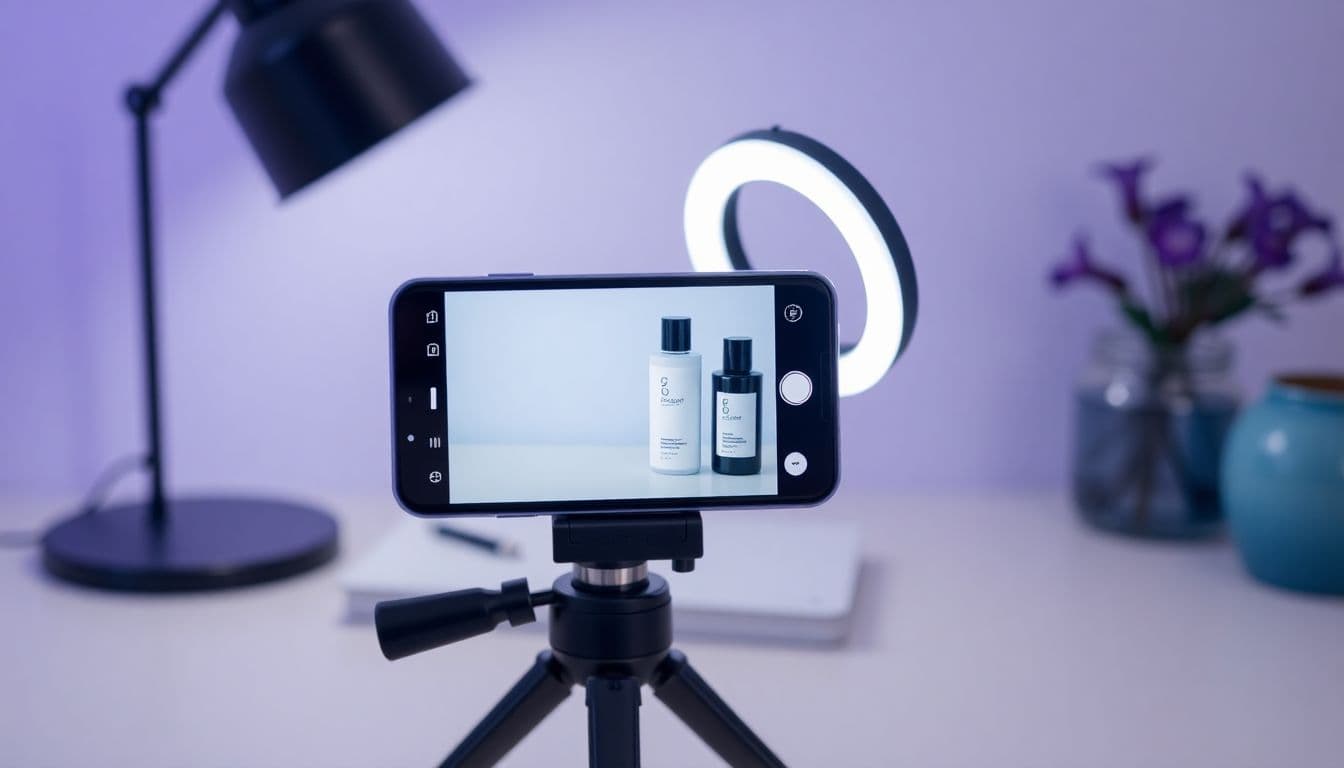
UGC video ads are the native, hand-held, "someone-just-told-me-about-this" clips that dominate TikTok, Reels, and Facebook feeds. They feel like a recommendation from a friend instead of a polished commercial, and that authenticity is exactly why shoppers stop scrolling. The problem is that producing them the old way means hiring creators, shipping product, waiting on drafts, and paying per video. This guide shows how to make UGC video ads from a single product photo, without filming anything, and how to route your best creative straight into a live campaign.
What makes a UGC video ad work
A UGC ad does not win because of production value. It wins because it looks and sounds like a real person sharing a real opinion. The pattern is consistent across niches:
- A hook in the first two seconds that names a problem or a curiosity gap.
- A plain-spoken delivery that feels unscripted, not corporate.
- A clear product moment where the viewer sees exactly what they'd buy.
- A soft call to action that points to the next step without hard-selling.
When those four pieces line up, the ad earns attention before the algorithm ever has to decide whether to keep serving it.
Why creators are no longer the bottleneck
Traditionally, "UGC" meant User-Generated Content, so you needed an actual user with a camera. That workflow is slow and expensive, and it makes creative testing painful because every new variation costs another shoot.
AI changes the math. You can now generate a talking, on-camera spokesperson from a still image, add a natural AI voice, and drop your product into the frame, all without a filming day. Avatar platforms like HeyGen popularized the talking-head format; the HeyGen alternative for product ads breaks down where a product-first tool differs. If you want a wider look at the category first, the roundup of the best UGC video ad generators breaks down how these tools compare and where each one fits — and if Creatify is on your shortlist, see how TalkPix compares to Creatify.
The other big unlock is the faceless format. Not every seller wants a talking head, and not every product needs one. Voiceover-plus-b-roll ads perform extremely well for physical products, and our walkthrough on faceless video ads covers when to skip the presenter entirely and let the product carry the clip.
How to make UGC video ads from one product photo
Here's the fastest path from a single image to a ready-to-post ad using the product video ad generator:
- Upload one clean product photo. A well-lit shot on a simple background works best. The scene is built from your real product photo, so shoppers see your product rather than a lookalike; check labels in the finished ad.
- Pick a UGC angle. Choose a hook style, such as a problem intro, an honest review, or a gift recommendation, so the script has a clear job. The UGC-style ad scripts page has full examples of each angle.
- Add or generate a script. Write your own, or let the tool draft one you can trim. Keep it conversational and short.
- Choose a voice and shape. Match the platform, whether that's a vertical 9:16 render for TikTok and Reels or a square one for the Facebook feed.
- Generate and download. You get a talking, UGC-style video ad you can post to TikTok, Reels, Facebook, Shopify, Etsy, or Amazon.
Because the whole thing starts from one photo, you can spin up several variations from the same source and let the ad account decide the winner.
Testing UGC ads without burning budget
The advantage of AI-made UGC is volume. Instead of betting a shoot on one concept, you can produce a batch and test angles cheaply.
- Vary the hook, not the product. Same clip, three different opening lines.
- Test one voice against another. Tone changes conversion more than people expect.
- Localize. The same script can be regenerated in multiple languages for different markets.
- Match the platform. A native-feeling vertical cut beats a repurposed landscape ad almost every time.
If you're building a repeatable system rather than one-off clips, our guide on how to create video ads with AI walks through a full creative-testing loop from brief to live campaign.
Where UGC ads fit in your funnel
UGC video ads are strongest at the top and middle of the funnel, where you're introducing the product to cold audiences. Pair them with a dedicated ecommerce video ad generator workflow so your prospecting creative and your retargeting creative come from the same source assets and stay visually consistent.
The economics matter too. With pay-as-you-go credits and one-time packs starting at $5, no subscription required, and commercial use included, you can test a batch of UGC ads for less than the cost of a single traditional creator video. See exactly what a run costs on the pricing page before you scale.
The takeaway
UGC video ads used to require a creator, a camera, and a lot of waiting. Now they require a good product photo and a clear hook. Start with one image, generate a handful of angles, post the winners, and reinvest in what converts. The barrier to authentic, native-feeling ads is gone, so the only thing left to test is which message your shoppers actually respond to.
Turn one product photo into a UGC video ad
Upload a single product photo and get a UGC-style talking video ad for TikTok, Reels, Facebook, and more, no filming needed.
Create a UGC video ad