Faceless Video Ads: How to Make Them Without Showing Your Face

Not everyone wants to be on camera. Whether you run a dropshipping store, a print-on-demand shop, or a personal brand you would rather keep low-key, faceless video ads let you sell without ever showing your own face. Done well, they perform just as well as creator-led content, and they are far cheaper and faster to produce.
This guide covers what a faceless video ad actually is, the formats that work, and how to make one from a single product photo in a few minutes.
What are faceless video ads?
A faceless video ad is any short-form video creative that drives sales without a recognizable human face on screen. The voice, the story, and the product still do the selling, but you never have to appear yourself or hire an actor.
There are two common approaches:
- Product-focused faceless ads — the frame stays on the product, packaging, or a clean scene while a voiceover narrates the pitch.
- Avatar-led faceless ads — an AI presenter you don't personally know delivers the script, so it feels like a talking creator without being you.
Both keep you off camera. The difference is whether a synthetic person appears at all. For a broader look at how these fit into creator-style content, the guide on UGC-style video ads is a good companion read.
Why faceless ads work so well
The appeal is not just privacy. Faceless formats solve real production problems:
- No filming. No lighting, no reshoots, no worrying about how you look on camera.
- Easy to scale. You can produce ten variations of a hook without booking anyone.
- Consistent branding. The product stays the hero in every clip.
- Fast testing. Because each ad is cheap to make, you can test angles instead of betting everything on one hero video.
The trade-off used to be that faceless ads looked generic. That has changed. AI tools can now animate a real product photo into a scroll-stopping talking ad, so the output feels native to TikTok, Reels, and Facebook rather than like a stock-footage slideshow.
How to make faceless video ads from a product photo
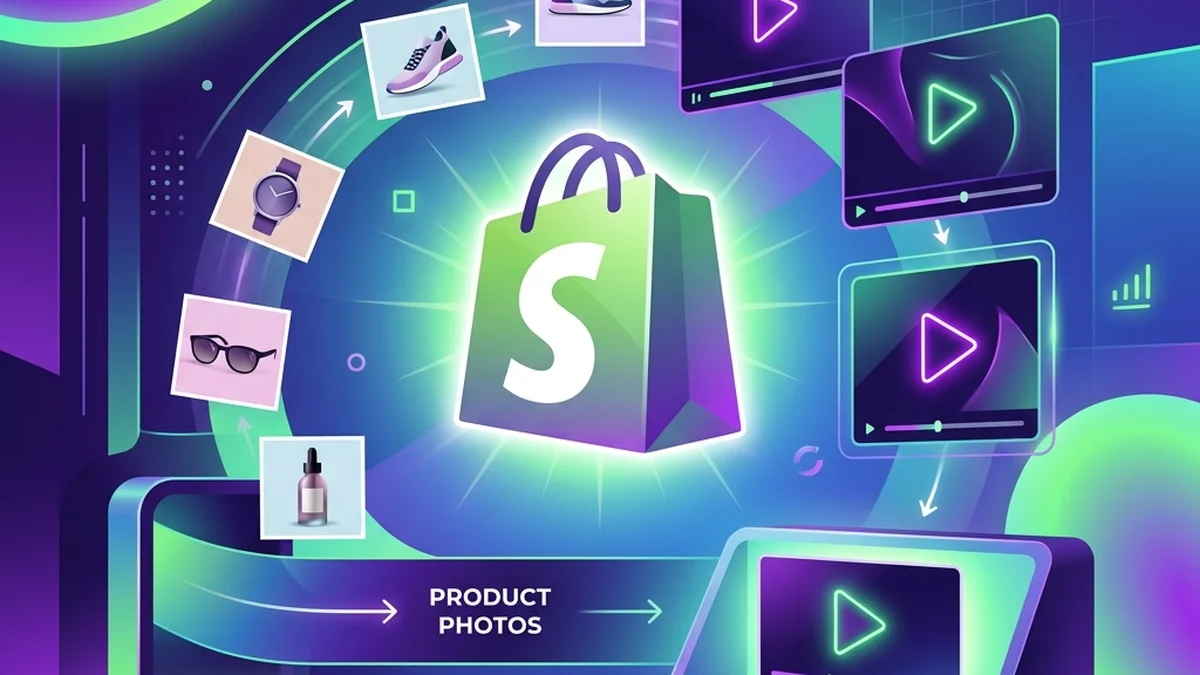
You don't need a studio. The fastest path is to start with one clear product image and let AI handle the motion, voice, and pacing. Here is the workflow using the product video ad generator:
- Upload one product photo. A clean, well-lit shot of the product works best.
- Write or paste a short script. Keep it to 15–30 seconds and lead with a hook.
- Pick a voice and language. Choose a tone that matches your buyer, then generate.
- Export and test. Download the clip and run it across TikTok, Reels, Facebook, Shopify, Etsy, or Amazon listings.
Because the scene is built from your real product photo rather than a lookalike, the ad stays close to what customers will receive; still check labels and logos in the finished ad before it runs. That matters for conversion and for ad-account approval.
Writing a faceless ad script that converts
The script carries the whole ad when there's no face to hold attention, so structure it deliberately:
- Hook (first 2 seconds): name the problem or curiosity. "If your [product] keeps doing this, watch this."
- Value (middle): one clear benefit, not five. Show the product doing the thing.
- Proof or detail: a feature, a use case, or honest customer language.
- Call to action: tell the viewer exactly what to do next.
Avoid inventing reviews or over-promising. Faceless ads still have to be truthful — the format changes who's on camera, not what you're allowed to claim.
Two faceless formats worth testing
Talking product ads. The product stays center-frame with an AI voiceover. This is the default in the Product Video Ad studio and is ideal for e-commerce because the buyer sees the actual item the entire time. It suits categories where the product is the star — the food product video ad scripts and home decor video ad scripts pages show voiceover-led examples for two natural faceless niches.
Prompt-generated scene videos. When you want b-roll, lifestyle context, or a fully generated scene with sound, a text-to-video tool builds the clip from a written prompt. TalkPix offers this through AI video from text, and you can read more on how it works in the text-to-video AI guide. Use these as cutaways or standalone atmosphere ads to complement your product-focused creatives.
Keep costs low while you test
Faceless ads are a testing machine, so your tooling shouldn't punish you for making a lot of them. TalkPix runs on pay-as-you-go credits with one-time packs from $5, no subscription required, and credits that never expire — commercial use included. That means you can generate a batch of hook variations, keep the winners, and not worry about a monthly bill for the ones that flop.
If you're still weighing your options, the roundup of the best UGC video ad generators breaks down where faceless and creator-led tools fit.
Start with one product photo
Faceless video ads remove the biggest barrier to making video: you. With a single product image, a short script, and an AI voice, you can ship a real ad today and test your way to a winner — no camera required.
If the placement you care about is Instagram specifically, the vertical framing and hook rules are a little different — those are covered in how to make Instagram Reels with AI.
Make your first faceless video ad
Turn one product photo into a scroll-stopping talking ad for TikTok, Reels, Facebook, and your store — no face, no camera, no subscription required.
Create a product video ad