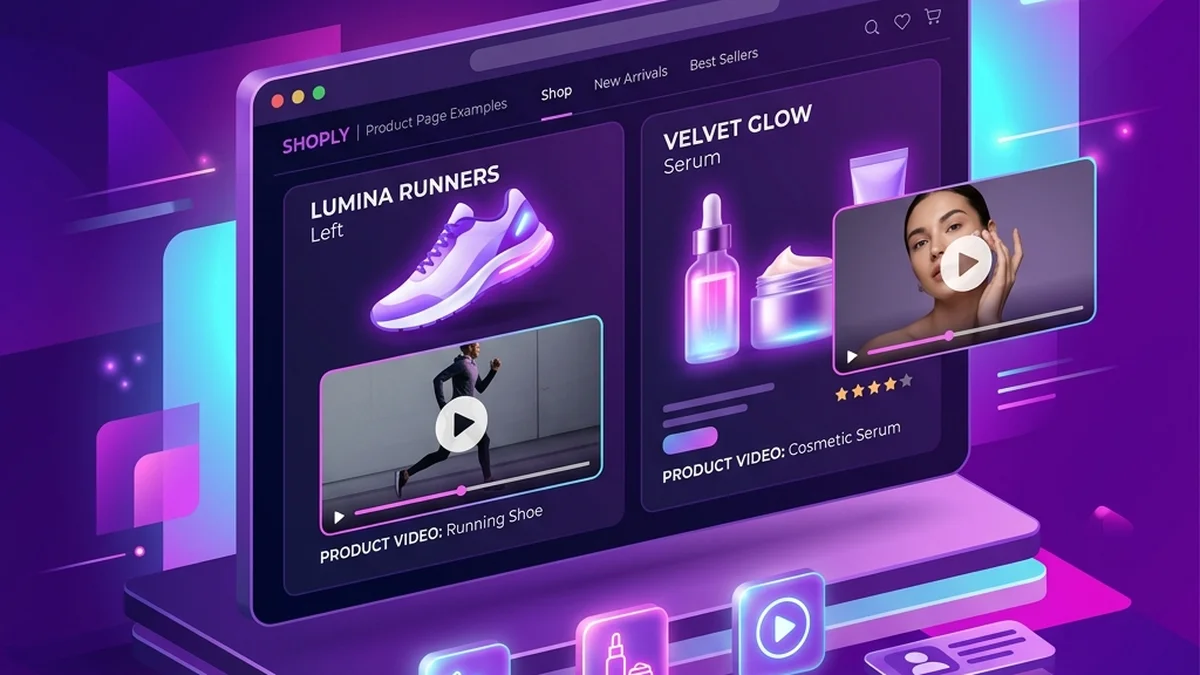
Shopify Product Video Requirements: Size, Format & Upload

Shopify accepts uploaded product videos in MP4, MOV, or WebM format, up to 10 minutes, 1 GB, and 4K resolution (4096 × 2160). A product can contain up to 250 combined images, videos, and 3D models, although the number of video uploads available to your store depends on its plan. Those are platform maximums, not creative targets: most stores should use a much shorter video that answers one buying question quickly.
This guide separates Shopify's technical rules from practical production advice, so you can export once and upload without an avoidable format or theme problem.
Shopify product video requirements at a glance
According to Shopify's current product media requirements, an uploaded product video can use:
- File formats:
.mp4,.mov, or.webm. - Maximum file size: 1 GB.
- Maximum duration: 10 minutes.
- Maximum resolution: 4K, or 4096 × 2160 pixels.
- Product media limit: 250 combined images, videos, and 3D models per product.
Shopify converts uploaded videos for delivery and can serve them as MP4 or HLS. You therefore do not need to create several browser-specific versions yourself. For the most predictable workflow, export a good-quality MP4 and keep a clean master copy outside Shopify.
You can also add a YouTube or Vimeo URL instead of uploading a file. Make sure the hosted video is public or embeddable; a private video that blocks embedding will not work as useful product media.
What length should a Shopify product video be?
Shopify's 10-minute limit tells you what the platform accepts, not what shoppers will watch. Match the duration to the job:
- 8–20 seconds for a fast product overview or benefit-led gallery clip.
- 20–45 seconds for a product that needs size, material, compatibility, or setup explained.
- Longer only when the product genuinely needs a demonstration or tutorial.
These ranges are editorial recommendations, not Shopify rules. A 12-second video that resolves one objection is usually more useful than a two-minute montage that repeats the product description. The product page video examples guide shows the difference between overview, comparison, review, and explainer formats.
Choose the right aspect ratio
Shopify does not require one universal aspect ratio because display behavior depends on your theme and section. Before exporting, inspect the product gallery on both mobile and desktop.
- Use 1:1 or 4:5 when the product gallery is image-led and mostly viewed on mobile.
- Use 16:9 for a wide product-page section, tutorial, or desktop-first explainer.
- Use 9:16 for TikTok, Reels, or Stories; test it in the Shopify theme before using that same vertical cut in the product gallery.
Keep important product details and text away from the extreme edges. Some themes crop media previews to make mixed images and videos look consistent.
How to upload a video to a Shopify product
Shopify's Add product media instructions describe the current admin flow:
- Open Products in Shopify admin and select the product.
- In the Media section, upload your video file or add a supported video URL.
- Add alternative text that describes what the video shows.
- Reorder the media so the video appears where it helps the buying decision.
- Save, then test the published product on a real phone and desktop browser.
Your theme must support product video and 3D media. If the admin accepts the file but the storefront presents it poorly—or not at all—the problem may be the theme, not the video. Update the theme, use a supported section, or ask the theme developer to add product media support.
Shopify also notes that videos cannot be assigned as product variant media. Use images for variant-specific swatches or selections, then place the video in the shared product media gallery.
A practical product-photo-to-video example
Suppose a skincare store has one clean photo of a moisturizer jar. A useful input brief would be:
Buyer: people with a rushed morning routine. Product detail: lightweight daily moisturizer in a travel-friendly jar. Goal: explain the convenience without making medical claims. CTA: see ingredients and sizes on the product page.
The output should not pretend to show the cream's texture, application, or a before-and-after result if those were never filmed. A suitable 12-second script is:
A simple moisturizer for the mornings when your routine needs to stay short. The compact jar fits easily in a travel bag—check the product page for the full ingredient list and available sizes.
With the Shopify video ad generator, you can turn that product photo and script into an MP4 in minutes, then create separate ratios for the store and paid social. TalkPix uses one-time credit packs rather than a monthly subscription; the exact credit price is shown before generation, so you can compare the cost with filming or commissioning a creator before rendering.
Create a Shopify product video from one photo
Write a truthful product brief, review the script, and export an MP4 without a monthly subscription.
Create Shopify videoWhat TalkPix can and cannot create
TalkPix is useful when you need a short, presenter-style product video from an existing photo. It can render the MP4 in 9:16, 4:5, 1:1, or 16:9 and lets you test different hooks without arranging another shoot.
It does not generate authentic hands-on footage of the product opening, moving, fitting, or being applied. It cannot prove texture, scale, durability, or a result that the source photo does not show. Film those demonstrations when they are important to the sale, and use the photo-based video for explanation, positioning, offers, or objection handling.
Common Shopify video upload mistakes
Treating the maximum as the target
A file can be 10 minutes or 1 GB and still be a poor product-page asset. Compress the final export, remove dead time, and answer one buyer question per clip.
Forgetting theme behavior
Preview autoplay, controls, poster frames, sound, and cropping. A video that looks correct in admin can sit inside a differently shaped storefront container.
Reusing a social ad without adapting it
A TikTok ad may begin with a hard hook and on-screen CTA. A product-page visitor already knows the product name and often needs proof or clarification instead. Keep a clean master and make placement-specific cuts. The video ad specs for ecommerce guide explains how to plan those versions.
Making unsupported claims
The video, product description, offer, and landing-page details should agree. Avoid invented reviews, unverified outcomes, or urgency that is not real.
Shopify product video checklist
Before publishing, confirm that:
- The file is MP4, MOV, or WebM and below Shopify's current limits.
- The first few seconds make the product and purpose clear.
- Text remains readable after mobile cropping.
- The poster frame shows the product clearly.
- The theme supports video and the storefront playback works.
- Claims match the product page and available evidence.
- The page still loads acceptably on a mobile connection.
Frequently asked questions
Does Shopify allow MP4 product videos?
Yes. MP4 is one of Shopify's supported uploaded-video formats and is the simplest default for most ecommerce workflows.
How many videos can I add to one Shopify product?
A product can contain up to 250 total media items across images, videos, and 3D models. Your store's plan also controls its available video and 3D media uploads, so check Shopify admin before planning a large catalog migration.
Can I upload the same video to Shopify and TikTok?
Technically, often yes; strategically, make separate cuts. The Shopify version can answer a buying question, while the TikTok version should use a faster hook, vertical framing, safe-zone-aware text, and platform-appropriate sound.
Should Shopify product videos autoplay?
That depends on your theme and user experience. Autoplay is often muted by browsers, so the opening must make sense without sound and controls should remain easy to use. Test performance rather than assuming autoplay improves conversion.