Text to Video AI: What It Is and How to Actually Use It

Type a sentence, get a moving picture. That is the promise of text to video AI, and after years of hype it finally holds up for short clips. You describe a scene in plain language, the model renders a few seconds of coherent video — camera movement, lighting, even matching sound — and you download an MP4. No camera, no stock footage, no editing timeline.
This guide explains what the technology actually does, where it still struggles, and how to get results you can use, without burning through a pile of credits first.
What "text to video AI" really means
At its core, a text-to-video model reads your written prompt and generates frames that flow together as a single shot. Modern versions do three things older ones couldn't:
- Understand camera language — "slow push-in," "tracking shot," "aerial flyover" all translate into real motion.
- Hold physical consistency — objects keep their shape and lighting stays coherent across the clip.
- Generate matching audio — ambient sound, music, and effects rendered to fit the scene.
The result is a short, finished-feeling clip rather than a silent, flickering test. If you want to see the range before writing anything, browse our gallery of AI video examples to get a feel for what a good prompt returns.
What it's great at (and what it isn't)
Being honest about the limits saves time and money. Today's text to video AI generator is strongest on single, continuous shots:
- Great at: a product rotating on a pedestal, a drone shot over a coastline, a pet doing something charming, an atmospheric mood scene.
- Good at: weather, lighting moods, ambient sound, and camera moves you name explicitly.
- Weak at: long multi-scene stories, precise on-screen text, and exact brand logos.
Think in terms of a shot, not a film. Clips typically run 4 to 12 seconds. When you need a longer piece, you render several shots and stitch them, or you reach for a different tool entirely — more on that below.
How to write a prompt that works
The prompt is the single biggest quality lever. A structure that reliably produces clean results:
Subject + action + setting + camera + light + sound.
A vintage sports car speeds down a coastal highway at golden hour, ocean glinting on the right. The camera tracks alongside from a low angle, then pulls back into a wide shot. Warm cinematic light. Sound: engine hum, wind, an upbeat synth track.
Every clause earns its place. The camera line stops the model from inventing random cuts, the light line sets the color grade, and the sound line is what makes the clip feel produced instead of generated. If your first render feels flat, add specificity to one of those clauses rather than rewriting the whole thing.
Choosing length, quality, and aspect ratio
Before you render, three settings matter:
- Length: 4 to 12 seconds per clip.
- Quality: draft at the lowest resolution, finalize at the highest once the motion is right.
- Aspect ratio: 16:9 for YouTube, 9:16 for TikTok, Reels, and Shorts, plus square and portrait options for feeds.
You can often lock the first frame (and last frame) by uploading a reference image — handy when a clip needs to match imagery you already have.
Draft cheap, then render at full quality
The smartest habit with any text-to-video workflow is to draft at the lowest resolution, then commit. On TalkPix, the model and the resolution together drive the price: at 720p the available models run from 2 to 8 credits per second, and the studio shows the exact total for your settings before it renders. So block out the shot at 480p, confirm the motion is doing what you want, and only spend the 1080p rate once the prompt is settled. Change one variable per render — prompt, then length, then quality — so you always know what caused an improvement.
Text to video vs. talking avatars
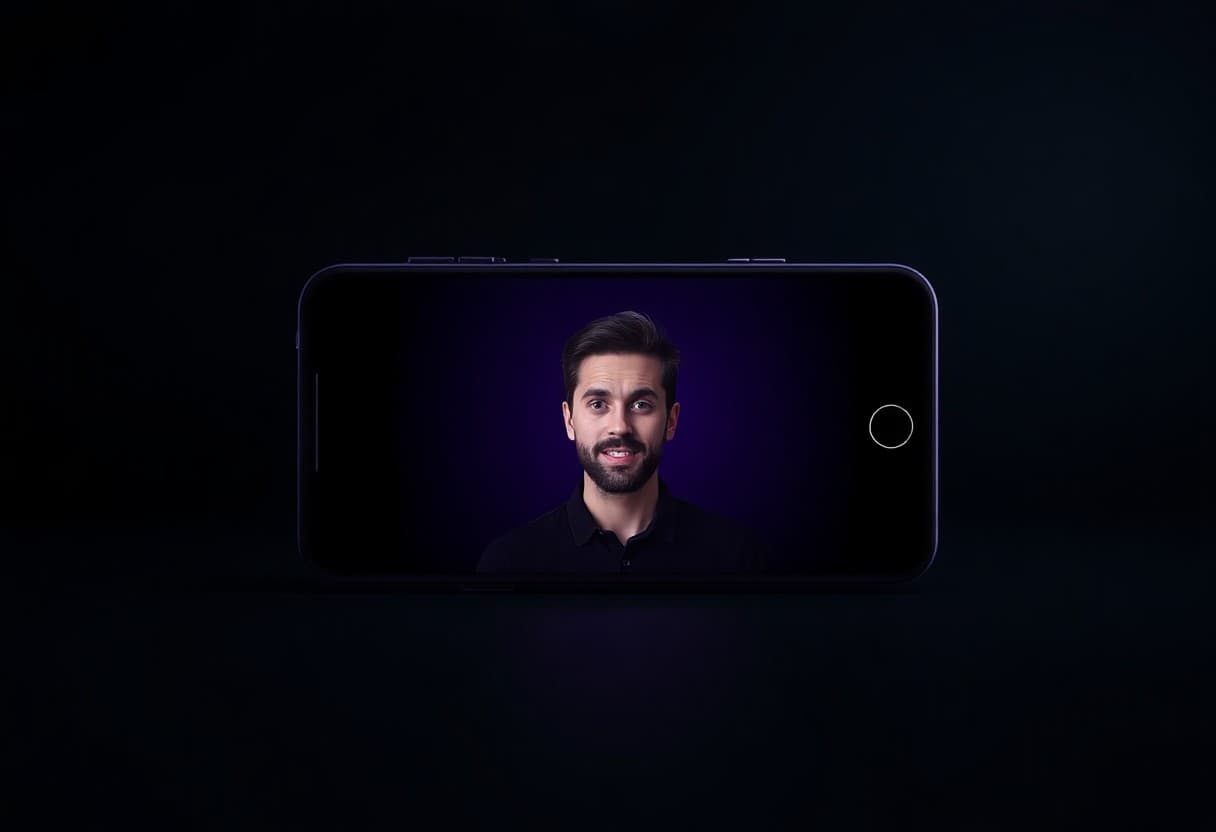
Not every "AI video" job is a text-to-video job. If your video is a person delivering a message to camera, an avatar or talking-photo tool will look far more natural, because it animates a real face with accurate lip sync. Text-to-video shines when there's no source footage at all — invented scenes, environments, and product-in-motion shots.
The two pair well in practice: a restaurant promo leads with the owner's face and drops in generated food shots as B-roll, and a travel guide video does the same with scenery.
Marketers often blend both. For ad-style content, our guide on creating video ads with AI walks through the full workflow, and if you want to stay off camera entirely, the breakdown of faceless video ads covers formats that convert without a presenter.
What it costs
Most credible text-to-video tools now bill per second of output rather than per subscription. TalkPix uses one-time credit packs starting at $5, with no monthly fee and credits that never expire, so a short social clip usually costs about a dollar. There's no free tier: credits go on the account first, then the render runs. That pricing model matters: it lets you test five variations of an idea for the price of one, which is exactly how you find the shot that works.
The bottom line
Text to video AI won't replace a full production crew, but for short, striking clips it's remarkably capable — and getting better every quarter. Write your scene like a shot list, draft at 480p, and iterate one variable at a time. The gap between "I have an idea" and "I have a video" is now about two minutes.
Turn a sentence into a video
Write a scene prompt and render it. Credits from $5, 480p at 1 credit per second, no subscription required.
Try the AI video generator