Video Ad Specs for Ecommerce Sellers
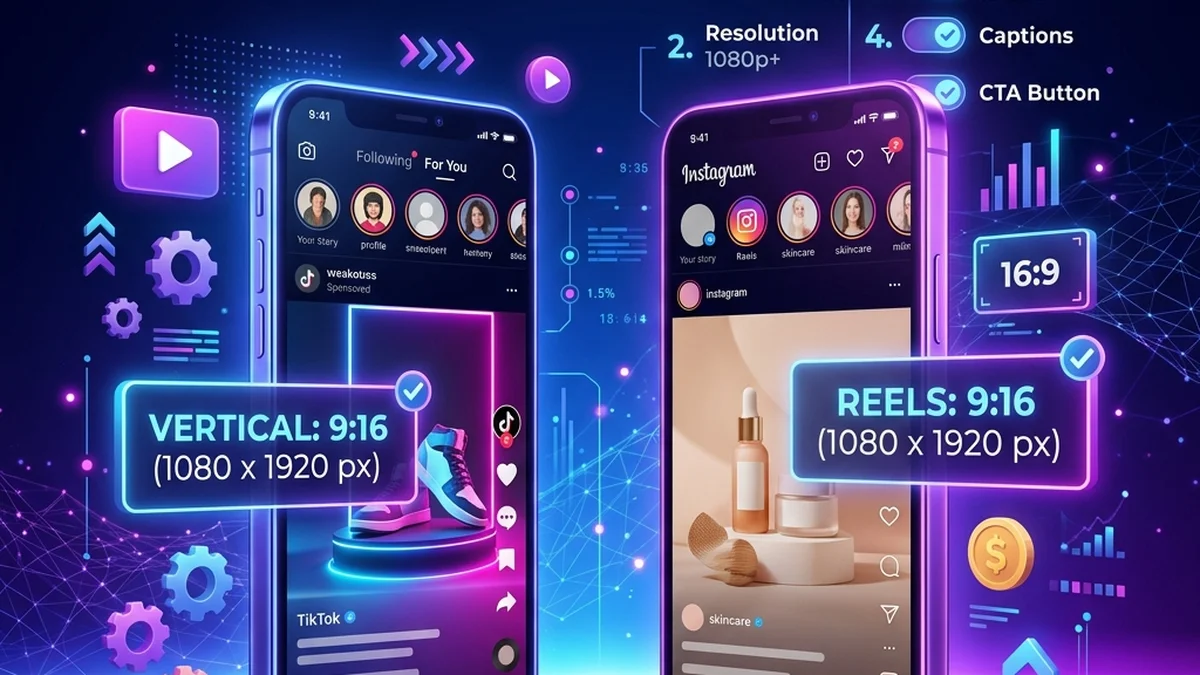
Exact ad specs change by platform, so always check the current platform requirements before upload. Still, ecommerce sellers can use a simple planning checklist before creating product videos.
Use the ecommerce video ad generator to create the source MP4, then adapt it for the destination.
Platform-specific requirements
The planning rules below are useful across channels, but upload limits, audio, duration, and storefront behavior differ. Use the destination guide before you export the final cut:
- Shopify product video requirements: supported formats, 1 GB and 10-minute maximums, theme support, and upload steps.
- Etsy listing video requirements: two video slots, 100 MB limit, silent playback, and Etsy's conflicting length guidance.
- TikTok Shop video ad specs: 9:16 sizing, safe zones, sound, duration, and ecommerce landing-page checks.
These pages cite the platforms' current help documentation. Recheck the relevant platform before a major campaign because specifications and ad products change.
Practical starter specs
- Format: MP4.
- Orientation: vertical for TikTok, Reels, Shorts, and most paid social tests.
- Length: 6 to 15 seconds for first hook tests.
- Message: one buyer, one benefit, one CTA — the script templates for product videos all follow this shape.
- Captions: add in your platform or editing tool.
- Thumbnail: use a frame where the product is visible.
Product page videos
Product page videos can be slightly slower than social ads. They should explain the item, answer a question, or support a buying decision. The product page video examples post shows how stores handle length and placement.
Paid social videos
Paid social needs a faster first line. Lead with the problem, result, proof, or gift angle. The viewer should understand why the product matters before the middle of the video.
Retargeting videos
Retargeting videos should answer the objection: price, quality, shipping, compatibility, use case, or trust. For trust objections, a review read works well — the testimonial video generator turns a written customer review into that clip.
Create ecommerce product video ads
Upload one product photo — get a UGC-style talking video ad, no filming needed.
Generate product adKeep a master version
Save one clean MP4, then create platform-specific edits from it. This keeps your workflow organized and prevents every new channel from becoming a new production project.