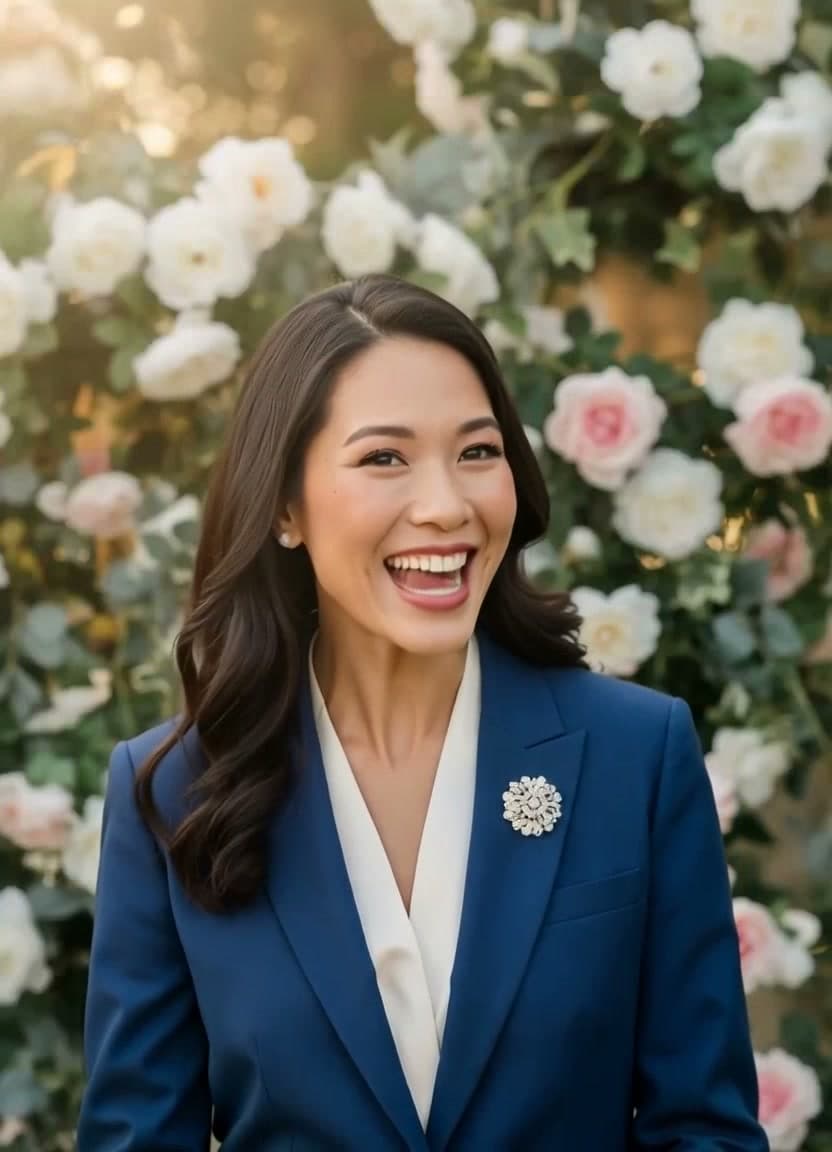
How to Make a Real Estate Agent Intro Video From Your Headshot
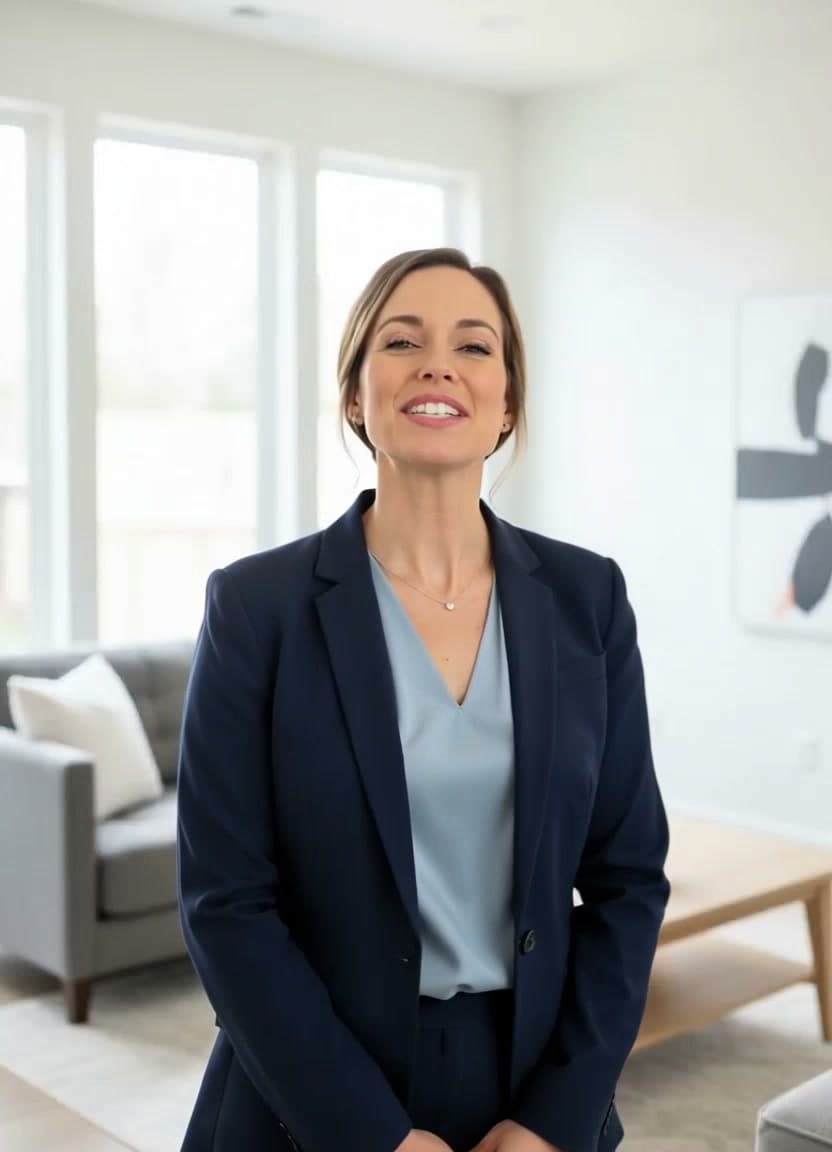
Buyers and sellers choose an agent they trust, and trust is hard to build through a paragraph of bio text on a listing page. A short clip where you introduce yourself — a warm hello, your name, what you help people do — closes that gap in a way words on a screen never quite manage. The catch is that most agents dread filming themselves: blocking out time, fixing your hair, redoing takes, wincing at your own voice on playback.
A real estate agent intro video solves that without a camera. You start from the professional headshot you already have, add a short script, and turn it into a friendly, on-camera-style clip. No studio, no ring light, no reshoots. This guide covers why a talking headshot earns trust faster than text, which photo to use, four scripts you can borrow, and how to reuse one photo across every listing.
Why a real estate agent intro video builds trust faster than text
People decide how they feel about you in seconds, and a face doing the talking gives them far more to go on than a block of text. A talking photo shows your expression, your tone, the small human warmth that a written bio flattens out. It reads as effort, because making one is more thoughtful than pasting the same "About Me" line onto every page.
It also fits how buyers browse. Someone scrolling listings at 10pm is skimming, not reading. A short intro clip stops the scroll, and a "meet your agent" section that greets them by voice feels like a real person is on the other side of the deal — not a faceless name and a phone number.
What headshot works best
The photo does most of the work, so choose a good one — the same headshot from your business cards and yard signs works perfectly.
- Front-facing and clear. A face looking roughly at the camera animates most naturally. Your standard professional portrait is ideal.
- Even lighting, no sunglasses. Avoid heavy shadows or anything covering your eyes and mouth.
- On-brand and approachable. A genuine, relaxed expression suits an intro far better than a stiff, formal stare.
- A photo you have the rights to use. Your own headshot is easy. TalkPix is consent-based, so only upload a photo you own or have clear permission to use — never someone else's likeness.
If you want a deeper walkthrough of getting a still image to move naturally, our guide on how to make a photo talk covers the whole process.
Four scripts you can steal
Keep each one short — twenty to forty seconds. Write like you speak, read it out loud once, and cut anything that trips you up. If you want more variations to riff on, the real estate video script templates library covers intros, listings, and follow-ups, with a dedicated set of open house video scripts.
The introduction (for your profile or "meet your agent" section):
"Hi, I'm Jordan Reyes, a real estate agent here in Austin. I help first-time buyers and growing families find a home that actually fits their life — not just their budget. If you're thinking about making a move this year, I'd love to be the person in your corner. Reach out anytime."
The listing welcome (embedded on a specific property page):
"Welcome to 412 Maple Street. This is one of my favorite listings this season — three bedrooms, a bright kitchen, and a backyard made for weekend mornings. Take a look through the photos, and when you're ready to see it in person, I'm just a message away."
The open-house reminder (for social or a text blast):
"Quick reminder — I'm hosting an open house this Saturday from 1 to 3 at 88 Cedar Lane. Come by, ask me anything, grab a coffee. No pressure. I'd genuinely love to show you around."
The thank-you to a new lead (a follow-up message):
"Hi Sam, thanks so much for reaching out. I saw your note about wanting a place near good schools, and I've already got a couple of ideas. Give me a day to pull some options together and I'll send them your way. Talk soon."
For more on tightening spoken scripts so they sound human, our AI spokesperson video guide breaks it down.
Reuse one photo across every listing
Here's where this quietly saves you hours. Once you have a headshot that works, you never need a new photo again — you just change the words. Swap the property address for a fresh listing welcome video, change the date for next weekend's open house, update the name for a personal thank-you to a different lead. Because you type the script, updating a price or a street name means editing text and regenerating, not re-shooting.
The real estate video generator is built around exactly this: one professional photo, many short clips. If you'd like the mechanics of the underlying tool, see how to make a talking avatar video.
Reach buyers in their own language
If your market includes buyers more comfortable in another language, a message in their first language lands with far more warmth than one they have to translate in their head. TalkPix offers 30 AI voices across 10 languages, so you can record the same welcome or follow-up in the language a family actually speaks at home. The multilingual avatar option makes that a one-line change rather than a second shoot — a genuine edge when you're courting a diverse buyer pool. Prefer your own voice? You can upload your own audio and the tool will lip-sync your real voice instead of an AI one.
What it costs to make one
TalkPix uses one-time credit packs starting at $5. The Mini pack includes 50 credits, and a 10-second 720p Talking Photo video uses about $1 in credits. Payment is required before generation; a subscription is not required, and credits never expire.
On cost, it's simple: one credit is one second of video, credits are one-time and never expire, and a subscription is not required. The Starter pack is $10 for 120 seconds — enough for several short intros and listing welcomes. See the full breakdown on the pricing page, then build your first one whenever you're ready.
Make your real estate agent intro video
Credit packs start at $5, a 10-second 720p video uses about $1 in credits, and a subscription is not required.
Create your intro video