
Open House Video Scripts for Reminders and Buyer Follow-Up
Use short scripts for open-house invites, same-day reminders, and follow-up clips.
Built for agents and listing teams. Start with a template, replace the placeholders with real details, and preview the delivery before exporting a full video.
 Real AI video
Open House Reminder Video
Gemini image · AI voice · 720p
An open-house clip has one job: get the right person to show up at the right time. These templates cover invites, same-day reminders, and follow-ups — verify the address, time, and any access details before you post.
Review before publishing
Treat the generated clip as marketing creative, not a substitute for listing disclosure.
- Verify the address, price, availability, features, and agent contact details.
- Use property images and scripts you are authorized to publish.
- Avoid implying that an AI-presented scene is footage of a feature that is not shown.
Templates
Open House Video Scripts to copy and adapt
Use these as starting points. Replace generic phrases with your real offer, location, product, or audience before rendering.
"The open house is this weekend. If you want natural light, flexible space, and a quiet street, this one is worth seeing."
Use two to three days before the open house.
"We are opening the doors today. Come see the layout in person and decide if this is the one that fits your next move."
Use on the morning of the event.
"Thanks for asking about the listing. The easiest next step is to walk through it in person this weekend."
Use after a lead asks for details.
Writing notes
Make each open house video scripts specific
The template gives you a starting structure. Replace it with details your real audience will recognize and trust.
Keep one video to one job
Short scripts convert better when they ask the viewer to understand or do one thing.
Lead with the viewer benefit
Open with the outcome, problem, or moment the viewer already cares about.
Use the script as an internal link target
Pair each template page with examples, landing pages, and a remix CTA so traffic has a clear next step.
Matching examples
See open house video scripts in a real video workflow
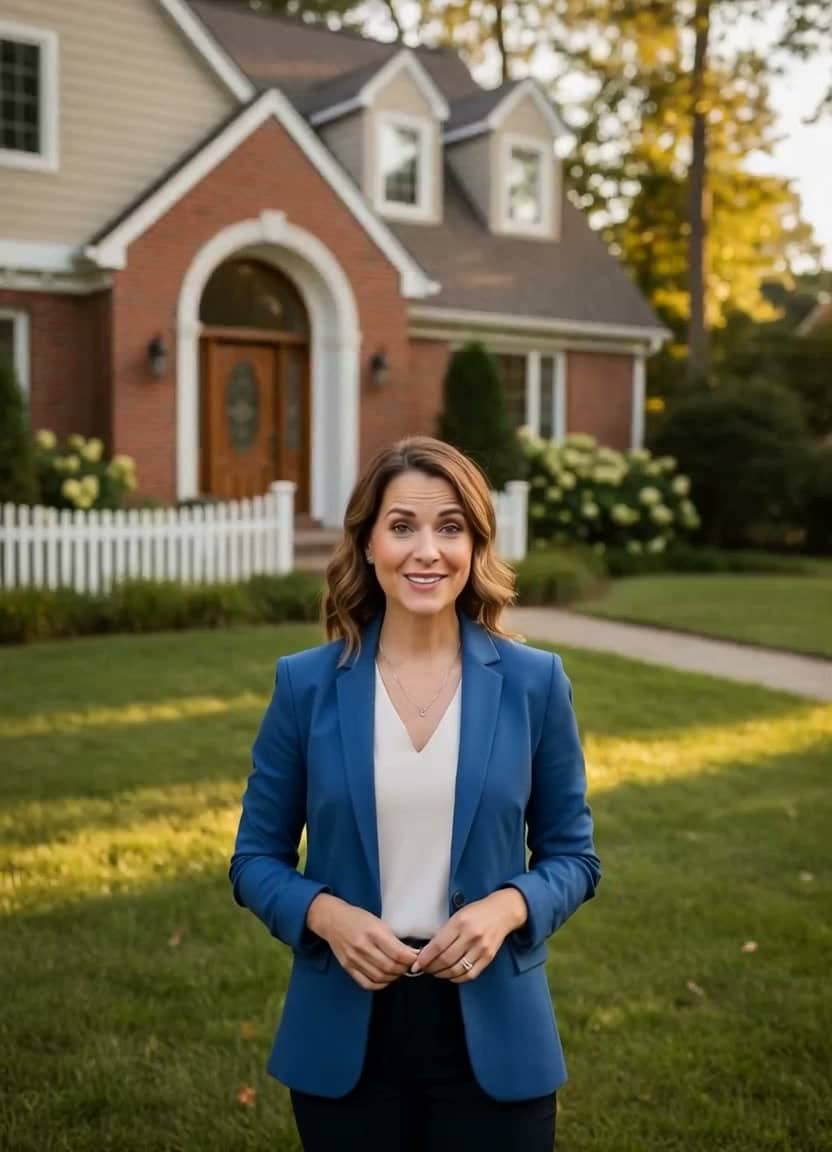 Watch example
Open house
Gemini image · AI voice · 720p
Open-house video
Open House Reminder Video
Best for open-house reminders, local buyer updates, listing follow-ups, and social posts.
View script and remix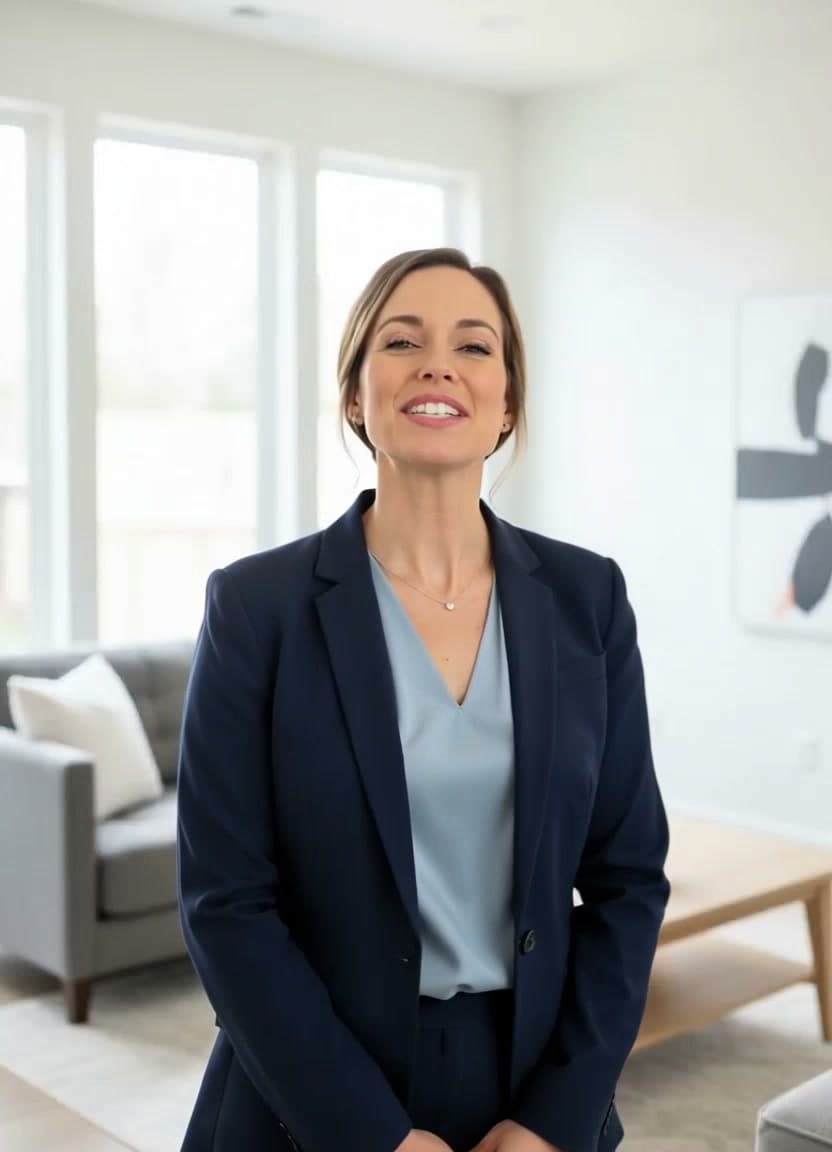 Watch example
Real estate tour
Gemini image · AI voice · 720p
Real estate video
Real Estate Agent Listing Tour
Best for real estate listing intros, property page videos, open-house promos, and social ad hooks.
View script and remix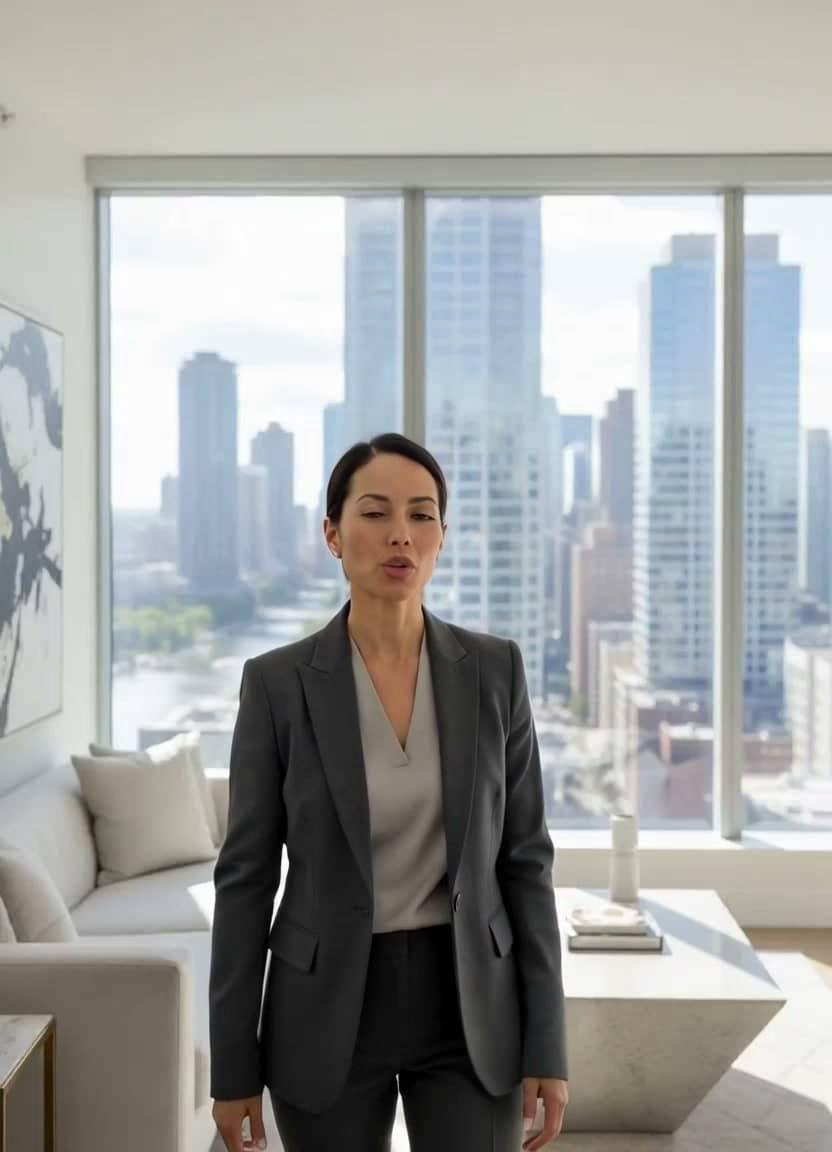 Watch example
Luxury condo
Gemini image · AI voice · 720p
Real estate video
Luxury Condo Listing Preview
Best for luxury listings, condo previews, agent social posts, and property-page video intros.
View script and remixRelated resources
More resources for open house video scripts
Open-house videos
Create open-house reminder videos from one agent photo. See real examples, scripts, and remix an open-house video in TalkPix.
Open pageListing videos
Create real estate listing videos from one agent photo and a short script. See listing examples, scripts, before-after demos, and remix in TalkPix.
Open pageReal Estate Video Script Templates
Copy real estate video script templates for listing intros, open-house reminders, and agent videos. See examples and remix in TalkPix.
Open pageAll video script templates
Browse the full TalkPix script-template library.
Open pageAI video examples
Watch generated examples with input images, videos, and remix CTAs.
Open pageFAQ
Open House Video Scripts questions
Can I copy these scripts directly?
Yes. Use them as a starting point, then customize the product, offer, audience, location, and call to action so the video feels specific.
Do I need a subscription to use TalkPix?
No. TalkPix uses pay-as-you-go credit packs from $5. Credits never expire, and a monthly subscription is optional.
Can I use the generated videos commercially?
Yes. Commercial use is included when you have the rights and consent for the source image, script, product content, and audio you use.
Create from a template
Use open house video scripts in your own video
Start from the example setup, replace the script with your version, and render a video with your own image or voice.