AI Spokesperson Video: How to Create One Without Actors, Cameras, or a Studio
Hiring a presenter, booking a studio, and shooting a script used to be the only way to put a talking face on camera. An AI spokesperson video skips all of that: you upload one portrait photo and a script, and a lifelike avatar delivers your message on screen — no actors, no camera, no reshoots when the copy changes.
This guide covers what an AI spokesperson video actually is, where it works best, and how to make a good one instead of a stiff, robotic clip.
What is an AI spokesperson video?
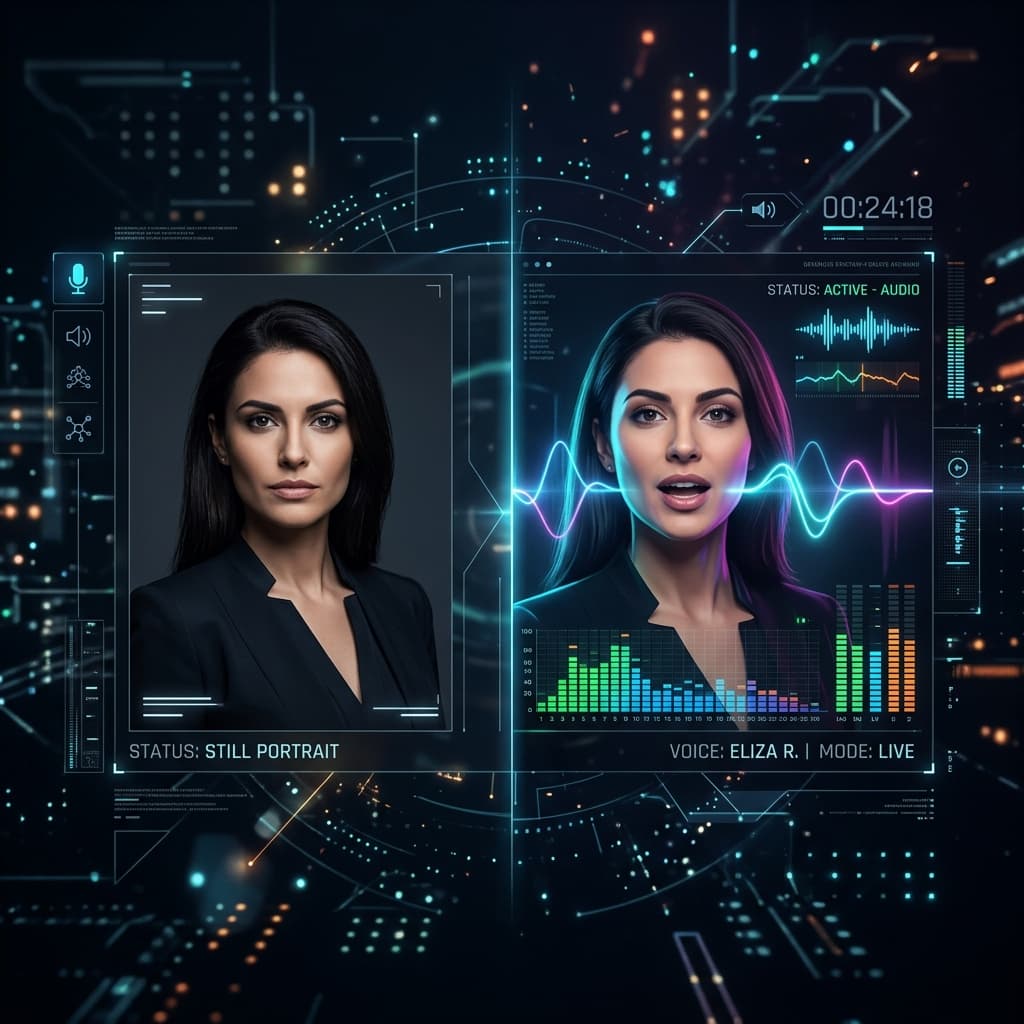
An AI spokesperson video is a short video in which a synthetic presenter — driven by a real photo and an AI voice — speaks your script directly to the viewer. The face is animated to match the audio, so lip movements, expression, and timing line up the way a real talking-head recording would.
The practical difference from traditional video is speed and cost. Instead of scheduling a shoot, you type (or upload) a script, choose a voice, and generate. When you need to change a price, a date, or a product name, you edit the text and regenerate rather than reshooting. You can build the whole thing from a single image in the talking photo studio, which turns one portrait plus a script into a finished presenter video with AI voices in 10 languages.
Where an AI spokesperson video works best
Not every video needs a live crew. These formats are a natural fit for a synthetic presenter:
- Product explainers and demos — a consistent host walking viewers through features.
- Onboarding and help content — welcome messages, tutorials, training clips, and FAQ answers.
- Course and training intros — the same recognizable instructor across every module of an online course.
- Patient and client explainers — clinics and practices use the same format for patient education videos.
- Landing-page and email videos — a face that greets visitors or subscribers.
- Social announcements — updates, launches, and reminders that ship the same day you write them.
For the company-wide version — one consistent presenter across your site, ads, and internal updates — see AI avatar videos for business.
If your goal is scrappy, creator-style content for social ads rather than a polished corporate presenter, a UGC-style avatar video is usually the better angle — more on that below.
How to create one, step by step
The workflow is short enough to finish in one sitting.
- Choose one strong photo. Front-facing, evenly lit, one clear face. This is the presenter for the whole video, so pick carefully.
- Write a tight script. Aim for spoken, conversational sentences — read it out loud and cut anything that trips you up. Shorter is almost always better.
- Pick a voice and language. Match the voice's energy to the message, and write the script in the target language rather than asking one language's voice to read another's text.
- Generate and review. Watch the result, tweak wording or pacing if a line lands awkwardly, and regenerate.
TalkPix uses one-time credit packs starting at $5. The Mini pack includes 50 credits, and a 10-second 720p Talking Photo video uses about $1 in credits. Payment is required before generation; a subscription is not required, and credits never expire.
Scripting tips that separate good from robotic
The technology handles lip sync and voice; the script decides whether the video feels human. A few habits help:
- Open with the point. Say what the video is about in the first sentence — viewers decide fast.
- Write for the ear, not the page. Contractions, short clauses, and one idea per sentence.
- Cut filler. "In order to," "at this point in time," and throat-clearing intros all read as padding when spoken.
- End with one clear action. Tell the viewer exactly what to do next.
If you want a deeper walkthrough of avatar formats and settings, our guide to choosing an AI avatar video generator breaks down the tradeoffs.
Spokesperson video vs. UGC ad: which do you need?
These two often get confused, so it's worth drawing the line.
A spokesperson video is polished and brand-forward — a clear presenter representing your company, good for explainers, onboarding, and landing pages.
A UGC ad is deliberately casual and creator-style, built to blend into a social feed. For selling a physical product on TikTok, Reels, or Shopify, a product video ad built from a product photo tends to outperform a formal presenter. If you're weighing the two for paid campaigns, our breakdown of UGC video ads explains where each one wins.
Many brands use both: a spokesperson video on the site and product page, UGC creatives in the ad account.
What it costs
TalkPix is pay-as-you-go. You buy credits in one-time packs starting at $5, they never expire, and a credit pack has no renewal to cancel. Commercial use is included, so anything you make can go straight into ads, product pages, or client work. You can see the full breakdown on the pricing page.
For most teams, that means an AI spokesperson video costs a few credits and a few minutes — the kind of thing you can turn around the same day you write the script, in as many languages as your audience needs.
Make your first AI spokesperson video
Credit packs start at $5, a 10-second 720p video uses about $1 in credits, and a subscription is not required.
Create a spokesperson video