How to Make a YouTube Channel Intro From a Photo (No Filming)
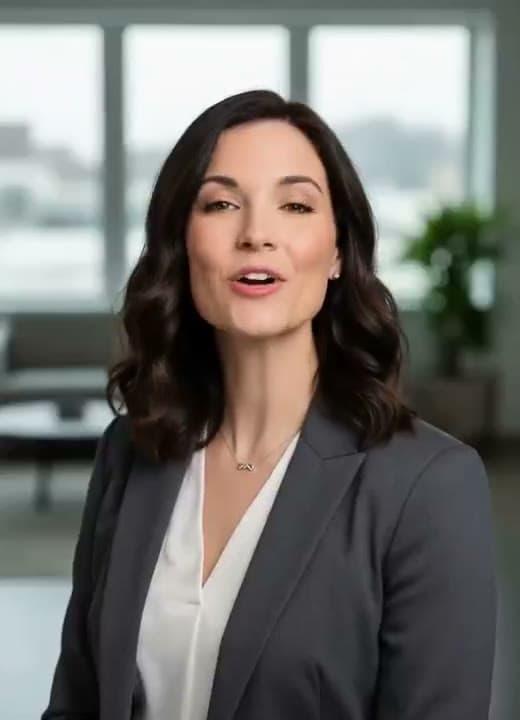
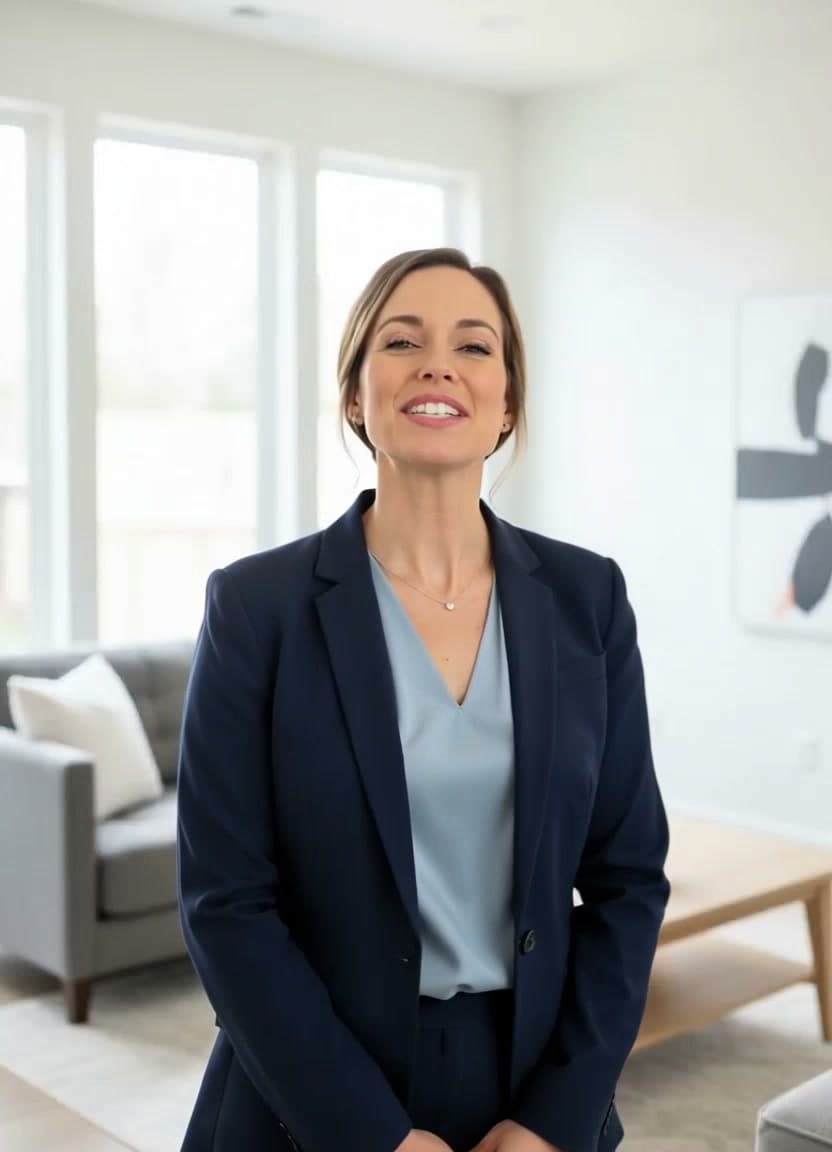
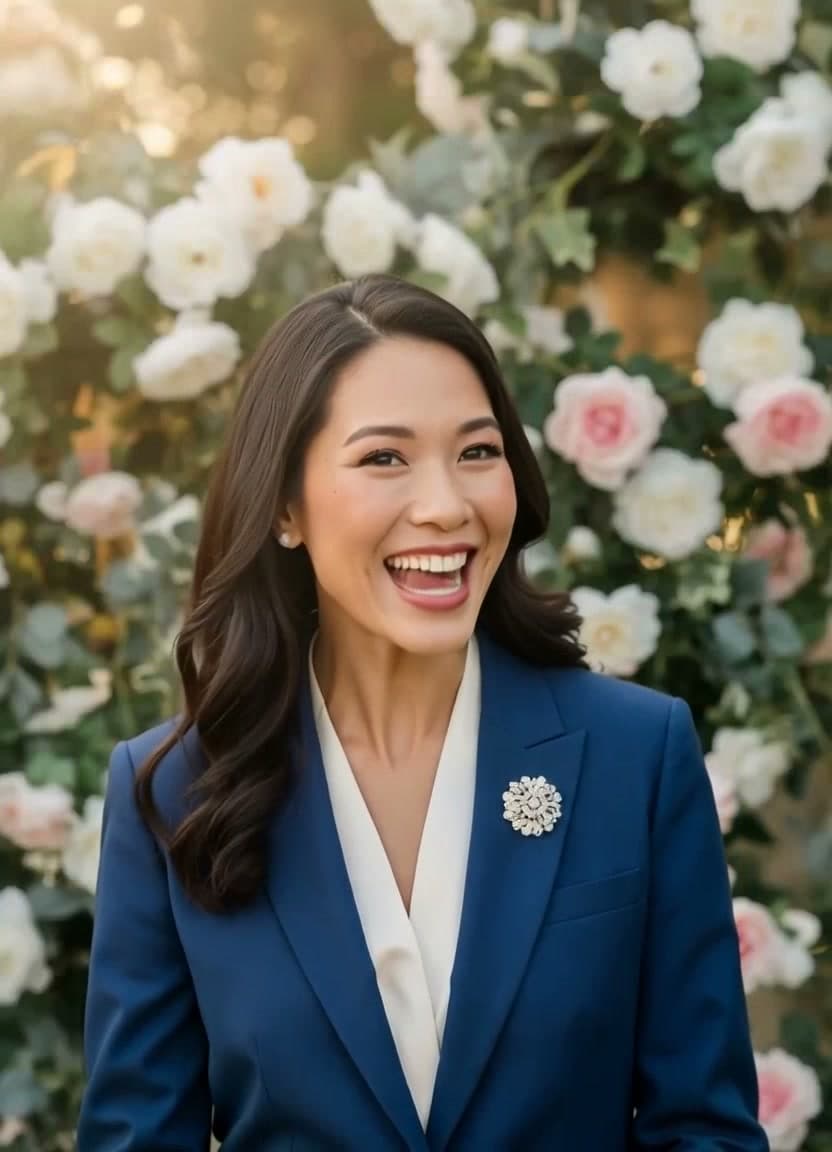
Every YouTube channel gets one shot at a first impression, and it usually happens before a viewer watches a single second of your content: the little trailer that autoplays on your channel page. Filming one means lighting, a camera, and being comfortable on screen — exactly what a lot of creators would rather skip. The good news is you can make a YouTube channel intro from a photo instead. One still image, a short script, and a few minutes in the browser get you a talking trailer that says who you are and what the channel is about.
Why a YouTube channel intro from a photo wins you more subscribers
A channel trailer answers the one question every new visitor is silently asking: "Why should I subscribe?" A wall of thumbnails doesn't answer it — a person talking to the camera for fifteen seconds does. A spoken intro puts a voice and a face to the channel, sets expectations for what you publish, and gives people a reason to hit subscribe before they wander off. It also warms up viewers who found you through search: they landed on one video, but the trailer is where they decide to stay.
You don't need a studio to get that effect. A talking head generator can turn a single portrait into a clip that looks like you sat down and recorded a proper welcome.
What photo works best
Almost any clear portrait of a real face will animate, but some choices read better as a channel intro:
- A crisp headshot. If you're the face of the channel, a well-lit photo looking toward the camera is the strongest pick.
- A photo that fits your channel's look. Pick a portrait whose style and colors sit comfortably next to your thumbnails and banner, so the intro feels of a piece with the rest of your page.
- A recent, natural shot. A current photo with a relaxed expression reads as more genuine than a stiff, over-posed one.
Whatever you choose, favor even lighting, one face pointed roughly at the camera, and a relaxed, slightly parted mouth — those animate the most naturally. If you want the full checklist, the walkthrough on how to make a photo talk covers it.
A script structure for a 10–20 second intro
Short is the whole point. Most channel trailers land best when they stay well under a minute, so aim for something in the 10–20 second range — roughly 30 to 55 words. Structure it in four quick beats:
- Hook (2–3s): who you are and what the channel does, in one line. "Hey, I'm Maya, and this channel breaks down personal finance for people who hate spreadsheets."
- Promise (middle): what a subscriber gets and how often. "New videos every Tuesday."
- Proof or personality: one specific detail that makes you different.
- Call to action: "Subscribe and I'll see you in the next one."
Write it the way you actually talk — short sentences, one idea at a time. Read it out loud once; if you stumble, rewrite that line so the avatar doesn't stumble either. More beat-by-beat structures like this live in the video script templates library — including online course intro scripts if your channel doubles as a classroom.
Reuse it as a trailer and as video intros
The best part is that this isn't a one-off. Once you've got a talking clip you like, it works in two places:
- As your channel trailer, set in YouTube Studio to autoplay for people who haven't subscribed yet.
- As a repeatable intro stitched onto the front of your uploads, so every video opens with the same short "who I am" beat that builds recognition.
Because you're generating from a photo instead of filming, you can spin up a fresh intro whenever your branding changes without re-recording anything. It's the same principle behind faceless video ads — one photo doing repeatable on-camera work — just pointed at growing a channel instead of selling a product.
Your own voice, or an AI voice
TalkPix uses one-time credit packs starting at $5. The Mini pack includes 50 credits, and a 10-second 720p Talking Photo video uses about $1 in credits. Payment is required before generation; a subscription is not required, and credits never expire.
Make multilingual versions for a global audience
If your audience is global — or you run separate channels per language — the same photo can deliver the intro in another language entirely. Swap the script, pick a voice in that language, and export a matching trailer. TalkPix offers 30 AI voices across 10 languages, so a multilingual avatar intro lets a Spanish or German viewer meet your channel in their own language without you filming anything twice.
What it costs to try
Everything runs in the browser — no app, no editing software, just a downloadable MP4. You pay per second in credits: 1 credit = 1 second of Talking Photo video at 720p, one-time packs never expire, and a subscription is not required. The Starter pack is $10 for 120 seconds, enough for a trailer plus a stack of reusable intros. There's no free tier — credits are added first, then the render runs. See the full breakdown on the pricing page, then upload your first photo.
Make your channel intro from a photo
Credit packs start at $5, a 10-second 720p video uses about $1 in credits, and a subscription is not required.
Make your channel intro