How to Animate Old Photos and Hear Them Speak Again
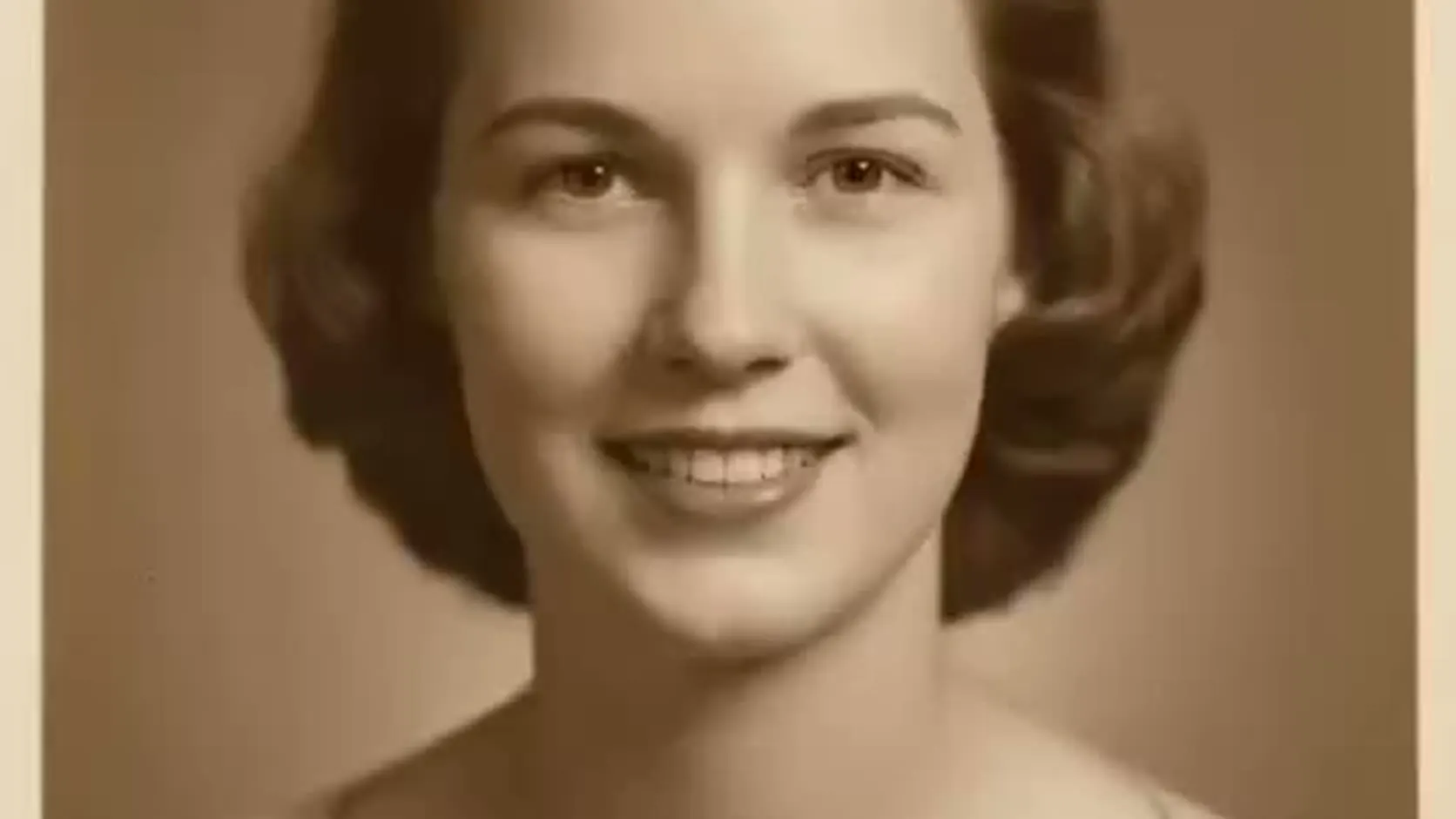
Somewhere in a drawer or a cloud folder there's a photo you care about: a grandparent's portrait, a wedding photo from the sixties, a faded school picture. AI can now animate old photos — not just add a subtle head tilt, but make the person in the frame actually speak a message, in a natural voice, with lip movement matched to the words.
Here's what that looks like, generated from a single vintage portrait:
Start with the best scan you can get
Old photos come with old-photo problems — creases, fading, small print sizes. The animation quality tracks the input quality, so a few minutes here pay off:
- Scan, don't photograph, if possible. A flatbed scan at 300–600 DPI beats a phone photo of a print. No scanner? Shoot straight-on in daylight, avoiding glare.
- Crop to the face. The tool animates one face; crop group photos down to the person you want to hear.
- Don't over-restore. Light dust removal helps, but heavy AI "enhancement" can smear the facial features the animation depends on.
Black-and-white and sepia photos work — the output keeps the original tone, which honestly adds to the effect.
Choose words that fit the person
This is the part people get wrong: the technology is simple, the script is emotional. Some approaches that work:
- A message you remember them saying. A phrase, a saying, the way they answered the phone.
- A greeting for an occasion. "Happy birthday, kiddo" in a warm voice, from a photo of someone who never missed one. (If they have passed, our guide to a gentle "happy birthday in heaven" video treats that day with care.)
- A family history note. A great-grandparent "introducing" themselves for younger relatives who never met them.
Keep it short — 10 to 20 seconds. For memorial use specifically, we wrote the memorial tribute video page with a more careful, dignified walkthrough.
The steps
- Upload the scanned portrait to the studio — or start from the animate old photos page.
- Type the message, or upload a real voice recording if you have one — the photo lip-syncs to your audio (here's how the voice upload works).
- Pick a voice that fits — 30 voices across 10 languages, so you can match language and tone.
- Credit packs start at $5. The Mini pack includes 50 credits; a 10-second 720p video uses about $1 in credits.
Bring an old photo to life
Credit packs start at $5, a 10-second 720p video uses about $1 in credits, and a subscription is not required.
Animate an old photoWhat it costs, honestly
1 credit = 1 second of Talking Photo video at 720p, packs start at $5, there's no subscription, and credits never expire. A 15-second animated message costs well under two dollars. Uploaded photos and generated videos are auto-deleted after 30 days — your family photos don't sit on a server forever.
A note on consent and care
Animate photos you own or have the family's blessing to use. For living relatives, ask first — most people are delighted, but it should be their call. For memorial content, keep the words true to the person; the point is remembrance, not impersonation.
Related guides
- How to make a photo talk — the full step-by-step
- Lip-sync a photo to your own voice
- Make an AI birthday video from a photo
Ready when you are: animate your old photo →