
Make Old Photos Talk: Family History and Memorial Videos
Bring black and white, vintage, or historic family portraits to life. Animate ancestors, historical figures, and old memories into talking videos with realistic lip sync, in 720p or 1080p.
Credit packs from $5 · exact cost shown first · no subscription required
An authentic vintage family portrait brought to life
AI voice
Real examples
See generated videos before you start. View.
No watermark
Downloads are clean and ready to post.
Commercial use
Subject to your input rights and our Terms.
Refund unused credits
Failed renders auto-refund too.
Secure checkout
Secure card payments.
How do you make an old family photo talk for a family history or memorial video?
Upload the portrait, then give it words: a grandparent's story typed for an AI voice, or a recording of a relative reading it. The face speaks with lip sync and the MP4 downloads for a reunion, a tribute or a family archive. Use photos of your own family and recordings you have permission to use, and let the family decide what a memorial video should say.
| Option | Cost or condition |
|---|---|
| Price basis | Examples use web list prices in USD, without discounts. Checkout shows the final amount and currency before payment. |
| Minimum reusable pack | $5 for 50 credits; purchased credits do not expire. |
| 10-second video at 720p | 10 credits ($1.00 of the Mini pack's value). This is a per-video credit cost, not a separate cash checkout. |
| 10-second video at 1080p | 20 credits ($2.00 of the Mini pack's value). This is a per-video credit cost, not a separate cash checkout. |
| Duration limit | Talking Photo supports typed text, uploaded audio, and recordings up to 5 minutes at 720p or 2 minutes at 1080p. |
| Final charge | Based on actual rendered duration, rounded up to a whole second. The pre-generation estimate can differ from the final credit charge. |
Use cases
Popular Ways to Make Old Photos Talk
Family History & Heritage
Animate old family portraits of grandparents and ancestors speaking their stories or wisdom.
Historical Education & Museum Displays
Bring historical figures from textbooks or museum archives to life for interactive learning.
Memorial & Tribute Videos
Create emotional tribute clips for celebrations of life, anniversaries, and family reunions.
How AI Brings Historical & Old Portraits to Life
TalkPix analyzes facial structure in vintage photographs — including black and white, sepia, or restored portraits — and aligns lip movement, eye blinks, and head tilts with any typed script or uploaded voice audio.
- Supports old, black & white, sepia, and restored photographs
- Type any script or upload authentic family voice recordings
- Download an MP4 in 720p, or 1080p for 2× the credits
Examples
Real Examples of Historical & Family Photo Animations
1920s vintage portrait speaking
AI voice
Black and white historical figure
AI voice
Historical city walk-through narrator
AI voice
Any photo
Photos you can bring to life
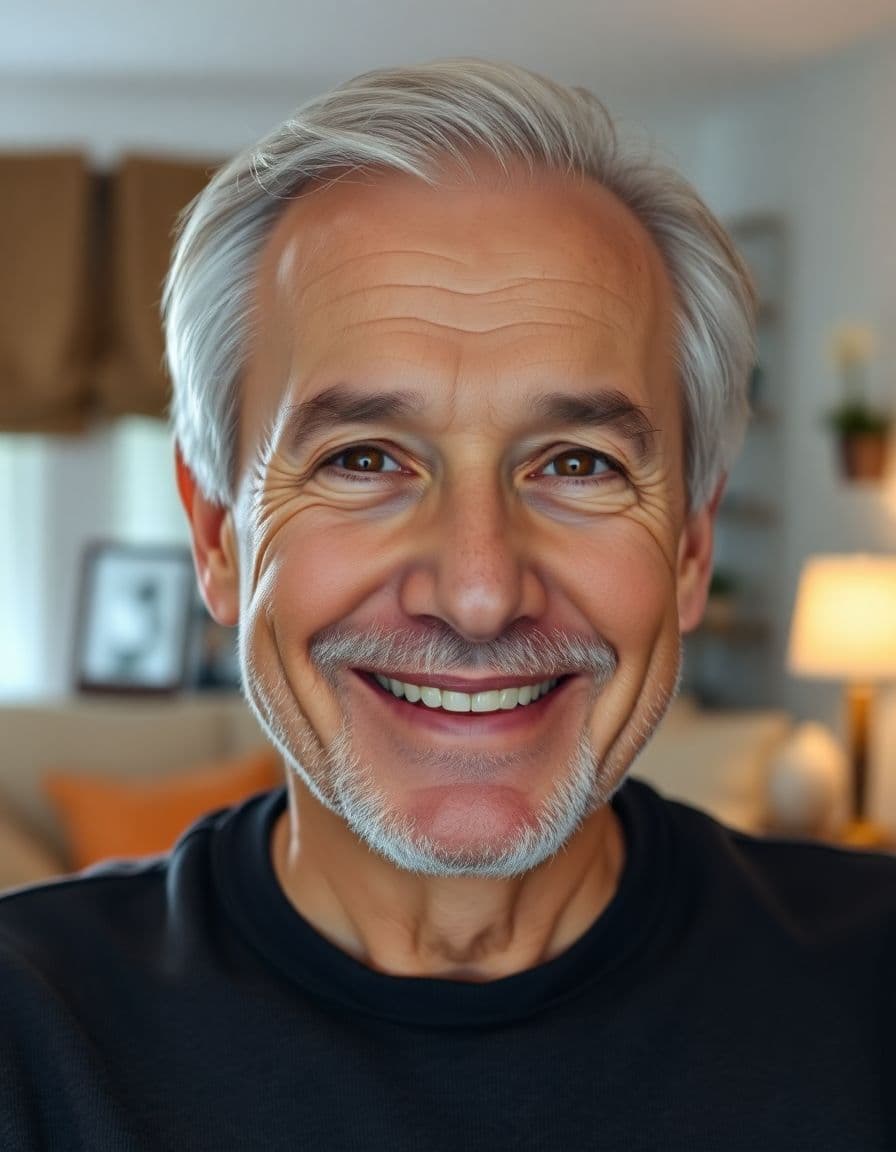
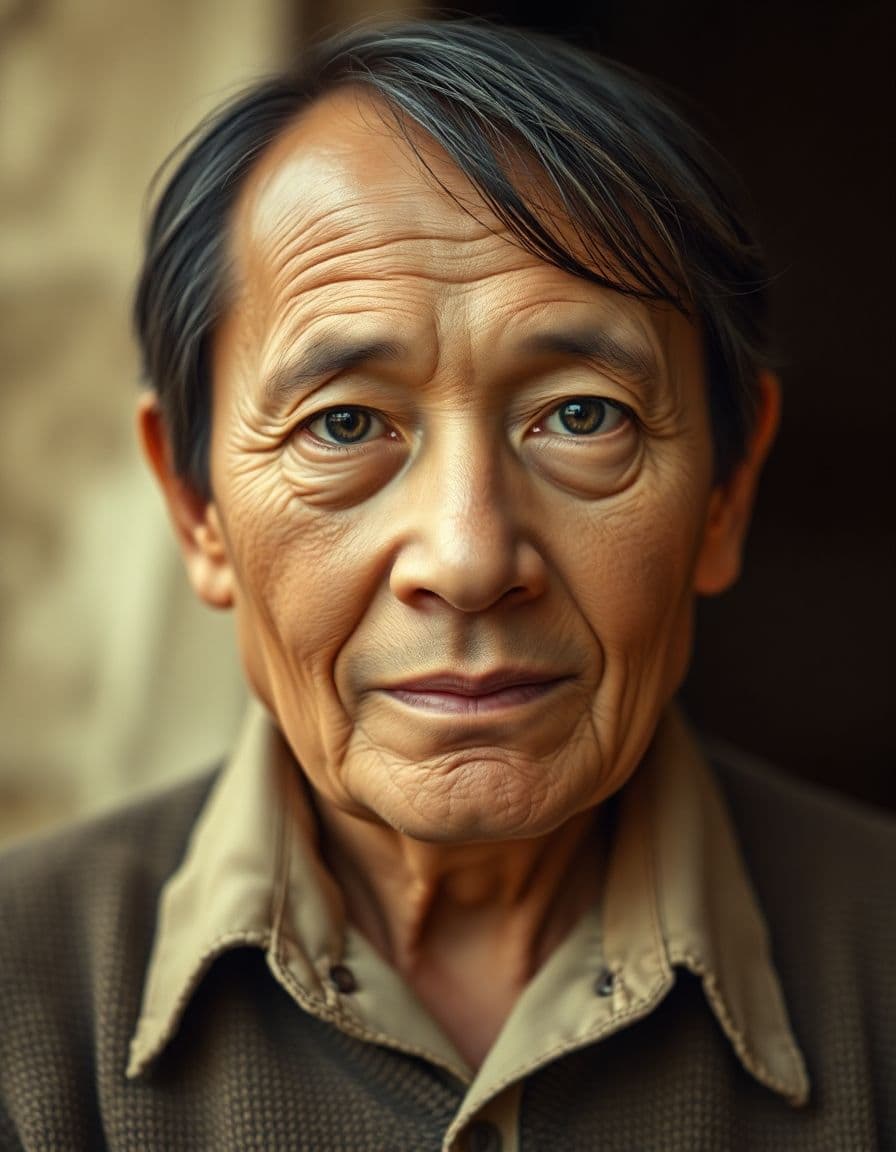
A professional headshot, an everyday selfie, a family photo, even a pet or an old portrait — upload it and TalkPix makes it talk.




How it works
Three steps from photo to video
Step 1
Upload photo
Choose a clear portrait image from your device.
Step 2
Add a script or audio
Type the words to say, or upload your own voice.
Step 3
Generate video
We lip-sync the portrait and render a downloadable clip.
Example campaigns
Three buyer-ready ways to use TalkPix
These are example workflows, not customer claims or invented reviews.
Etsy seller example
Setup: Upload one product photo and write a short gift-angle hook.
Output: Create a 9:16 talking product ad for an Etsy listing, Reel, or launch post.
Next step: Test a gift idea angle against a review-style angle.
Example campaign, not a testimonial.
Shopify store example
Setup: Start with the hero product image and three buyer objections.
Output: Generate short creator-style ads for TikTok, Reels, Facebook, or product pages.
Next step: Run the best hook as a retargeting creative.
Example campaign, not a testimonial.
Creator example
Setup: Prepare a portrait with a sponsor line, intro, or call-to-action, then check out before generation.
Output: Create a clean 720p MP4 with no watermark and no subscription required.
Next step: Use the $5 Mini pack when you are ready to make more.
Example campaign, not a testimonial.
Customer reviews
Rated 4.9/5 across 12 reviews
Every rating is tied to a customer's completed video. Quotes are admin-approved and shown only with permission.
“I liked it”TalkPix customer
“Way too cute”Gina in holiday outfit
“Very good and realistic singing video”Michael
“Best lip sync ever! I like it too much”TalkPix customer
“Realistic lip sync! Best I have ever used until now”TalkPix customer
“Realistin lip sync tool, I like this!”TalkPix customer
“It turn out 85% real, & im happy”TalkPix customer
Pricing
Credit packs from $5 — a 10-second video is ≈$1
Pay once, no subscription required, and your credits never expire. 1 credit = 1 second of Talking Photo video at 720p.
Need more after your first video? Your first standard credit pack is 15% off, applied automatically at checkout within your first 24 hours.
No subscription required · Credits never expire · Buy whenever you need
Studio-specific credit rates · Talking Photo ≈10.0¢ per second at 720p
Mini — $5 USD adds 50 credits. This pack makes about:
~50s
Talking video
3-50s
AI video · 720p
1-13 cr/s by model
~16
Product photos
~4
Product ad videos
10s each at 720p
Specifications
TalkPix at a glance
| Pricing model | One-time credit packs. No subscription is required. |
|---|---|
| Starting price | $5 for the Mini pack of reusable credits, which covers every studio. |
| Credit cost per generation | 1 credit = 1 second of Talking Photo video at 720p. 1080p costs 2x that per second, and the other studios (AI Video, Product Photo, Song, voice cloning) use their own studio and model rates. The exact credit cost is shown before you generate. |
| Do credits expire? | No. Purchased credits never expire. |
| Free tier | None. Payment is confirmed before anything is rendered. |
| Talking Photo image input | A photo you upload — a person, a pet, or a product. |
| Talking Photo speech input | Type a script, upload an audio file, or record your voice. |
| Talking Photo output | A downloadable MP4 video. Other studios can produce images or audio. |
| Talking Photo duration | Talking Photo supports typed text, uploaded audio, and recordings up to 5 minutes at 720p or 2 minutes at 1080p. |
| Talking Photo resolutions | 720p and 1080p |
| Talking Photo AI voices | 30 built-in voices. |
| Typed-script voice languages | 10 supported language options. Uploaded audio supplies its own speech; it does not add a text-to-speech language. |
| Commercial use | Allowed, when you hold the rights and consent for every input you upload. |
| How long uploads are kept | 30 days. |
| Platform | Browser-based web app on any phone, tablet or computer. TalkPix apps are also on the App Store (iPhone and iPad) and Google Play (Android). |
Specifications verified 13 October 2026.
FAQ
Common questions
Can I use black and white or vintage photos?
Yes! TalkPix works seamlessly with black and white, sepia, and restored vintage portraits. For best results, choose a photo where the face is clearly visible.
How do I add voice audio to an old photo?
You can type any script for our high-quality AI voices to speak, or upload an authentic audio file (like an old voice recording) to lip-sync with the photo.
Ready
Make Old Photos Talk: Family History and Memorial Videos
Create your full video with one-time credit packs from $5 — a 10-second video is about $1. Payment is required before generation.
More tools