Amazon Product Image Requirements: The Complete 2026 Checklist
If your listing photos do not follow the rules, Amazon can suppress your images, drop your product from search, or refuse to publish the listing at all. Knowing the exact Amazon product image requirements before you upload saves you from that back-and-forth. This guide walks through the specs that actually matter — the pure-white main image, file sizes and formats, framing, and the common mistakes that get listings flagged — plus a faster way to hit every requirement without a studio.
The main image rule (this is the strict one)
Amazon treats the main image differently from every other photo in your gallery. It is the thumbnail shoppers see in search results, so Amazon enforces it hardest.
The core requirements for the main image are:
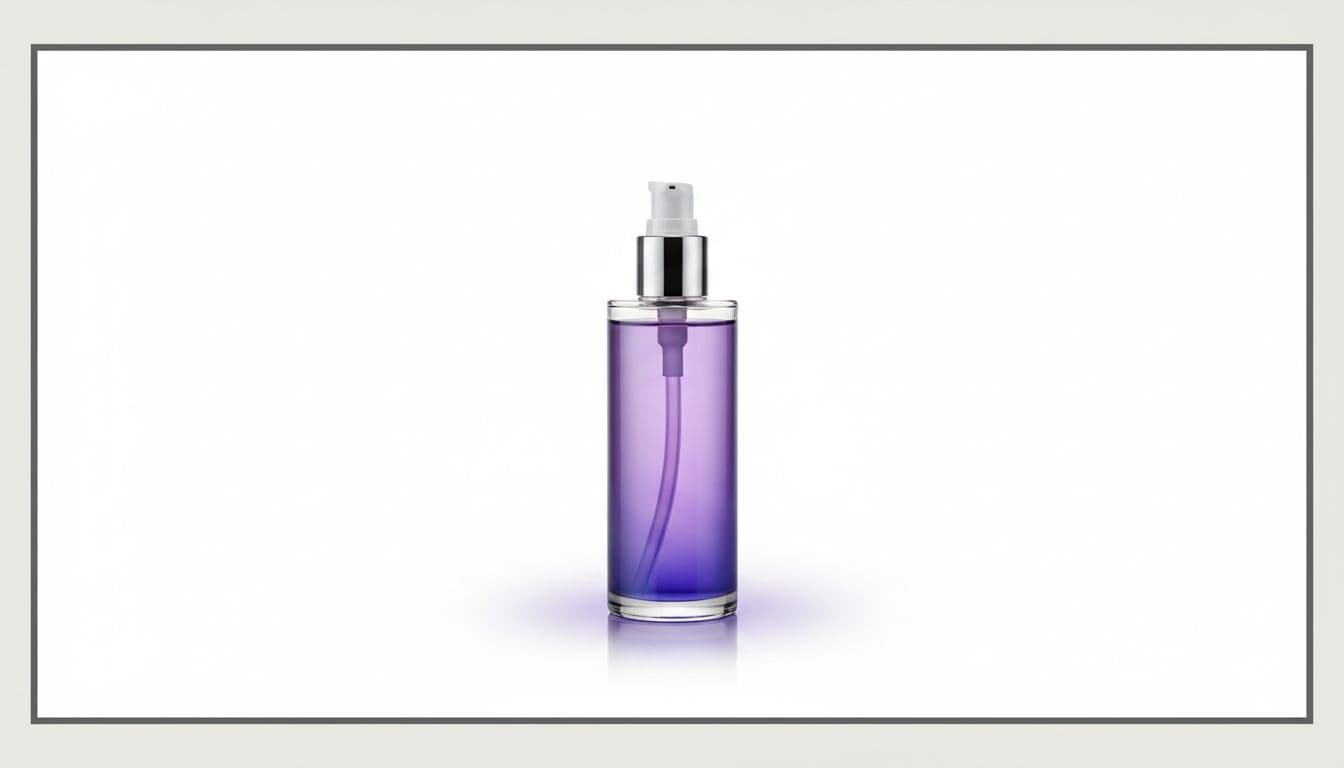
- Pure white background. Amazon specifies RGB 255, 255, 255 — the same white as the site itself, so the product appears to float with no visible box or edge. "Almost white" or light gray will not pass.
- The real product only. No props, accessories that are not included, text, logos, watermarks, or borders on top of the image.
- Product fills about 85% of the frame. It should be the obvious subject, not lost in empty space.
- No people or mannequins on non-apparel mains, and no hands holding the item.
Miss the pure-white rule and Amazon may suppress the listing, which means it stops showing in search until you fix it. If a plain white main is your sticking point, our white-background product photos guide covers exactly what "pure" white means and how to get there.
Size, format, and file specs
Beyond the white background, Amazon has technical requirements for the file itself:
- Format: JPEG (.jpg) is preferred. TIFF (.tif), PNG (.png), and non-animated GIF (.gif) are also accepted.
- Dimensions: The longest side should be at least 1,600 pixels to enable zoom, which is a real conversion feature. The maximum longest side is 10,000 pixels.
- Minimum to publish: 1,000 pixels on the longest side, but aim well above that so zoom works.
- Color mode: sRGB or CMYK.
- Aspect ratio: A 1:1 square is the safe default for the main image and reads cleanly across search grids.
Because zoom only activates above that 1,600-pixel threshold, uploading small images quietly costs you a selling feature. If aspect ratios and pixel dimensions across platforms confuse you, our breakdown of product photo sizes and aspect ratios lines up the numbers so you are not guessing.
Gallery images have more freedom
The pure-white rule only binds the main image. Your remaining gallery slots (Amazon allows several per listing) are where you sell the product in context:
- Lifestyle shots showing the product in use or in a real setting — steal a few lifestyle scene ideas by product type for these slots.
- Detail and scale shots so buyers understand size and materials.
- Infographic-style images with callouts, dimensions, or feature labels.
These secondary images can use colored backgrounds, text overlays, and scenes. Use them — listings with rich galleries give shoppers the answers they need to buy with confidence.
Common reasons images get rejected
Most suppressions come down to a short list of avoidable issues:
- A background that is off-white, textured, or has a visible edge behind the product.
- Watermarks, seller logos, or promotional text baked into the main image.
- Placeholder graphics or "image coming soon" fillers.
- Illustrations or renders where a real photo is required.
- Blurry, low-resolution, or heavily distorted photos.
If you already have a good product photo but the background is the problem, you often just need a clean cutout rather than a full reshoot. Our walkthrough on how to remove the background from product photos covers that fix step by step.
The fast way to meet every requirement
Shooting a compliant main image the traditional way means a white sweep, two lights, a tripod, and editing time to get an even, pure-white result. It works, but it is slow and finicky.
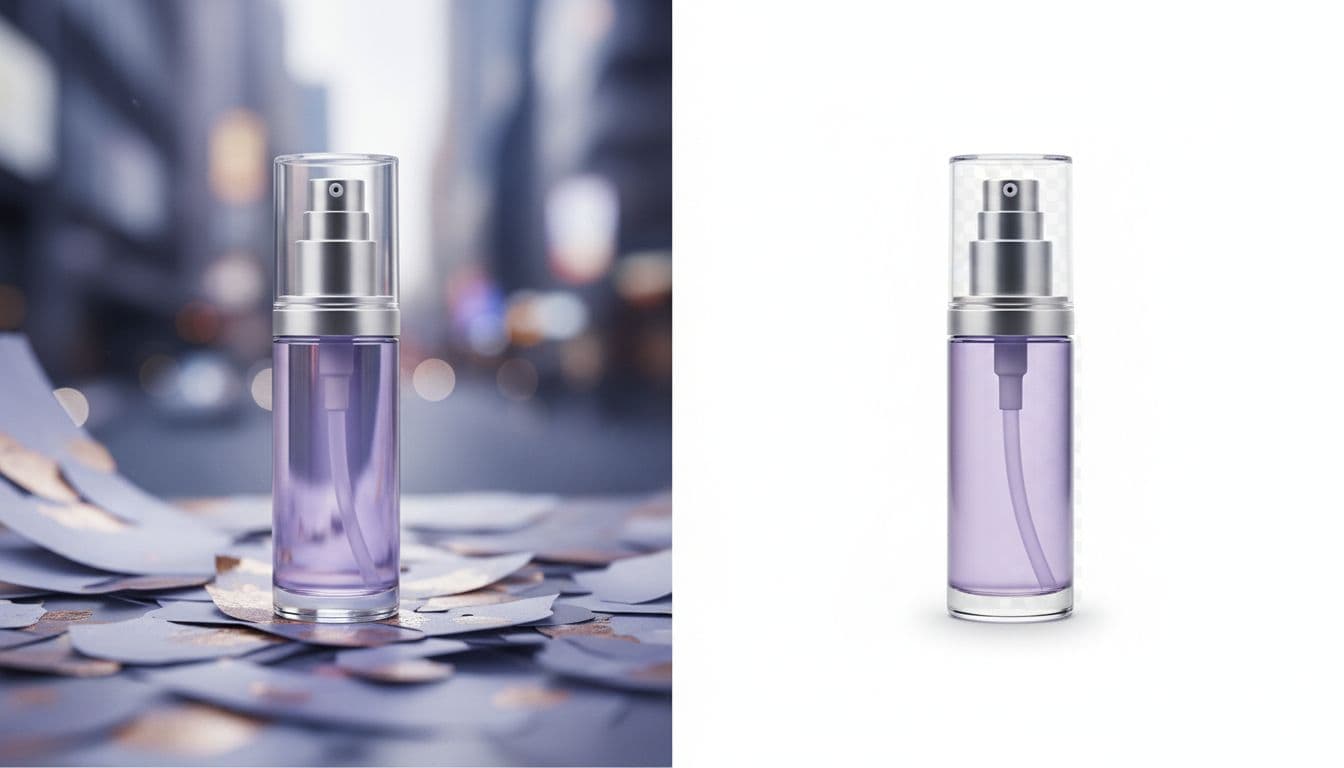
The faster route is to restage the photo with AI. In the AI Product Photo Studio, you upload one photo of your product and pick the pure-white scene. The tool is instructed to keep the product's shape, proportions, colors, materials, and any label or logo, and to replace only the background and lighting. Check the label and small print in the result before you upload it. Nothing is invented, so what buyers see is the actual product.
Product photos run on prepaid credits — there is no sample render, so nothing generates until your account has credits. You pay per photo from one-time packs that start at $5, never expire, and carry no subscription required. If you sell across marketplaces, the Amazon product photo editor view is tuned for the specs above so your main image passes the first time. eBay has its own zoom thresholds and framing quirks too — the eBay product photo guide runs through them.
Get the main image compliant, get the listing live, then build out your gallery with lifestyle and detail shots. A clean, rule-following main image is the foundation everything else in the listing sits on.
Get an Amazon-ready main image in minutes
Upload one product photo and get a clean, pure-white image that meets Amazon's main-image rules. Prepaid credits, one-time packs from $5, no subscription required.
Make my product photo