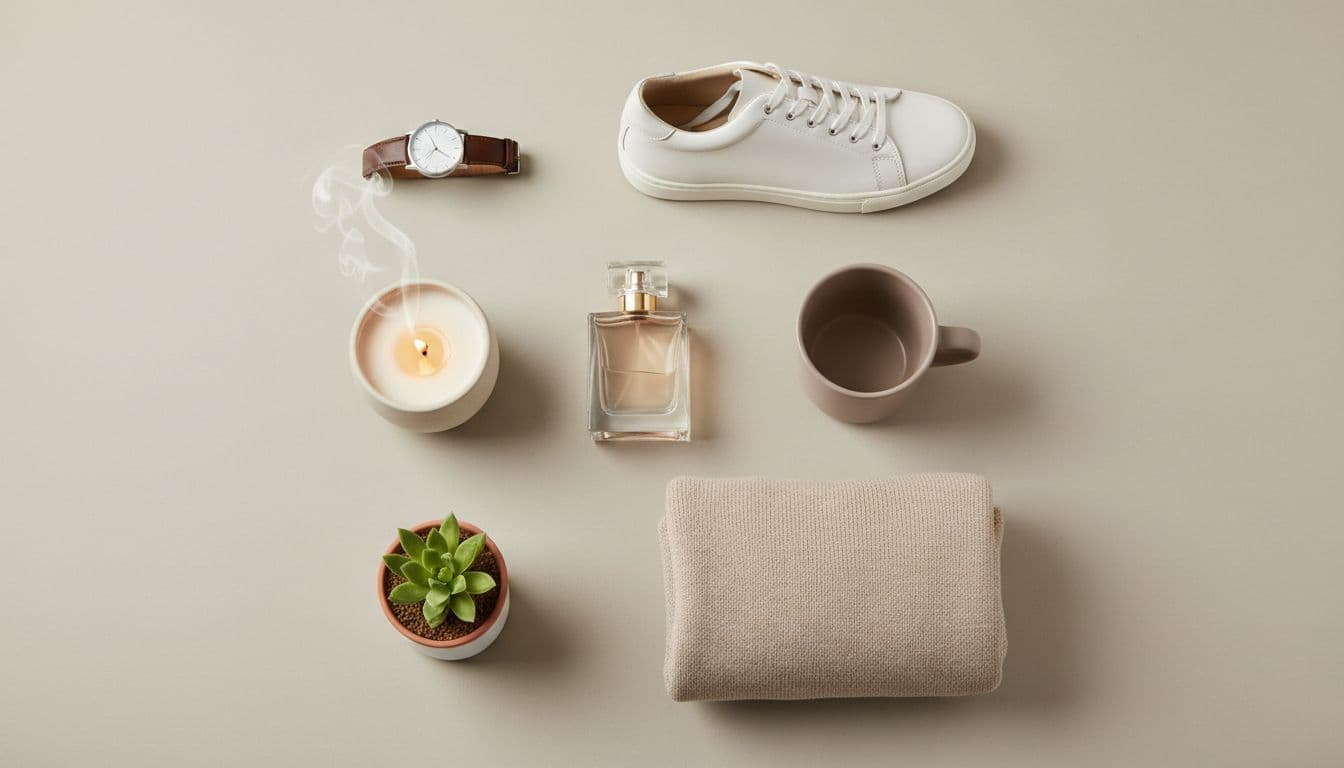
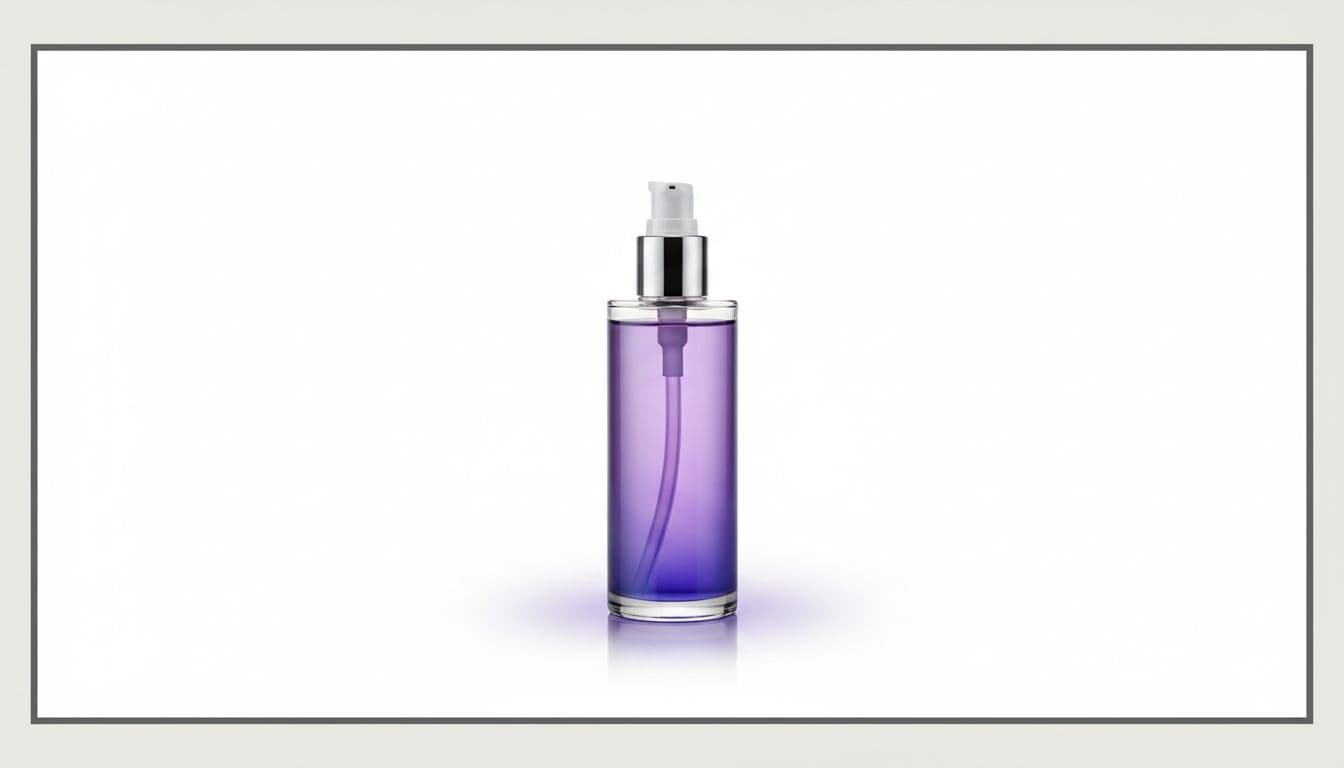
Lifestyle Product Photography Ideas by Product Type
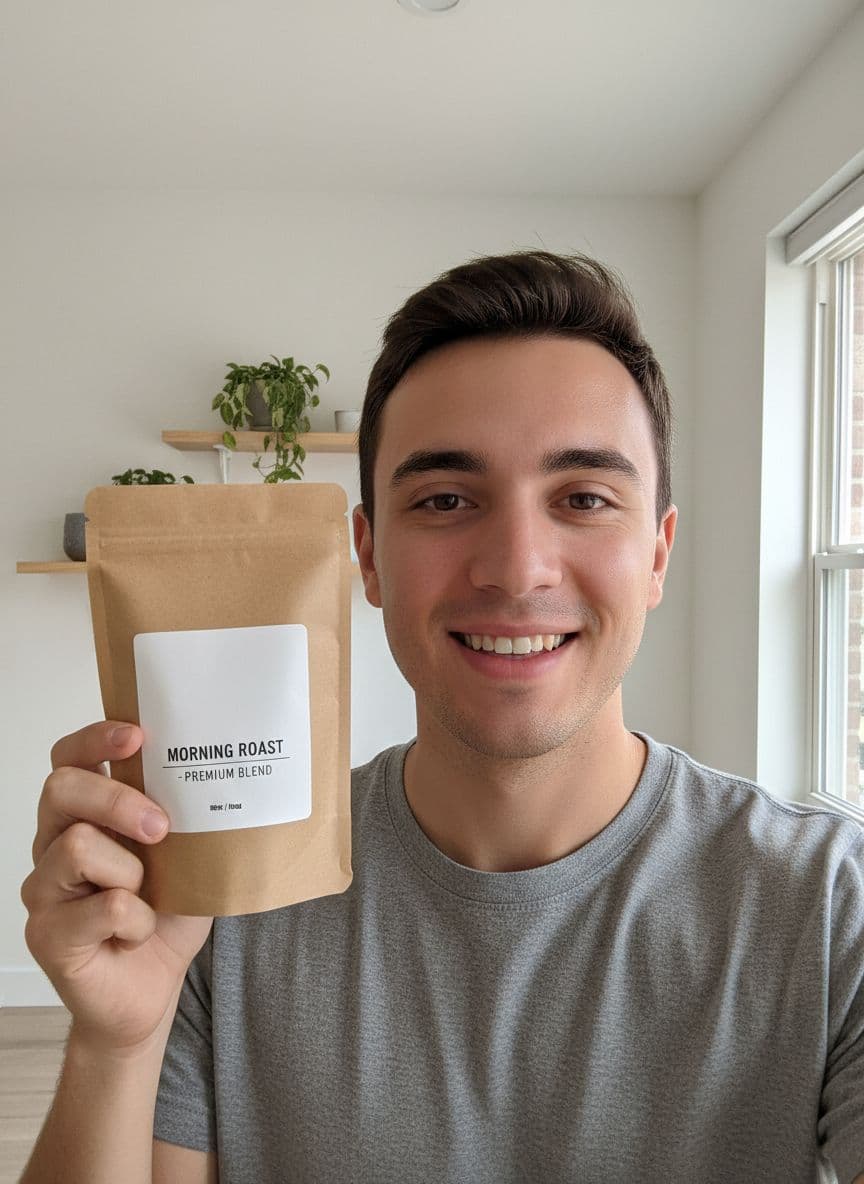
A white background sells a product, but a lifestyle scene sells a feeling. When a shopper sees your jar on a marble bathroom vanity or your candle glowing on a wood tabletop, they imagine it in their own space. The hard part has always been the shoot: props, surfaces, lighting, and a photographer.
With an AI Product Photo Studio, you skip that. You upload one clear photo, and the AI re-stages that product into a new scene. It is instructed to keep your shape, colors, label, and logo while the background and lighting change. Here are scene ideas by product type, plus how to build each one.
Beauty and skincare scene ideas
Beauty buyers respond to clean, calm surroundings that suggest a routine. A few reliable directions:
- A marble surface with soft daylight for a premium skincare feel.
- A bathroom vanity scene, which puts serums and creams where they are actually used.
- A botanical setting with greenery to signal natural or plant-based formulas.
To create these, upload your bottle or jar and pick the marble, bathroom vanity, or botanical scene. Choose a 4:5 crop for Instagram or 1:1 for your listing. If your line has a specific angle, the cosmetics product photography page walks through options tuned for beauty products.
Food and beverage scene ideas
Food needs context that reads as fresh and appetizing. Strong choices include:
- A kitchen counter for pantry goods, sauces, and packaged snacks.
- A wood tabletop with warm light for a rustic, homemade look.
- A flat lay when you want to show a jar next to a few simple ingredients.
Upload your package and select the kitchen or wood scene, then set the aspect ratio to match where the image runs. See food product photography for scene pairings that suit different food categories.
Jewelry scene ideas
Jewelry rewards restraint. The scene should make the piece feel valuable without competing with it:
- A luxury podium or pedestal to give a ring or pendant a focal point.
- A studio gradient background that keeps attention on the metal and stones.
- A marble surface for an elevated, editorial flat lay.
Because the studio works from your original photo, the sparkle, finish, and proportions largely carry through; zoom in to check stones and fine details. Upload the piece, choose the podium or gradient scene, and use a 1:1 crop for marketplace listings. The jewelry product photography guide covers this in more detail.
Home and decor scene ideas
Home goods sell best when a shopper can picture the item living in a real room:
- A cozy home interior for candles, vases, and small decor.
- Outdoor daylight for planters, garden pieces, or anything that belongs on a patio.
- A festive or gift scene to prep seasonal and holiday listings ahead of time.
Upload the product, pick the interior or outdoor scene, and choose 3:4 for listings or 16:9 for a homepage banner. For larger pieces, the furniture product photography page has scene ideas that scale up. Candles, planters, and small accents each have dedicated guides too — see candle product photos, planter product photography, and home decor product photography.
How to build any of these scenes
The workflow is the same across every category:
- Upload one clear, well-lit photo of a single product.
- Pick a scene that matches the mood you want.
- Choose the aspect ratio for where the image will run.
- Download the high-resolution, watermark-free file with commercial use included.
You can also mix formats from one product: a white background photo for the marketplace, plus two or three lifestyle scenes for social and your product page. If you want a broader tour of styles first, the lifestyle product photography page shows what different scenes look like across categories. When you are ready to build yours, the AI product photo generator turns one upload into any of these scenes in minutes.
Once your photos are ready, you can turn one into a short talking product ad video to round out a listing or a social campaign.
Create lifestyle product scenes from one photo
Upload one product photo and re-stage it into marble, kitchen, podium, or cozy interior scenes. 3 credits per photo from one-time packs starting at $5, no subscription required.
Try the Product Photo Studio