Product Photo Sizes and Aspect Ratios: The Complete Guide
Getting the right product photo sizes and aspect ratios is one of those small details that quietly decides whether your listing looks sharp or gets rejected. Upload an image that is too small and marketplaces refuse it; use the wrong ratio and your product gets awkwardly cropped in the feed. This guide breaks down the dimensions and ratios that actually matter across the major platforms, so you can shoot once and format everything cleanly.
Aspect ratio vs. pixel size: what's the difference?
These two terms get mixed up constantly, so it helps to separate them.
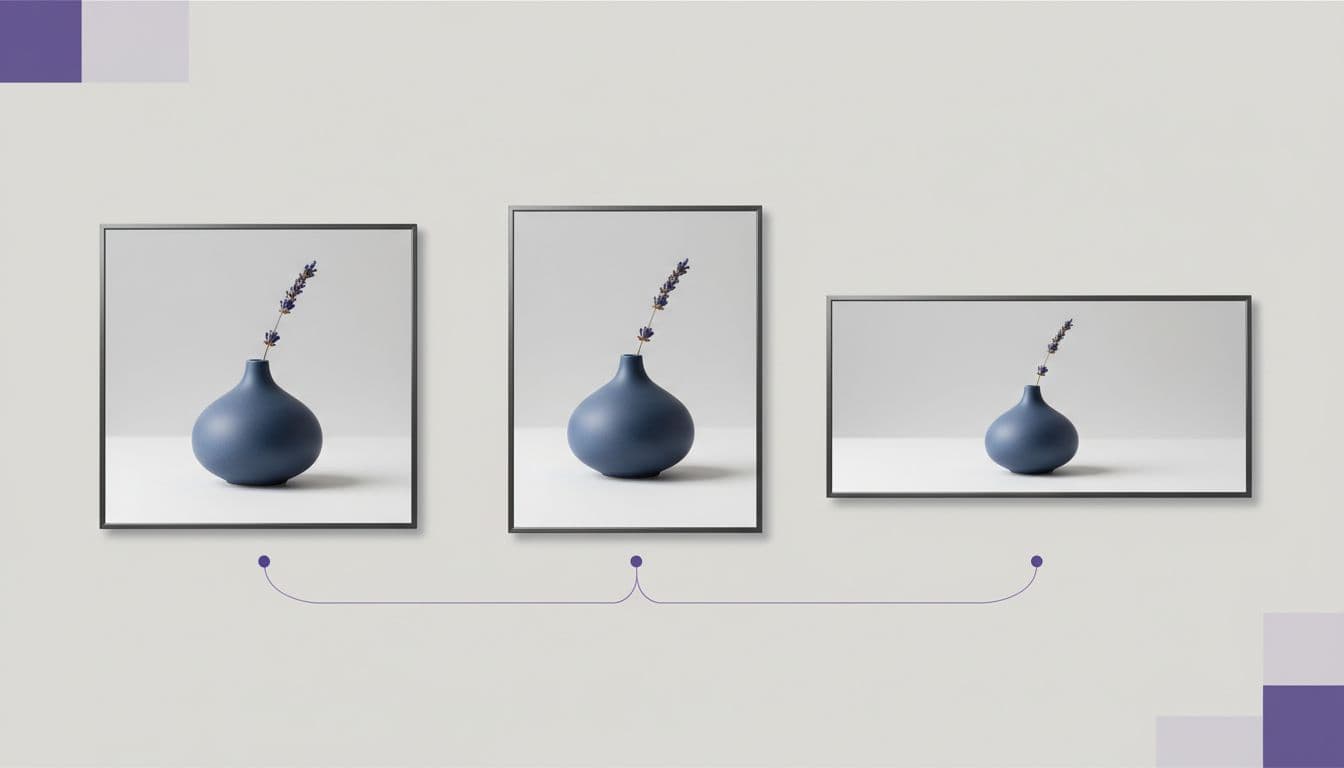
- Aspect ratio is the shape of the frame — the relationship between width and height. A 1:1 image is a perfect square; 4:5 is a tall portrait; 16:9 is a wide landscape. Ratio controls how the image is cropped.
- Pixel size is the actual resolution — like 2000 x 2000 pixels. Size controls how sharp and zoomable the image is.
You can have the correct ratio at the wrong size (a crisp square that's too small) or the correct size at the wrong ratio (a huge image that gets cropped badly). You need both right.
Common product photo sizes and aspect ratios by platform
Here's where most sellers get tripped up. Every channel has its own preferences, and the "safe" choice changes depending on where the image lives.
Amazon
- Main listing image: 1:1 square, pure white background, at least 1000 pixels on the longest side to enable zoom (1600+ is better).
- Amazon is strict, so it's worth reading the full Amazon product image requirements before you upload.
Shopify
- Square 1:1 is the standard for a consistent product grid. Shopify recommends around 2048 x 2048 pixels for crisp results.
- Because Shopify displays images edge to edge, uniform ratios keep your collection pages tidy. Our Shopify product photos guide covers the specifics.
Etsy
- Recommended ratio is 4:3 (landscape) for the thumbnail crop, with a minimum of 2000 pixels on the shortest side. Etsy crops thumbnails, so keep your product centered. The Etsy product photography guide goes deeper on staging for that crop.
eBay
- 1:1 square works well, with at least 1600 pixels on the longest side for the zoom feature. See eBay product photos for the rest of that marketplace's quirks.
Social feeds (organic and ads)
- Instagram and Facebook feed: 4:5 portrait takes up the most vertical space and stops the scroll.
- Stories and Reels: 9:16 vertical, full screen.
- Landscape link posts: 1.91:1.
Quick reference: which ratio for which job
- 1:1 square — marketplace main images (Amazon, eBay, Shopify grids). The universal safe default.
- 4:5 portrait — Instagram and Facebook feed posts and ads.
- 9:16 vertical — Stories, Reels, TikTok, and vertical video.
- 4:3 landscape — Etsy thumbnails and some blog or banner slots.
- 16:9 landscape — website heroes, YouTube thumbnails, wide banners.
The takeaway: shoot at the highest resolution you can, then crop down to each ratio. You can always crop a big image smaller, but you can't add detail that isn't there.
How to hit every size from one source photo
Reshooting a product at five different ratios is tedious, and manually cropping introduces its own problems — center a square crop wrong and you'll chop off part of the product. The smarter approach is to start with one clean, high-resolution photo and generate the variations you need.
With the AI Product Photo Studio, you upload a single product photo and restage it into professional scenes — pure white, marble, studio, or lifestyle backgrounds. The tool is instructed to keep the real product's shape, colors, label text, and materials while it rebuilds the background and lighting. From that clean, high-resolution result, you have a strong base to crop into each ratio your channels require.
A couple of tips to make cropping painless:
- Leave breathing room. Frame your product with a little space around it so square, portrait, and landscape crops all have margin to work with.
- Keep the subject centered. Centered products survive automatic thumbnail crops on Etsy and Amazon without losing edges.
- Start clean. A distraction-free background crops far better than a busy one. If your original has clutter, learning to remove the background from product photos first makes every downstream crop cleaner.
Don't forget file size and format
Dimensions aren't the whole story. Keep files under each platform's upload limit (often 5–20 MB), use JPG for photos and PNG when you need transparency, and compress images so pages load fast without visible quality loss. A heavy image slows your listing, and slow listings quietly cost you conversions.
Get the sizing right from the start
Nailing product photo sizes and aspect ratios isn't glamorous, but it's the difference between a listing that looks professional and one that gets flagged or cropped badly. Start with one sharp, well-lit, high-resolution image, keep the product centered with a little margin, and crop deliberately for each destination. Get the source right and every version downstream falls into place.
Get a clean, high-resolution product photo to crop from
Upload one product photo and restage it into a pro scene at high resolution — the perfect base to crop for Amazon, Shopify, Etsy, and social. 3 credits per photo, no subscription required.
Make my product photo