
Talking Cartoon Maker
Give a cartoon character a voice. Pick a ready-made 3D-style character — kid, robot, dragon, pirate — or upload your own, type the lines, and download an HD clip with animated lip-sync.
Credit packs from $5 · payment before generation · no subscription required
A cartoon character, talking
AI voice · 720p
Real examples
See generated videos before you start. View.
No watermark
Paid exports are clean and ready to download.
Commercial use
Subject to your input rights and our Terms.
Refund unused credits
Failed renders auto-refund too.
Secure checkout
Secure card payments.
Use cases
What talking cartoons are used for
Kids' content
Friendly characters explaining, storytelling, or singing for young audiences.
Channel mascots
A recurring character front-and-center makes a faceless channel feel personal.
Explainers
A robot walking through your product is more watchable than a slide deck.
Storytime videos
Cast a dragon, a princess, and a pirate — each reading their own lines.
Birthday messages
A superhero saying YOUR kid's name is an instant core memory.
Classroom characters
A wizard introduces the lesson; attendance at story hour doubles.
How the talking cartoon studio works
The studio includes a cast of 3D-animation-style characters with big, expressive faces — built for lip-sync. Pick one, type the lines, choose a voice, and the AI animates the mouth and face to match every word. You can also upload your own character art or generate a new character from a text prompt.
- 16 ready-made characters: kids, robots, dragons, pirates, fairies…
- Or upload your own character image (clear eyes + mouth work best)
- Playful AI voices in 10 languages, or record your own
- Download an HD MP4 with commercial use included
Which character images animate best
Front-facing characters with large visible eyes and a clear mouth animate most naturally — that's why the preset cast is framed portrait-style. Flat side-profiles or tiny faces in a busy scene give the animation less to work with.
Examples
Characters that speak your script
A cartoon character, talking
AI voice · 720p
A real portrait, talking
AI voice · 720p
Pets talk too
AI voice · 720p
Even an object
AI voice · 720p
Any photo
Photos you can bring to life
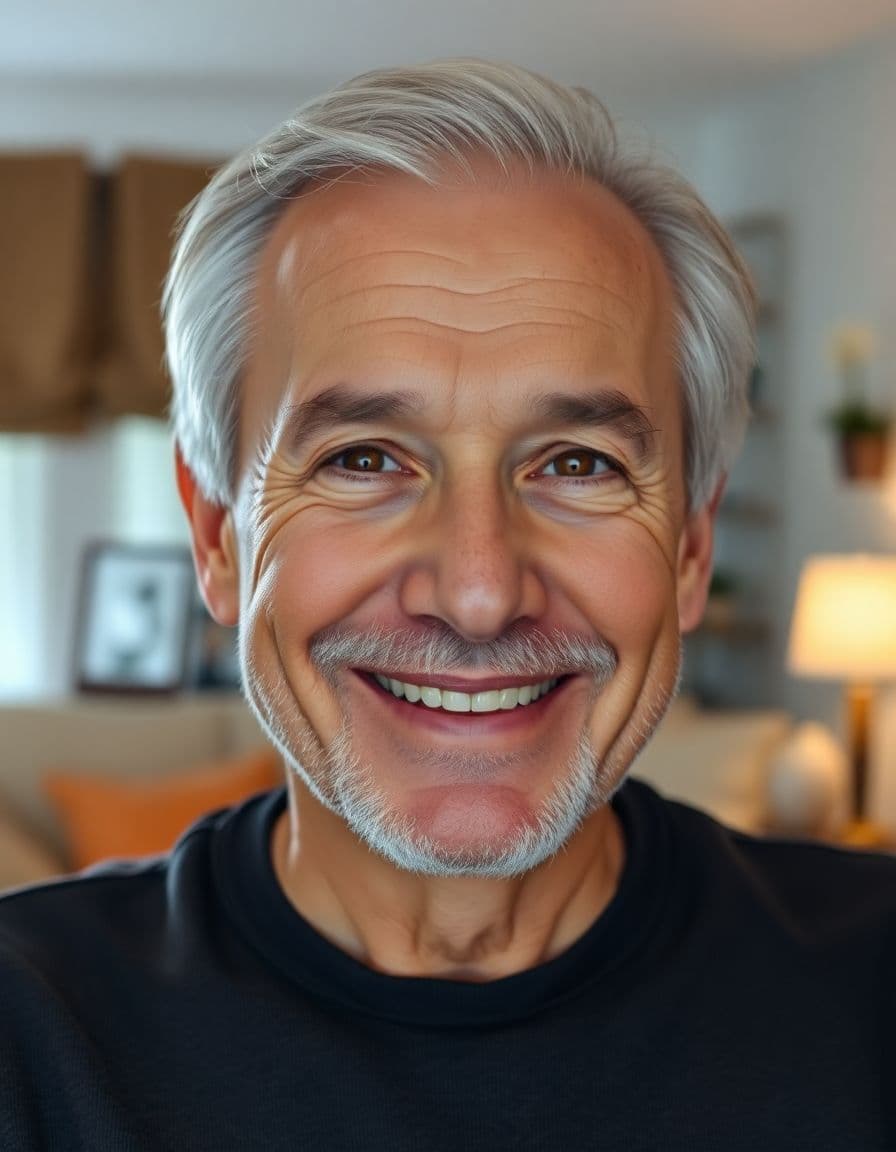
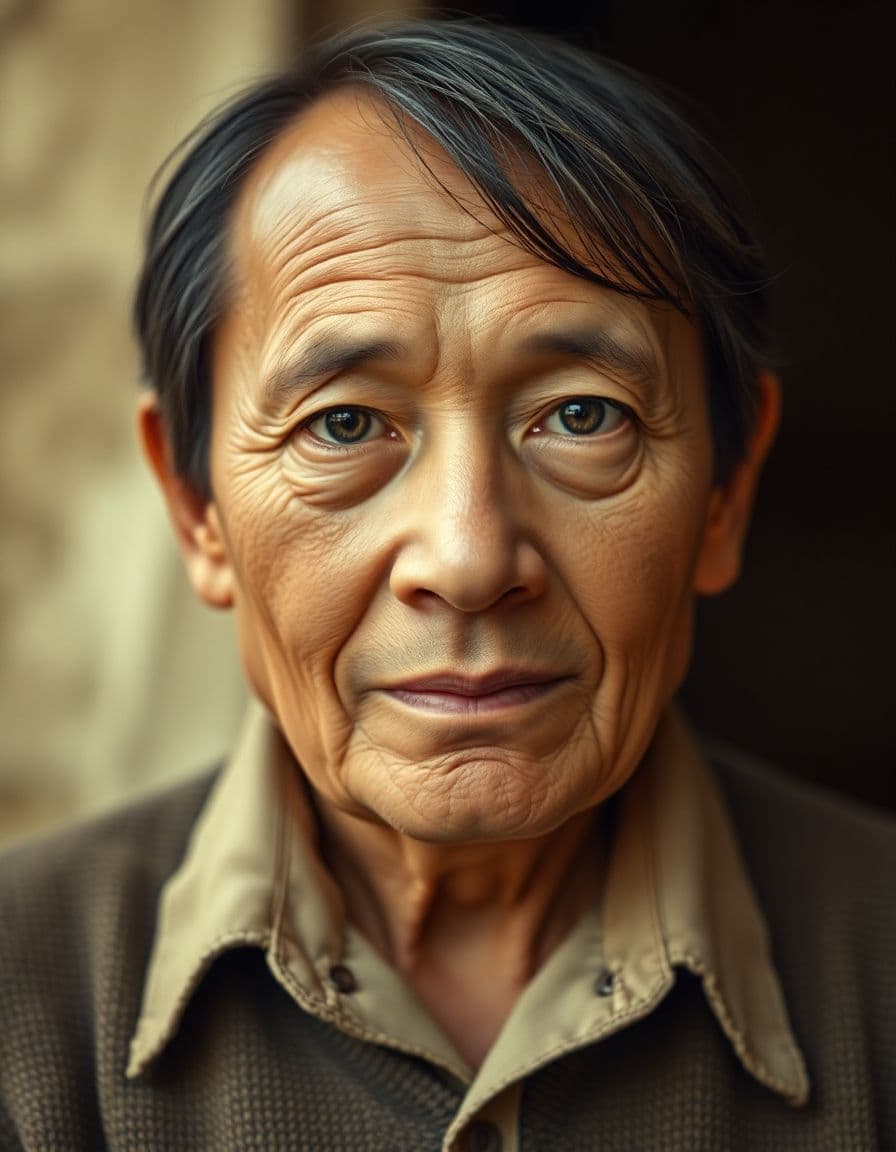
A professional headshot, an everyday selfie, a family photo, even a pet or an old portrait — upload it and TalkPix makes it talk.




How it works
Three steps from photo to video
Step 1
Upload photo
Choose a clear portrait image from your device.
Step 2
Add a script or audio
Type the words to say, or upload your own voice.
Step 3
Generate video
We lip-sync the portrait and render a downloadable clip.
Example campaigns
Three buyer-ready ways to use TalkPix
These are example workflows, not customer claims or invented reviews.
Etsy seller example
Setup: Upload one product photo and write a short gift-angle hook.
Output: Create a 9:16 talking product ad for an Etsy listing, Reel, or launch post.
Next step: Test a gift idea angle against a review-style angle.
Example campaign, not a testimonial.
Shopify store example
Setup: Start with the hero product image and three buyer objections.
Output: Generate short creator-style ads for TikTok, Reels, Facebook, or product pages.
Next step: Run the best hook as a retargeting creative.
Example campaign, not a testimonial.
Creator example
Setup: Prepare a portrait with a sponsor line, intro, or call-to-action, then check out before generation.
Output: Create a clean 720p MP4 with no watermark and no subscription required.
Next step: Use the $5 Mini pack when you are ready to make more.
Example campaign, not a testimonial.
Customer reviews
Rated 4.9/5 across 12 reviews
Every rating is tied to a customer's completed video. Quotes are admin-approved and shown only with permission.
“I liked it”TalkPix customer
“Way too cute”Gina in holiday outfit
“Very good and realistic singing video”Michael
“Best lip sync ever! I like it too much”TalkPix customer
“Realistic lip sync! Best I have ever used until now”TalkPix customer
“Realistin lip sync tool, I like this!”TalkPix customer
“It turn out 85% real, & im happy”TalkPix customer
Pricing
Credit packs from $5 — a 10-second video is ≈$1
Pay once, no subscription required, and your credits never expire. 1 credit = 1 second of Talking Photo video at 720p.
Need more after your first video? Your first standard credit pack is 15% off, applied automatically at checkout within your first 24 hours.
No subscription required · Credits never expire · Buy whenever you need
Studio-specific credit rates · Talking Photo ≈10.0¢ per second at 720p
Mini — $5 USD adds 50 credits. This pack makes about:
~50s
Talking video
3-50s
AI video · 720p
1-13 cr/s by model
~16
Product photos
~4
Product ad videos
10s each at 720p
Specifications
TalkPix at a glance
| Pricing model | One-time credit packs. No subscription is required. |
|---|---|
| Starting price | $1.99 for a first Talking Photo — new customers, typed script, up to 20 seconds at 720p, where offered in the studio. Reusable credit packs start at $5 (Mini) and cover every studio. |
| Credit cost per generation | 1 credit = 1 second of Talking Photo video at 720p. 1080p costs 2x that per second, and the other studios (AI Video, Product Photo, Song, voice cloning) use their own studio and model rates. The exact credit cost is shown before you generate. |
| Do credits expire? | No. Purchased credits never expire. |
| Free tier | None. Payment is confirmed before anything is rendered. |
| Talking Photo image input | A photo you upload — a person, a pet, or a product. |
| Talking Photo speech input | Type a script, upload an audio file, or record your voice. |
| Talking Photo output | A downloadable MP4 video. Other studios can produce images or audio. |
| Talking Photo duration | Talking Photo supports typed text, uploaded audio, and recordings up to 5 minutes at 720p or 2 minutes at 1080p. |
| Talking Photo resolutions | 720p and 1080p |
| Talking Photo AI voices | 30 built-in voices. |
| Typed-script voice languages | 10 supported language options. Uploaded audio supplies its own speech; it does not add a text-to-speech language. |
| Commercial use | Allowed, when you hold the rights and consent for every input you upload. |
| How long uploads are kept | 30 days. |
| Platform | Browser-based web app on any phone, tablet or computer. TalkPix apps are also on the App Store (iPhone and iPad) and Google Play (Android). |
Specifications verified 13 October 2026.
FAQ
Common questions
How do I make a cartoon character talk?
Open the Talking Cartoon studio, pick a character or upload your own, type the lines, choose a voice, and download the HD MP4 in minutes.
Can I use my own drawing or character?
Yes — upload any character image with a clear face. Children's drawings work too (there's a dedicated Drawing studio for that style).
How much does it cost?
There's no subscription required. Credit packs start at $5, where Talking Photo costs 1 credit/s at 720p or 2 at 1080p, and credits never expire.
Is this safe for kids' content?
The characters are friendly by design, you write every word of the script, and content is filtered for safety.
Can I use the clips commercially?
Yes, every HD download includes commercial use.
Ready
Talking Cartoon Maker
Pick a character, write the lines, and download an HD cartoon clip in minutes.
Guides
Learn more before you start
Open the Talking Cartoon studio
Ready-made characters, playful voices, HD MP4s.
Read the guideMake drawings talk
The kids'-drawing version of this tool.
Read the guideTalking pet video
Real pets get the same treatment.
Read the guideMake a cartoon character talk
Which images animate best and how to write for characters.
Read the guideMore tools