
AI Real Estate Video Spokesperson Generator
Make an agent portrait deliver a listing intro or open-house reminder. Add the finished clip to your own property footage and verified listing details.
Updated
Credit packs from $5 · exact cost shown first · no subscription required
AI-generated listing presenter example
AI voice · portrait example
Real examples
See generated videos before you start. View.
No watermark
Downloads are clean and ready to post.
Commercial use
Subject to your input rights and our Terms.
Refund unused credits
Failed renders auto-refund too.
Secure checkout
Secure card payments.
Use cases
Three real estate messages to adapt
Listing intro: three verified facts
Draft: "[Property reference] offers [verified layout], [measured area] and [current asking price]. See the current listing for details and viewing arrangements." Match each fact to the approved listing and your own photos or floor plan before using the read.
Open house: time and booking
Draft: "View [property reference] on [date], from [start] to [end] [time zone]. Book through [approved contact or link] and check the listing before travelling." Confirm availability, access instructions and the time zone each time you publish; remove an expired invitation.
Market update: a dated source
Draft: "In [area], [named source] reports [metric] for [period], covering [property type]. Read the full report at [source link]." State the date, area and methodology; avoid presenting a general trend as a valuation or a promise about an individual home.
Examples
Real Estate Spokesperson Video Examples
AI-generated condo presenter example
AI voice · portrait example
AI-generated open-house presenter
AI spokesperson
General talking-photo presenter example
AI spokesperson
Any photo
Photos you can bring to life
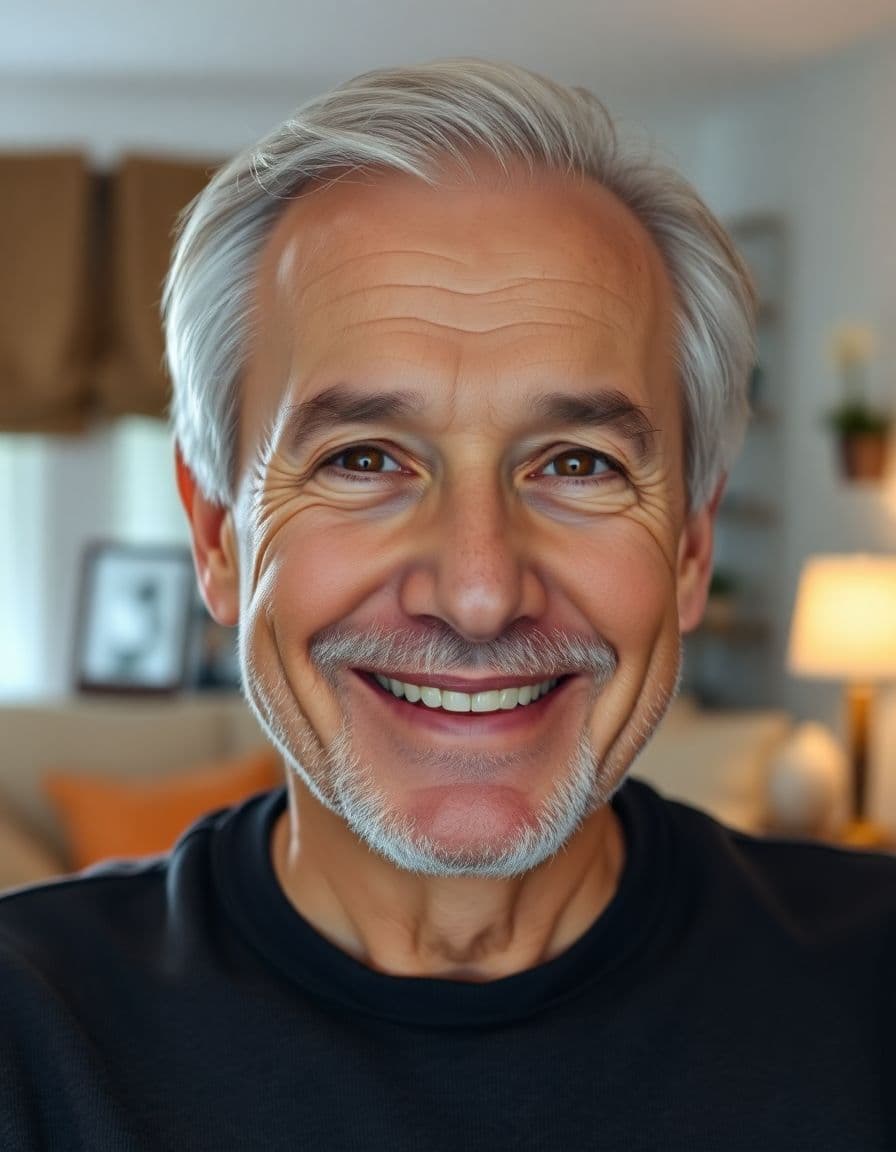
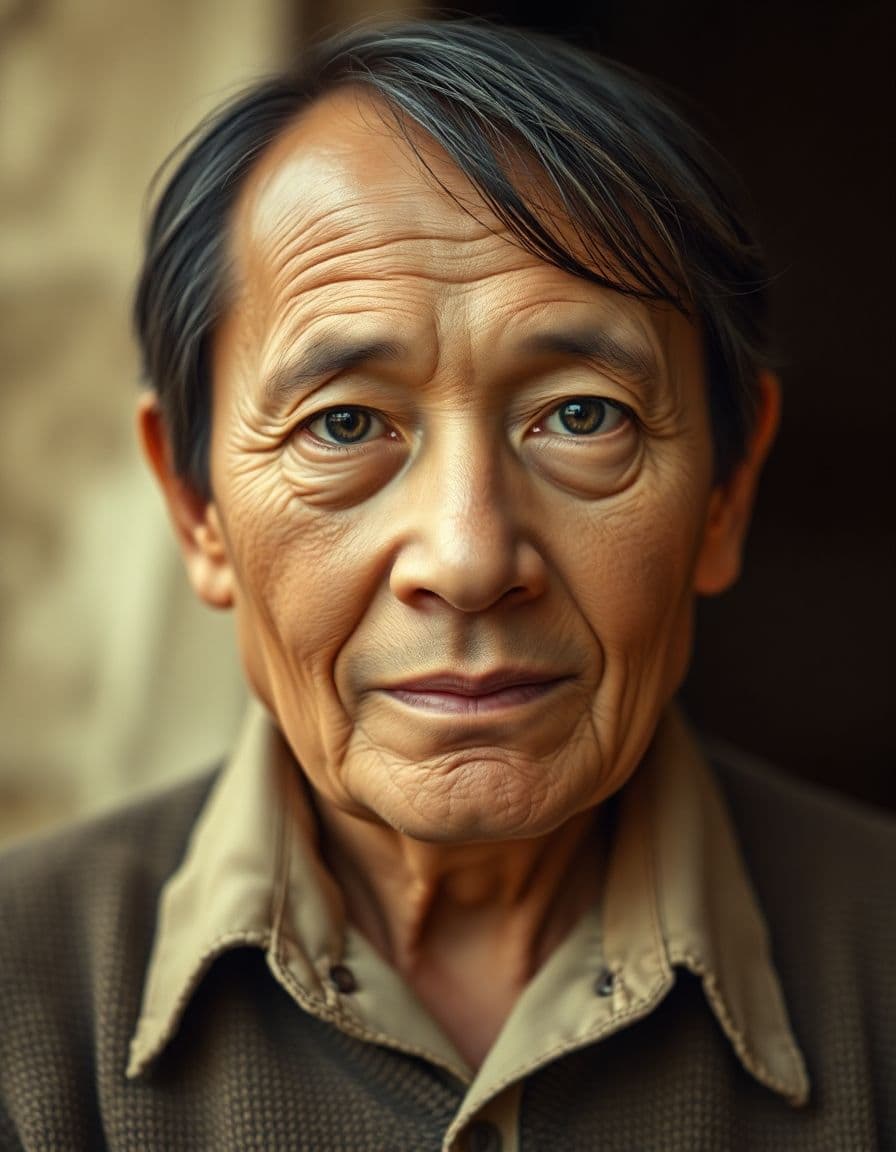
A professional headshot, an everyday selfie, a family photo, even a pet or an old portrait — upload it and TalkPix makes it talk.




How it works
From an agent portrait to a listing introduction
Step 1
Prepare a portrait and listing facts
Choose a clear agent portrait you have permission to animate. Check the current listing, measurements and contact details. Keep your authorized property photos and footage for the final edit; a talking portrait does not document the home.
Step 2
Add the script or your recording
Replace the draft's brackets with approved details. Write in the intended language and select an available matching voice, or use audio mode to upload or record your own read. The language picker does not translate your script.
Step 3
Review, generate and assemble
Check the price and pay or use credits before rendering. Download the presenter MP4 and use your own editor to pair it with the property's authorized visuals. Recheck dates, price and contact details before publishing.
Example campaigns
Three buyer-ready ways to use TalkPix
These are example workflows, not customer claims or invented reviews.
Etsy seller example
Setup: Upload one product photo and write a short gift-angle hook.
Output: Create a 9:16 talking product ad for an Etsy listing, Reel, or launch post.
Next step: Test a gift idea angle against a review-style angle.
Example campaign, not a testimonial.
Shopify store example
Setup: Start with the hero product image and three buyer objections.
Output: Generate short creator-style ads for TikTok, Reels, Facebook, or product pages.
Next step: Run the best hook as a retargeting creative.
Example campaign, not a testimonial.
Creator example
Setup: Prepare a portrait with a sponsor line, intro, or call-to-action, then check out before generation.
Output: Create a clean 720p MP4 with no watermark and no subscription required.
Next step: Use the $5 Mini pack when you are ready to make more.
Example campaign, not a testimonial.
Customer reviews
Rated 4.9/5 across 12 reviews
Every rating is tied to a customer's completed video. Quotes are admin-approved and shown only with permission.
“I liked it”TalkPix customer
“Way too cute”Gina in holiday outfit
“Very good and realistic singing video”Michael
“Best lip sync ever! I like it too much”TalkPix customer
“Realistic lip sync! Best I have ever used until now”TalkPix customer
“Realistin lip sync tool, I like this!”TalkPix customer
“It turn out 85% real, & im happy”TalkPix customer
Pricing
Credit packs from $5 — a 10-second video is ≈$1
Pay once, no subscription required, and your credits never expire. 1 credit = 1 second of Talking Photo video at 720p.
Need more after your first video? Your first standard credit pack is 15% off, applied automatically at checkout within your first 24 hours.
No subscription required · Credits never expire · Buy whenever you need
Studio-specific credit rates · Talking Photo ≈10.0¢ per second at 720p
Mini — $5 USD adds 50 credits. This pack makes about:
~50s
Talking video
3-50s
AI video · 720p
1-13 cr/s by model
~16
Product photos
~4
Product ad videos
10s each at 720p
Specifications
TalkPix at a glance
| Pricing model | One-time credit packs. No subscription is required. |
|---|---|
| Starting price | $5 for the Mini pack of reusable credits, which covers every studio. |
| Credit cost per generation | 1 credit = 1 second of Talking Photo video at 720p. 1080p costs 2x that per second, and the other studios (AI Video, Product Photo, Song, voice cloning) use their own studio and model rates. The exact credit cost is shown before you generate. |
| Do credits expire? | No. Purchased credits never expire. |
| Free tier | None. Payment is confirmed before anything is rendered. |
| Talking Photo image input | A photo you upload — a person, a pet, or a product. |
| Talking Photo speech input | Type a script, upload an audio file, or record your voice. |
| Talking Photo output | A downloadable MP4 video. Other studios can produce images or audio. |
| Talking Photo duration | Talking Photo supports typed text, uploaded audio, and recordings up to 5 minutes at 720p or 2 minutes at 1080p. |
| Talking Photo resolutions | 720p and 1080p |
| Talking Photo AI voices | 30 built-in voices. |
| Typed-script voice languages | 10 supported language options. Uploaded audio supplies its own speech; it does not add a text-to-speech language. |
| Commercial use | Allowed, when you hold the rights and consent for every input you upload. |
| How long uploads are kept | 30 days. |
| Platform | Browser-based web app on any phone, tablet or computer. TalkPix apps are also on the App Store (iPhone and iPad) and Google Play (Android). |
Specifications verified 13 October 2026.
FAQ
Common questions
What can I publish as a real estate marketing video?
TalkPix permits commercial use subject to your rights to the portrait, script and audio. Check your brokerage's and destination platform's current requirements, including any MLS rules, before uploading. A presenter clip does not verify a property's condition or replace a filmed walkthrough. The AI-generated agent examples illustrate presenter styles, not live listings; the general talking-photo example is not a sourced market report.
Can I use my own voice or another language?
Yes. Type a script and select an available language and voice, or use audio mode to upload or record your own voice track. The language picker does not translate text or clone your voice. Audio mode uses the same reusable credits as typed text. Review the displayed price before generation.
Ready
AI Real Estate Video Spokesperson Generator
Create your full video with one-time credit packs from $5 — a 10-second video is about $1. Payment is required before generation.
More tools