
Halloween Talking Photo Maker
Turn any photo into a talking Halloween video. Upload a portrait, a costume shot, or even a jack-o'-lantern, type a spooky line or record your own, and download a talking HD MP4 for invites, socials, and party screens.
First Talking Photo $1.99 where offered · packs from $5 · no subscription required
New customers only · typed text · up to 20s at 720p · preset AI voice.
A portrait, talking
AI voice · 720p
Real examples
See generated videos before you start. View.
No watermark
Paid exports are clean and ready to download.
Commercial use
Subject to your input rights and our Terms.
Refund unused credits
Failed renders auto-refund too.
Secure checkout
Secure card payments.
Use cases
Halloween ideas that actually get shared
Talking party invites
Have your own portrait — in costume — speak the date, place, and dress code, then send the MP4 in the group chat.
Haunted family portraits
Make an old framed portrait deliver a slow, creepy line for your hallway screen or a party loop.
Costume reveals
Post a talking clip of your costume photo announcing the character before the party.
Trick-or-treat messages
A talking pumpkin or skeleton photo greeting kids at the door — play it on a tablet by the candy bowl.
Spooky pet clips
Your cat or dog in costume, explaining exactly how it feels about the costume.
Classroom Halloween
A talking portrait reads a Halloween poem or story intro to open a themed lesson.
Which photos make the best Halloween videos?
TalkPix animates the exact photo you upload, so the clearer the face, the better the effect — and 'face' is flexible: portraits, costumes with face paint, pets, dolls, painted portraits, and carved pumpkins with distinct eyes and a mouth all work. Keep the face large in the frame and crop away clutter.
- A costume portrait with the face visible (masks that fully cover the face won't lip-sync)
- A jack-o'-lantern, skeleton, or prop with clear eyes and a mouth
- Old portraits and paintings for the haunted-frame effect
- One face per photo, roughly toward the camera
Write a line that lands
Short and slow reads scariest. One or two sentences in a calm, low voice out-creeps a paragraph of screaming. Type your line and pick an AI voice — the Calm or Dramatic styles fit Halloween well — or record your own whisper and let the photo lip-sync to it.
- Keep it to 1–2 sentences for the most natural delivery
- Try a calm, slow AI voice for the creepy effect
- Or record your own voice and upload it
- A 10-second clip costs about $1 in one-time credits
Examples
Any photo can talk — even the creepy ones
A real portrait, talking
AI voice · 720p
Pets talk too
AI voice · 720p
Even an object
AI voice · 720p
Any photo
Photos you can bring to life
A professional headshot, an everyday selfie, a family photo, even a pet or an old portrait — upload it and TalkPix makes it talk.


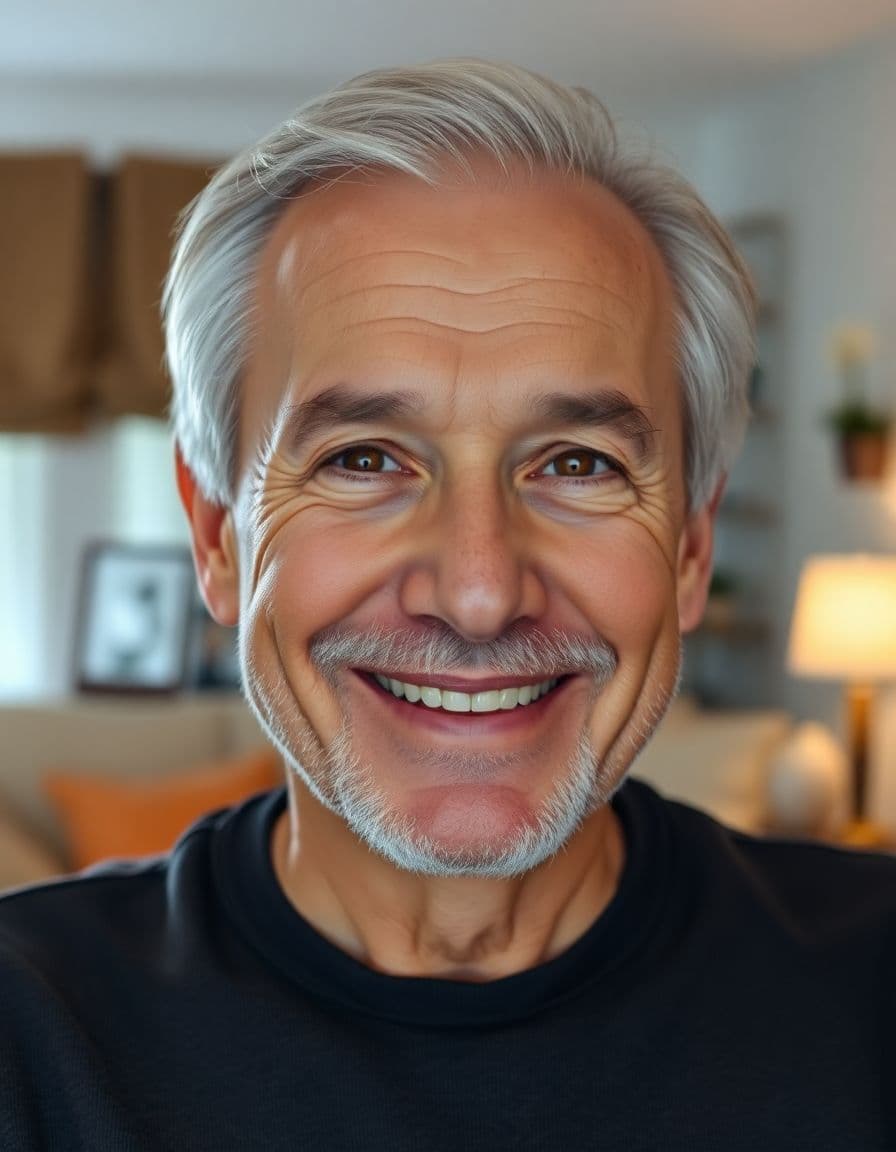

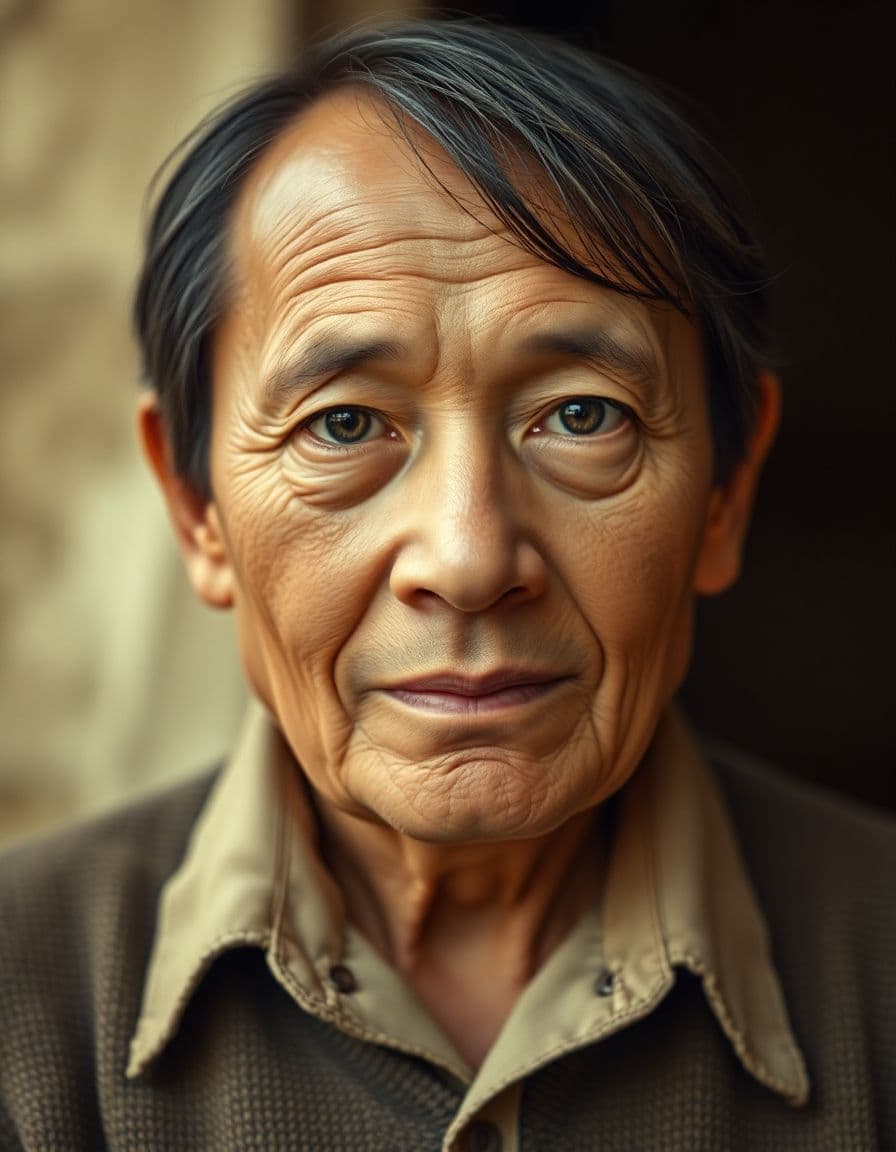

How it works
Three steps from photo to video
Step 1
Upload photo
Choose a clear portrait image from your device.
Step 2
Add a script or audio
Type the words to say, or upload your own voice.
Step 3
Generate video
We lip-sync the portrait and render a downloadable clip.
Example campaigns
Three buyer-ready ways to use TalkPix
These are example workflows, not customer claims or invented reviews.
Etsy seller example
Setup: Upload one product photo and write a short gift-angle hook.
Output: Create a 9:16 talking product ad for an Etsy listing, Reel, or launch post.
Next step: Test a gift idea angle against a review-style angle.
Example campaign, not a testimonial.
Shopify store example
Setup: Start with the hero product image and three buyer objections.
Output: Generate short creator-style ads for TikTok, Reels, Facebook, or product pages.
Next step: Run the best hook as a retargeting creative.
Example campaign, not a testimonial.
Creator example
Setup: Prepare a portrait with a sponsor line, intro, or call-to-action, then check out before generation.
Output: Create a clean 720p MP4 with no watermark and no subscription required.
Next step: Use the $5 Mini pack when you are ready to make more.
Example campaign, not a testimonial.
Customer reviews
Rated 4.9/5 across 12 reviews
Every rating is tied to a customer's completed video. Quotes are admin-approved and shown only with permission.
“I liked it”TalkPix customer
“Way too cute”Gina in holiday outfit
“Very good and realistic singing video”Michael
“Best lip sync ever! I like it too much”TalkPix customer
“Realistic lip sync! Best I have ever used until now”TalkPix customer
“Realistin lip sync tool, I like this!”TalkPix customer
“It turn out 85% real, & im happy”TalkPix customer
Pricing
Credit packs from $5 — a 10-second video is ≈$1
Pay once, no subscription required, and your credits never expire. 1 credit = 1 second of Talking Photo video at 720p.
Need more after your first video? Your first standard credit pack is 15% off, applied automatically at checkout within your first 24 hours.
No subscription required · Credits never expire · Buy whenever you need
Studio-specific credit rates · Talking Photo ≈10.0¢ per second at 720p
Mini — $5 USD adds 50 credits. This pack makes about:
~50s
Talking video
5-50s
AI video · 720p
1-10 cr/s by model
~16
Product photos
~4
Product ad videos
10s each at 720p
Specifications
TalkPix at a glance
| Pricing model | One-time credit packs. No subscription is required. |
|---|---|
| Starting price | $1.99 for a first Talking Photo — new customers, typed script, up to 20 seconds at 720p, where offered in the studio. Reusable credit packs start at $5 (Mini) and cover every studio. |
| Credit cost per generation | 1 credit = 1 second of Talking Photo video at 720p. 1080p costs 2x that per second, and the other studios (AI Video, Product Photo, Song, voice cloning) use their own studio and model rates. The exact credit cost is shown before you generate. |
| Do credits expire? | No. Purchased credits never expire. |
| Free tier | None. Payment is confirmed before anything is rendered. |
| Talking Photo image input | A photo you upload — a person, a pet, or a product. |
| Talking Photo speech input | Type a script, upload an audio file, or record your voice. |
| Talking Photo output | A downloadable MP4 video. Other studios can produce images or audio. |
| Talking Photo duration | Talking Photo supports typed text, uploaded audio, and recordings up to 5 minutes at 720p or 2 minutes at 1080p. |
| Talking Photo resolutions | 720p and 1080p |
| Talking Photo AI voices | 30 built-in voices. |
| Typed-script voice languages | 10 supported language options. Uploaded audio supplies its own speech; it does not add a text-to-speech language. |
| Commercial use | Allowed, when you hold the rights and consent for every input you upload. |
| How long uploads are kept | 30 days. |
| Platform | Browser-based web app on any phone, tablet or computer. TalkPix apps are also on the App Store (iPhone and iPad) and Google Play (Android). |
Specifications verified 13 October 2026.
FAQ
Common questions
How do I make a Halloween photo talk?
Upload the photo, type a short spooky line or upload your own recording, pick a voice, and TalkPix renders a talking HD MP4 you can download and share in minutes.
Can I make a pumpkin or skeleton talk, not just a person?
Yes. Anything with recognizable eyes and a mouth can talk — jack-o'-lanterns, skeletons, dolls, painted portraits, and pets in costume all animate.
Will it work with a costume or face paint?
Face paint and partial costumes work well as long as the face itself is visible. A mask that fully covers the face gives the animation nothing to move, so show at least the eyes and mouth.
How much does it cost?
There's no subscription required. Credit packs start at $5. Talking Photo costs 1 credit/s at 720p or 2 at 1080p — a 10-second 720p clip is about $1 — and credits never expire, so leftovers keep working after Halloween.
How fast will I get the video?
Renders typically finish in a few minutes, so you can make invites and party clips the same evening.
Ready
Halloween Talking Photo Maker
Create your full video with one-time credit packs from $5 — a 10-second video is about $1. Payment is required before generation.
Guides
Learn more before you start
Make a photo talk
Upload any photo and turn it into a talking HD video.
Read the guideChristmas talking photo
The same effect for holiday cards and Santa messages.
Read the guideTalking pet video
Make your pet in costume do the talking.
Read the guide10 Halloween talking photo ideas
Script lines to steal for pumpkins, portraits, and pets.
Read the guideMore tools