How to Make a Cartoon Character Talk with AI
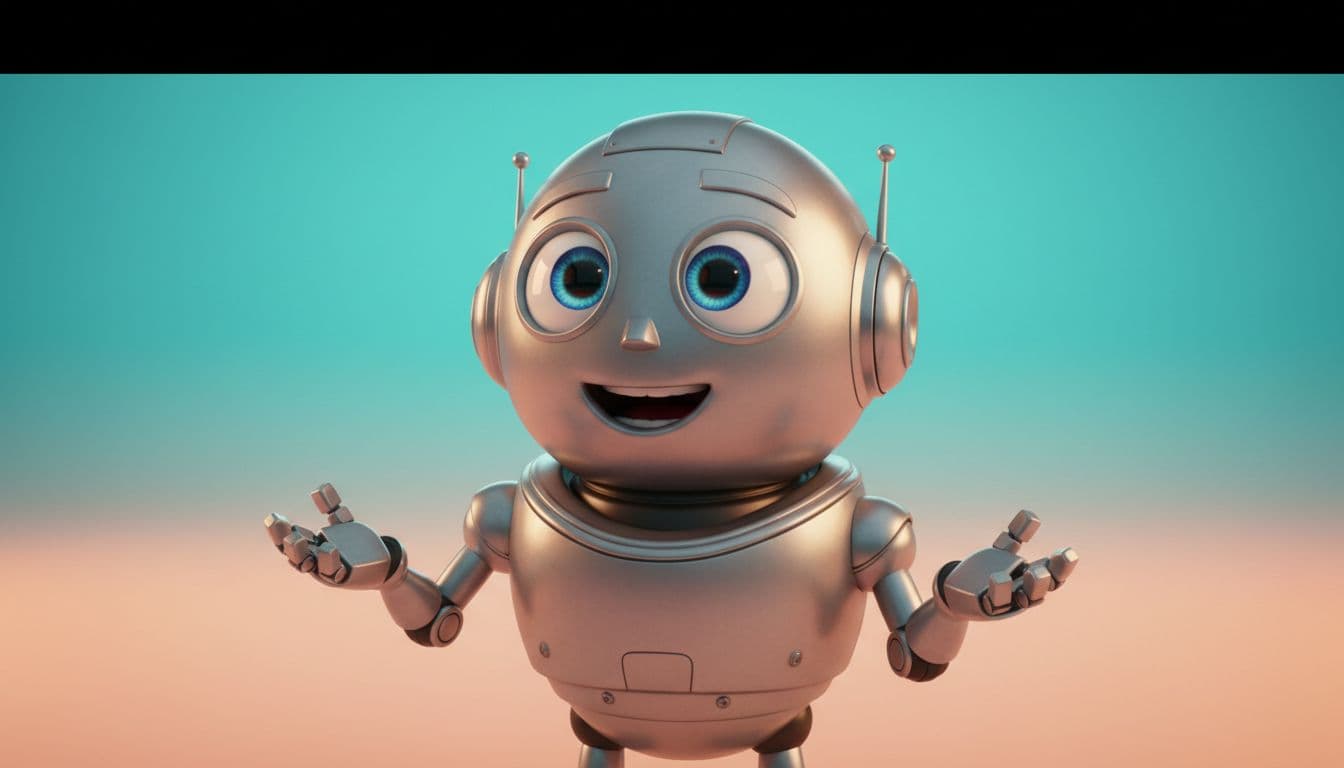
A character with a voice is a completely different asset than a character on a page. It can host a channel, explain a product, read a bedtime story, or carry a running joke for months. AI lip-sync closed the gap between "I have a character" and "my character talks" to about three minutes. Here is how to cross it well.
Which character images animate best
The AI animates the face in the image you provide, so the image decides the ceiling:
- Front-facing beats profile. The mouth needs to be visible to move convincingly.
- Big, expressive eyes and a clear mouth are what sell the illusion — it is why animation studios draw them that way.
- One character per frame. If your art has a duo, crop and make one clip each.
- Clean background helps. The face should be the obvious subject.
3D-render style, flat illustration, anime-adjacent, mascot art — all workable. If you do not have a character yet, the Talking Cartoon studio ships with a ready cast (kids, robots, dragons, pirates, fairies…) and can also generate a brand-new character from a text description, which you can then reuse forever.
Writing lines that fit the character
Voice acting starts in the writing. Three rules that consistently work:
- Give the character one exaggerated trait — cowardly dragon, overly formal robot, pirate who fears water — and let every line lean on it.
- Short sentences animate best. Ten to thirty seconds of speech per clip; energy drops on long monologues.
- Talk to the viewer. "You. Yes, you. We need to discuss your screen time." Direct address is what makes mascots feel alive.
Picking the voice
Match or mismatch — both work, on purpose:
- Matched: squeaky voice for the tiny fairy, booming voice for the knight. Safe and satisfying.
- Mismatched: the tiny dragon with the deep baritone. This is the comedic engine of half the viral character content out there.
You can also record your own voice in the browser and have the character lip-sync to it — the go-to for storytime and personalized messages.
What people build with talking cartoons
- Channel mascots. A recurring character intro ("Welcome back to the lab!") turns scattered videos into a show.
- Explainers. A robot walking through your onboarding outperforms a narrated slideshow, because faces hold attention.
- Kids' content. Characters reading stories, teaching counting, announcing that it is, in fact, bath time.
- Birthday messages. A superhero saying one specific kid's name is an instant core memory — the birthday video format works for grown-ups too.
- Storytime casts. Generate a hero, a sidekick, and a villain; give each their own lines; cut the clips together into a mini episode.
The three-minute workflow
- Open the Talking Cartoon studio.
- Pick a preset character, upload your own art, or generate one from a prompt.
- Type the lines, choose a voice (or record yours), and generate.
- Download the HD MP4 — commercial use included, credits from $5, 1 credit = 1 second of Talking Photo video at 720p, no subscription required.
If your "character" is actually a crayon original by a six-year-old, use the Drawing studio instead — it is tuned for kids' art and keeps every wobbly line intact.
Your character already has the face. Open the studio and give it the voice.