
Healthcare Videos from One Professional Photo
Create patient reminders, dental checkup clips, and educational healthcare explainers from a single portrait and a short script.
 Real AI video
Dentist Appointment Reminder
Gemini image · AI voice · 720p
Who it helps
Built for clinics, dentists, wellness teams, and patient education marketers
Start with a real generated example, review the script, then remix the workflow with your own image and wording.
Appointment reminders
Send a calmer, more human reminder than a plain email or SMS block.
Patient education
Explain simple care steps, pre-visit instructions, or follow-up reminders in a short video.
Practice updates
Create front-desk announcements, seasonal reminders, and service intros without filming staff.
Before and after
Original Gemini image to Generated reminder video
Source image
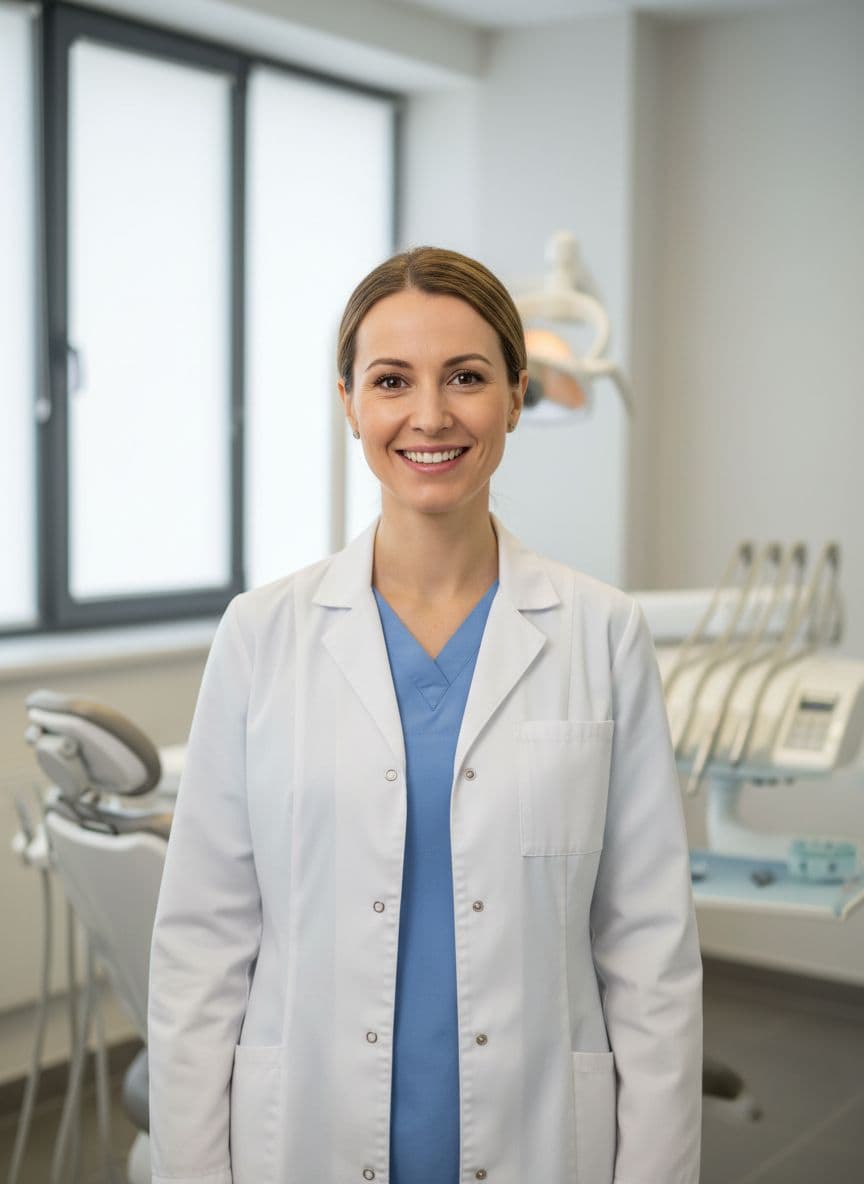
Generated video
Dentist Appointment Reminder
Gemini image · AI voice · 720p
Examples
Related videos for this niche
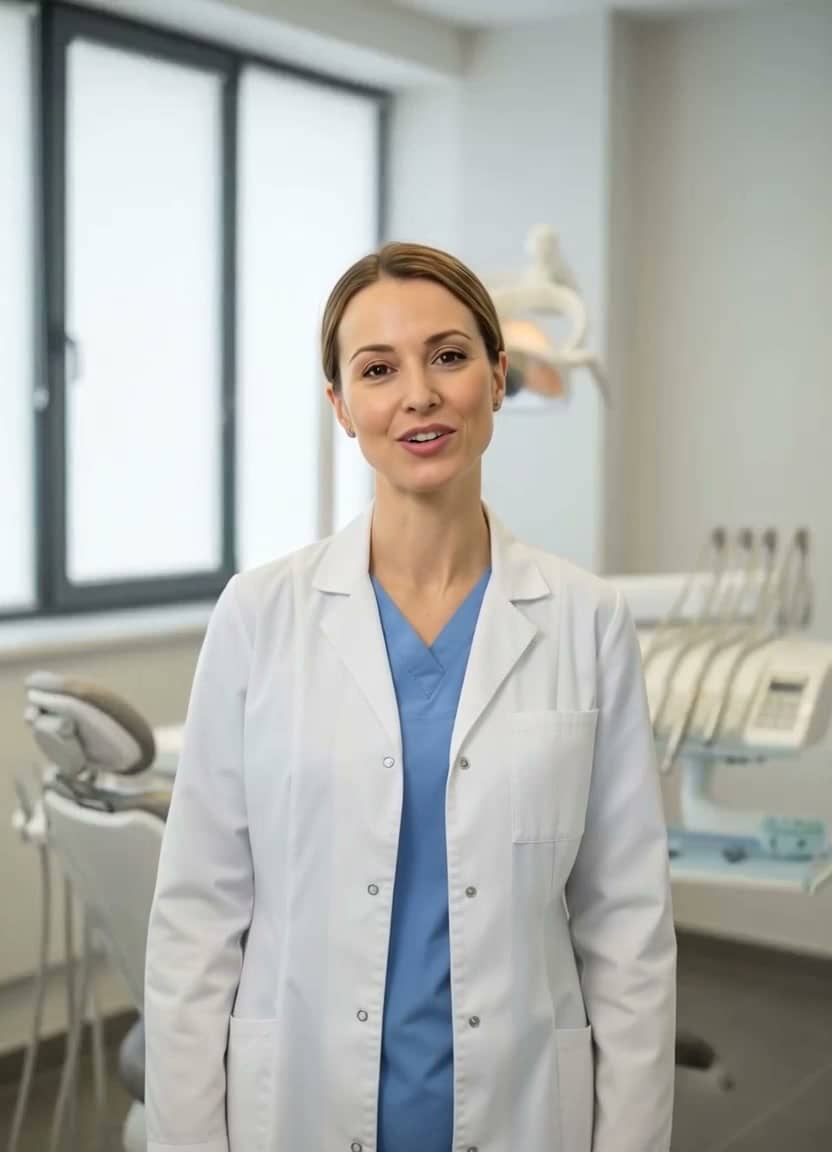 Watch example
Dentist reminder
Gemini image · AI voice · 720p
Healthcare reminder video
Dentist Appointment Reminder
Best for clinic reminders, dental marketing, patient education, and friendly appointment follow-ups.
View script and remix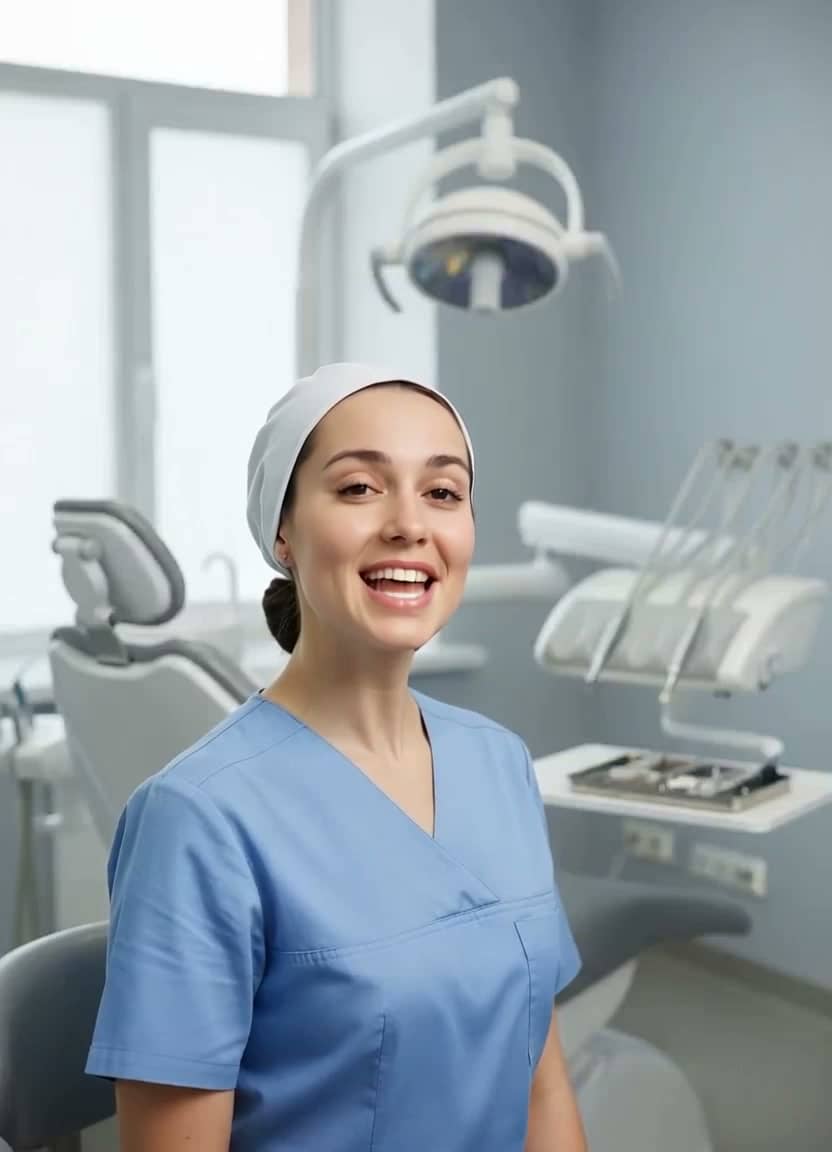 Watch example
Dental aftercare
Gemini image · AI voice · 720p
Healthcare video
Dental Aftercare Instructions
Best for dental aftercare, patient follow-up, clinic email, and reminder videos.
View script and remix Watch example
Clinic welcome
Gemini image · AI voice · 720p
Clinic video
Clinic Welcome Message
Best for clinic welcome messages, front-desk communication, patient portals, and website intros.
View script and remix Watch example
Course teacher
Gemini image · AI voice · 720p
Education video
Online Course Teacher Intro
Best for online course intros, micro-lessons, training content, and educational social clips.
View script and remix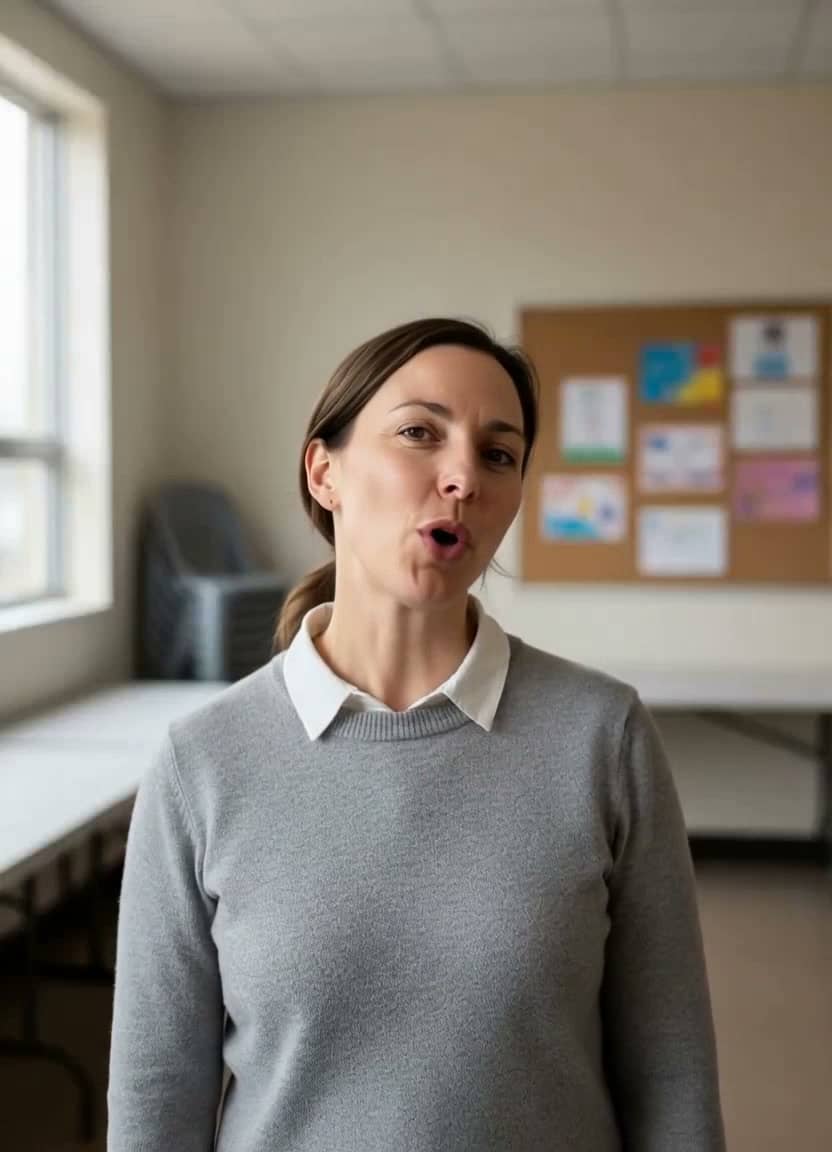 Watch example
Fundraiser
Gemini image · AI voice · 720p
Fundraising video
Nonprofit Fundraiser Message
Best for nonprofit campaigns, donor updates, community fundraising, and social impact messages.
View script and remixWorkflow
From clinic image to patient-ready clip
Step 1
Choose a professional image
Use a staff-approved portrait, spokesperson image, or clinic-safe generated portrait.
Step 2
Keep the script short
One reminder or one care tip per video keeps healthcare communication clear.
Step 3
Route to the right channel
Download an HD MP4 for email, waiting-room screens, social posts, or patient portals.
Create safely
Pay only when you are ready to generate
TalkPix is built for quick campaign tests: no subscription required, credits never expire, and commercial use is included when you own the rights to the image, script, and audio.
Scripts
Healthcare scripts to remix
The next one, ready to fill in
Every week's patient update
Keep the same clinician photo for a familiar face in every reminder. Only the week's news changes.
“This week at [clinic name]: [what's new or which checkups are due]. We have appointments on [days] — book online or call [phone number].”
Replace the highlighted parts in the studio — it reminds you if any are left.
Dental reminder
“Quick reminder: your checkup is coming up. A few minutes now can prevent a much bigger problem later.”Use this script
Aftercare tip
“For the next twenty-four hours, follow the care instructions, drink water, and call us if anything feels unusual.”Use this script
Clinic update
“We have extended appointment hours this week, so it is easier to find a time that works for your schedule.”Use this script
Related pages
Keep exploring this workflow
More niches
Browse more example-led landing pages
AI video for real estate
Real Estate Video Generator
Listing intros · Open-house promos
Open nicheAI video for restaurants
Restaurant Video Generator
Menu specials · Local promos
Open nicheAI video for courses
Education Video Generator
Course intros · Micro-lessons
Open nicheAI video for travel
Travel Video Generator
Destination tips · Hotel welcomes
Open nicheCustomer reviews
Rated 4.9/5 across 10 reviews
Every rating is tied to a customer's completed video. Quotes are admin-approved and shown only with permission.
“Very good and realistic singing video”Michael
“Best lip sync ever! I like it too much”TalkPix customer
“Realistic lip sync! Best I have ever used until now”TalkPix customer
“Realistin lip sync tool, I like this!”TalkPix customer
“It turn out 85% real, & im happy”TalkPix customer
FAQ
Questions before you create
Can TalkPix replace medical advice?
No. Use it for approved reminders, education, and practice communication. Medical claims and instructions should be reviewed by your team.
Can a clinic use a generated spokesperson image?
Yes, if your policy allows it. You can also use a real staff photo with the person's consent.
Can I use these videos in email or social posts?
Yes. Download the MP4 and use it in patient communications, clinic social channels, or web pages.
Start from the strongest example
Open TalkPix with the best matching script already set up, then swap in your own photo and wording.
Create a patient videoGuides