
Education Videos from One Teacher Photo
Create course intros, micro-lessons, training clips, and language-learning hooks from a single instructor image.
 Real AI video
Online Course Teacher Intro
Gemini image · AI voice · 720p
Who it helps
Built for course creators, coaches, teachers, trainers, and education teams
Start with a real generated example, review the script, then remix the workflow with your own image and wording.
Course intros
Welcome learners to a module with a consistent face and voice.
Micro-lessons
Turn short explanations into clips for LMS pages, social posts, or email.
Training updates
Create repeatable internal training clips without booking presenters again.
Before and after
Original Gemini image to Generated lesson intro
Source image

Generated video
Online Course Teacher Intro
Gemini image · AI voice · 720p
Examples
Related videos for this niche
 Watch example
Course teacher
Gemini image · AI voice · 720p
Education video
Online Course Teacher Intro
Best for online course intros, micro-lessons, training content, and educational social clips.
View script and remix Watch example
Language tutor
Gemini image · AI voice · 720p
Education video
Language Tutor Pronunciation Tip
Best for language lessons, pronunciation tips, course teasers, and teacher social clips.
View script and remix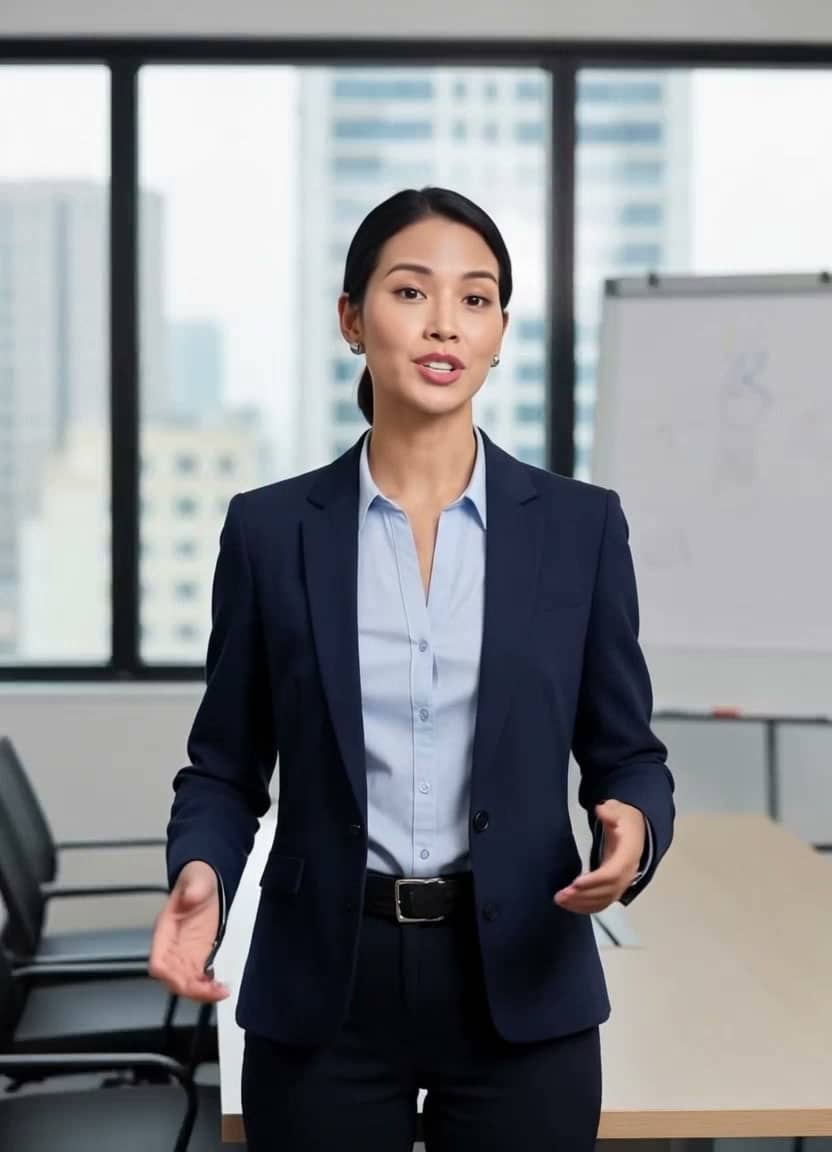 Watch example
Training intro
Gemini image · AI voice · 720p
Training video
Corporate Training Compliance Intro
Best for compliance intros, internal training clips, HR updates, and LMS modules.
View script and remix Watch example
Fitness coach
Gemini image · AI voice · 720p
Fitness coaching video
Fitness Coach Daily Tip
Best for fitness coaches, daily training tips, wellness creators, and short motivational clips.
View script and remix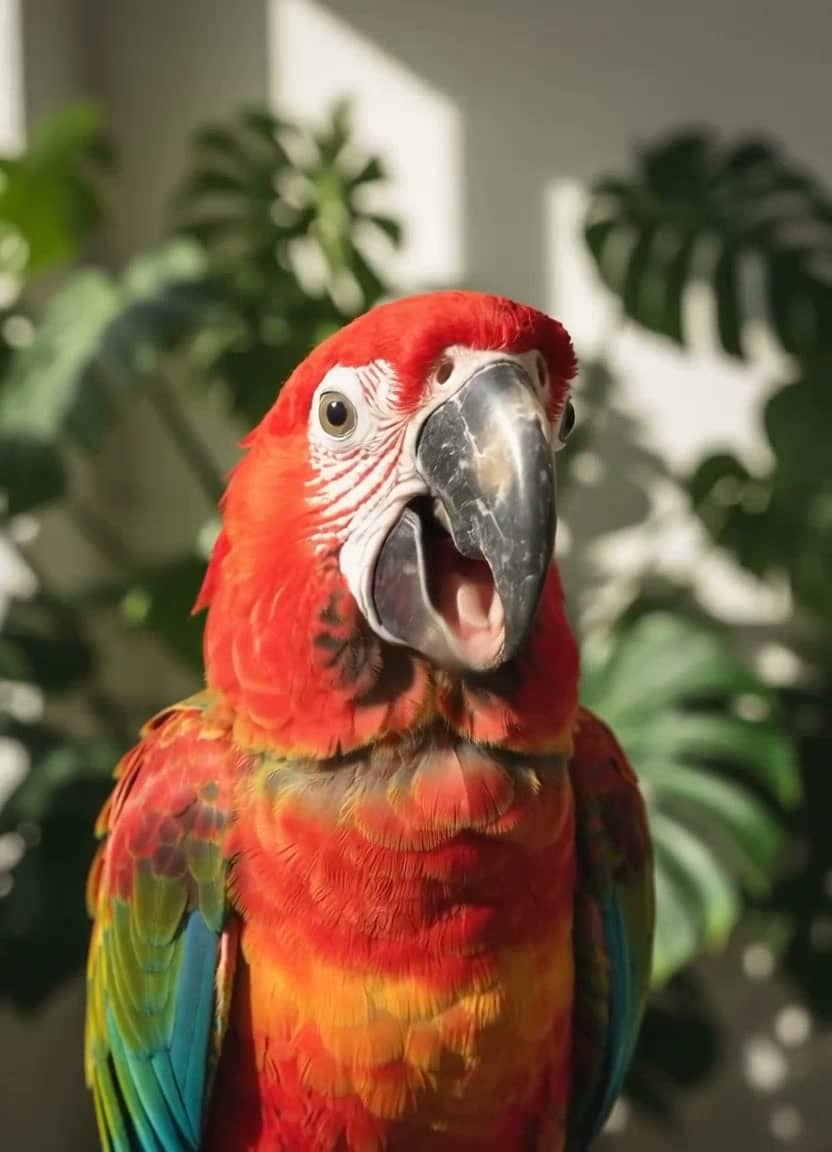 Watch example
Talking parrot
Gemini image · AI voice · 720p
Talking pet video
Talking Parrot Language Lesson
Best for playful language content, pet accounts, education hooks, and shareable social clips.
View script and remixWorkflow
From teacher image to lesson video
Step 1
Upload an instructor image
Use a real teacher photo with consent or a generated education avatar.
Step 2
Write one teaching point
Short scripts feel more natural and make the video easier to reuse.
Step 3
Publish to the lesson
Download the MP4 for course pages, LMS modules, or social teasers.
Create safely
Pay only when you are ready to generate
TalkPix is built for quick campaign tests: no subscription required, credits never expire, and commercial use is included when you own the rights to the image, script, and audio.
Scripts
Education scripts to remix
The next one, ready to fill in
Every next lesson
Keep the same instructor photo across the whole course. Only the lesson number and topic change.
“Welcome to lesson [number]: [topic]. Last time we covered [previous topic]. Today you'll learn [one skill] and try it yourself before the end.”
Replace the highlighted parts in the studio — it reminds you if any are left.
Lesson intro
“Welcome to the lesson. By the end, you will know the simple framework and when to use it.”Use this script
Coaching tip
“Here is your quick tip: start small, stay consistent, and make the next step easy to begin.”Use this script
Language lesson
“Today's language lesson is simple: say hello with confidence, then repeat it until it sounds natural.”Use this script
Related pages
Keep exploring this workflow
More niches
Browse more example-led landing pages
AI video for real estate
Real Estate Video Generator
Listing intros · Open-house promos
Open nicheAI video for clinics
Healthcare Video Generator
Appointment reminders · Patient education
Open nicheAI video for restaurants
Restaurant Video Generator
Menu specials · Local promos
Open nicheAI video for travel
Travel Video Generator
Destination tips · Hotel welcomes
Open nicheCustomer reviews
Rated 4.9/5 across 10 reviews
Every rating is tied to a customer's completed video. Quotes are admin-approved and shown only with permission.
“Very good and realistic singing video”Michael
“Best lip sync ever! I like it too much”TalkPix customer
“Realistic lip sync! Best I have ever used until now”TalkPix customer
“Realistin lip sync tool, I like this!”TalkPix customer
“It turn out 85% real, & im happy”TalkPix customer
FAQ
Questions before you create
Can I make an AI teacher avatar?
Yes. Upload a teacher photo or generated instructor image, add a script, and render a talking education video.
Is this good for full courses?
It is best for intros, short lessons, announcements, and social clips. Longer training can be split into several short videos.
Can I reuse one avatar across many lessons?
Yes. Keep the same instructor image and update the script for each module or lesson.
Start from the strongest example
Open TalkPix with the best matching script already set up, then swap in your own photo and wording.
Create a lesson introGuides