
Candle Product Photography, Restaged From One Photo
Upload one shot of your candle and TalkPix restages it into warm marble, wood, home, and festive scenes — while aiming to keep the jar, wax color, label, and logo of the real candle you sell.
- Credits required before generation
- From ~$0.30 per photo
- No subscription required
You are charged per image that generates
Each image costs 3 credits when it generates successfully, whether or not you end up using it — there is no keep-or-reject step. Images that fail to render are refunded automatically.
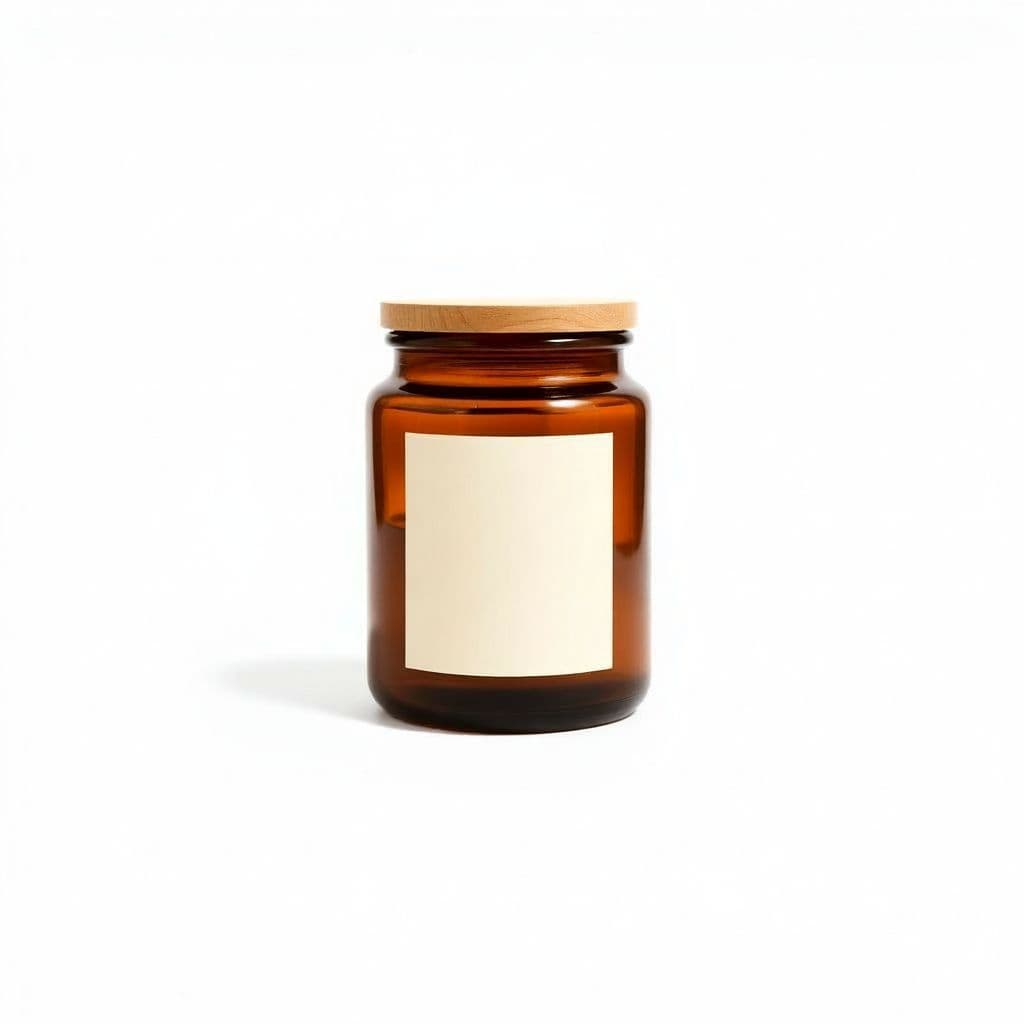
Pure White
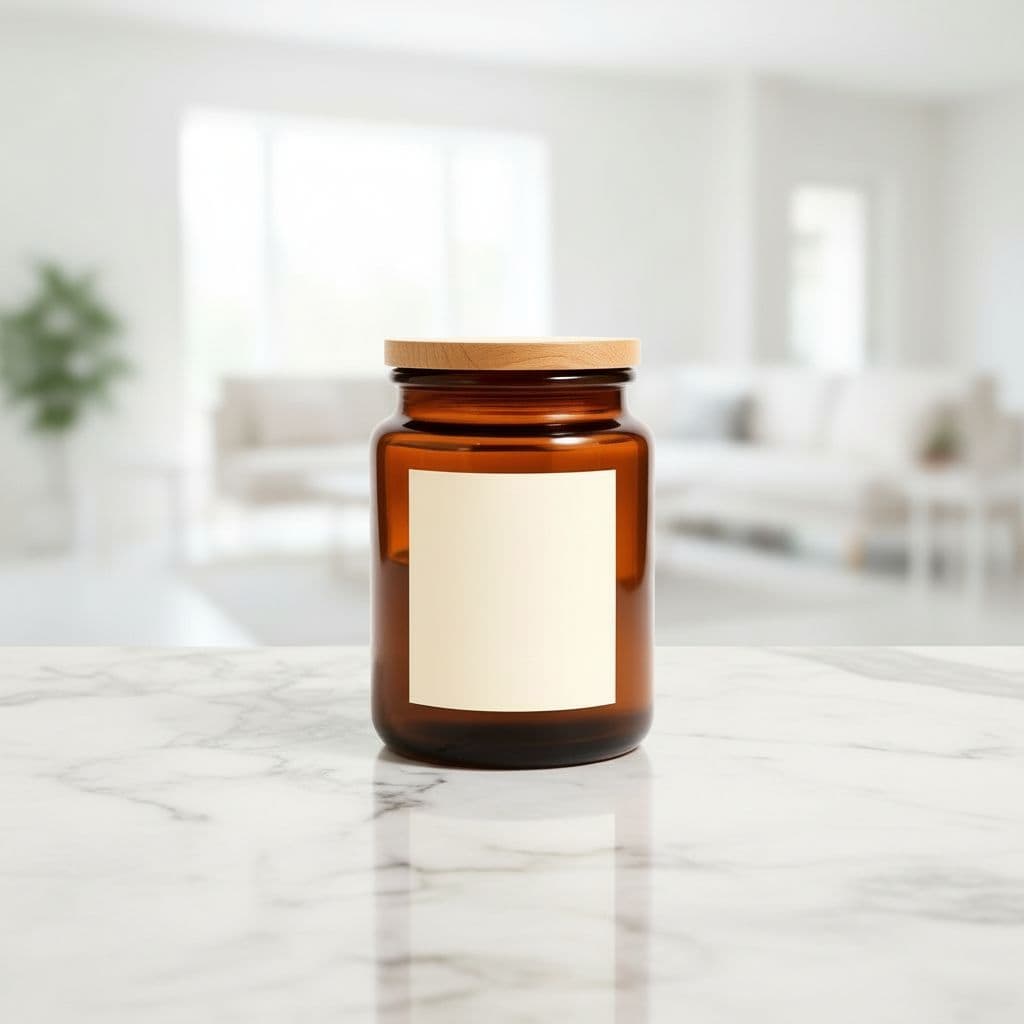
Marble Surface
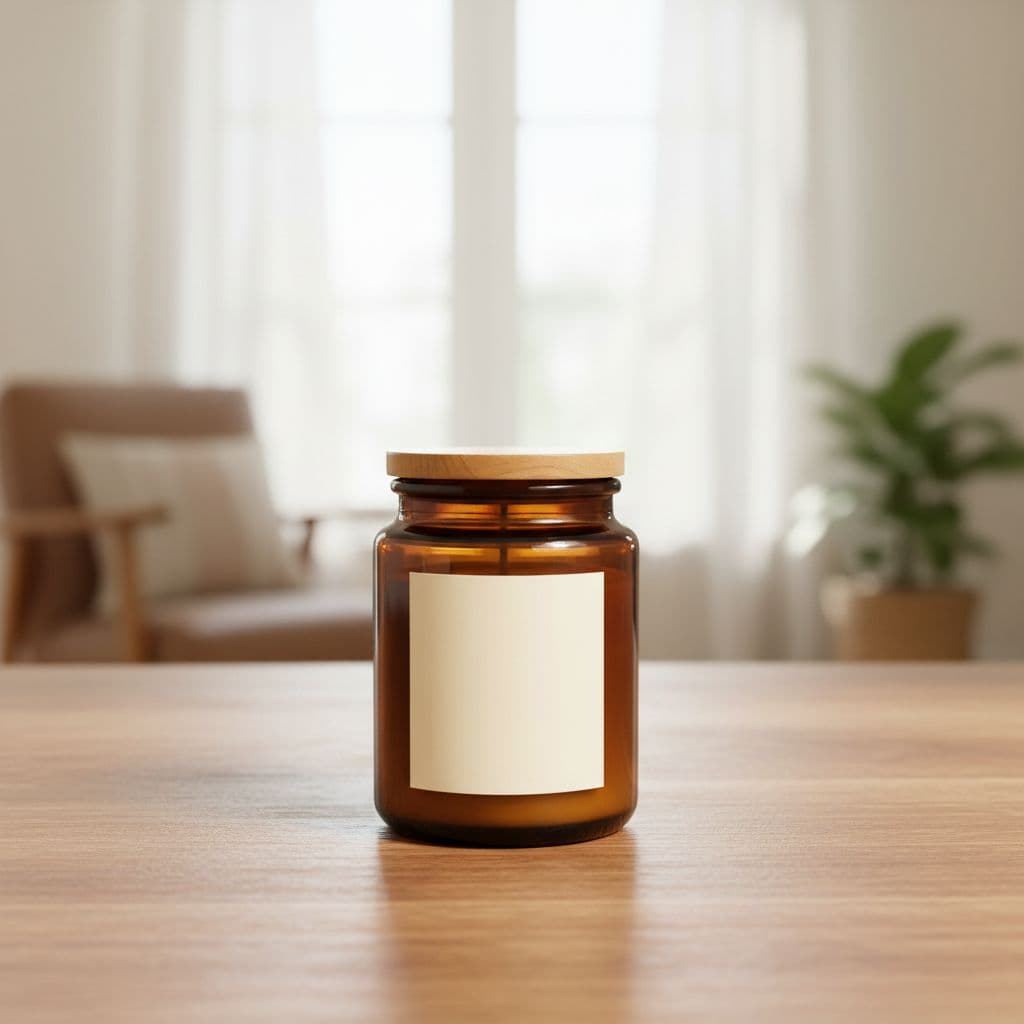
Wood Tabletop
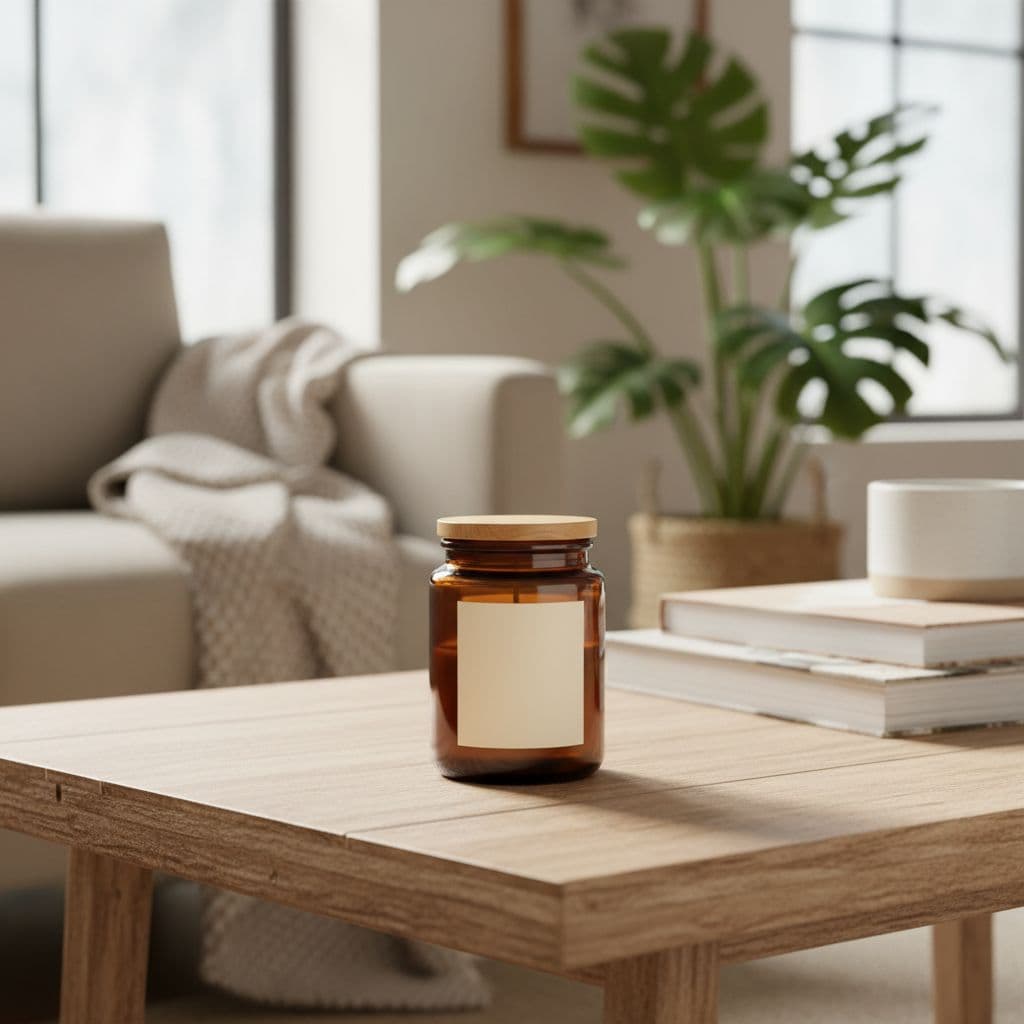
Cozy Interior
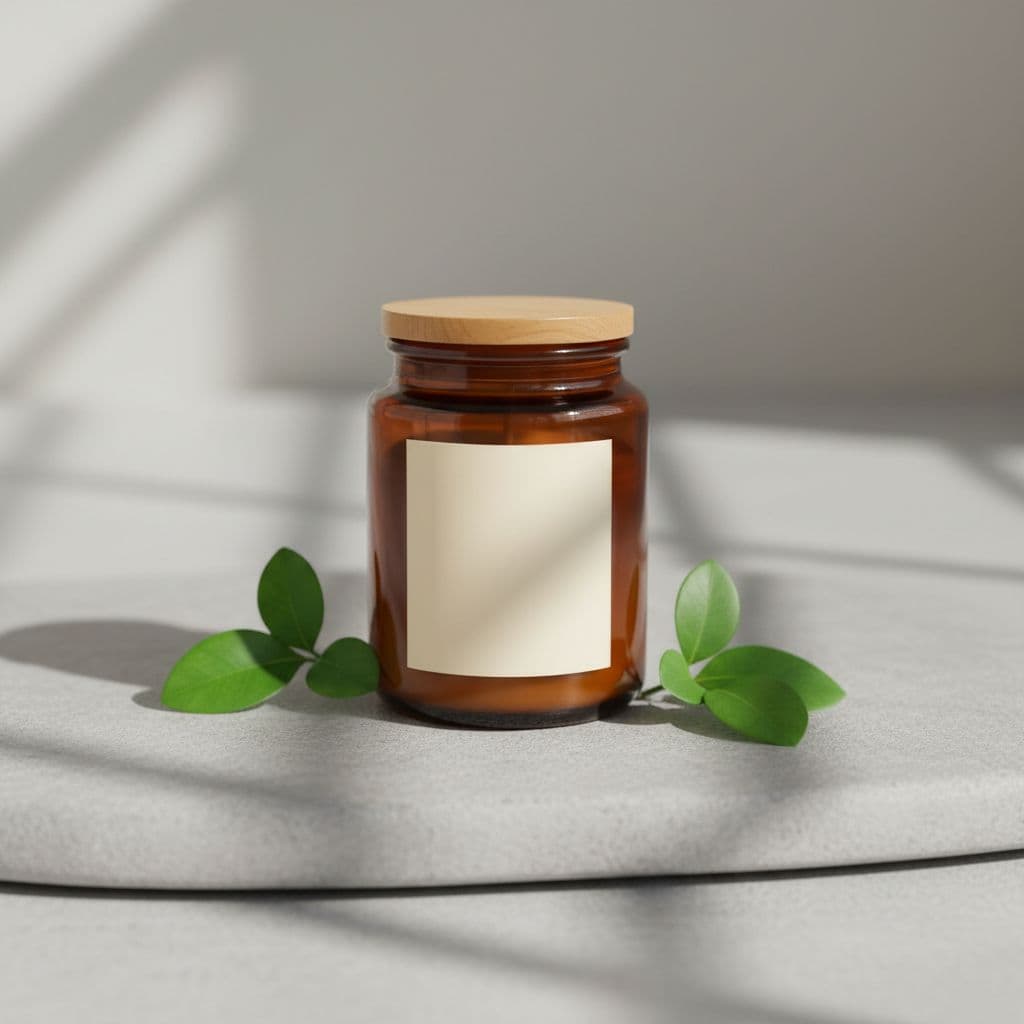
Botanical
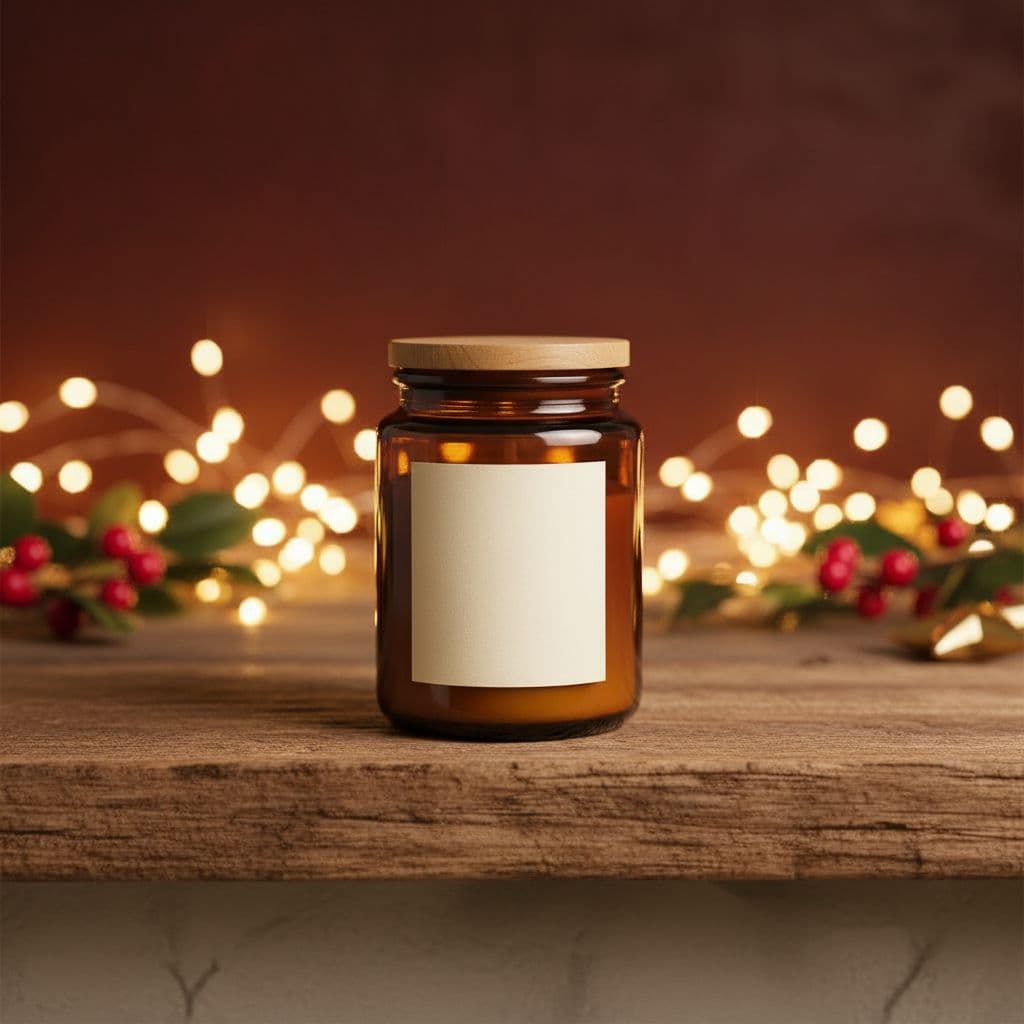
Festive Gift
One upload → many scenes to review before publishing.
From one upload to a full set of scenes
The product is restaged using your upload as the visual reference. Compare fine text, reflections, materials, and small details with the source before publishing the generated image.
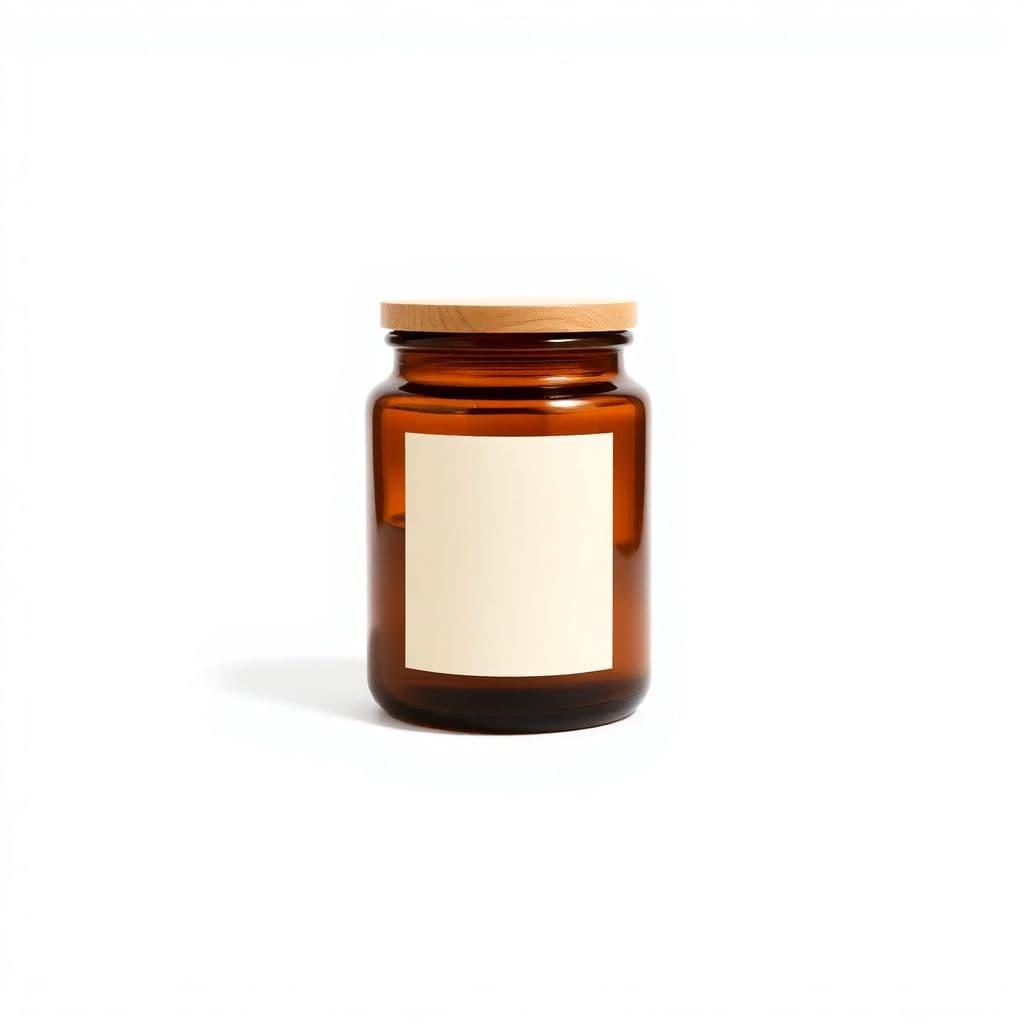
Review before publishing
AI staging can change small product details
- Zoom in on logos, labels, text, edges, reflections, and proportions.
- Regenerate any scene that changes a feature customers rely on.
- Confirm marketplace image rules yourself; generated photos still require your review.
How it works
Upload one product photo
A single clear photo of your product on a plain background is all you need.
Pick your scenes
Choose backgrounds and a shape, then confirm the credit cost before generation.
Download your photos
Generate high-resolution, watermark-free images ready for your store and ads.
Scenes you can create from one photo
Pure White
Amazon / eBay
Clean catalog white — marketplace ready.
Marble Surface
Beauty / Luxury
Elegant white-and-grey marble tabletop.
Wood Tabletop
Home / Food
Warm natural wood with a bright kitchen feel.
Cozy Interior
Lifestyle
Styled shelf in a warm modern home.
Botanical
Organic
Natural stone with leaves and shadow play.
Festive Gift
Seasonal
Warm seasonal styling with soft lights.
Made for candle and home-fragrance makers
Cozy home interior scenes
Place a jar candle on a styled shelf or coffee table so shoppers picture it warming up their own space.
Warm wood and marble tabletops
Restage tins and pillar candles on natural wood or marble surfaces for an elevated, boutique feel.
Botanical and natural styling
Set soy or beeswax candles against dried florals and greenery to signal a clean, handmade fragrance line.
Festive and holiday gift shots
Drop a candle into a cozy festive scene for holiday drops, gift guides, and seasonal Etsy listings.
Clean white marketplace images
Turn a home photo of your candle into a pure white listing image that meets Amazon and Etsy requirements.
Social and email-ready crops
Export the same candle in 4:5 for Instagram and 16:9 for banners and newsletters from one upload.
Candle product photography that keeps your real jar and label
Upload one photo of your candle and TalkPix restages it into a warm, professional scene. The AI works from the candle you photographed and is instructed to keep its jar shape, wax color, wick, label text, and any printed logo. The background, surface, and lighting are what change, so shoppers see your real candle rather than a generic stand-in; check the label text in each image.
- Aims to keep your candle's jar, wax color, label, and logo
- Cozy home, wood tabletop, marble, botanical, and festive scenes
- Pure white backgrounds that meet Amazon and Etsy listing rules
- Aspect ratios for listings (1:1, 3:4), Instagram (4:5), and banners (16:9)
Warm, gift-friendly scenes without a home studio
Skip the props, the styling table, and the reshoots. Start with one clear photo of your candle, pick a scene, and download a high-resolution, watermark-free image with commercial use included. Set a soy candle on a marble counter, a tin on warm wood, or a jar in a festive holiday setting — the kind of cozy, giftable look that sells home fragrance.
- Cozy home interiors and warm wood tabletops for a lived-in, inviting feel
- Botanical backdrops for clean, natural, and handmade candle lines
- Festive scenes for holiday, gift-guide, and seasonal listings
- 1:1, 4:5, 3:4, and 16:9 crops ready for every channel
Pay per photo, with no subscription required
You pay per photo in credits, about 3 credits each — a few cents — and the cost is confirmed before anything is generated, so you can test TalkPix on your own candle first. Credits come in one-time packs starting at $5 and never expire, with no subscription required. Shoot one hero scent or a full seasonal collection at your own pace.
Customer reviews
Rated 4.9/5 across 10 reviews
Every rating is tied to a customer's completed video. Quotes are admin-approved and shown only with permission.
“Very good and realistic singing video”Michael
“Best lip sync ever! I like it too much”TalkPix customer
“Realistic lip sync! Best I have ever used until now”TalkPix customer
“Realistin lip sync tool, I like this!”TalkPix customer
“It turn out 85% real, & im happy”TalkPix customer
Simple, pay-per-photo pricing
3 credits per photo. No subscription required.
Buy credits once and spend them on any TalkPix tool. At 3 credits per photo, a $10 Starter pack is about 40 product photos. Credits never expire and every paid image is watermark-free with commercial use included.
Questions, answered
Will the AI change my candle's jar, wax color, or label?+
It is not meant to. TalkPix is instructed to keep the jar shape, wax color, wick, label text, and any printed logo, and to change only the background, surface, and lighting. Small label text can still shift, so check each image to keep your listing accurate to what ships.
What scenes work best for candles?+
Cozy home interiors, warm wood tabletops, marble surfaces, and botanical backdrops read as inviting for most candles. Festive scenes suit holiday and gift listings, while the pure white background is ideal for Amazon and Etsy marketplace images.
Does TalkPix add a lit flame or people to the scene?+
No. TalkPix restages the candle photo you upload and changes only the background, surface, and lighting. It does not add a flame, hands, or people, and it does not invent details your original photo did not have.
Which aspect ratio should I use for my candle store?+
Use 1:1 square for Amazon and Etsy listings, 4:5 for Instagram and feed posts, 3:4 for many listing layouts, and 16:9 for banners and email headers. You can generate the same candle in more than one ratio.
How much does each candle photo cost?+
Each photo is 3 credits, roughly a few cents. Credits come in one-time packs starting at $5 and never expire — there is no subscription required. The credit cost is shown before each generation.
Can I turn my candle photos into a video ad?+
Yes. After creating your scenes, you can use TalkPix Product Ad Studio to turn a product photo into a short talking video ad for social and marketplace placements.
Keep exploring
Product Photo Studio
Upload one candle photo and restage it into cozy or clean scenes.
Lifestyle Product Photography
Place candles into natural, in-context home and gift scenes.
Product Ad Studio
Turn a candle photo into a short talking video ad.
Cozy lifestyle scene ideas
Home and decor scene ideas that give candles warm, giftable context.
30 product photography ideas
Scene, seasonal, and flat-lay ideas you can create from one photo.
Your product deserves better photos
Upload one photo, choose your scenes, and generate after payment — no subscription required.
More AI product photo tools
By product type