
Watch Product Photography That Keeps Every Detail Sharp
Upload one photo of your watch and TalkPix re-stages it on marble, a podium, or a clean studio backdrop, aiming to keep the dial, hands, crown, and strap as they are on the real piece.
- Credits required before generation
- From ~$0.30 per photo
- No subscription required
You are charged per image that generates
Each image costs 3 credits when it generates successfully, whether or not you end up using it — there is no keep-or-reject step. Images that fail to render are refunded automatically.
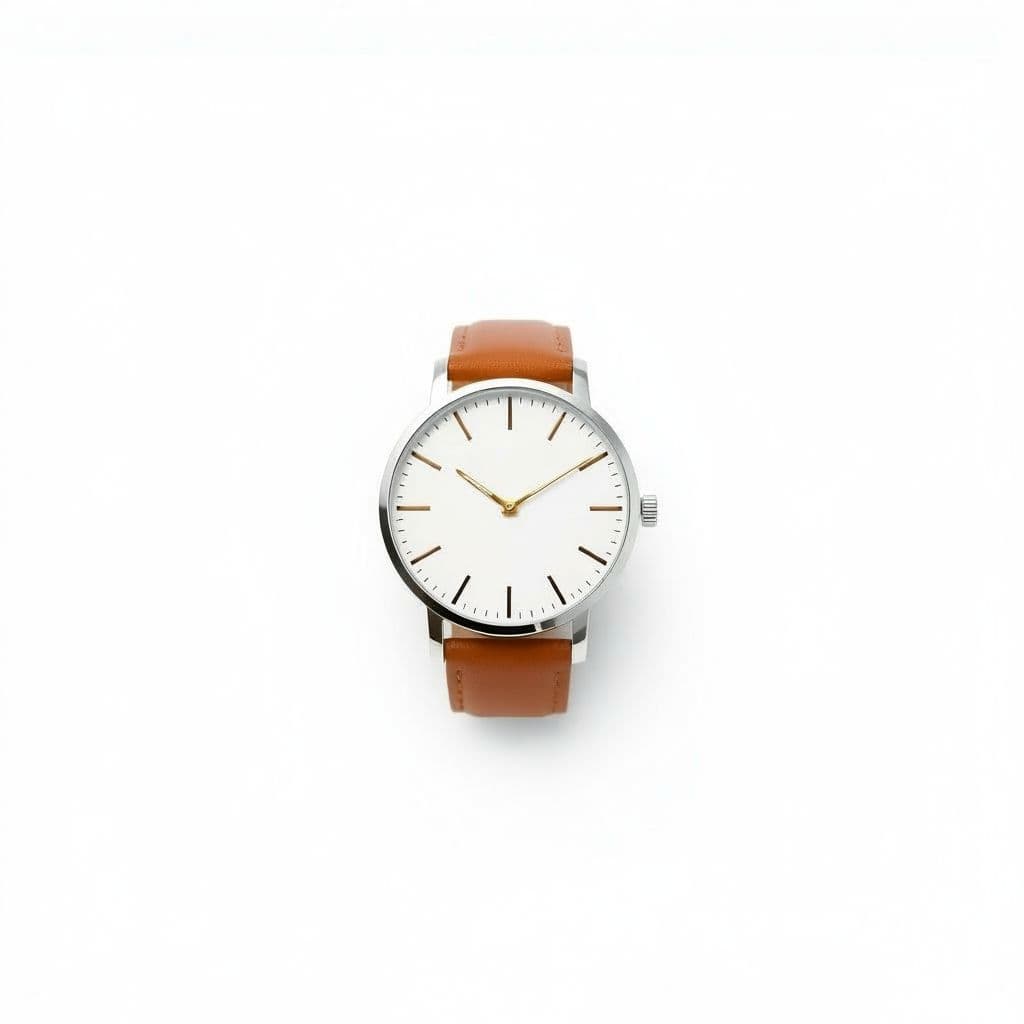
Pure White
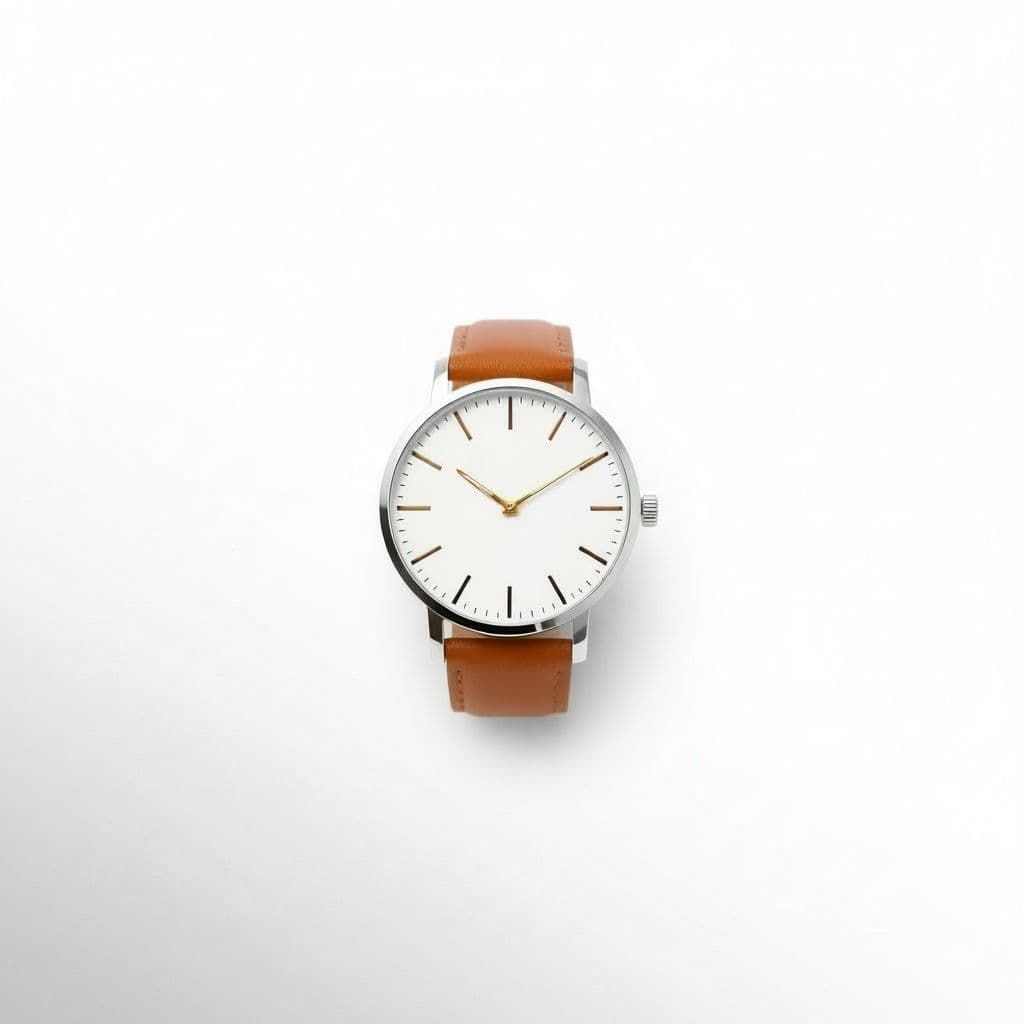
Studio Gradient
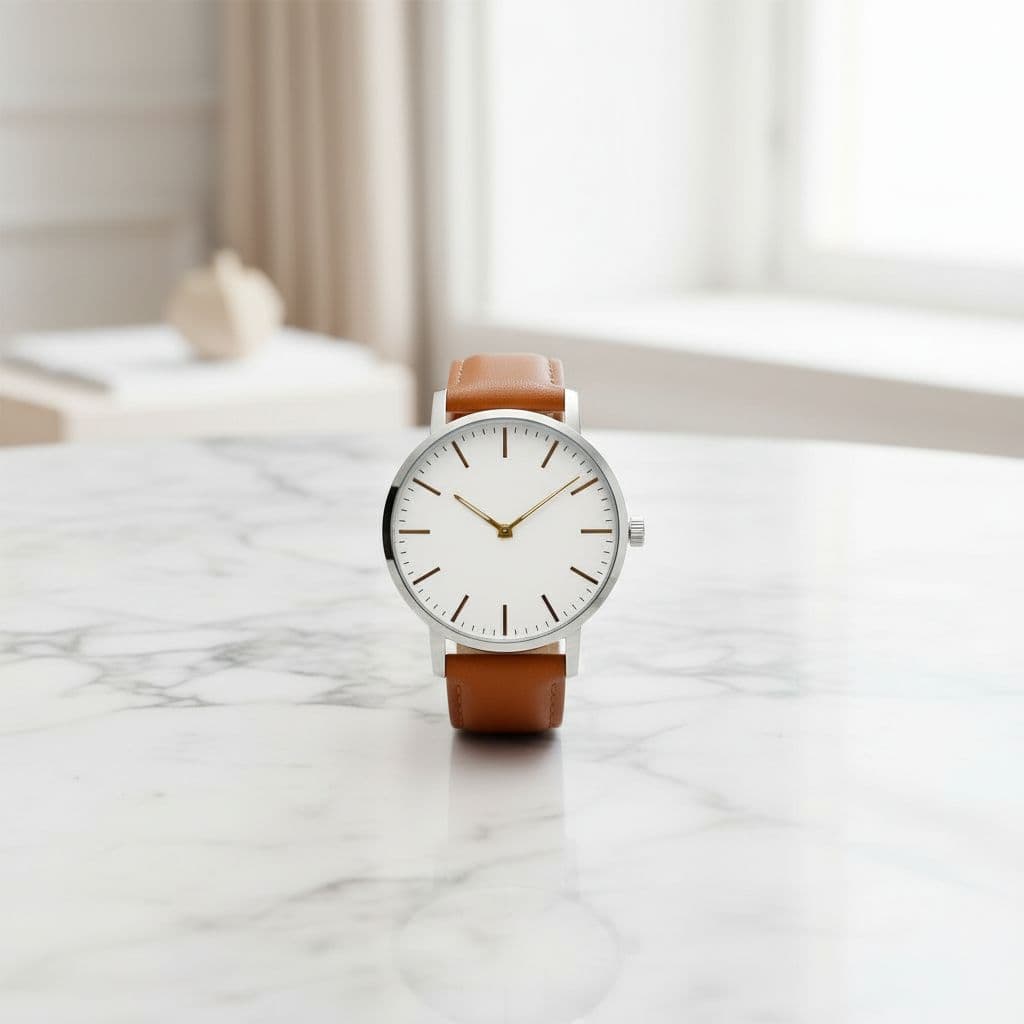
Marble Surface
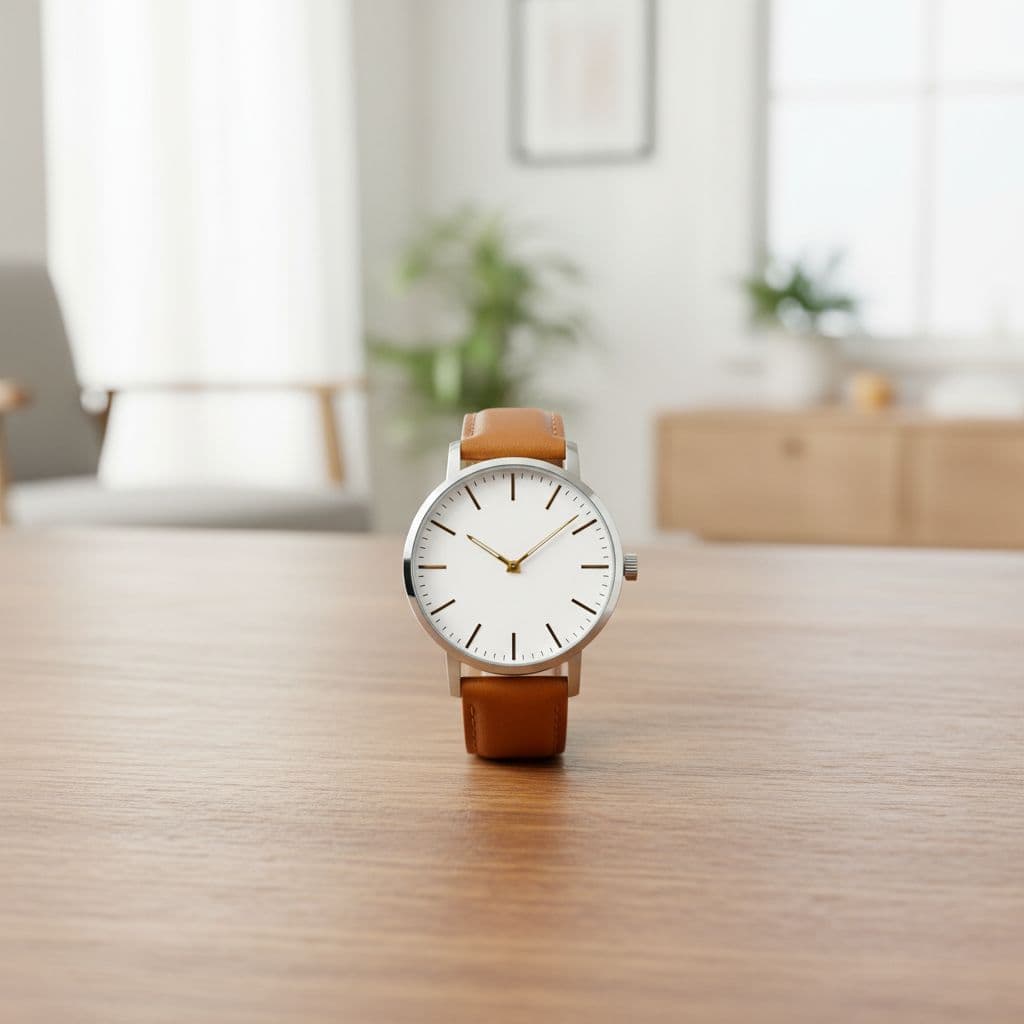
Wood Tabletop
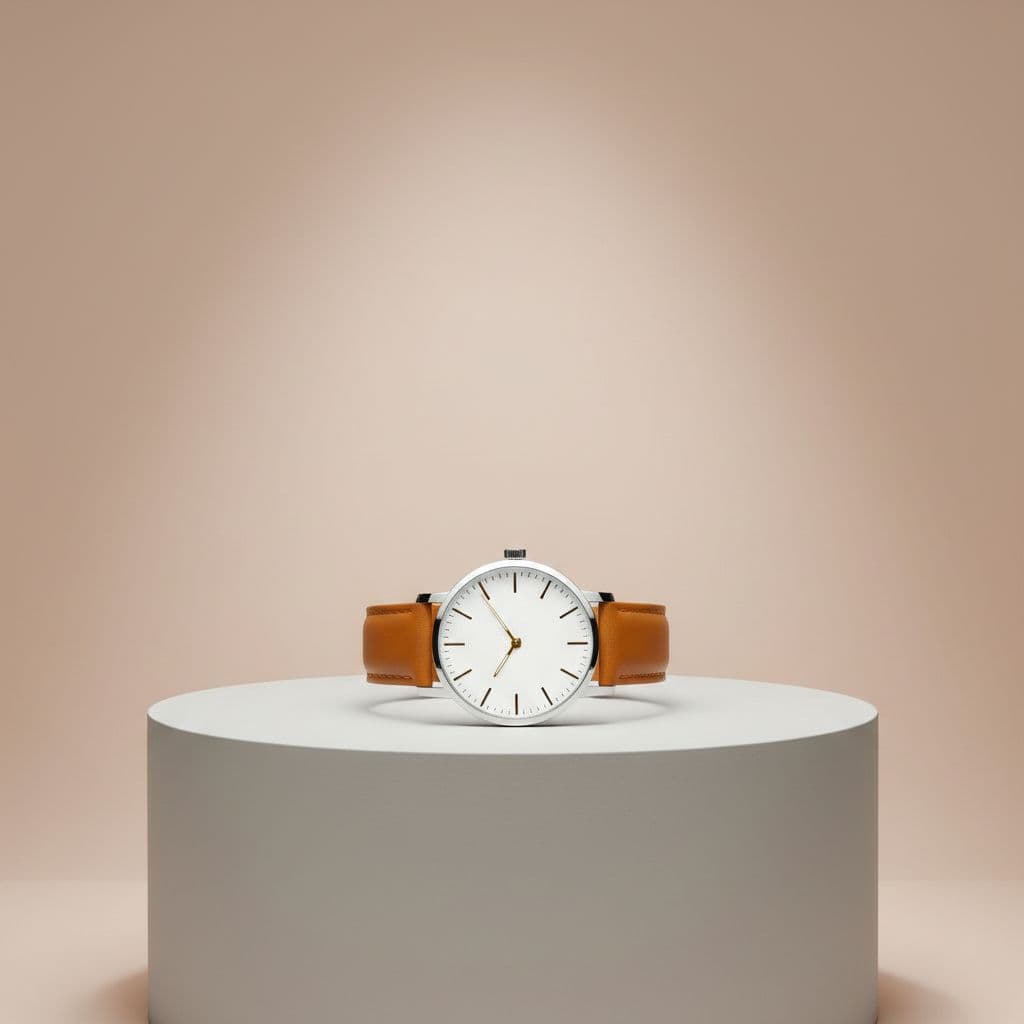
Luxury Podium
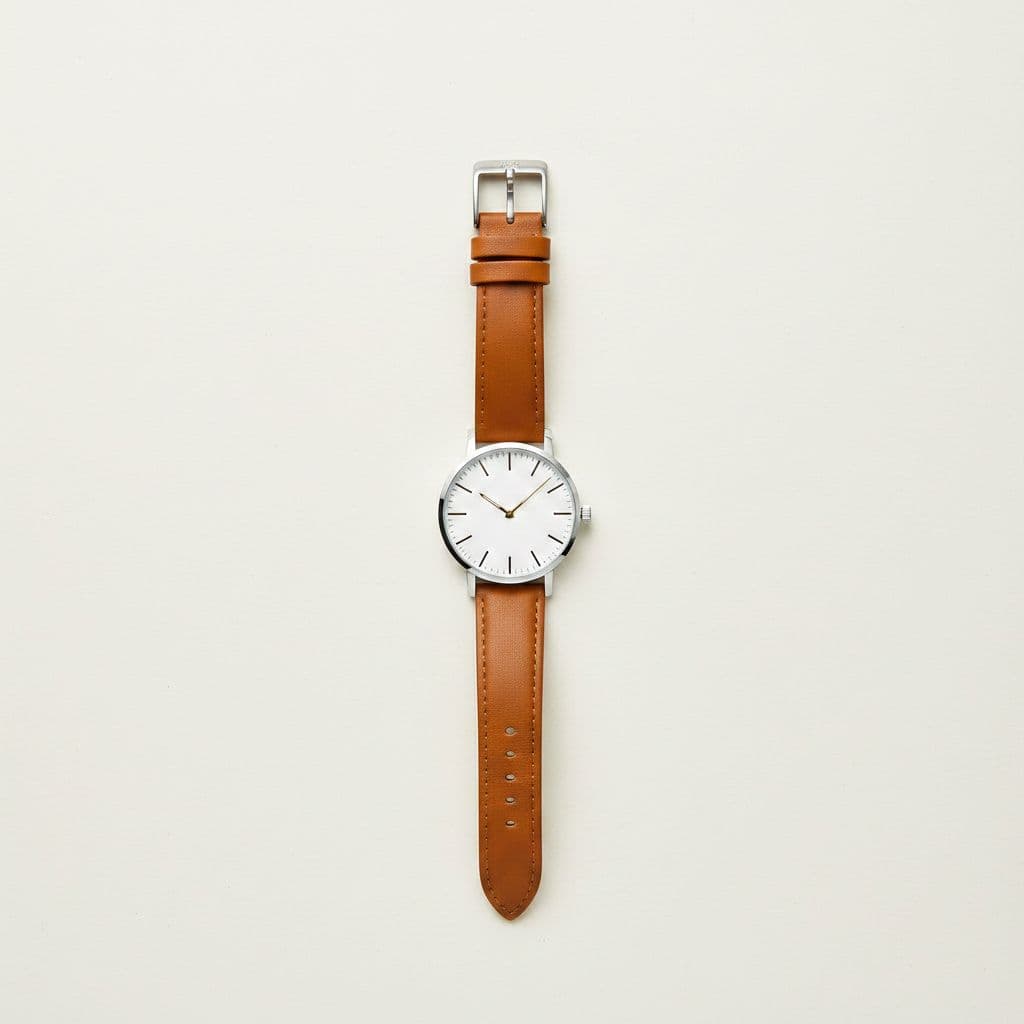
Flat Lay
One upload → many scenes to review before publishing.
From one upload to a full set of scenes
The product is restaged using your upload as the visual reference. Compare fine text, reflections, materials, and small details with the source before publishing the generated image.
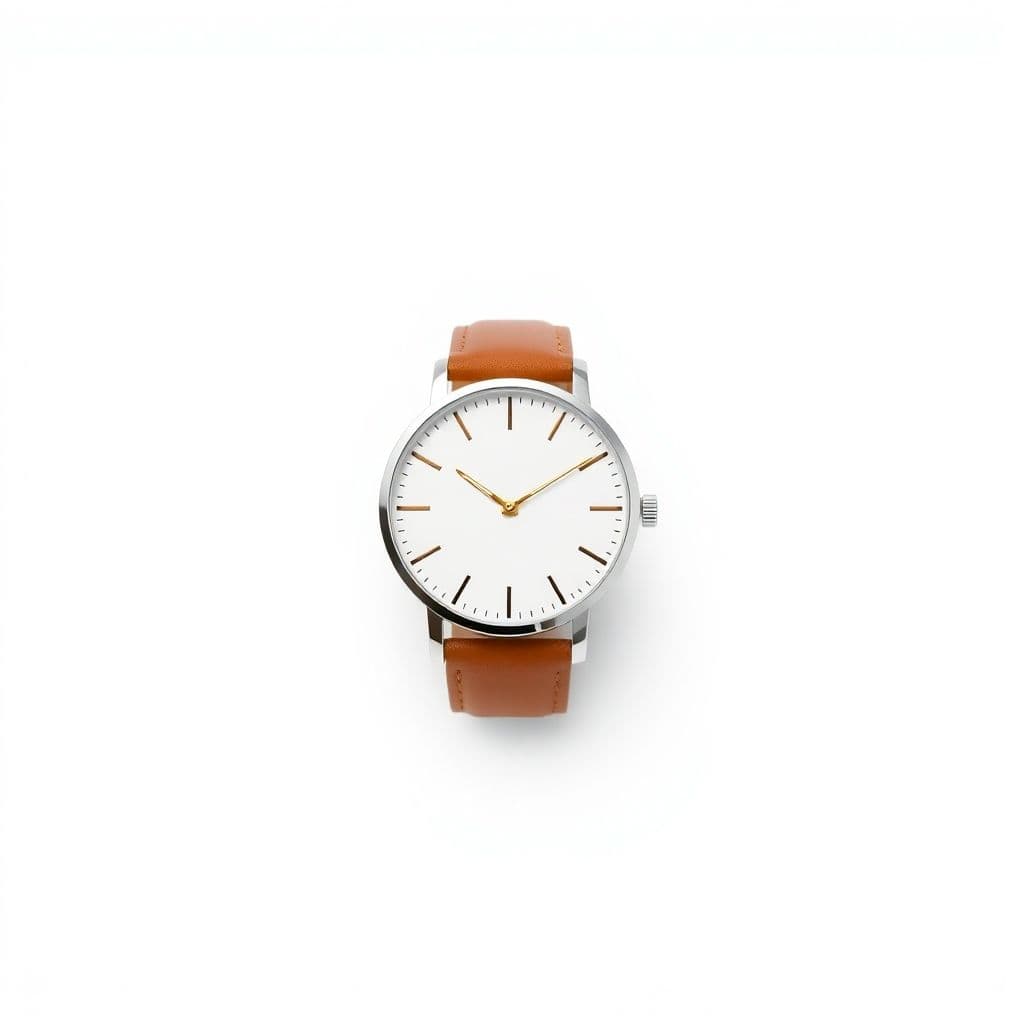
Review before publishing
AI staging can change small product details
- Zoom in on logos, labels, text, edges, reflections, and proportions.
- Regenerate any scene that changes a feature customers rely on.
- Confirm marketplace image rules yourself; generated photos still require your review.
How it works
Upload one product photo
A single clear photo of your product on a plain background is all you need.
Pick your scenes
Choose backgrounds and a shape, then confirm the credit cost before generation.
Download your photos
Generate high-resolution, watermark-free images ready for your store and ads.
Scenes you can create from one photo
Pure White
Amazon / eBay
Clean catalog white — marketplace ready.
Studio Gradient
Premium
Soft graduated backdrop with a gentle glow.
Marble Surface
Beauty / Luxury
Elegant white-and-grey marble tabletop.
Wood Tabletop
Home / Food
Warm natural wood with a bright kitchen feel.
Luxury Podium
Ads
Minimal pedestal with a color pop backdrop.
Flat Lay
Social
Top-down styled flat lay on paper.
Watch photos for every model and platform
Automatic and dress watches
Place a dress watch on marble or a podium so the dial, indices, and slim case read clearly against a clean backdrop.
Divers and sports watches
Show a rugged diver on a studio gradient that keeps the bezel, lume markers, and case finish accurate without a busy scene.
Leather and metal straps
Frame the piece close-up on a neutral surface so buyers can see the strap texture, stitching, or bracelet links at a glance.
Vintage and pre-owned watches
Give a resale listing a boutique feel with marble or wood scenes while keeping the exact patina and wear from your photo.
Marketplace listing images
Generate pure white background versions in 1:1 for Amazon, eBay, and watch marketplaces that require plain backdrops.
Instagram and social posts
Export the same watch in 4:5 with a polished scene to keep your feed consistent across new drops and restocks.
Studio-quality watch product photography from one phone photo
Watches are hard to shoot at home. Domed crystals throw glare, brushed and polished cases fight your lighting, and a busy background pulls attention off the dial. TalkPix takes a single photo of your watch and re-stages it into a professional scene. The AI is instructed to change only the background, surface, and lighting and to keep the dial layout, hand position, strap material, and case finish true to your original, without adding wrists, models, or props. Fine dial text and indices can still shift, so zoom in on each image before you list it.
- Choose marble, a luxury podium, or a clean studio gradient to frame the piece
- Aims to keep the dial, indices, hands, crown, bezel, and strap as shot
- Get a pure white background version ready for any marketplace
- Export 1:1 for listings, 4:5 for Instagram, or 3:4 for close-up detail shots
Backgrounds that flatter cases and straps without distorting them
Reflective steel, sapphire crystals, and fine strap textures are tough to light in a home setup, and cluttered surfaces make a premium watch look ordinary. TalkPix places your timepiece on scenes built for watches, from cool marble and soft studio gradients to raised podiums that give the piece a display-case feel. Because the tool only restyles the scene, it will not move the hands, change the time on the dial, swap a leather strap for metal, or invent a finish that is not in your photo. What you upload is what buyers see, in a better setting.
Pay per photo, use it commercially, and reuse everywhere
Every image comes back high resolution and watermark-free, with commercial use allowed under our Terms for products you have the rights to, so you can list, post, and print it. TalkPix charges 3 credits per photo instead of a monthly plan. Credits come in one-time packs starting at $5 and never expire, which suits sellers who photograph new models in batches. A single white-background shot is 3 credits, so you can test it on a real watch first.
Customer reviews
Rated 4.9/5 across 10 reviews
Every rating is tied to a customer's completed video. Quotes are admin-approved and shown only with permission.
“Very good and realistic singing video”Michael
“Best lip sync ever! I like it too much”TalkPix customer
“Realistic lip sync! Best I have ever used until now”TalkPix customer
“Realistin lip sync tool, I like this!”TalkPix customer
“It turn out 85% real, & im happy”TalkPix customer
Simple, pay-per-photo pricing
3 credits per photo. No subscription required.
Buy credits once and spend them on any TalkPix tool. At 3 credits per photo, a $10 Starter pack is about 40 product photos. Credits never expire and every paid image is watermark-free with commercial use included.
Questions, answered
Will the AI keep my dial, hands, and strap exactly the same?+
It aims to keep them as close to your photo as it can. TalkPix is instructed to keep the dial layout, hand position, indices, crown, bezel, and strap material while it changes the background, surface, and lighting. Fine dial text and indices can still shift, so compare each image with the real watch.
Can it change the time on the dial or add a wrist to the shot?+
No, and that is intentional. TalkPix re-stages your watch into professional scenes but does not move the hands, alter the dial, or add people, wrists, or hands. The watch is shown on its own on a surface, as faithfully as the model can.
Which backgrounds work best for watches?+
Marble surfaces, a luxury podium or pedestal, and a clean studio gradient are popular for showing a case and strap clearly. A pure white background is also available and is ideal for Amazon, eBay, and Chrono-style marketplaces that require plain backdrops.
What aspect ratios should I use for watch listings?+
Use 1:1 square for Amazon and eBay listing images, 4:5 for Instagram and feed posts, 3:4 for close-up detail shots of the dial and strap, and 16:9 for banners or shop headers. You can generate the same watch in multiple ratios.
How much does each watch photo cost?+
Each photo costs 3 credits, which is roughly a few cents. Credits come in one-time packs starting at $5 and never expire, so there is no subscription required. The credit cost is shown before each generation.
Can I turn these watch photos into a video ad?+
Yes. After you create your product photos, you can use /create/product-ad to turn them into a short UGC-style talking video ad for social feeds and marketplace promotions.
Keep exploring
Product Photo Studio
Upload one photo and re-stage your watch into professional scenes.
Product Video Ads
Turn your watch photos into a short talking video ad for social.
Jewelry Photography
Restage rings, necklaces, and earrings on marble and podium scenes.
Jewelry photos with AI: a guide
How AI handles reflective metal and fine detail while rebuilding the scene.
Product photo ideas that sell
30 scene and styling ideas you can generate from one photo.
Your product deserves better photos
Upload one photo, choose your scenes, and generate after payment — no subscription required.
More AI product photo tools
By product type