
Makeup Product Photography, Powered by AI
Upload one photo of your lipstick, palette, or compact and restage it on glossy marble, a luxury podium, or a clean flat-lay. TalkPix aims to keep your shades, cap, and label as they are while it changes the scene.
- Credits required before generation
- From ~$0.30 per photo
- No subscription required
You are charged per image that generates
Each image costs 3 credits when it generates successfully, whether or not you end up using it — there is no keep-or-reject step. Images that fail to render are refunded automatically.
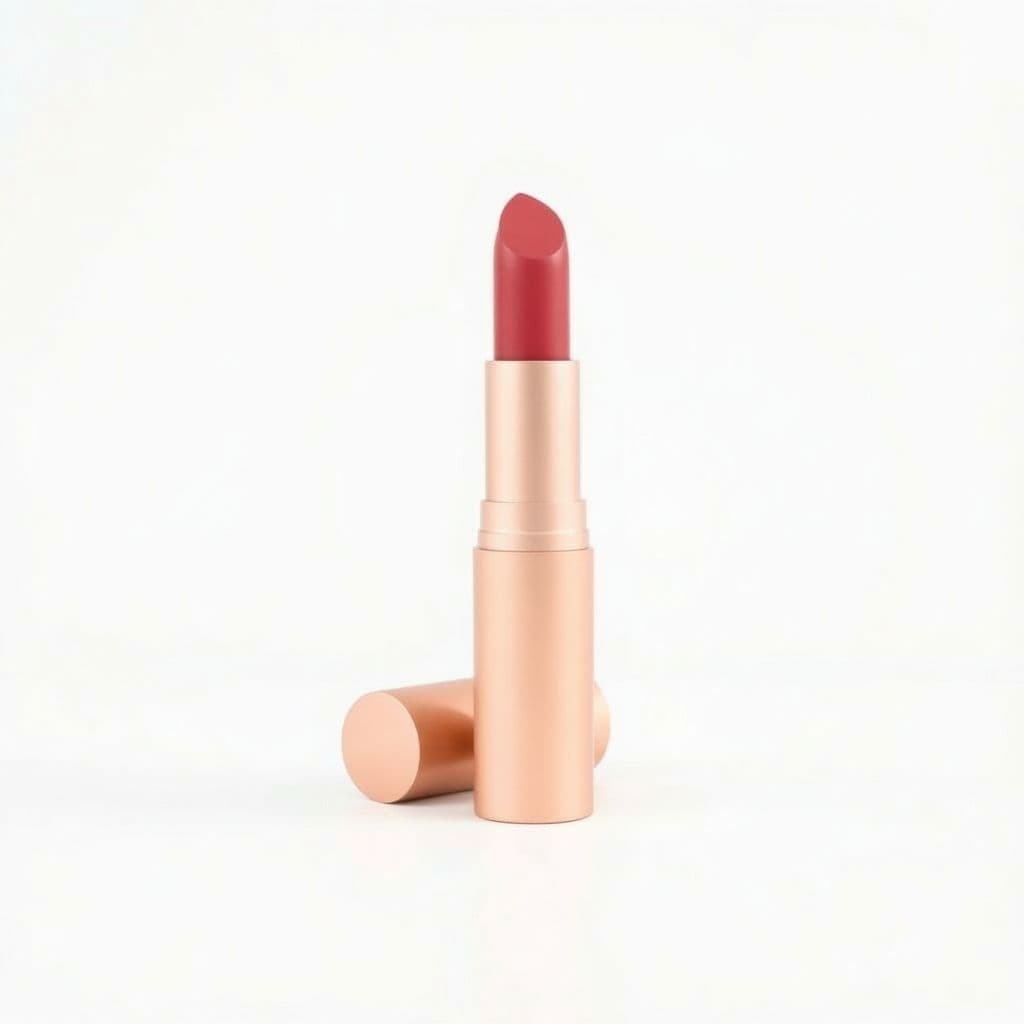
Pure White
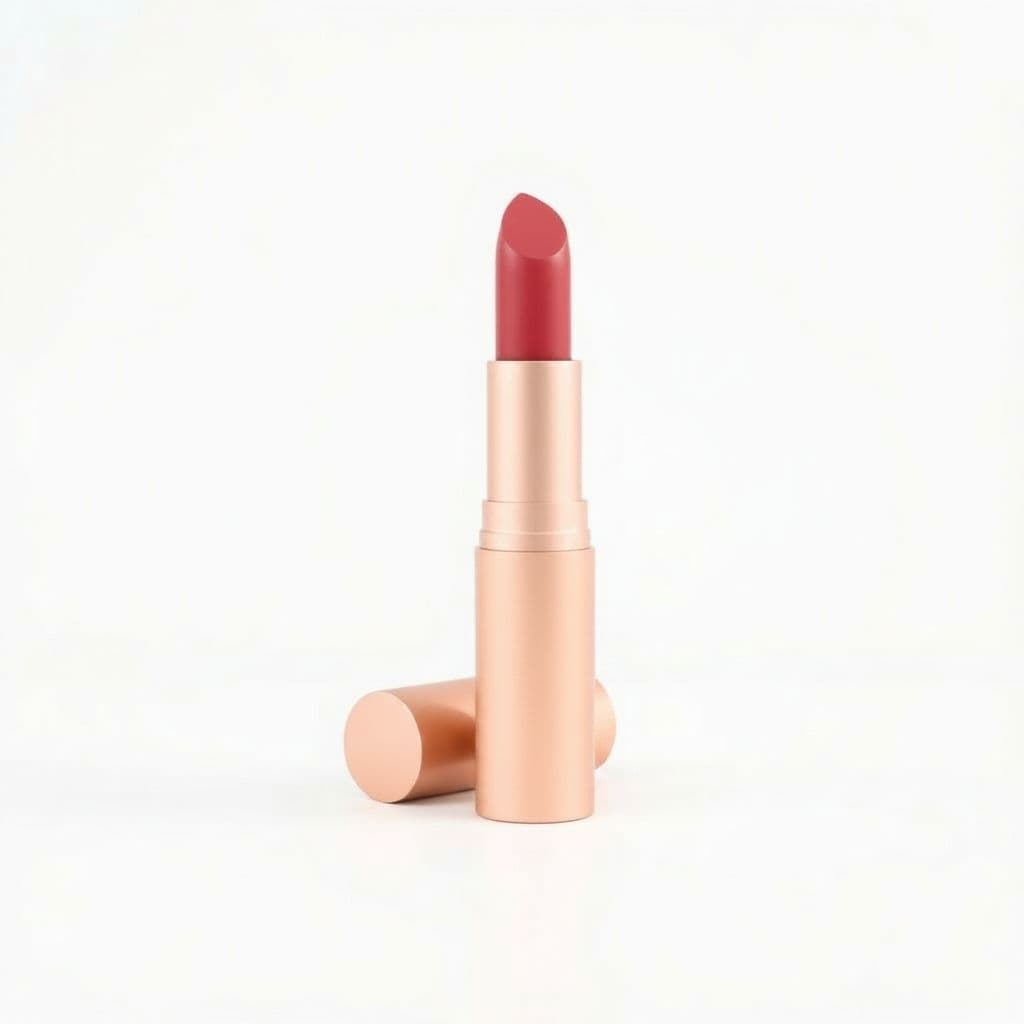
Studio Gradient
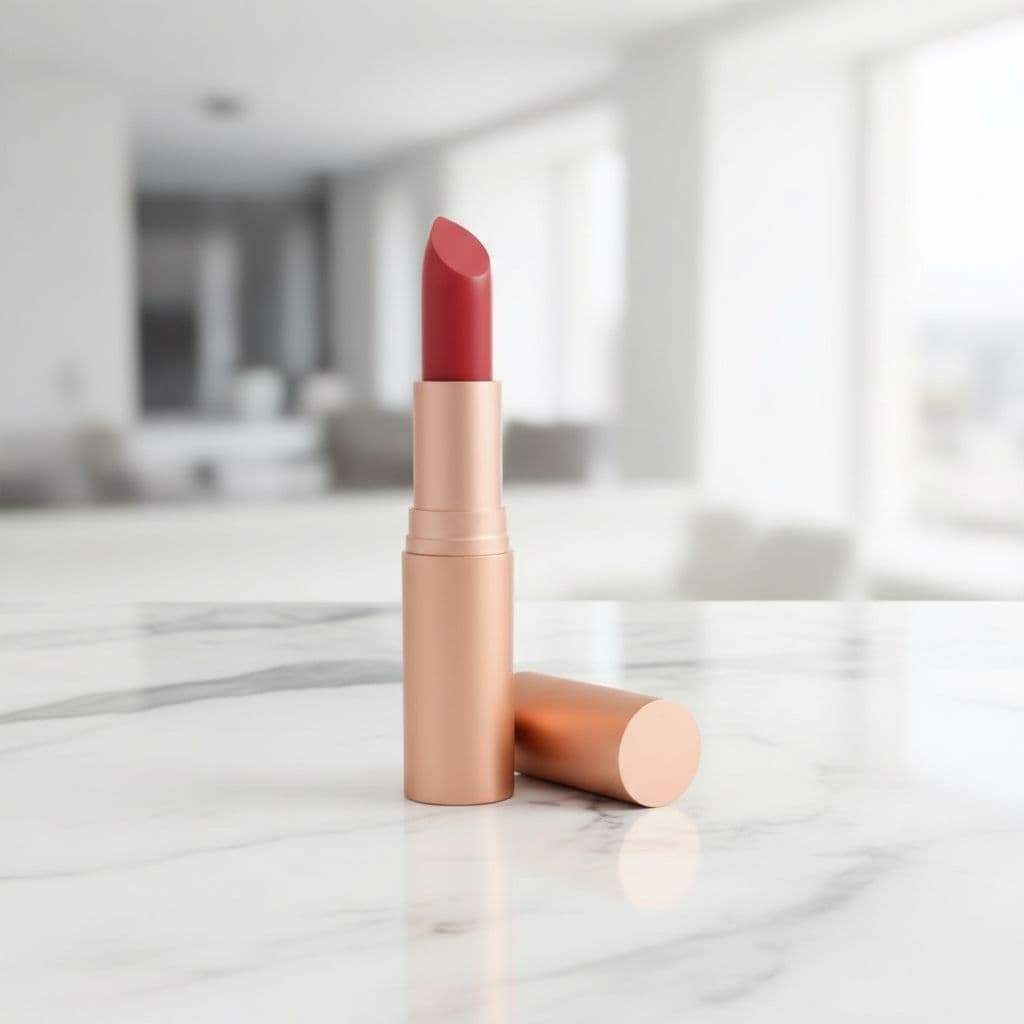
Marble Surface
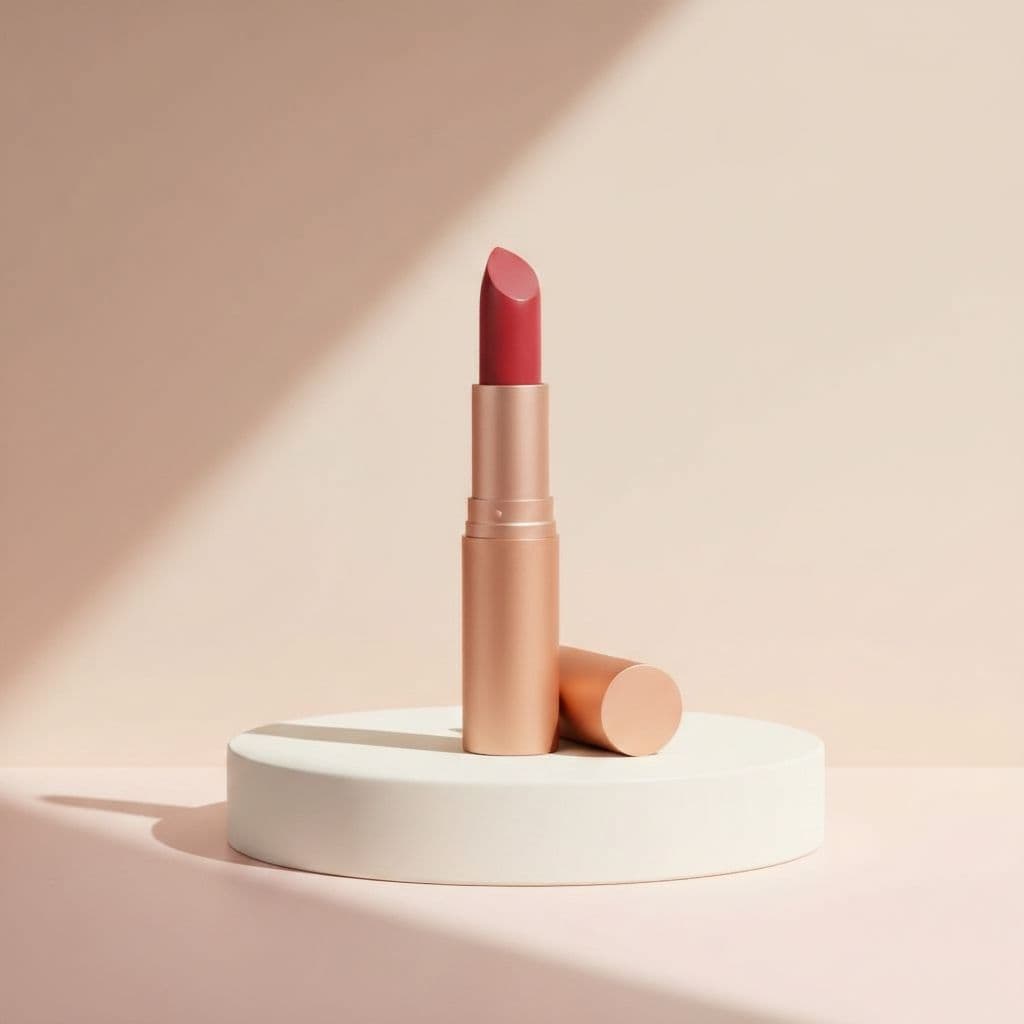
Luxury Podium
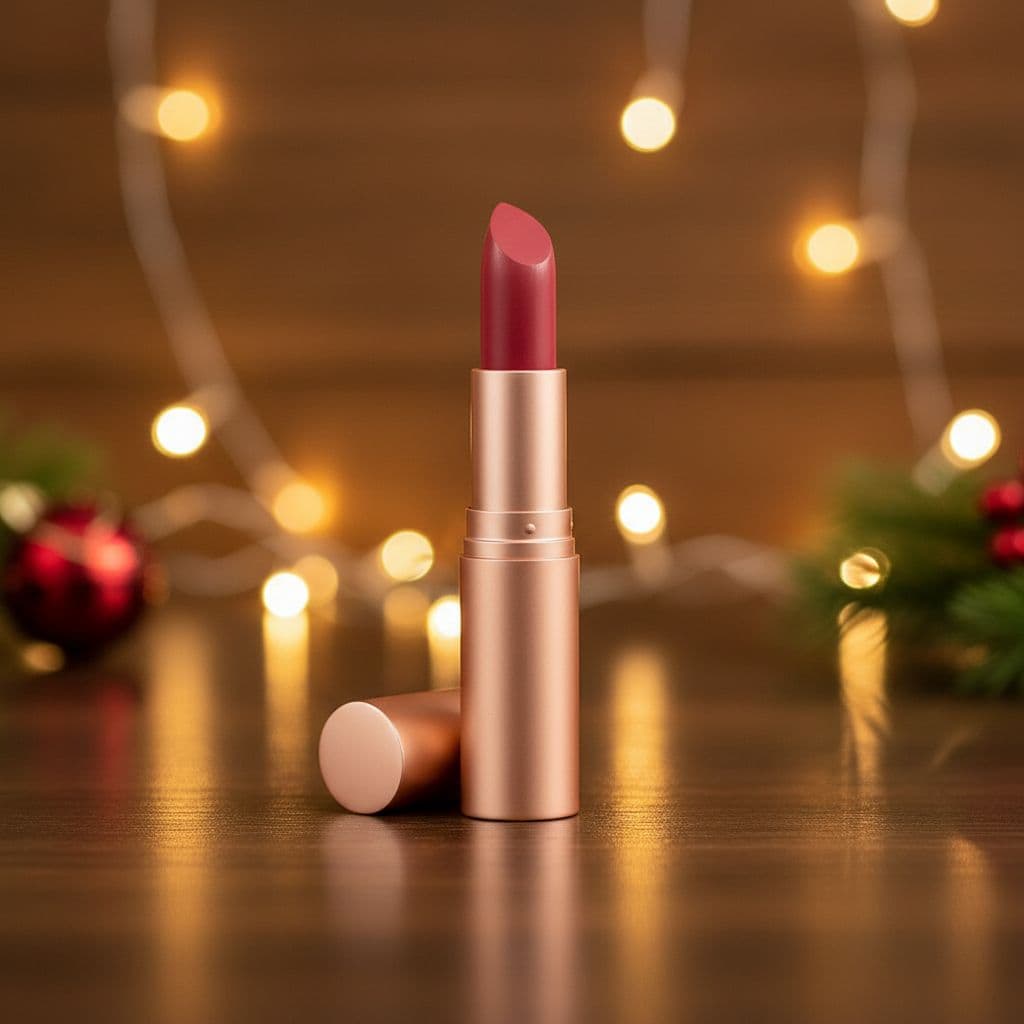
Festive Gift
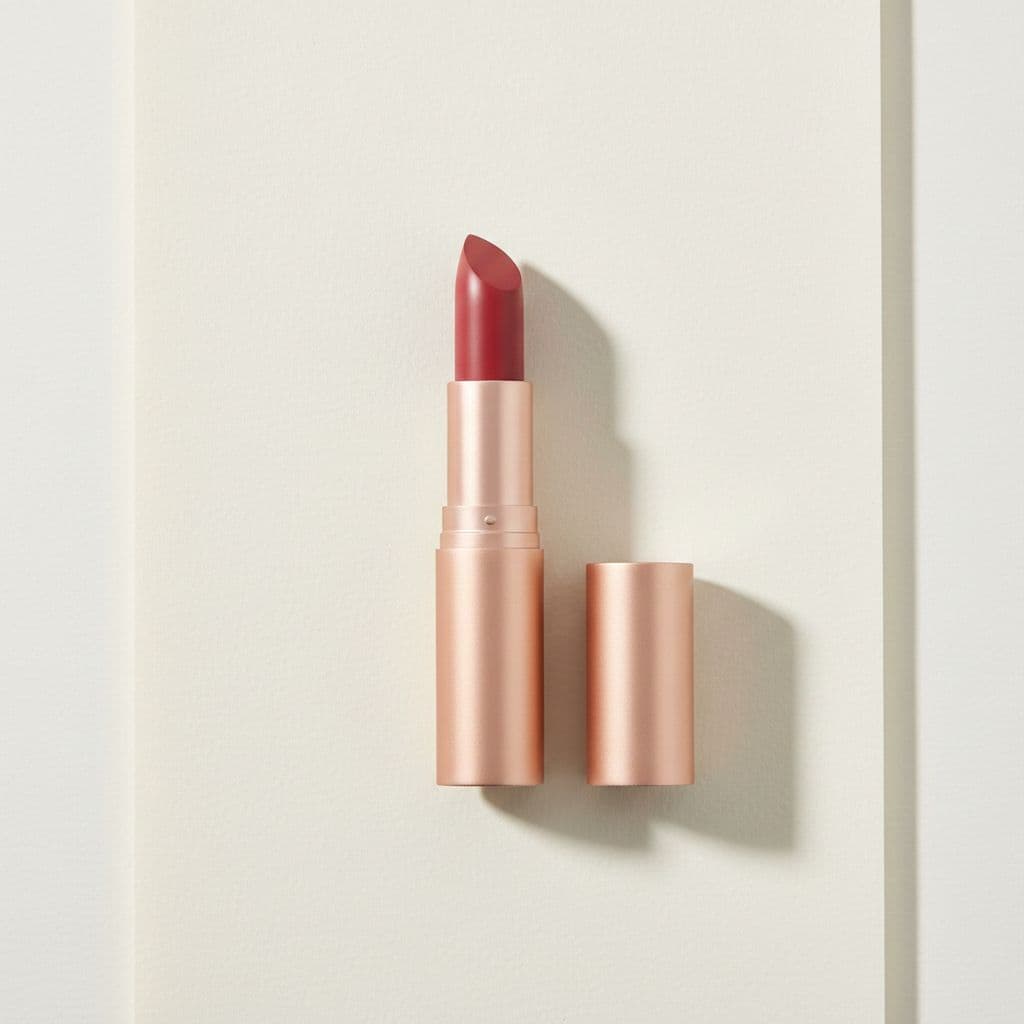
Flat Lay
One upload → many scenes to review before publishing.
From one upload to a full set of scenes
The product is restaged using your upload as the visual reference. Compare fine text, reflections, materials, and small details with the source before publishing the generated image.
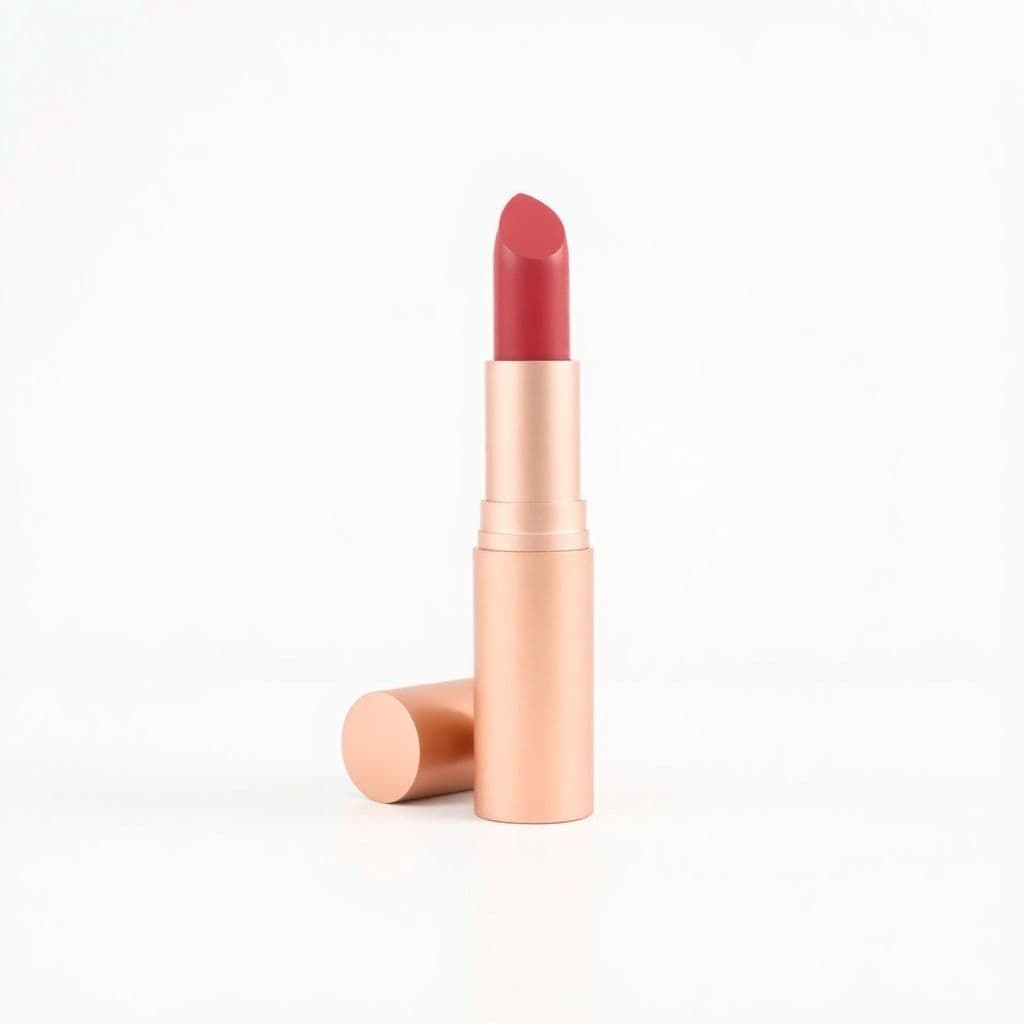
Review before publishing
AI staging can change small product details
- Zoom in on logos, labels, text, edges, reflections, and proportions.
- Regenerate any scene that changes a feature customers rely on.
- Confirm marketplace image rules yourself; generated photos still require your review.
How it works
Upload one product photo
A single clear photo of your product on a plain background is all you need.
Pick your scenes
Choose backgrounds and a shape, then confirm the credit cost before generation.
Download your photos
Generate high-resolution, watermark-free images ready for your store and ads.
Scenes you can create from one photo
Pure White
Amazon / eBay
Clean catalog white — marketplace ready.
Studio Gradient
Premium
Soft graduated backdrop with a gentle glow.
Marble Surface
Beauty / Luxury
Elegant white-and-grey marble tabletop.
Luxury Podium
Ads
Minimal pedestal with a color pop backdrop.
Festive Gift
Seasonal
Warm seasonal styling with soft lights.
Flat Lay
Social
Top-down styled flat lay on paper.
Makeup shots for every place you sell
Lipsticks and glosses
Stand a lipstick or gloss on a glossy marble slab or luxury podium so the bullet and cap read as premium in the thumbnail.
Eyeshadow palettes
Lay a palette open in a clean flat-lay and check that every pan and shade name still matches your real product.
Compacts and powders
Place compacts and pressed powders on a studio gradient or marble surface for a polished, editorial launch look.
Collections and gift sets
Arrange a full makeup line in a top-down flat-lay grid for bundle, holiday, and gift-set banners.
Marketplace main images
Generate pure white background shots at 1:1 for Amazon, Etsy, and eBay without a lightbox or studio setup.
Instagram and feed posts
Export 4:5 podium and flat-lay scenes so your makeup fits the beauty feed without cropping the label.
Makeup product photography built from your real shades and packaging
TalkPix restages the lipstick, palette, or compact you upload. The AI is instructed to keep the bullet, cap, mirror, pan colors, foil stamping, and the text on your label and box true to the photo you shot, so a warm nude should read as a warm nude and a rose gold cap should stay rose gold. It rebuilds the scene, lighting, and surface around your product; lighting can still shift shades slightly, so compare swatches with the real product before they go to a marketplace or beauty feed.
- Aims to keep shade names, logo, foil accents, and label text as photographed
- Rebuilds only the background, surface, and lighting, never the makeup itself
- Adds no people, hands, or swatches on skin, so the focus stays on the product
- Delivers high-resolution, watermark-free files with commercial use included
Glossy marble, podium, and flat-lay scenes built for beauty launches
Makeup shoppers scroll fast, so styling has to look premium in a thumbnail. TalkPix ships scenes made for color cosmetics: set a lipstick on a glossy marble slab, raise a palette on a luxury podium for a launch banner, or arrange compacts in a clean flat-lay grid for a collection shot. For Amazon, Sephora-style spec pages, and other marketplaces, the pure white background scene gives you a compliant main image without a lightbox or a studio rental.
- Glossy marble surface and studio gradient for an editorial, high-end feel
- Luxury podium and pedestal staging for lipstick and palette hero shots
- Flat-lay top-down styling for collections, bundles, and gift sets
- Pure white background for marketplace main images and spec panels
One photo in, download-ready beauty images out
Upload a single clear photo of your makeup product, pick a scene and an aspect ratio, and download the result. Use 1:1 for Amazon, Etsy, and eBay listings, 4:5 for Instagram and beauty feed posts, 3:4 for close detail shots, and 16:9 for launch banners. Each image costs 3 credits, roughly a few cents, so you can judge the quality on your own compact or lipstick without booking a studio.
Customer reviews
Rated 4.9/5 across 10 reviews
Every rating is tied to a customer's completed video. Quotes are admin-approved and shown only with permission.
“Very good and realistic singing video”Michael
“Best lip sync ever! I like it too much”TalkPix customer
“Realistic lip sync! Best I have ever used until now”TalkPix customer
“Realistin lip sync tool, I like this!”TalkPix customer
“It turn out 85% real, & im happy”TalkPix customer
Simple, pay-per-photo pricing
3 credits per photo. No subscription required.
Buy credits once and spend them on any TalkPix tool. At 3 credits per photo, a $10 Starter pack is about 40 product photos. Credits never expire and every paid image is watermark-free with commercial use included.
Questions, answered
Does TalkPix change my makeup product or only the background?+
It is built to change only the background, surface, and lighting. Your bullet, cap, pan colors, mirror, foil stamping, and label and box text are carried over from your photo as closely as the model can, but shades and small text can shift, so compare each image with the product.
Will it keep my lipstick shade and palette colors accurate?+
It aims to. TalkPix restages the product you upload and is instructed not to recolor it, so a warm nude should stay a warm nude. Lighting and generation can still shift shades slightly, so compare pans and swatches with the real product before you publish.
Which scenes work best for makeup and color cosmetics?+
Glossy marble, luxury podium, studio gradient, and flat-lay scenes suit lipsticks, palettes, and compacts well. For marketplace main images, use the pure white background scene.
Can it fix scratches, fingerprints, or smudges on my compact?+
No. TalkPix restages your product into new scenes but does not retouch defects or clean up packaging. Start with a clean, in-focus photo of the makeup you want to sell.
Are the images okay for Amazon, Etsy, and Sephora-style listings?+
Yes. The pure white background scene at a 1:1 square ratio gives you a clean main image, and every file is high-resolution and watermark-free with commercial use included.
How much does each makeup photo cost?+
Each photo costs 3 credits, roughly a few cents. Credits come in one-time packs starting at $5 and never expire, with no subscription required. The credit cost is shown before you generate.
Keep exploring
Product Photo Studio
Upload one makeup photo and restage it into glossy premium scenes.
Cosmetics Photography
Restage beauty and skincare products on marble and vanity scenes.
Turn Photos Into Video Ads
Make a talking video ad from your finished makeup product photos.
Photography ideas for beauty products
Scene and flat-lay ideas that make makeup listings look editorial.
How to take product photos with AI
A beginner-friendly workflow for turning one photo into a full set.
Your product deserves better photos
Upload one photo, choose your scenes, and generate after payment — no subscription required.
More AI product photo tools
By product type