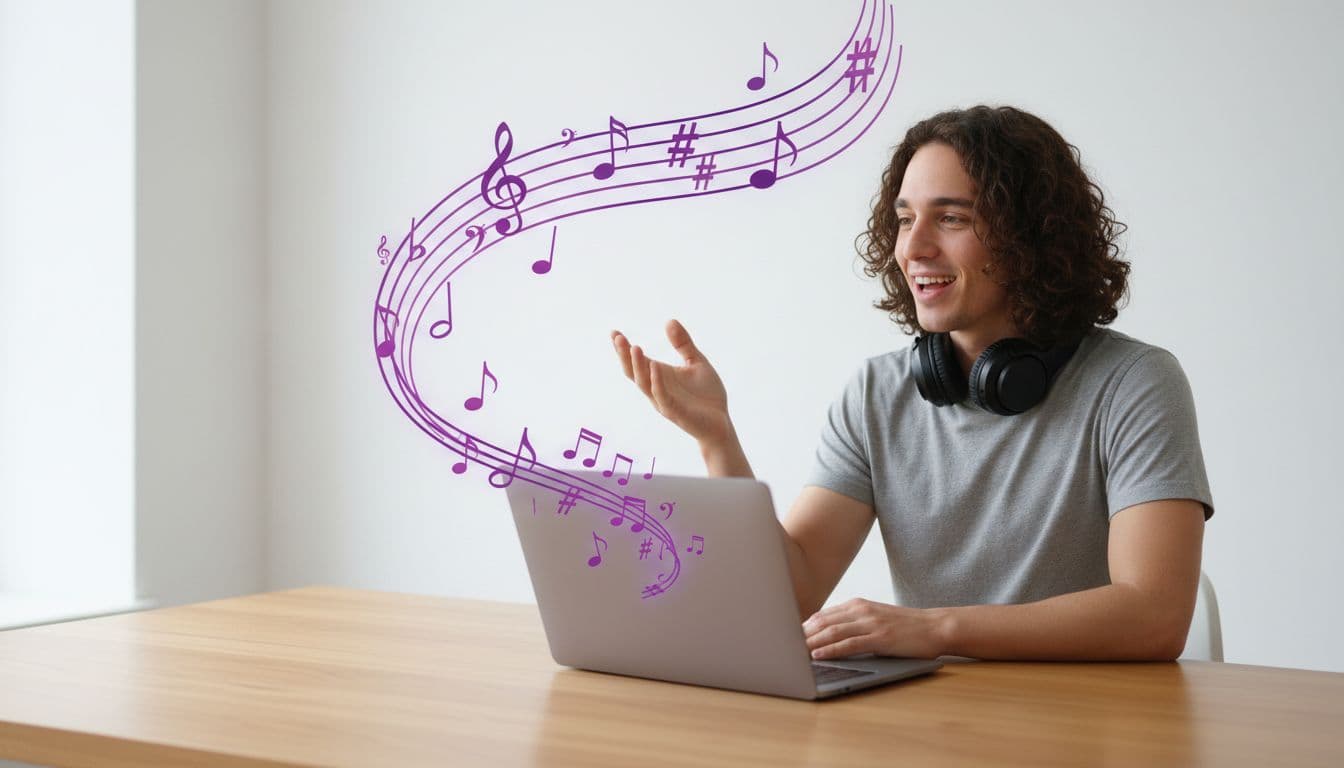
Turn Podcast Clips into Talking Videos for Social
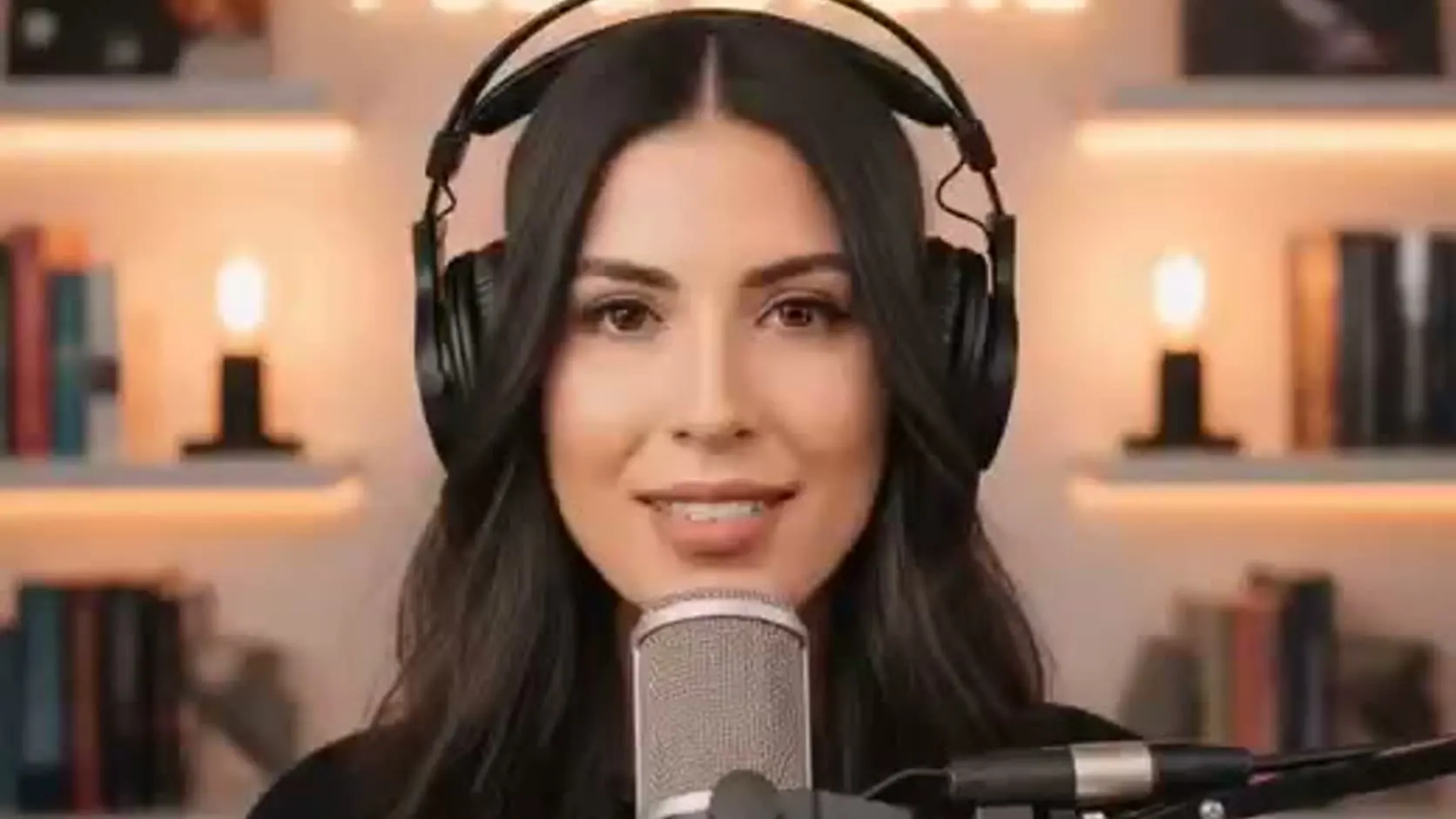
The best marketing for a podcast is the podcast — thirty good seconds of it, on Reels, Shorts, and TikTok, where people who've never heard your show actually scroll. The problem is that audio doesn't scroll. A static waveform over cover art is technically a video, but nothing on screen earns a pause.
The fix: give the clip a face. Upload your real podcast audio, add a photo of the host, and the photo delivers the clip — mouth, jaw, and expressions synced to the actual recording.
Why a face beats a waveform
Feeds are built around faces — platforms surface them, thumbs pause on them. A talking-head clip reads as a person saying something, which is exactly what a podcast is. The waveform hides that; the face restores it.
Step 1 — Cut the right 15–30 seconds
The clip does the selling, so choose it like a trailer editor:
- One complete thought. A setup and a payoff — not the middle of a story.
- Start mid-energy. Open on the sentence before the punchline, not two minutes of context.
- Trim silence and crosstalk. Clean audio lip-syncs cleaner, too.
Export the segment as a normal audio file from whatever editor you already use.
Step 2 — Pick the host photo
Same rules as any talking photo: front-facing, well-lit, one face, mouth visible. Podcast press photos are usually perfect. Use the speaker's photo — if the clip is your guest's best line, use the guest (with their OK).
Step 3 — Upload audio + photo, render vertical
In the podcast clip tool, upload the photo, switch to audio mode, and upload your clip — your real recording drives the video; no AI voice is involved unless you want one. Render at 9:16 for Reels, Shorts, and TikTok. There's a finished example clip if you want to see the result before uploading anything.
This is the same own-audio engine described in our lip-sync guide, pointed at podcast promotion.
Give your best clip a face
Upload your podcast audio and a host photo — get a lip-synced vertical MP4.
Turn a clip into videoStep 4 — Post it like a native clip
- Captions on. Most feed viewing is muted; burn in captions with your platform's caption tool.
- Hook in the first line. The first on-screen sentence decides the swipe.
- End with the show name. Say it and show it — that's the whole CTA.
If your show is coaching or expertise content, the same host photo can front standalone tips between episodes — that's the cadence the fitness coach video generator is built around.
What it costs
1 credit = 1 second of Talking Photo video at 720p, packs from $5, no subscription required. A weekly 25-second clip costs about 25 credits — the $10 Starter pack covers roughly a month of episodes.
Related reading
- Lip-sync a photo to your own voice — the full guide
- How to make a photo talk
- Make a YouTube channel intro from a photo — the same host photo can front your clips channel.
- UGC hook ideas — the same hook logic applies to episode clips.
Got this week's episode ready? Turn the best 30 seconds into video →