Product Video Ad Generator Guide
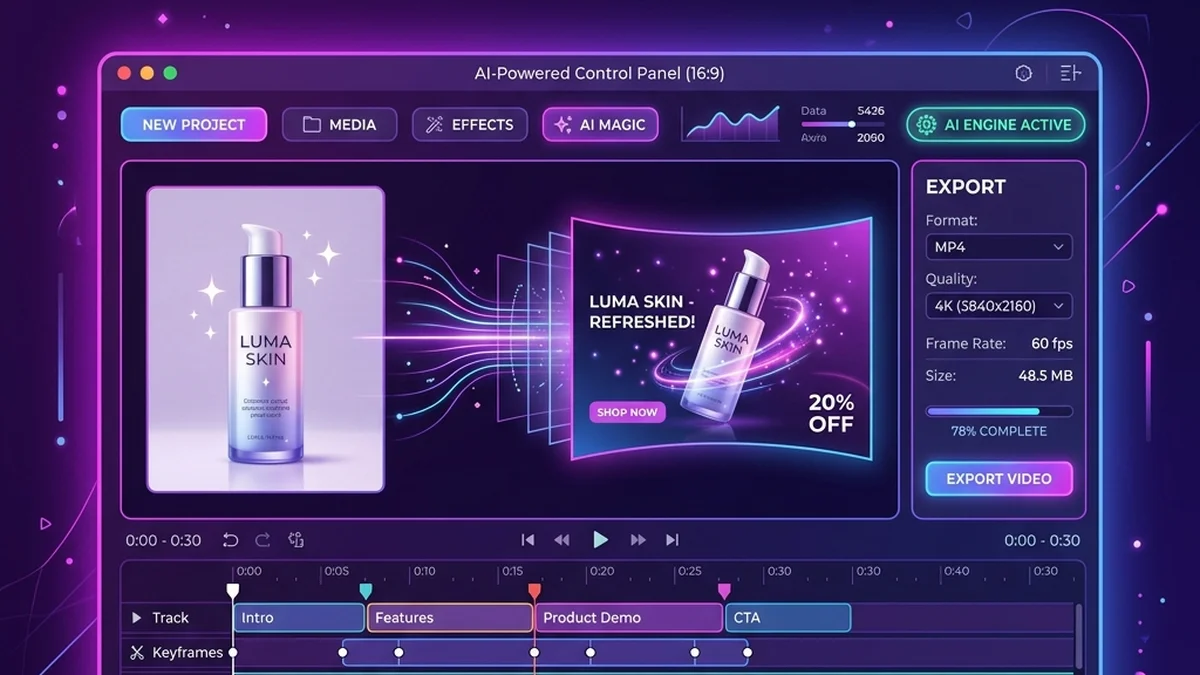
A product video ad generator is most useful when it helps you create a repeatable system, not just one video. With TalkPix, that system starts with a product photo and a short product brief.
Use the product video ad generator for a general workflow, or choose a platform-specific page from there.
The four-video starter set
For any product, create four versions:
- Product-page explainer: what it is and who it is for.
- Problem hook: the daily annoyance it solves.
- Review-style proof: a real customer insight or objection — the testimonial video scripts page has ready formats for this one.
- Gift or use-case angle: who would buy it and why now.
This gives you a small creative library instead of a single guess.
If you want to see the structure first, start with product video ad examples by platform or jump straight to the product video ad example hub.
What to include in the brief
Before generating, write:
- Buyer.
- Product category.
- Top benefit.
- Main objection.
- Offer or CTA.
- Platform where the video will run.
Short inputs make the output clearer. Long product descriptions often create long, unfocused videos. If you would rather start from a proven structure than a blank box, grab one from the script template library and fill in your product.
Create product video ads from one image
Upload one product photo — get a UGC-style talking video ad, no filming needed.
Generate product adHow to choose the winner
For paid social, look at hook retention, clicks, and add-to-cart. For product pages, watch engagement and conversion. For organic search content, use Search Console to see which queries bring impressions and update the page around those questions.
Running this as a one-person store? The AI product video ads for small business guide covers the same system on a solo budget.