Best Product Photos for AI Video Ads

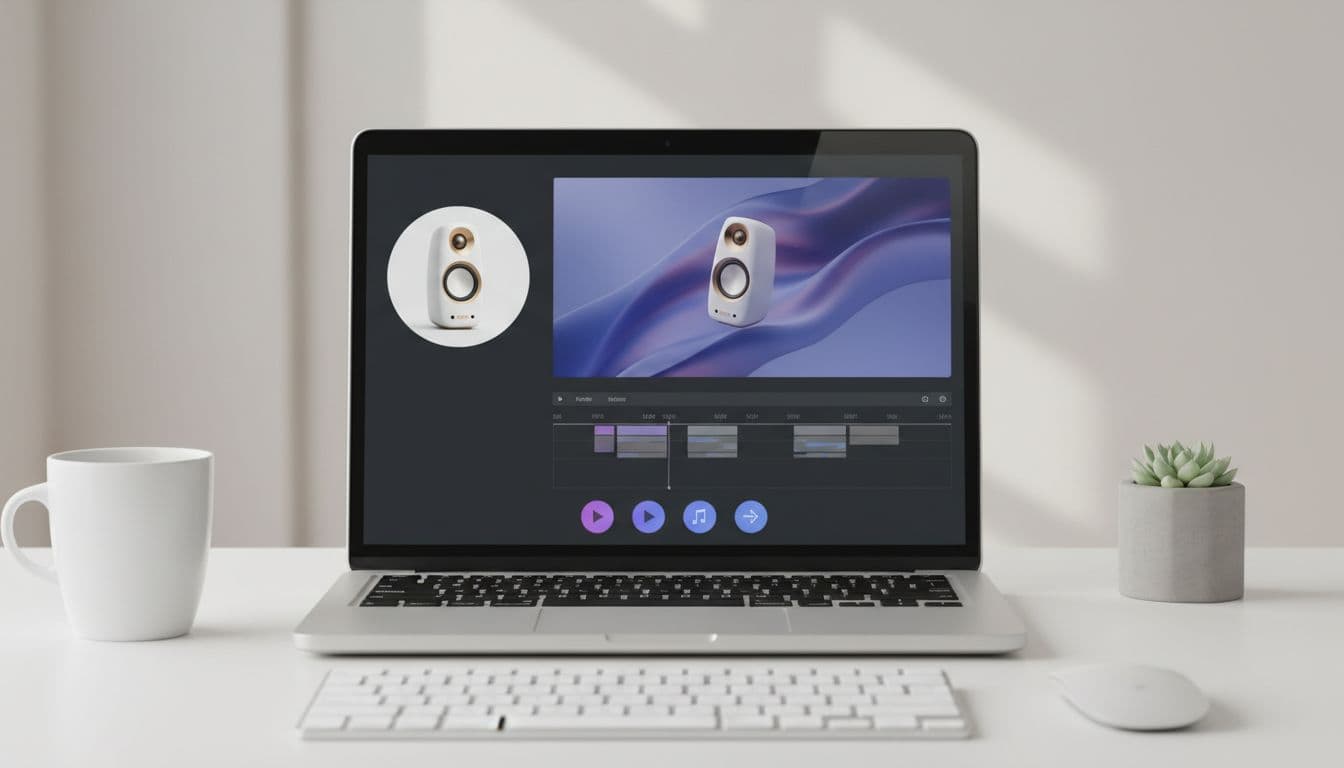
An AI product video ad starts with the source photo. A strong image gives the script and creative more to work with. A weak image makes the final video harder to understand, no matter how good the hook is.
Before using the product video ad generator, run your image through this checklist.
The product is obvious
The viewer should understand the category in one second. If the image is too zoomed out, too cluttered, or too dark, choose a cleaner product photo — or restage the shot you have in the AI Product Photo Studio before generating the video.
The key feature is visible
If the script mentions texture, size, packaging, print quality, sparkle, or a bundle, the image should support that claim visually.
The crop works for mobile
Most product ads are viewed on phones. Use a crop that gives the product enough space in a vertical frame. Avoid tiny text as the main selling point unless it is readable at mobile size.
One product per first test
Bundles can work, but they are harder to explain. For first tests, one main product usually makes the hook cleaner.
Good lighting beats dramatic lighting
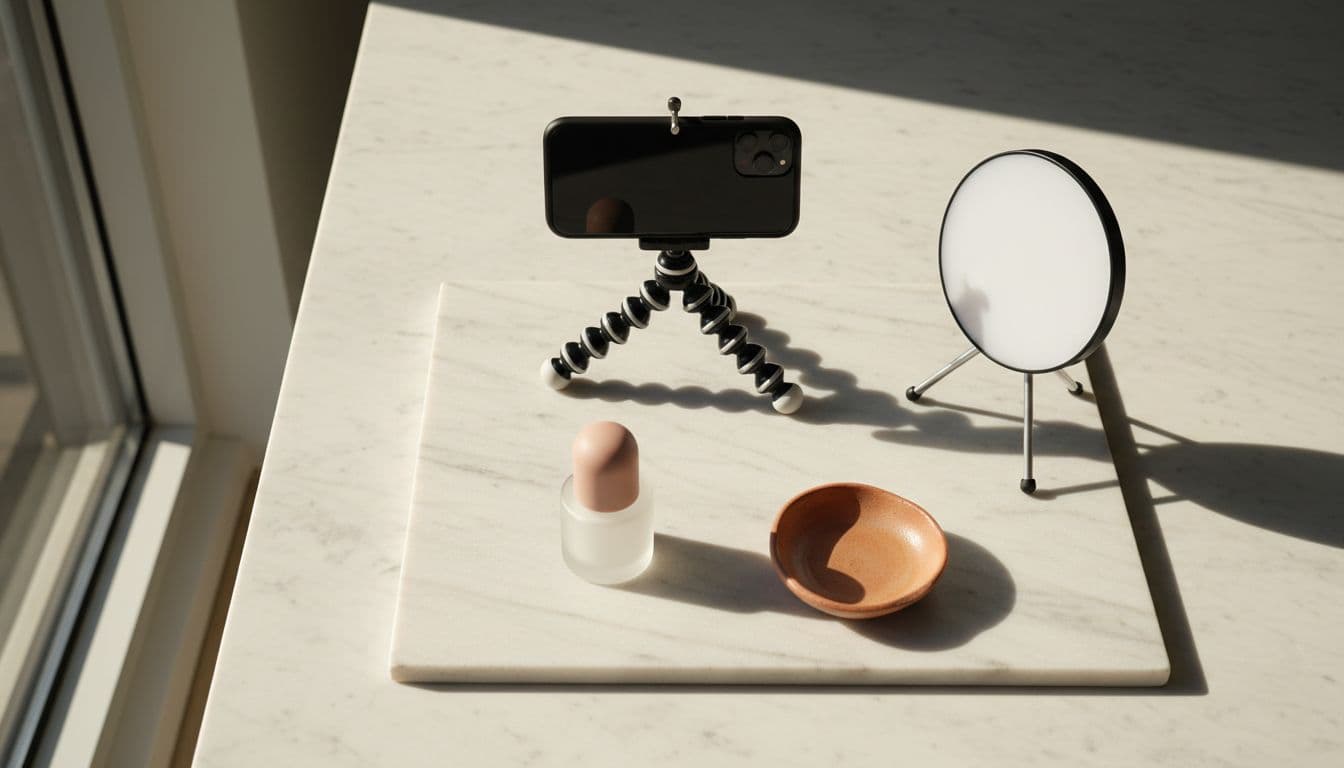
The image should be clear before it is stylish. Soft, even lighting makes the product easier to recognize and the final video easier to trust. An AI product photo generator can rebuild flat or murky lighting around your real item without a reshoot.
Create a video from your product photo
Upload one product photo — get a UGC-style talking video ad, no filming needed.
Generate product adWhen to use mockups
Mockups work well for print-on-demand video ads, digital products, and prelaunch offers. Use a mockup only if you have rights to use it and it accurately represents what the buyer receives.