One Photo, 10 Languages: How Multilingual Avatar Videos Work
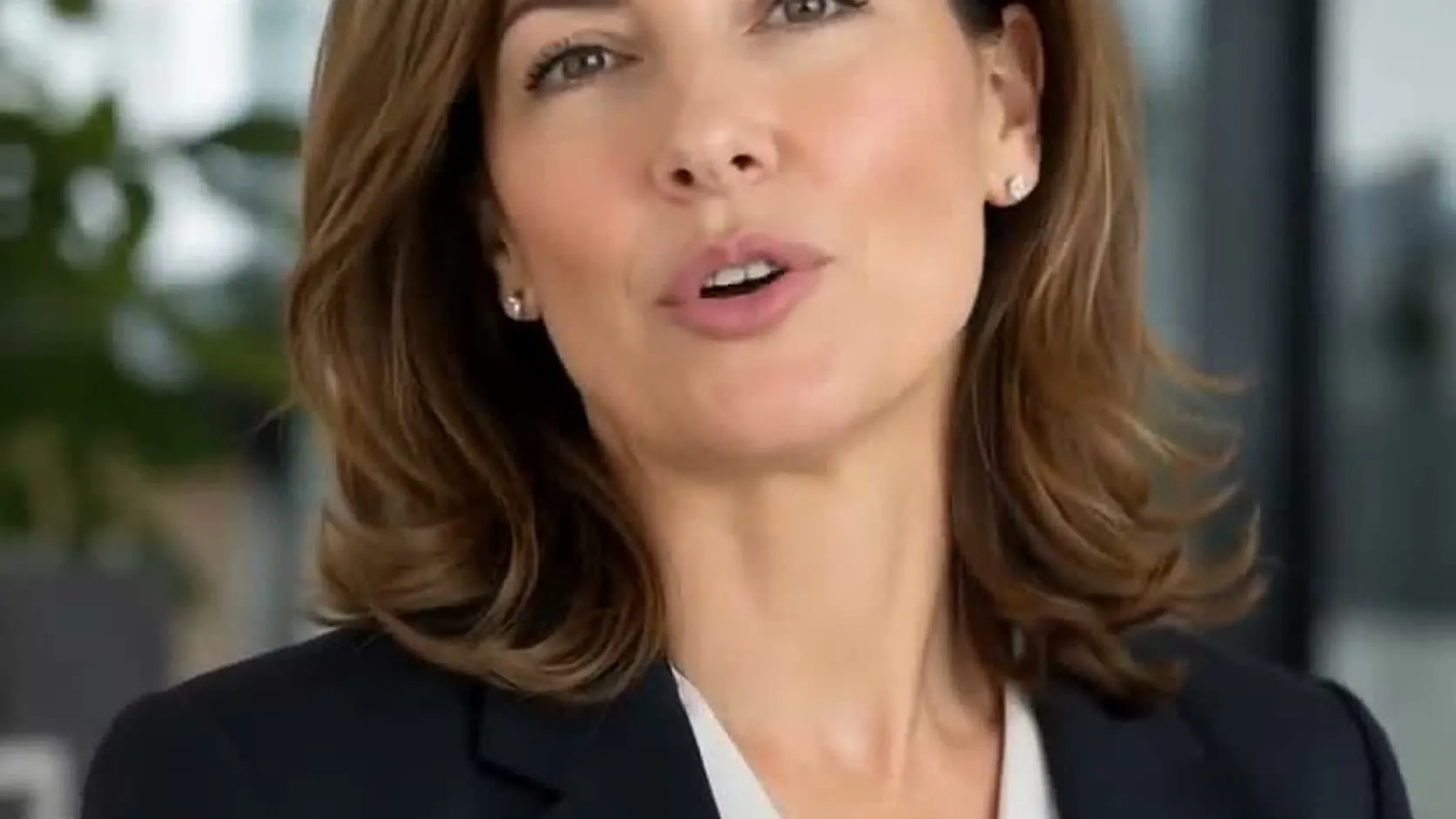
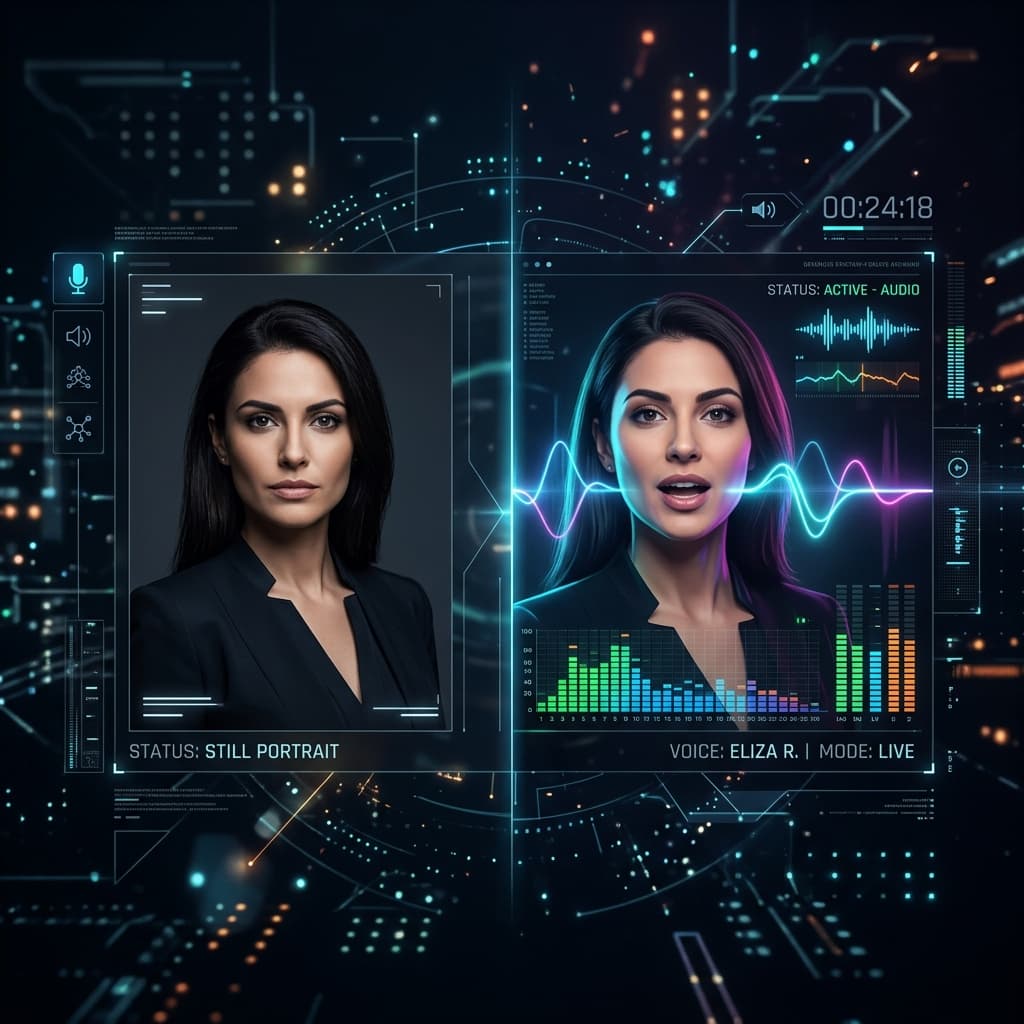
A multilingual avatar video uses one photo of a face and a separate script for each language; an AI voice reads each script and the photo is animated with matching lip sync, so the same presenter appears in every version. TalkPix supports 10 languages and 30 AI voices, and each language is its own short render billed by length.
Recording the same message in five languages normally means five speakers, five sessions, five invoices — or one presenter gamely reading phonetic Spanish. A multilingual avatar video replaces that with one photo and one script per language.
Here's the same avatar, from the same single photo, in English:
And in Spanish — same photo, different script and voice:
Which languages can a multilingual avatar speak?
TalkPix currently supports 10 languages: English (US), English (UK), Spanish, French, German, Italian, Portuguese (Brazil), Japanese, Korean, and Hindi. There are 30 AI voices, each labelled male or female, and the same voice can be used across languages so the presenter sounds consistent from one version to the next.
That list is not "every language". If your market needs Turkish, Arabic, or Mandarin, for example, the AI voice will not cover it today; the multilingual avatar tool shows the current voice list.
Why does using the same face matter?
Using the same face keeps one recognizable presenter across every market. Your greeting, product explainer, or course intro looks like the same brand person in each language, instead of a rotating cast of different speakers, which makes a localized campaign feel like one campaign rather than several unrelated ones.
That's what the multilingual avatar tool is built around: every language version is driven by the same source photo, so updating the presenter means changing one image, not re-recording five people.
How do you make a multilingual avatar video?
You make one by choosing a single strong photo, writing a script in each target language, picking a voice that suits the presenter, and rendering one language first to check the fit before batching the rest. Each language version is a separate short render, so you can fix a script in one language without redoing the others.
- Pick one strong photo. Same rules as any talking photo: front-facing, well-lit, one face. You'll reuse this photo for every language, so choose carefully once.
- Write the script in the target language — don't ask one language's voice to read another language's text. Machine-translate, then have a native speaker (or at least a second tool) sanity-check idioms.
- Pick the matching voice. Choose a voice for the presenter and keep the gender and energy consistent across languages so the versions feel like the same person.
- Render one language first. Make a single language, check the voice fit and pronunciation of names, and only then batch the rest.
Make your avatar multilingual
Credit packs start at $5, a 10-second 720p video uses about $1 in credits, and a subscription is not required.
Create a multilingual avatar videoHow do you keep translations accurate?
Write each version for its audience instead of translating word for word. Machine translation is a fast first draft, but idioms, product names, units, prices, and calls to action often need adjusting, and a short review by a native speaker catches the mistakes that would make a viewer stop trusting the video.
A few practical habits help:
- Keep scripts short; long sentences translate into even longer ones in some languages, which stretches the video and its cost.
- Spell out brand names the way they should be pronounced, and listen for them in the first render.
- Localize prices, dates, and measurements rather than reading the source values aloud.
- Check that any claim you make is allowed in each market's ad rules.
How much does a multilingual avatar video cost?
Talking photo videos are billed per second of output at 1 credit per second at 720p, with no subscription required. A 20-second message in five languages is five renders of 20 seconds, or about 100 credits, which fits inside the $10 pack of 120 credits. Credits never expire, so unused credits keep for the next campaign.
| Languages | Length per version | Approximate credits at 720p | Fits in |
|---|---|---|---|
| 1 | 20 seconds | 20 | $5 pack (50 credits) |
| 3 | 20 seconds | 60 | $10 pack (120 credits) |
| 5 | 20 seconds | 100 | $10 pack (120 credits) |
| 10 | 30 seconds | 300 | $25 pack (350 credits) |
Higher resolution costs more per second, and the exact cost is shown before each render; see pricing. Failed renders are refunded.
Where do teams use multilingual avatar videos?
Teams use them wherever one message has to reach several language groups without a separate shoot for each: localized social ads, onboarding and how-to clips, hotel and tour welcomes, language lessons, and personal greetings for family abroad. The common thread is a short, scripted message that has to sound natural in each language.
- Localized social ads — same creative, native voice per market. Product sellers can pair this with the product video ad generator.
- Onboarding and how-to clips — one presenter across all language versions of a product.
- Hotel and tour welcomes — greet international guests in their own language; the hotel welcome video scripts show the format, and tour guide videos work the same way.
- Language teaching — give students a native-speaker face for dialogues and drills with the language teacher video generator.
- Personal greetings — a birthday or holiday message in grandma's native language (works beautifully with an animated old photo).
When should you use a real voice instead of an AI voice?
Use a real recording when you already have professional audio, when the language is not on the supported list, or when the message depends on a specific person's own voice, such as a founder's apology or a personal tribute. In those cases the AI voice is the wrong tool, and you can animate the photo to the recording instead.
If you already have professionally recorded audio in a language, skip the AI voice entirely and lip-sync the photo to your own recording. Only use a photo and a voice you have the right to use, and get consent from the person pictured.
Ready to go multilingual? Start with your photo →