How to Make a Grandparent's Old Photo Talk — A Gentle Guide
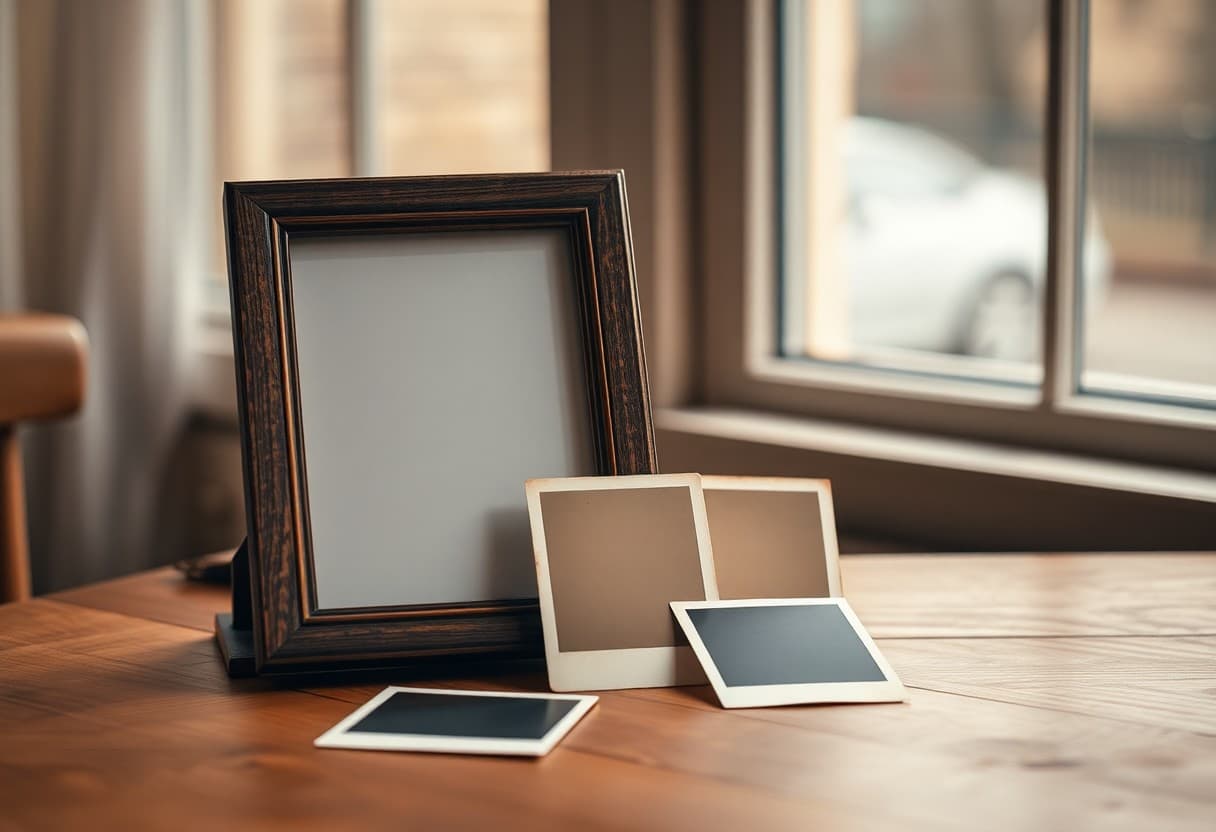
There is a certain photo most families have. It sits in a frame on a shelf, or tucked in an album that only comes out at holidays. A grandmother squinting into the sun. A grandfather in his good coat. You have looked at it a thousand times, and lately you have wondered what it would feel like to see them move again — to hear a small hello, to watch the corner of a mouth lift into that familiar smile.
That wish is what brings most people here. Not a gimmick, not a trend. Just a quiet longing to feel close to someone who shaped your family. This guide is about doing that gently: choosing the right photo, adding a warm line or their real voice, and sharing it in a way that honors them — whether they are still with you or have passed.
Why families do this
People make a grandparent's photo talk for reasons that are almost always tender, rarely flashy.
- To let the little ones "meet" them. A great-grandchild who never got to sit on their lap can see them smile and say their name.
- For a reunion or a birthday. A short clip of grandma saying "I'm so proud of all of you" can open a family gathering better than any speech.
- As a keepsake after a loss. When words are hard, a gentle moving portrait can be a quiet part of remembering. If that is your situation, our guide to memorial tribute videos walks through it with more care.
- To honor someone still living. Many people do this for a grandparent who is very much here — a fun surprise for a 90th birthday (the AI birthday video route is made for that), or a way to preserve a moment while there is still time.
There is no wrong reason. What matters is the intention behind it.
Step one: choosing the photo
The photo you pick matters more than any setting. A good starting image makes everything that follows feel natural.
Look for a picture where:
- The face is clear and facing roughly forward — a straight-on or slight three-quarter angle works best.
- The eyes are open and the expression is soft. A gentle, closed-mouth smile animates beautifully.
- The face is a decent size in the frame, not a tiny figure in a big landscape.
- Nothing heavy covers the mouth or eyes — hats are fine, but not a hand across the chin.
Old prints are often the most precious ones, and they come with wrinkles, spots, and faded corners. That is okay. If you want the smoothest result, our post on how to animate old photos covers scanning and light cleanup in detail.
Scanning a print gently
If your only copy is a physical print, treat it kindly:
- Use a flatbed scanner if you have access to one — it beats a phone photo for detail.
- No scanner? Lay the print flat near a window in soft daylight, hold your phone directly above it, and avoid flash (it creates glare and washes out the face).
- Wipe dust off gently with a soft cloth before scanning. Do not use water or cleaner on an old print.
- Save the highest-quality file you can. More detail gives you a better result.
Step two: what should they say?
This is the part that turns a moving picture into something that catches in your throat. You have two paths, and both are lovely.
Option A — a short written line
You type a warm sentence, and the tool gives it a natural voice. Keep it short and true to them. Think of the kind of thing they actually said:
- "Look how big you've all gotten."
- "I'm so proud of you, my love."
- "Come here and give your grandma a hug."
- Or in their own language — a phrase in the mother tongue they spoke can be the most moving choice of all.
Shorter is almost always better. One or two sentences, said with warmth, lands harder than a paragraph.
Option B — their real recorded voice
If you have an old voicemail, a home video, or a voice note where you can hear them, you can use that real audio and let the photo lip-sync to it. Hearing their actual voice again — the specific way they said your name — is unmatched. Our photo lip-sync tool is built exactly for this, and there is a fuller walkthrough in adding your voice to a photo.
If you do not have a recording of them but want to narrate yourself — reading a letter they wrote, or a memory in your own words over their smiling face — that works beautifully too.
Step three: making the video
Once you have your photo and your words, the actual creation is simple and self-serve. You upload the photo, add your line or your audio, and preview the result.
A few gentle notes on expectations:
- The result is a soft, lifelike motion — a natural talking portrait, not a Hollywood re-creation. That softness is part of what makes it feel respectful rather than uncanny.
- Credit packs start at $5. The Mini pack includes 50 credits; a 10-second 720p video uses about $1 in credits.
- If the first take feels off, try a different photo or shorten the line. Small changes make a big difference.
When you are ready to start, the create page walks you through it one step at a time.
Doing it respectfully
Because this is about a real person you love, a little care goes a long way.
- Keep the words in their spirit. Say what they would have said. Avoid putting jokes or opinions in their mouth that were not theirs.
- Prepare family before you share. For someone who has passed, seeing them move can be emotional and unexpected. A quick heads-up — "I made something of Grandma, it may be a lot" — lets people choose the moment.
- Let it be small. A ten-second clip of a genuine smile is more powerful than a long, elaborate production. Restraint reads as love.
- Store the original safely. Whatever you make, keep the original scan backed up. That photo is the real treasure.
If your grandparent is a public figure or from further back in family history, you may also enjoy the approach in our guide to making historical photos talk.
A gentle word on cost
TalkPix uses one-time credit packs starting at $5. The Mini pack includes 50 credits, and a 10-second 720p Talking Photo video uses about $1 in credits. Payment is required before generation; a subscription is not required, and credits never expire.
Most talking-avatar tools you will find are typically subscription-based, so it is worth checking their current pricing pages before signing up for anything recurring for what may be a single, treasured video.
Ready when you are
TalkPix requires payment before AI generation. Eligible new customers can render their first Talking Photo — up to 20 seconds at 720p, typed script — for $1.99 one-time. Reusable credit packs start at $5 and credits never expire.
If you want to explore the wider approach first, our overview of animating old photos and our memorial tribute guide are gentle places to start. However you use it, we hope it brings you a little closer to someone you love.