How to Add Your Own Voice to a Photo (Audio Mode)
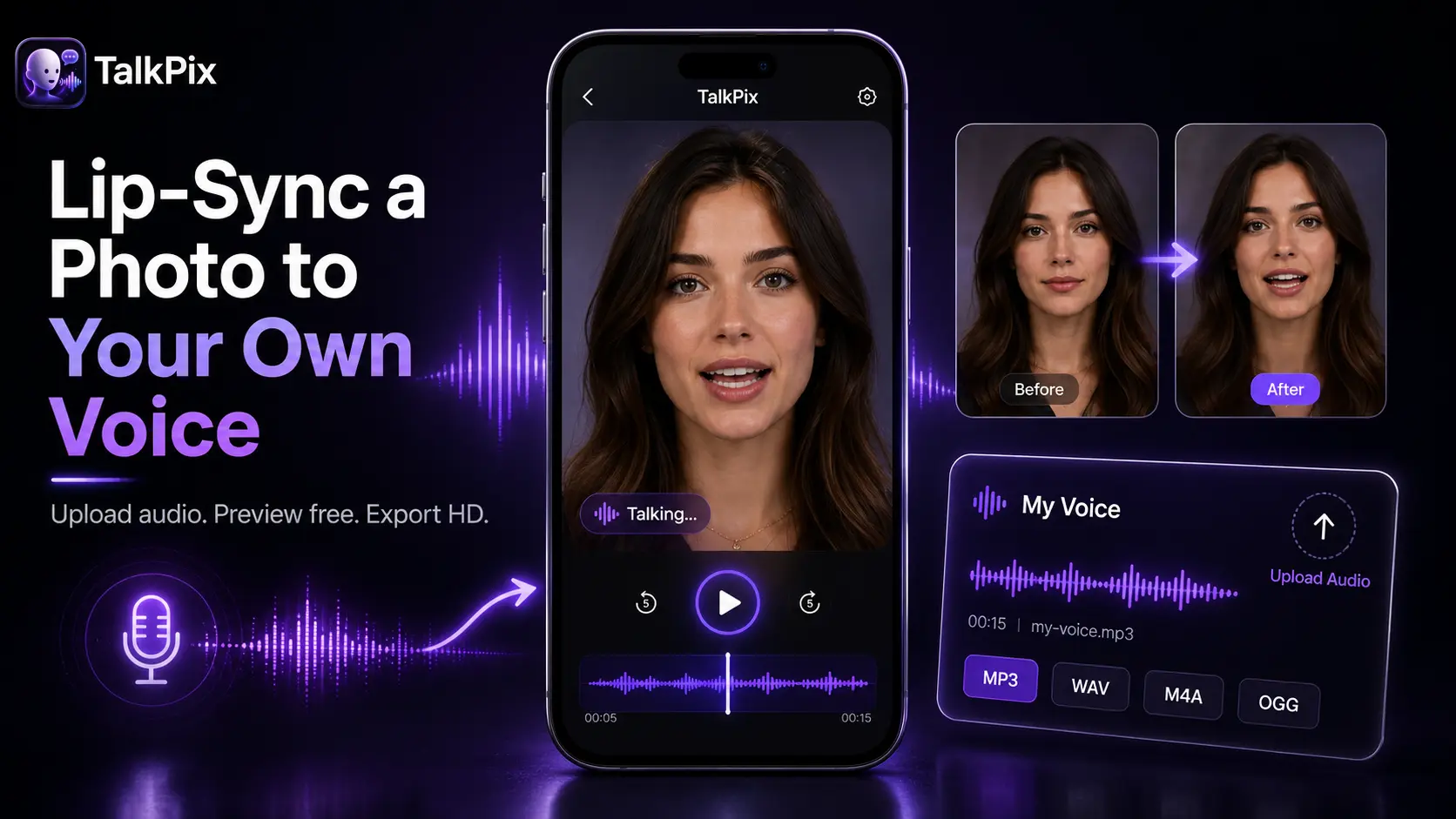
You can add your own voice to a photo and have the face lip-sync to it, word for word. This is "audio mode": instead of typing a script for an AI voice to read, you upload a recording of your real voice, and the portrait speaks it back with matched lip movement.
AI voices are fast and clean. But your own voice carries something a synthetic one can't — your accent, your pauses, the small imperfections that make people believe it's really you. For anything personal, that authenticity matters.
Why use your own voice
Script mode is great for polished, professional narration in many languages. Audio mode is for when the voice itself is the point:
- Personal messages. A birthday note, a thank-you, an apology, an "I miss you." Hearing the actual person makes it land.
- Authenticity. Viewers trust a real voice. There's no uncanny "AI narrator" feel.
- Your exact delivery. Emphasis, humor, timing — you control all of it because you recorded it.
- Voices AI can't clone well. Kids, elderly relatives, distinct regional accents, or a specific way someone speaks.
If you're weighing the two approaches, our guide on lip-syncing a photo to your voice breaks down when each one wins.
What you need
Two things: a clear portrait photo and a clean audio file.
The photo. A front-facing shot where the face is well-lit and unobstructed works best. It can be a person, and TalkPix also handles pets and even objects — but for voice messages, a clear human portrait — the kind that makes a lifelike talking portrait — usually reads best.
The audio. A recording of the words you want the photo to speak. Your phone's voice memo app is more than enough.
Record clean audio
The photo lip-sync tracks your audio closely, so a good recording makes a visible difference:
- Record somewhere quiet. Background noise and echo pull focus. A small carpeted room beats a tiled bathroom.
- Hold the mic steady. Keep your phone about a hand's width from your mouth and speak at a normal pace.
- Leave a tiny gap at the start and end. A half-second of silence keeps the first and last words from getting clipped.
- Do a quick test. Play it back once. If you can hear it clearly, so can the tool.
You don't need studio gear. A quiet room and a phone get you most of the way there.
Add your voice to the photo
Here's the full flow, start to finish:
- Open the talking photo generator and upload your portrait.
- Switch to audio mode and upload your voice recording.
- Generate the video. The face lip-syncs to your audio and the result comes back as an HD MP4.
That's it. No timeline editing, no manual syncing — the alignment happens automatically. Commercial use is included with every video, so you're free to post or send it anywhere.
A note on what it costs to start
TalkPix uses one-time credit packs starting at $5. The Mini pack includes 50 credits, and a 10-second 720p Talking Photo video uses about $1 in credits. Payment is required before generation; a subscription is not required, and credits never expire.
Audio mode uses your uploaded recording, so it runs on credits like a normal render. TalkPix bills per second: 1 credit is 1 second of video, packs start at $5, credits never expire, and a subscription is not required. You pay only for the length you make.
Ideas to try
Once you've got the workflow down, your own voice opens up a lot:
- A birthday message in your actual voice instead of a text.
- A heartfelt talking photo message to someone far away.
- A tribute that lets a loved one's voice be heard again from an old recording.
- A song instead of speech — upload yourself singing a verse and make a singing photo.
- A quick personal intro or update where sounding like you builds trust.
More occasions like these live in our talking photo gift ideas roundup.
The photo supplies the face. Your recording supplies the soul. Put them together and you get a talking video that's unmistakably yours.
Add your own voice to a photo
Upload a portrait and your voice recording — get a lifelike talking video that lip-syncs to your real audio. HD MP4, commercial use included, no subscription required.
Try the talking photo generator