How to Make an AI Baby Podcast Video (Step by Step)
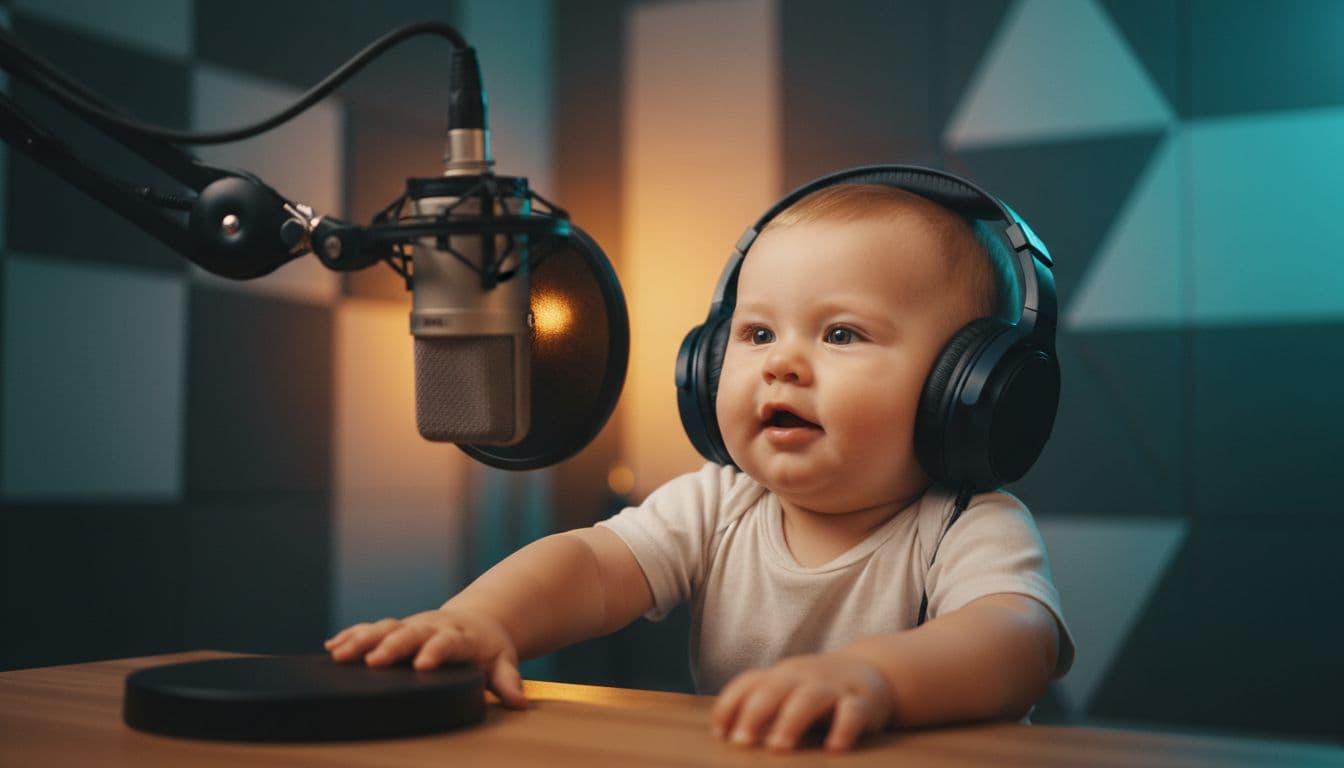
Scroll short-form video for five minutes and you will probably meet a baby in oversized headphones, leaning into a podcast mic, delivering a very confident take on mortgage rates. The AI baby podcast is one of those formats that simply refuses to die — and making one takes minutes, not an editing weekend. Here is the full walkthrough.
Why this format keeps winning
The joke is pure contrast. A tiny host with the delivery of a seasoned broadcaster creates an instant, wordless punchline: you understand the bit before the first sentence ends. That does three things algorithms love:
- It hooks in under two seconds. The visual is the hook — no setup required.
- It's endlessly rewatchable. The mismatch between face and voice stays funny on the third loop.
- It invites replies. Baby hot-takes practically beg for stitches, duets, and "the baby is right" comments.
None of that requires a real baby, a studio, or a microphone. Just a script and the right tool.
Step 1: Pick your host
Open the Baby Podcast studio. It comes with ready-made baby hosts — babies in studio headphones, behind the mic, lit like a real podcast set — so you can start without uploading anything. Using your own baby's photo also works (make sure you are the parent or have the parent's permission), and you can generate a brand-new host from a text prompt if you want a unique recurring character for your channel.
One practical tip: pick one host and stick with them. A recognizable "show host" is what turns a one-off gag into a series people follow.
Step 2: Write the episode
Keep it 15–30 seconds. The formula that works:
- A strong opinion about something mundane. Nap-time policy. The office coffee. The housing market.
- One concrete, confident claim. "Milk before 6 pm is amateur hour."
- A sign-off. "That's the show. Same crib, next week."
The comedy compounds when the topic is adult and the stakes are tiny — or the reverse. A baby calmly analyzing quarterly earnings beats a baby talking about toys every time.
Step 3: Choose the voice
This is the second half of the joke. You have two directions:
- The deep, serious voice. The classic. A broadcast-grade adult voice coming out of a baby face is the format's signature move.
- The cute voice with adult words. Softer, works well for wholesome-funny content aimed at family audiences.
Type your script, pick the voice, and the AI animates the baby speaking every word with synced lips and natural head movement.
Step 4: Generate and post
Hit generate and download the HD MP4 a few minutes later. It is sized for vertical feeds, so it drops straight into Shorts, Reels, or TikTok uploads without cropping. a subscription is not required — credits start at $5 and one credit is one second of video, so a 20-second episode costs 20 credits.
Episode ideas to steal
- The baby reviews today's nap: "Two out of five. The blanket situation was chaos."
- Breaking news: "Local man opens snack. Baby was not offered any. Developing story."
- The baby as financial advisor: "Diversify. Some milk now, some milk at 3 am."
- The baby interviews grandma (make a second clip with a talking photo and cut them together).
- A weekly "State of the Household" address.
Make it a series
The accounts that win with this format post on a schedule — same host, same intro line, new topic. Because generation takes minutes, a week of episodes is one sitting of writing. Save your host, batch your scripts, and let the baby build the audience.
Ready to record? Open the Baby Podcast studio and put your tiny host on air.