How to Make a Talking Object Video (The Viral Format, Explained)

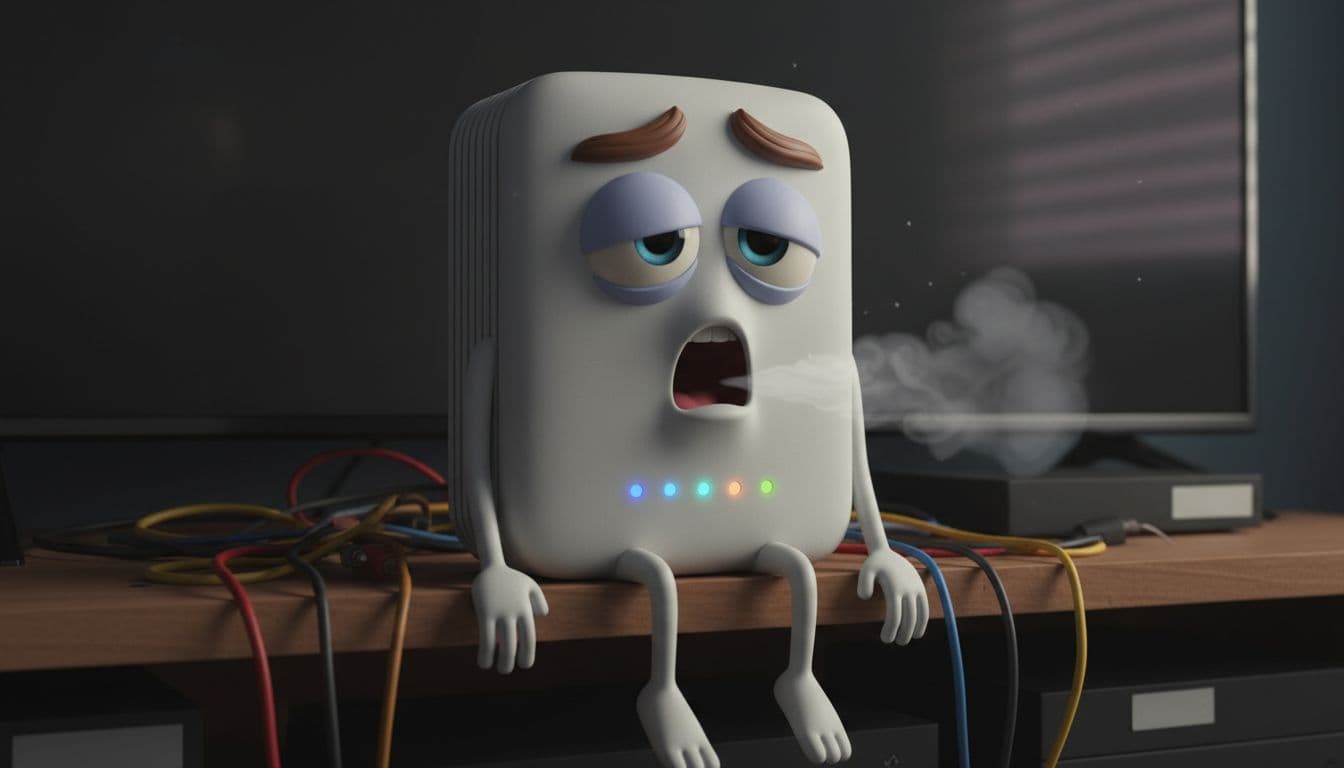
You have seen them everywhere: a nervous potato warning you about the green spots on its skin, a coffee cup begging you to drink it before it goes cold, a dramatic Wi-Fi router explaining why it keeps dropping. These "talking object" videos rack up millions of views because they are funny, oddly informative, and impossible to scroll past. The good news is that you do not need a studio, an animator, or editing skills to make one. This guide shows you exactly how.
Here is one made start to finish with TalkPix — no filming, no editing, just an object and a script:
What a talking object video is
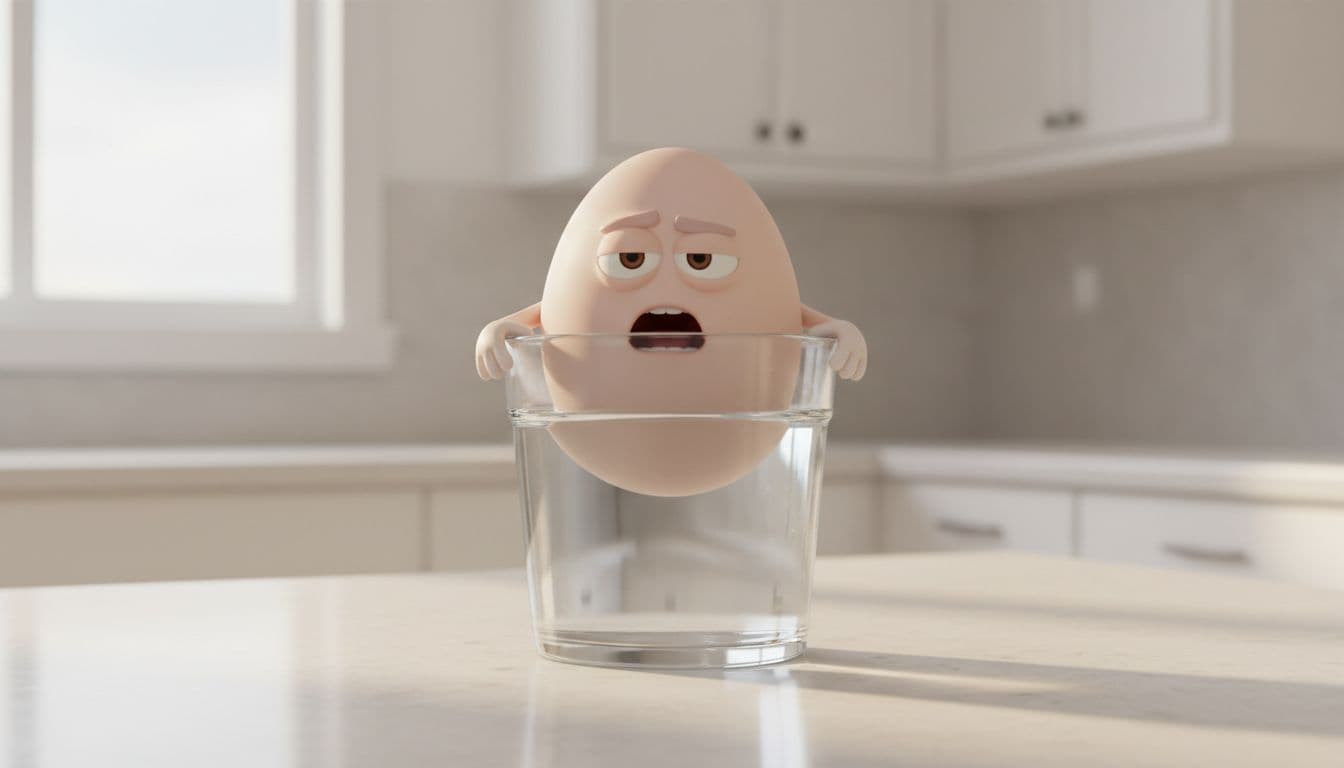
A talking object video takes an everyday object, gives it a face and a personality, and lets it speak in the first person — usually with a quick, funny hook and one genuinely useful fact. The look is that glossy, expressive 3D animated render: big eyes, raised eyebrows, an open mouth mid-sentence, little arms gesturing.
The format works because of a simple psychological trick called anthropomorphism — we are wired to pay attention to anything with a face and a voice. Wrap a real fact inside a character and a joke, and people watch to the end, laugh, and share.
What you need
Traditionally, making one of these meant three separate tools: a writing tool for the script, an image generator for the character, and a video/lip-sync tool to make it talk. TalkPix's talking object generator rolls all three into one flow, so you only need an idea — or not even that, since the AI suggests scenarios for you.
Here is the whole process.
Step 1 — Pick an object
Open the Talking Objects studio and type any object: potato, coffee cup, alarm clock, Wi-Fi router, houseplant — anything. The more relatable the object, the better it tends to perform, because viewers recognize it instantly.
Step 2 — Let AI write the scenarios
This is the part that usually takes the longest, and here it takes seconds. The AI writes several distinct scenarios for your object. Each one includes:
- A character — sometimes the object itself, sometimes a related object reacting to it (for a potato: a peeler, a frying pan, a salt shaker).
- An emotion — alarmed, proud, offended, exhausted.
- A setting — a dark pantry, a busy stovetop.
- A short first-person script — two or three punchy lines, about ten seconds of speech, built around one real fact.
You pick the scenario that makes you laugh. This variety is the secret to a channel that does not get repetitive: the same object can star in a dozen different clips.
Step 3 — Generate the character
Choose a scenario and the studio renders the 3D animated still for it — the object with an expressive face, arms, and the right setting and lighting. If the first render is not quite right, regenerate it until the character looks perfect. This still is what gets animated, so it is worth getting a version you love.
Step 4 — Pick a voice and your platforms
Choose a voice that fits the character — playful, bold, deadpan — and select which social platforms you plan to post on. You can lightly edit the script here too if you want to tweak the joke.
Step 5 — Get the video and the captions
The studio animates the character speaking your script, so the mouth actually moves to the words, and it writes a ready-to-post caption for each platform you picked — tuned to that platform's tone and hashtags. Copy, paste, post.
No filming. No editing timeline. No animation software.
Make your first talking object video
Pick an object, choose a scenario, and get a talking video plus a caption for every platform — pay-as-you-go credits, no subscription required.
Open the Talking Objects studioTips to make yours go viral
- Lead with the object's problem. "I am turning green because I sat in the light" is a stronger hook than a slow intro. The first two seconds decide everything.
- Teach one real fact. The comedy gets the view; the fact gets the share and the save. People forward things that make them look smart.
- Keep it under ~10 seconds. Short clips loop, and loops boost watch time.
- Post consistently. Run the same object through different scenarios, or a theme (kitchen objects, tech gadgets) across a week.
- Use the platform captions. A caption written for TikTok should not be the same one you paste on YouTube Shorts — the studio handles that difference for you.
What it costs
a subscription is not required. You use pay-as-you-go credits: a small amount for the scenario and image, then the video is priced by length (one credit per second of video), plus one credit per platform caption. Credit packs start at $5 and never expire, so a finished, post-ready clip costs about the price of a coffee.
Where to go next
Want the ones that actually blow up, not just the ones that copy the format? See how to make effective talking object videos.
Stuck on what object to animate first? Steal one of these talking object video ideas. Into the food angle specifically — talking potatoes, eggs, and lemons? See how to make talking food videos. And if you want the background on why the format blew up, read why everything is talking on TikTok.
Selling something? The same format works as an ad when the object doing the talking is your own product — that is covered in talking product ads.
Prefer animating a real photo of a person or pet instead of an object? That is the talking photo studio — same idea, your own image.
Ready to make one?
Type an object, let AI do the scenario, image, video, and captions, and post it the same day.
Make a talking object video